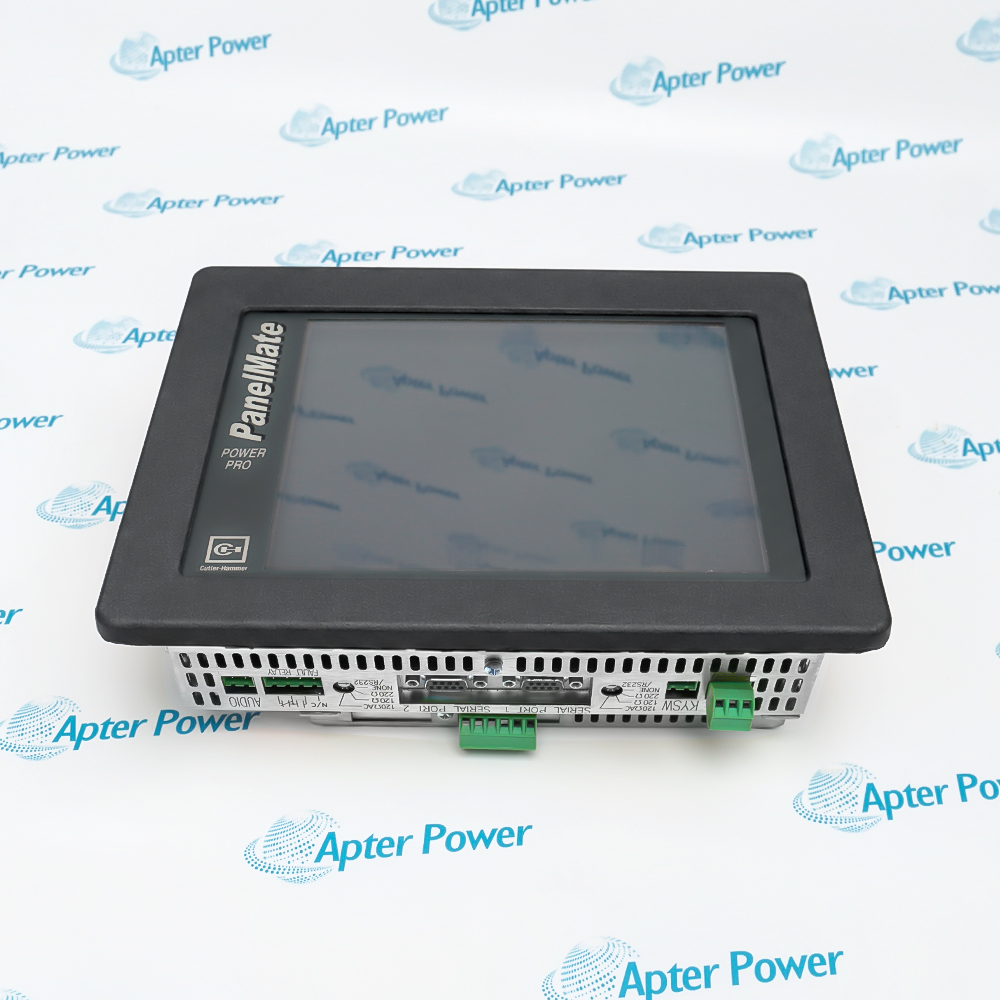
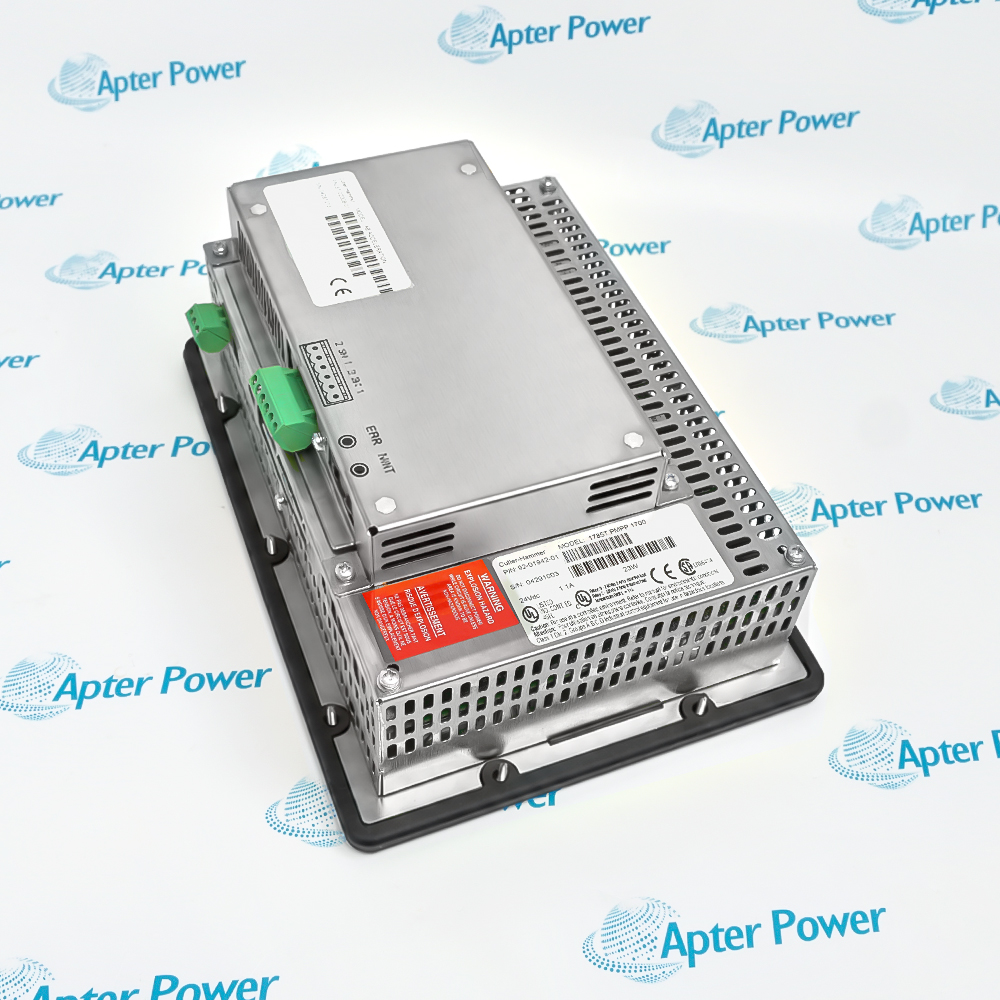
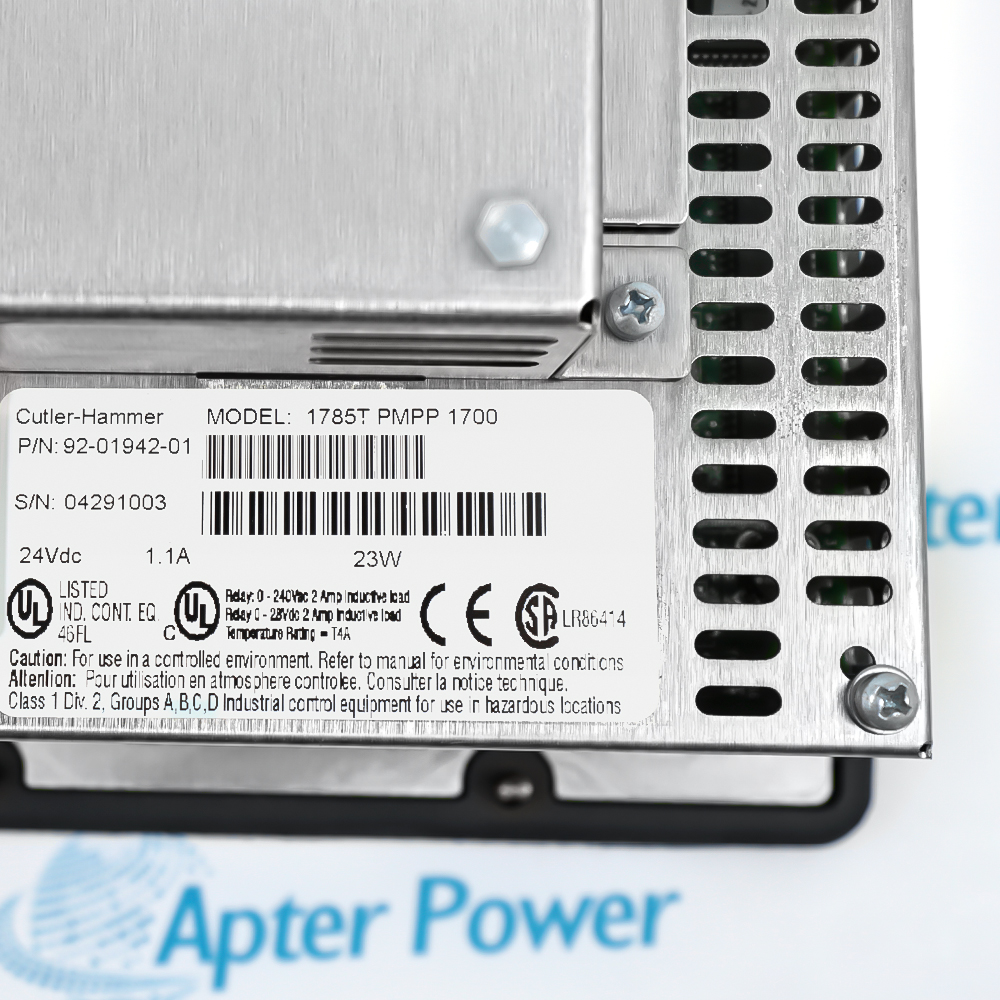
Features:
- Touchscreen interface for PanelMate Power Pro 1700 operator control
- Dual isolated serial channels support configurable device communications
- Dedicated 24 V DC input feeds the panel electronics
The 1785T-PMPP-1700 92-01942-01 places operator display and touch input in one panel-mounted interface.
Two isolated DB9S ports let each serial path be assigned for the documented RS232, RS422, or RS485-2 connection.
A sealed Type 4/4X/12 front supports installation where the panel cutout and environmental limits are observed.
The Cutler-Hammer 1785T-PMPP-1700 92-01942-01 PanelMate Power Pro 1700 Operator Interface may still be available for purchase and support from Apter Power beyond End-Of-Life (EOL) by the manufacturer (OEM).
Cutler-Hammer 1785T-PMPP-1700 92-01942-01 PanelMate Power Pro 1700 Operator Interface Manuals,Datasheets,Link
Important Notice: Other accessories, manuals, cables, calibration data, software, etc. are not included with this equipment unless listed in the above stock item description. All prices are shown in USD.
24 V DC input planning
- Nominal source: Size the installation around a 24 V DC input.
- Operating window: Keep the supply between 18 and 30 V DC.
- Current allowance: Allow 1.1 A for a standard touchscreen unit or 1.3 A for the high-speed option.
- Startup margin: The source should tolerate the documented 5 A peak inrush.
Assigning the isolated communication paths
- Port count: Two isolated DB9S serial ports are provided.
- Electrical mode: Configure each path for RS232, RS422, or RS485-2 as required.
- Data rate: Select a supported baud rate from 110 through 38,400 baud.
- Wiring decision: Match the port mode and termination to the connected controller before energizing the link.
Panel cutout and enclosure checks
- Mounting form: Install the touchscreen through the designated operator-panel opening.
- Front protection: Preserve the Type 4, 4X, or 12 seal at the panel face.
- Ambient limit: Keep operating temperature within the documented range for the installed configuration.
- Mechanical exposure: Verify vibration, shock, and altitude limits before selecting the cabinet location.
Signals used during commissioning
- Fault relay: Route the dedicated relay output into the plant alarm scheme when required.
- Serial isolation: Treat the two communication paths as independently isolated channels.
- Link setup: Confirm protocol, baud rate, and electrical mode at both ends before troubleshooting traffic.
- Power check: Verify the 24 V DC source remains inside the operating window during startup.