AB 1756-DNB
AB 1756-DNB
AB 1756-DNB
AB 1756-DNB
AB 1756-DNB
AB 1756-DNB
Ask our team:
  • Phone: +86 181 0690 9650
  • E-Mail sales1@apterpower.com
  • Lifecycle status

    Active

1756-DNB

/ 4.9
1001 reviews | Need a Specific Revision?
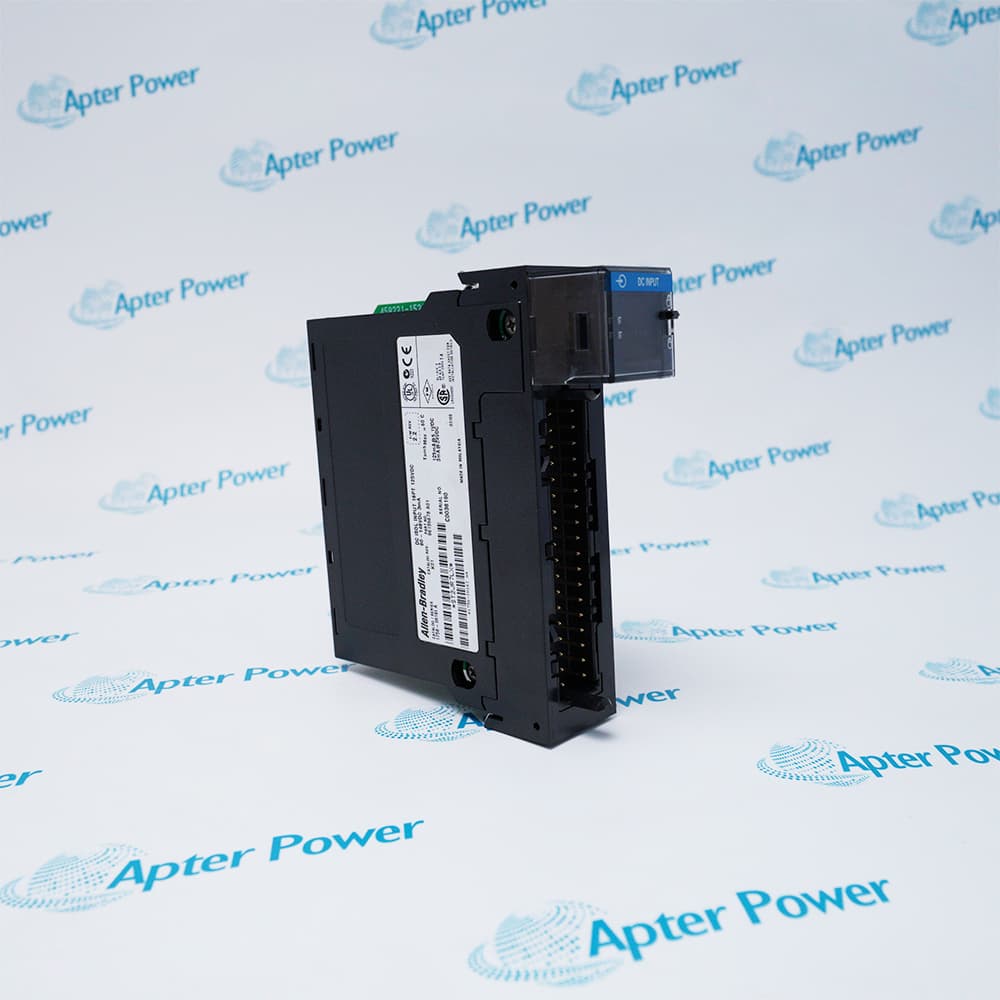
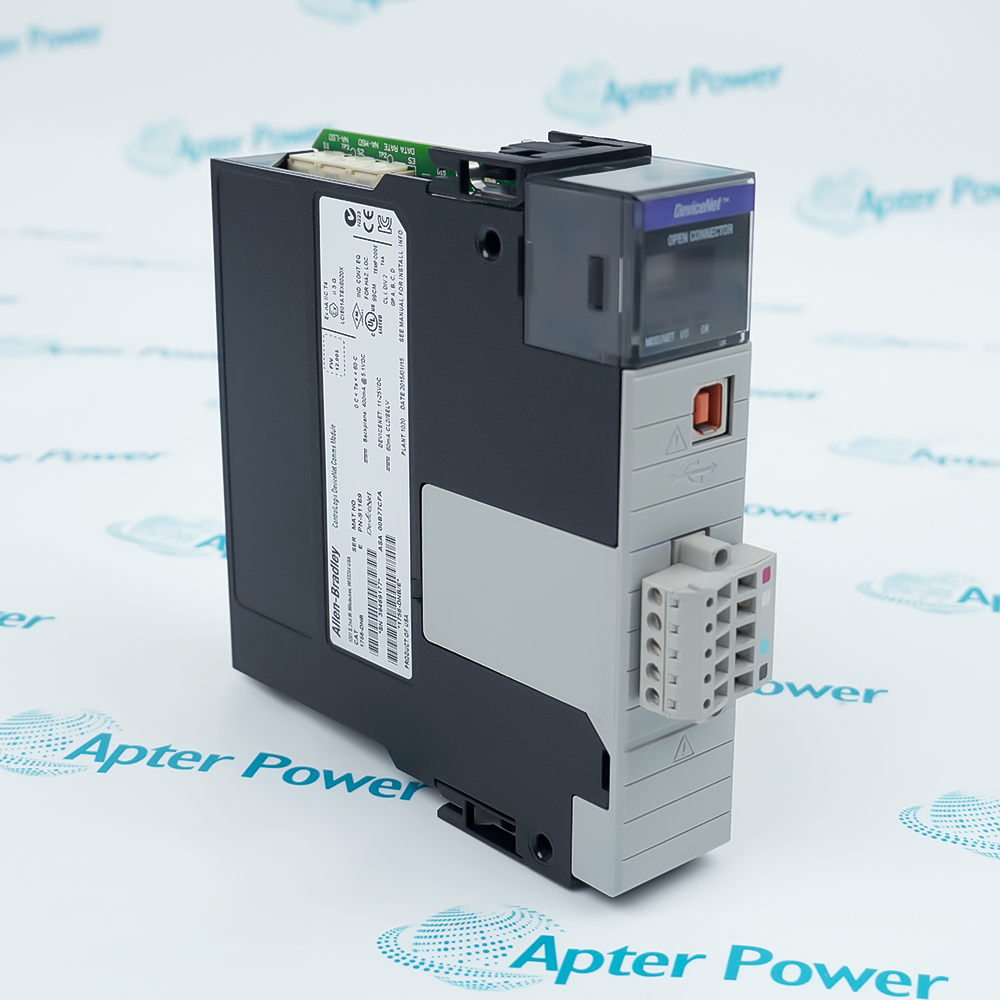
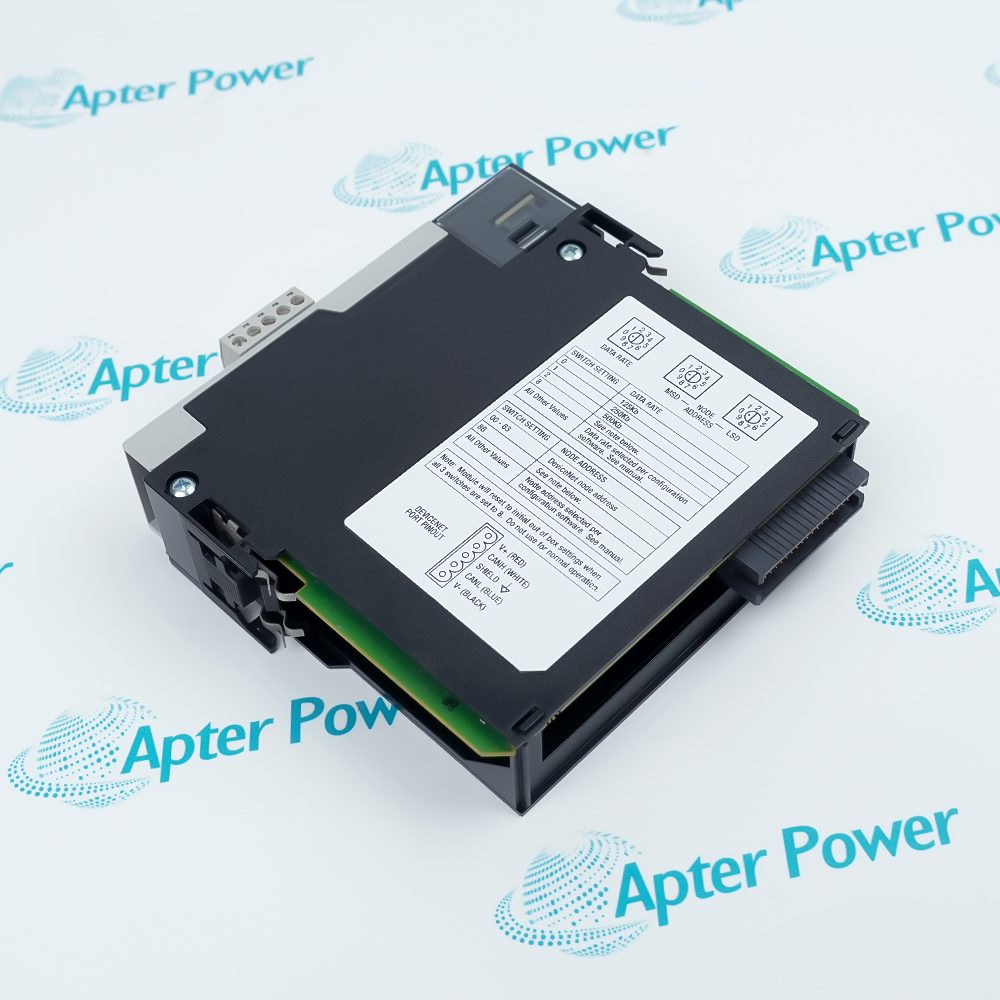
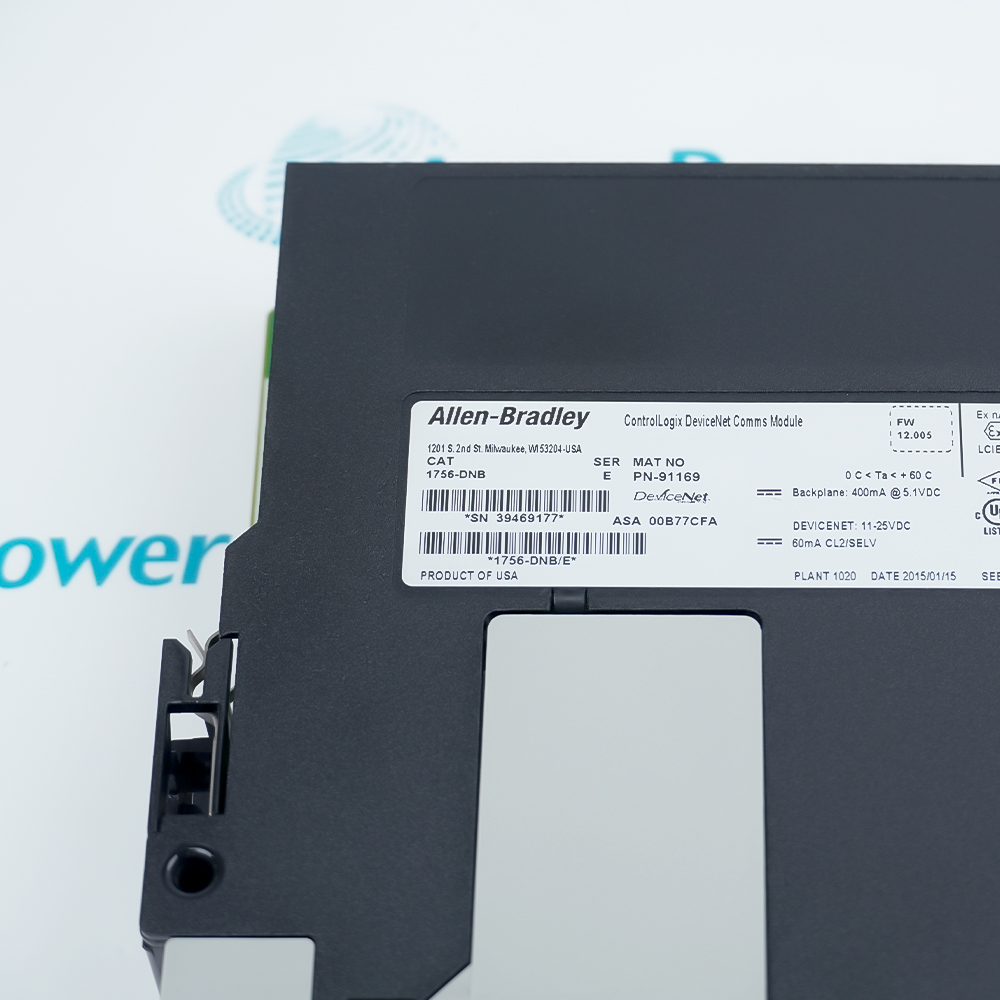
Allen-Bradley 1756-DNB is an Allen-Bradley ControlLogix DeviceNet bridge and scanner module that manages as many as 64 DeviceNet nodes at 125, 250 or 500 kbit/s.
In Stock
Ships by Thursday, October 29
Fast Shipping Available
Get a quick price for 1756-DNB
Quantity
*E-mail
Company
*Mobile
*Content
Upload (gif, jpg, jpeg, png, bmp, doc, docx, xls, xlsx, ppt, pdf, csv)

Technical specifications for 1756-DNB

  • Manufacturer:
    Allen-Bradley
  • Part Number:
    1756-DNB
  • Product Family:
    ControlLogix
  • Product Type:
    ControlLogix DeviceNet Bridge / Scanner Module
  • Stock:
    1
  • DeviceNet channels:
    1
  • Maximum nodes:
    64
  • Communication rates:
    125 / 250 / 500 kbit/s
  • Maximum trunk length at 125 kbit/s:
    500 m
  • Maximum trunk length at 250 kbit/s:
    250 m
  • Maximum trunk length at 500 kbit/s:
    100 m
  • DeviceNet connector:
    Open-style 5- or 10-pin linear plug
  • DeviceNet supply range:
    11 to 25 VDC, Class 2 / SELV
  • DeviceNet current draw:
    60 mA at 24 VDC
  • Backplane current:
    400 mA at 5.1 VDC; 0 mA at 24 VDC
  • Power dissipation:
    3.5 W
  • Thermal dissipation:
    11.9 BTU/h
  • Isolation:
    50 V continuous, DeviceNet-to-backplane
  • Operating temperature:
    0 to 60°C
  • Storage temperature:
    -40 to 85°C
  • Relative humidity:
    5 to 95%, non-condensing
  • Chassis location:
    Any ControlLogix chassis slot
  • Dimensions:
    14.52 × 3.46 × 13.98 cm
  • Tariff Code:
    8517623990
  • Country of origin:
    USA
  • Place of shipment:
    Xiamen,Fujian,China
By purchasing this item, you agree to the Terms & Conditions, ApterPower is not an authorized distributor for listed manufacturers or tradenames and therefore the manufacturer's warranty does not apply. All our products come with ApterPower's 1-year warranty.

More Information

Overview Manuals Network Scanlist & Mapping Diagnostics Application
  • Match one network baud rate across every node
  • Export the scanner scanlist before replacement
  • Use module and network status indicators during commissioning

Allen-Bradley 1756-DNB is an Allen-Bradley ControlLogix DeviceNet bridge and scanner module that manages as many as 64 DeviceNet nodes at 125, 250 or 500 kbit/s.

It exchanges cyclic I/O and explicit messages between a ControlLogix controller and DeviceNet devices while maintaining the configured scanlist, node map and network timing.

Before installation or replacement, verify the scanner address, baud rate, scanlist, node addresses, EDS files, electronic keying, trunk length, termination, DeviceNet field power and firmware compatibility.

Availability, condition, price, and shipping time for 1756-DNB are confirmed during quotation.

Allen-Bradley 1756-DNB Manuals, Datasheets, Links

Important Notice: Other accessories, manuals, cables, calibration data, software, etc. are not included with this equipment unless listed in the above stock item description. All prices are shown in USD.

  • Match one network baud rate across every node
  • Keep trunk length within the rate-dependent DeviceNet limit
  • Verify two terminating resistors and field-power distribution
  • Export the scanner scanlist before replacement
  • Preserve node addresses, I/O sizes and electronic keying
  • Confirm the controller project uses the restored module path
  • Use module and network status indicators during commissioning
  • Check duplicate addresses and bus-off conditions before changing hardware
  • Measure DeviceNet voltage at the scanner and remote ends under load
  • Integrating legacy DeviceNet I/O and intelligent devices with a ControlLogix controller
  • Replacing a DeviceNet scanner while retaining the verified scanlist and node configuration
  • Diagnosing DeviceNet power, media, termination and node-communication faults
Description

1756-DNB is an Allen-Bradley ControlLogix communication module that connects a Logix controller to one DeviceNet network.

The scanner supports as many as 64 DeviceNet nodes and selectable 125, 250, or 500 kbit/s communication rates, with module and network status indicators for diagnostics.

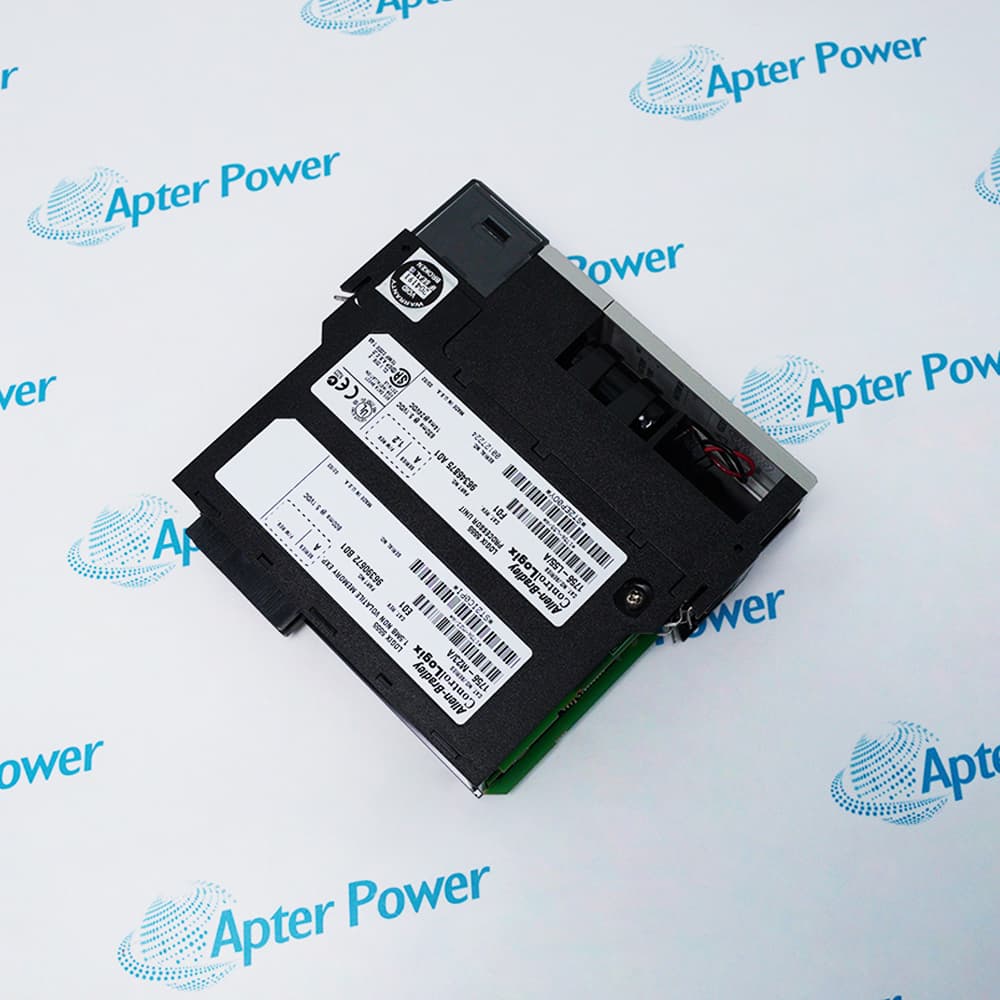
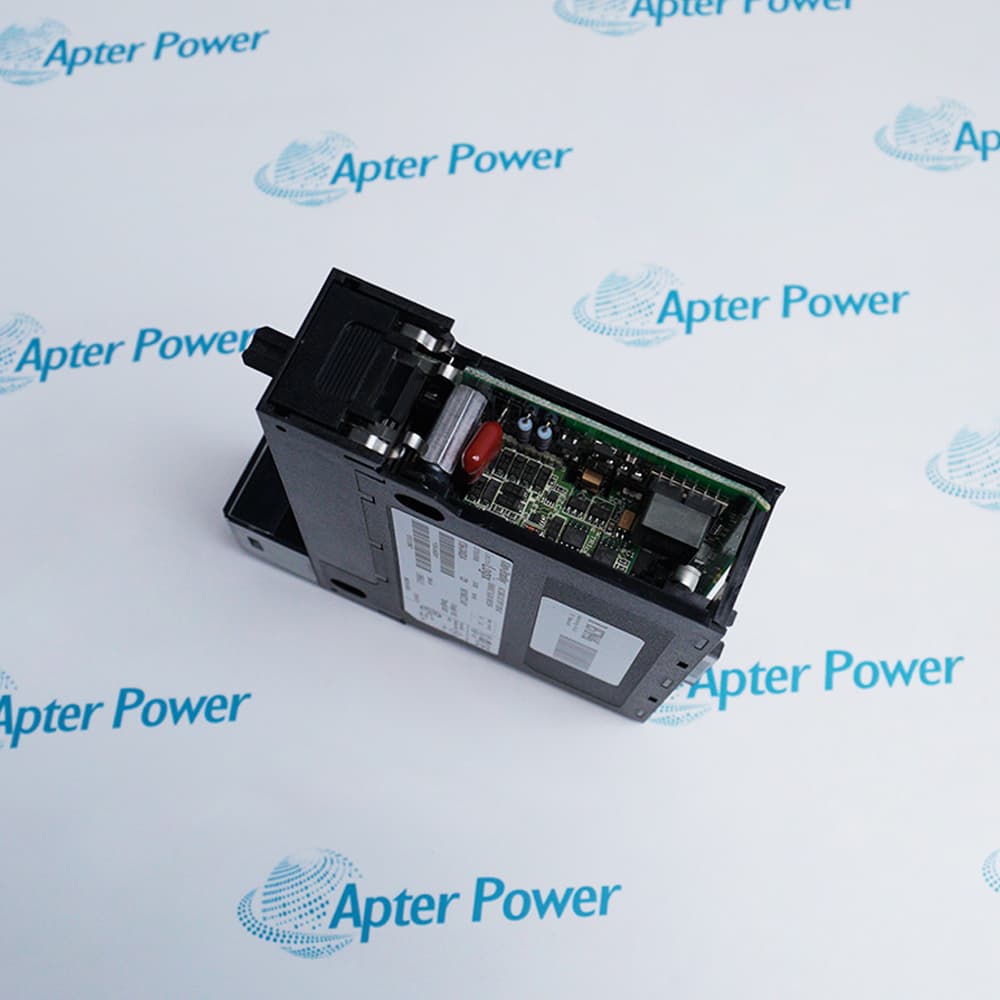
For installation or replacement, match the required Series and firmware, then verify the node address, baud rate, scanlist, EDS files, electronic keying, field power, trunk length and termination.
Revisions

Revision Part #

Also known as

1756-DNB Ser A
1756-DNB/A, Series A, Rev A
1756-DNB Ser B
1756-DNB/B, Series B, Rev B
1756-DNB Ser C
1756-DNB/C, Series C, Rev C
1756-DNB Ser D
1756-DNB/D, Series D, Rev D
1756-DNB Ser E
1756-DNB/E, Series E, Rev E
Alternative Names
1756-DNB 1756DNB 1756 DNB Allen-Bradley 1756-DNB AB 1756-DNB Rockwell Automation 1756-DNB
Technical notes
Allen-Bradley 1756-DNB is a DeviceNet bridge/scanner, not a general Ethernet module. Preserve the exact scanlist and physical network design; never infer node mapping from terminal wiring alone.
Exceptional Service

Our Mission

  • 100% Satisfaction

    We believe expertise is priceless. With over 20 years of experience, and top engineers on staff, we can help you solve or avoid problems that threaten your business.
  • Trust Guaranteed

    Not only do we have a vast inventory, our team makes sure every piece of equipment is in working condition. Your purchases are also backed by our Warranty.
  • Expertise

    Time is money, especially when your equipment is down. We work quickly to get your equipment on its way so you can get it back up and running.

FAQS

The following is a list of questions commonly asked by our customers. Please contact us if you have a question about our process that is not answered below.
Can Allen-Bradley 1756-DNB replace another DeviceNet scanner without rebuilding the scanlist?
Only when the original scanlist, node addresses, I/O sizes and electronic-keying choices are exported and restored. A physically compatible scanner with an empty or mismatched scanlist will not reproduce the machine I/O map.
Why can Allen-Bradley 1756-DNB show a healthy ControlLogix connection while DeviceNet devices remain offline?
The backplane and DeviceNet sides are powered separately. Check the 24 V DeviceNet supply, scanner address, common baud rate, trunk polarity, two end terminators and duplicate node addresses.
What do the alternating N# and E# codes on Allen-Bradley 1756-DNB identify?
N# identifies the DeviceNet node reporting the problem, while E# is the associated diagnostic code. Record both values, then check that node’s power, address, baud rate, cabling and scanlist configuration instead of replacing the scanner immediately.
Can Allen-Bradley 1756-DNB be moved to a different ControlLogix slot?
Yes, but the move must be treated as a configuration change. Update the scanner slot in RSNetWorx for DeviceNet, place the module in the correct Logix I/O Configuration slot, and verify the controller I/O mapping and any MSG paths before enabling outputs.
Why does Allen-Bradley 1756-DNB repeatedly enter bus-off after a replacement?
Look for mixed baud rates, reversed CAN conductors, missing or extra termination, poor shield bonding, excessive trunk or drop length, low field voltage and a faulty node that dominates the bus.
How should DeviceNet power be checked for Allen-Bradley 1756-DNB?
Measure loaded voltage and polarity at the scanner and the most distant nodes, calculate cable drop and supply loading, and verify that network power is isolated and referenced exactly as documented for the machine.
Can a different series or firmware revision of Allen-Bradley 1756-DNB be installed without changing the controller project?
Not automatically. Confirm the replacement series and firmware in Rockwell PCDC, review the module’s electronic-keying setting, and verify that the Logix project and RSNetWorx configuration accept the replacement before downloading the scanlist or enabling DeviceNet outputs.