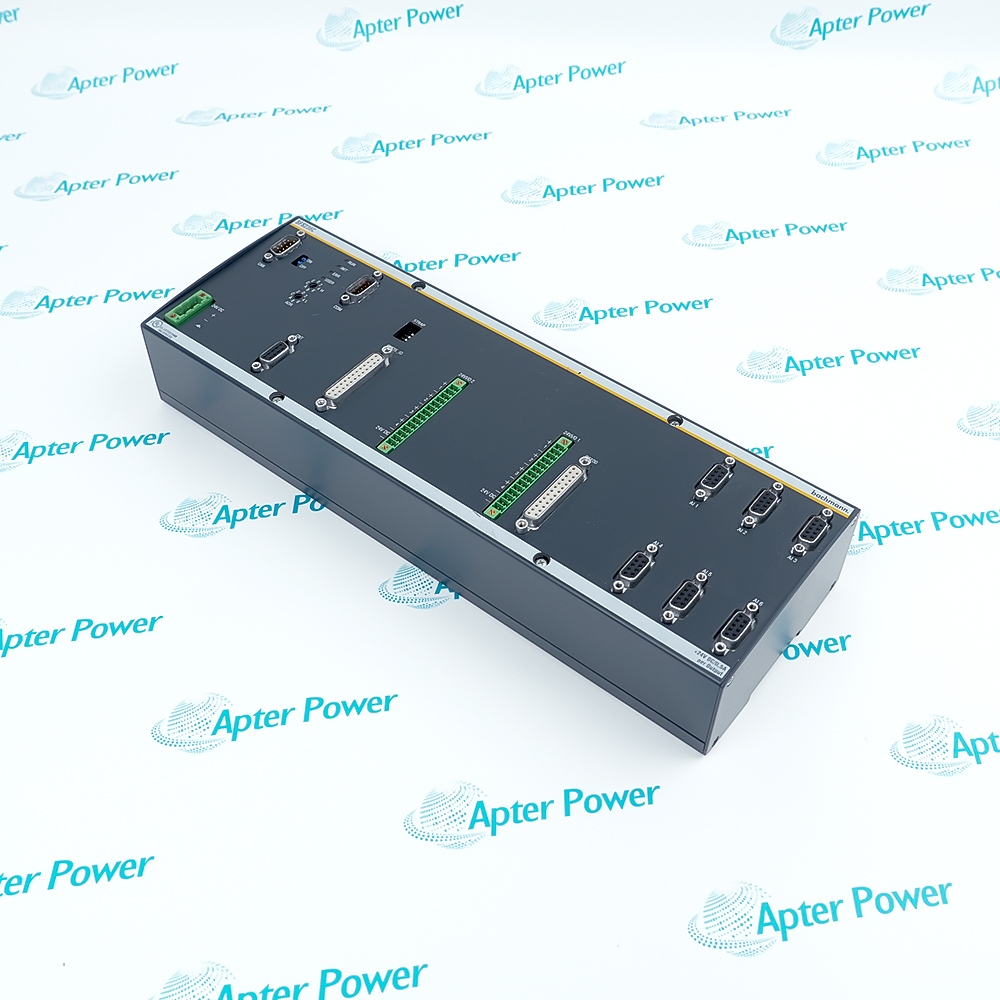
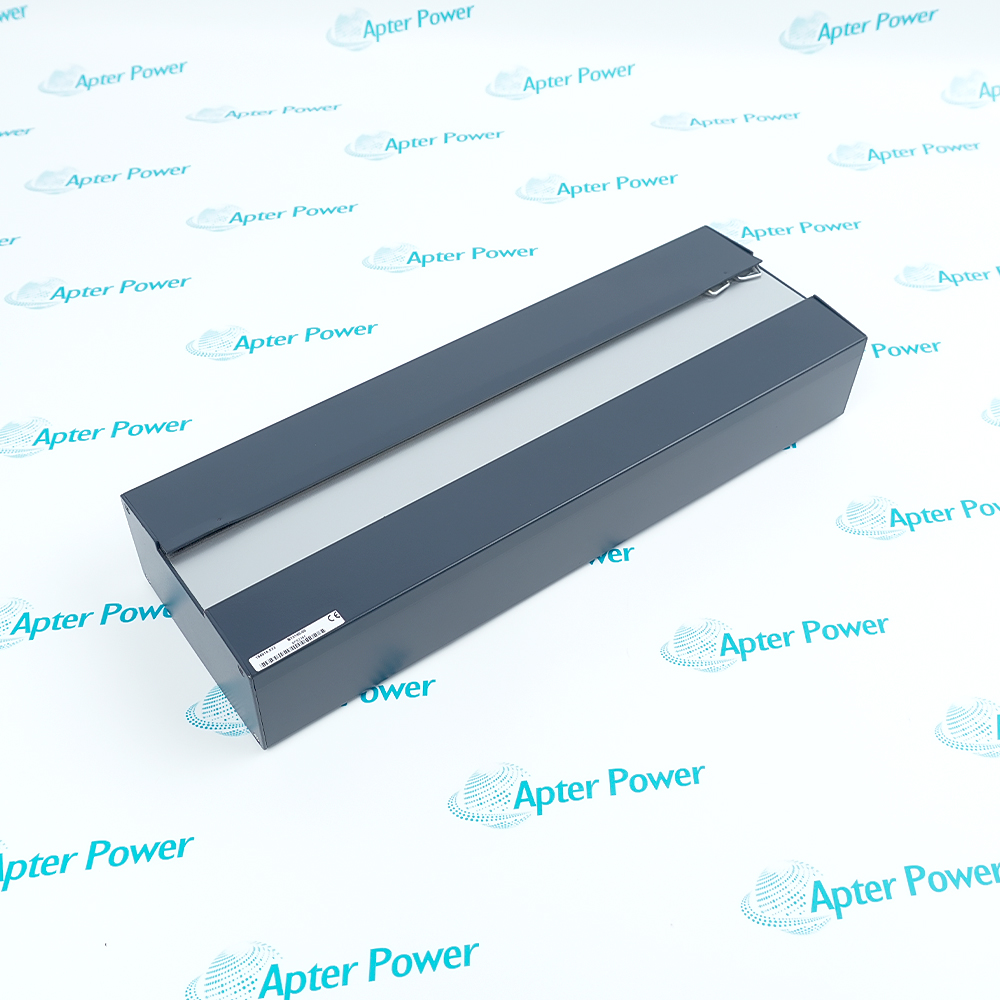
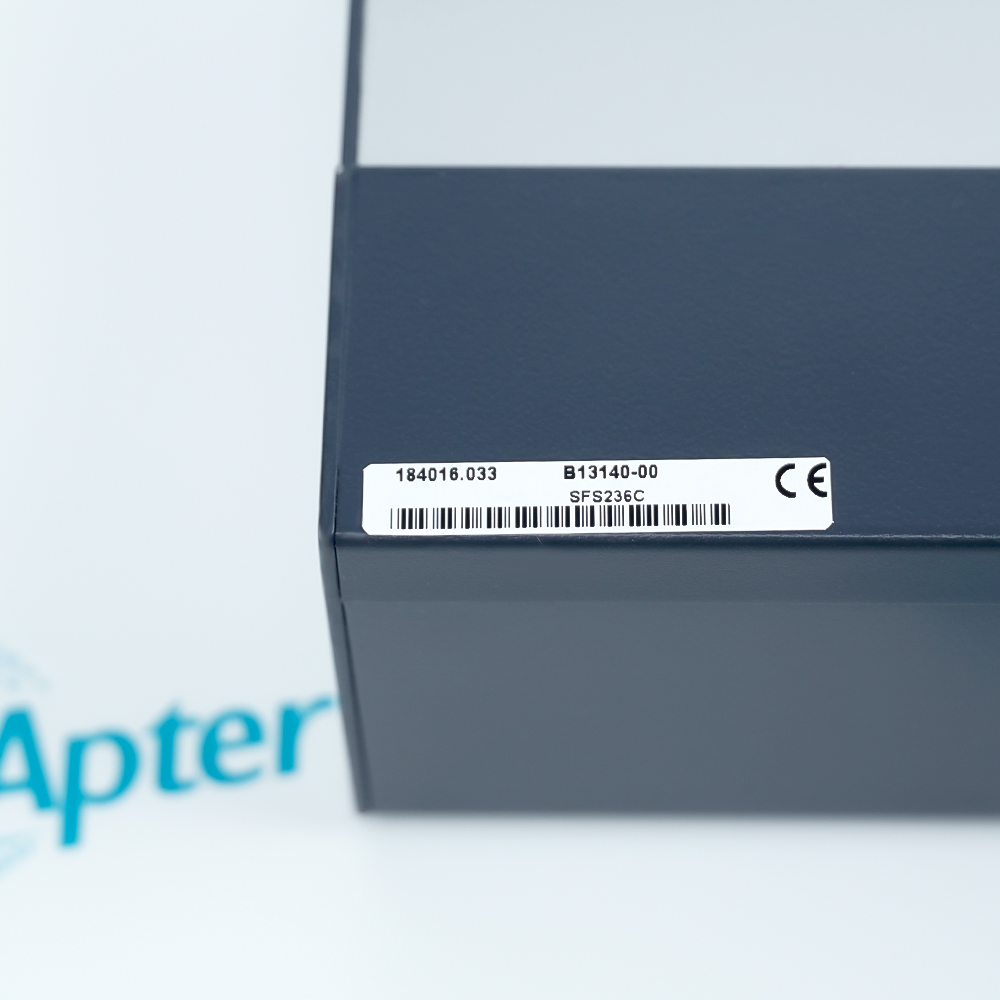
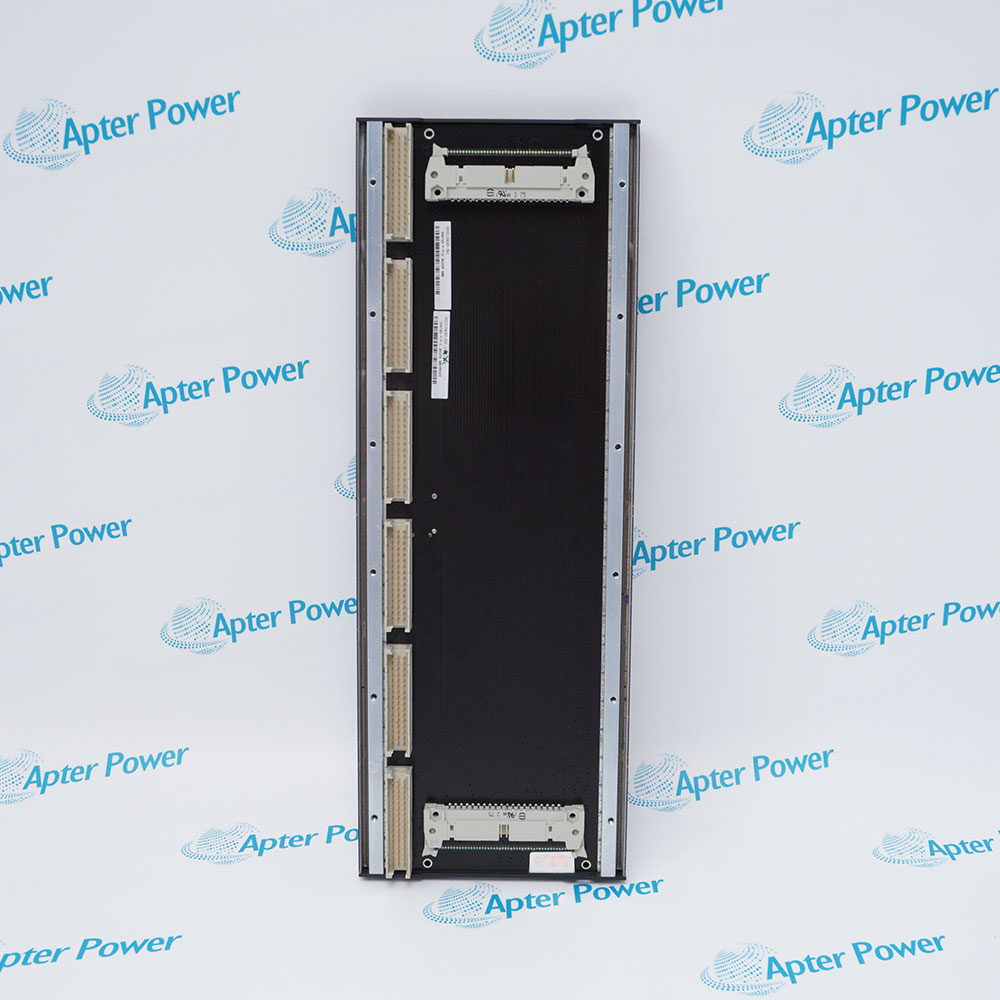
SFS236C
SFS236C
SFS236C
SFS236C
SFS236C
SFS236C
Ask our team:
  • Phone: +86 181 0690 9650
  • E-Mail sales1@apterpower.com
  • Lifecycle status

    Active / Available from OEM
    Apter Power supports project-asset review, application matching and quotation preparation for this M1 controller module.

SFS236C

/ 4.9
1001 reviews | Need a Specific Revision?
Bachmann SFS236C is a compact controller module for the M1 automation environment, configured and serviced through the SFS plug-in and CAN connection.
In Stock
Ships by Thursday, October 29
Fast Shipping Available
Get a quick price for SFS236C
Quantity
*E-mail
Company
*Mobile
*Content
Upload (gif, jpg, jpeg, png, bmp, doc, docx, xls, xlsx, ppt, pdf, csv)

Technical specifications for SFS236C

  • Manufacturer:
    Bachmann
  • Part Number:
    SFS236C
  • Product Family:
    Bachmann
  • Product Type:
    Compact Controller Module
  • Stock:
    1
  • Automation Platform:
    Bachmann M1
  • Configuration Tool:
    M1 ServiceCenter SFS plug-in
  • Service Communication:
    CAN
  • Software Assets:
    CAN firmware and application program
  • Weight:
    1.25 kg
  • Estimated shipping dimensions:
    35x12x6.3cm
  • Tariff Code:
    8537101190
  • Country of origin:
    Austria
  • Place of shipment:
    Xiamen,Fujian,China
By purchasing this item, you agree to the Terms & Conditions, ApterPower is not an authorized distributor for listed manufacturers or tradenames and therefore the manufacturer's warranty does not apply. All our products come with ApterPower's 1-year warranty.

More Information

Overview Manuals M1 Runtime Role CAN Service Workflow Project Recovery Product Applications

Features:

  • Compact control: Executes an assigned application within the Bachmann M1 environment
  • ServiceCenter workflow: Uses the SFS-Module Plugin RT for guided configuration and service
  • CAN-based recovery: Relies on documented communication, firmware and application assets
The controller is application-dependent; useful behavior comes from the approved project and its configured CAN relationship with the wider system.

ServiceCenter provides repeatable processes for communication checks, required CAN firmware work and application installation.

Replacement acceptance requires successful software loading, clean diagnostics and proof of the process actions assigned to the module.

Apter Power supports Bachmann SFS236C Compact Controller Module sourcing with project and configuration review.
Bachmann SFS236C Compact Controller Module Manuals,Datasheets,Link Important Notice: Back up the approved application, CAN settings, firmware and ServiceCenter records before replacement.
  • Application execution: Runs the program assigned to the module by the controlled M1 project.
  • System context: Operates as part of the wider automation solution rather than as an independent generic controller.
  • Project dependency: Requires the correct software assets and configuration to reproduce the installed behavior.
  • Change control: Application or firmware changes should follow the site release procedure.
  • Connection check: ServiceCenter verifies communication with the module through CAN.
  • Address control: CAN addressing and bus settings must agree with the installed project.
  • Firmware handling: The guided process can update required CAN firmware when the procedure calls for it.
  • Session evidence: Service results should be retained in the generated maintenance report.
  • Asset backup: Archive the approved application, firmware and project revision before removal.
  • Prepared replacement: Load only the software package released for the target machine or turbine.
  • Diagnostic review: Confirm the module starts without configuration or communication faults.
  • Functional proof: Test the assigned process actions before releasing the controller to operation.
  • M1 compact control: Executes project-specific control tasks in Bachmann automation systems.
  • CAN-connected service: Supports guided commissioning through the ServiceCenter SFS workflow.
  • Turbine project support: Maintains application-controlled functions in installations using this module.
  • Controlled replacement: Restores a documented SFS configuration during planned maintenance.
Description
SFS236C is a Bachmann compact controller module used in the M1 automation environment. It runs an assigned application and participates in the configured machine or turbine control solution through the project-defined CAN communication path.

Bachmann M1 ServiceCenter provides an SFS-Module Plugin RT for configuring SFS236C. The supported workflow can check CAN communication, update the required CAN firmware when necessary and install the existing application program under controlled service procedures.

A replacement SFS236C should be prepared from the approved project, firmware and application backup rather than copied from an unrelated module. Commissioning verifies CAN access, correct software loading, diagnostics and the process functions assigned to that controller.
Alternative Names
SFS 236C Bachmann SFS236C
Technical notes
SFS236C recovery depends on project assets that may not be reproducible from the hardware alone. Archive the approved application, CAN settings, firmware and ServiceCenter report before removal. Use the SFS-Module Plugin RT workflow for the replacement, and do not return the controller to service until communication and assigned process actions pass the site test.
Exceptional Service

Our Mission

  • 100% Satisfaction

    We believe expertise is priceless. With over 20 years of experience, and top engineers on staff, we can help you solve or avoid problems that threaten your business.
  • Trust Guaranteed

    Not only do we have a vast inventory, our team makes sure every piece of equipment is in working condition. Your purchases are also backed by our Warranty.
  • Expertise

    Time is money, especially when your equipment is down. We work quickly to get your equipment on its way so you can get it back up and running.

FAQS

The following is a list of questions commonly asked by our customers. Please contact us if you have a question about our process that is not answered below.
Which files should be available before replacing SFS236C?
Keep the approved M1 project, module application, CAN settings, firmware version and the latest ServiceCenter report so the installed behavior can be reproduced.
How can CAN communication be confirmed while commissioning SFS236C?
Use the SFS-Module Plugin RT workflow to establish the CAN connection and confirm module response before loading or changing the application.
When is a firmware update appropriate for SFS236C?
Update firmware only when the approved Bachmann workflow and released project require it, and retain the original and final versions in the service record.
How should the application be restored to SFS236C?
Load the released application through the approved ServiceCenter process, then confirm startup diagnostics and the process functions assigned to the controller.
Why might a replacement SFS236C remain offline?
CAN addressing, bus wiring, termination, firmware compatibility, the selected service interface or missing project assets can prevent communication.
What demonstrates that SFS236C commissioning is complete?
A saved ServiceCenter report, correct software versions, a successful CAN communication result and a functional test of the assigned process actions provide the acceptance record.

Product Browsing History