Features:
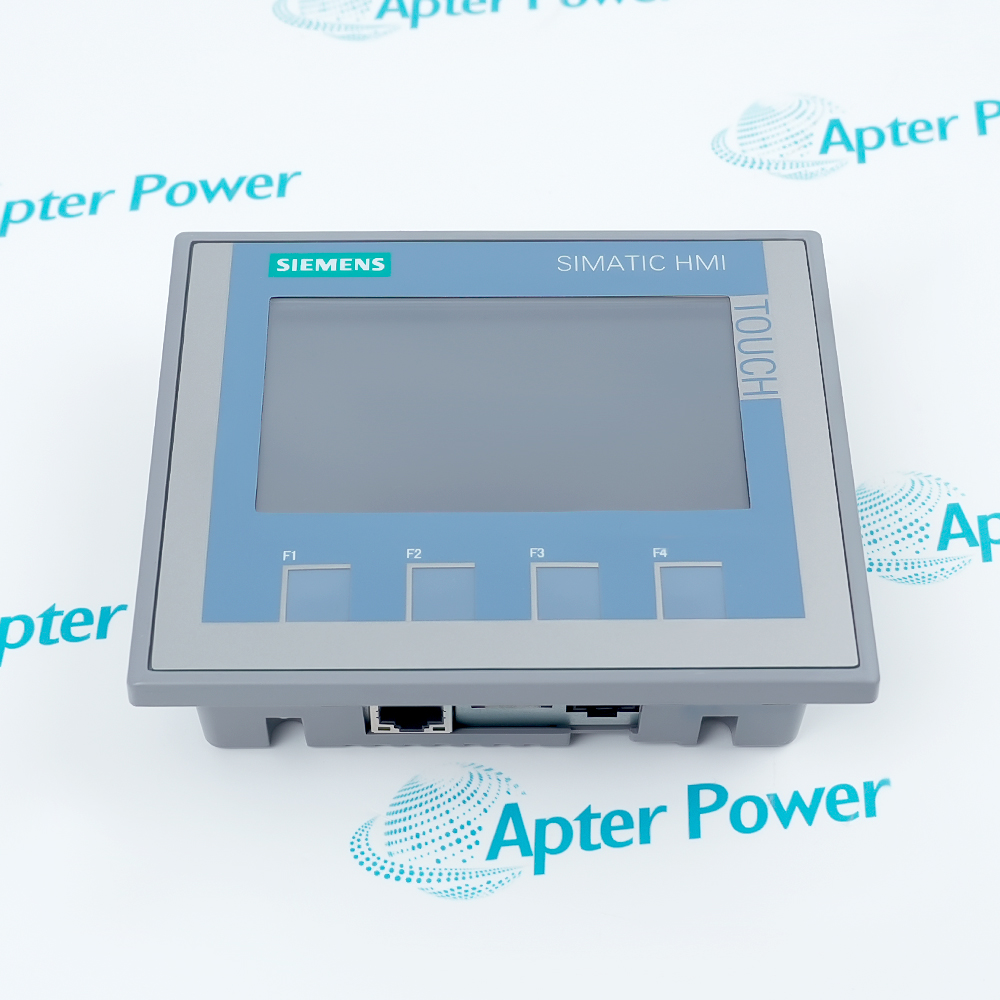
- Combines a 4.3-inch 480 x 272 resistive touchscreen with four physical function keys.
- Displays 65,536 colors and stores the configured HMI project in 10 MB user memory.
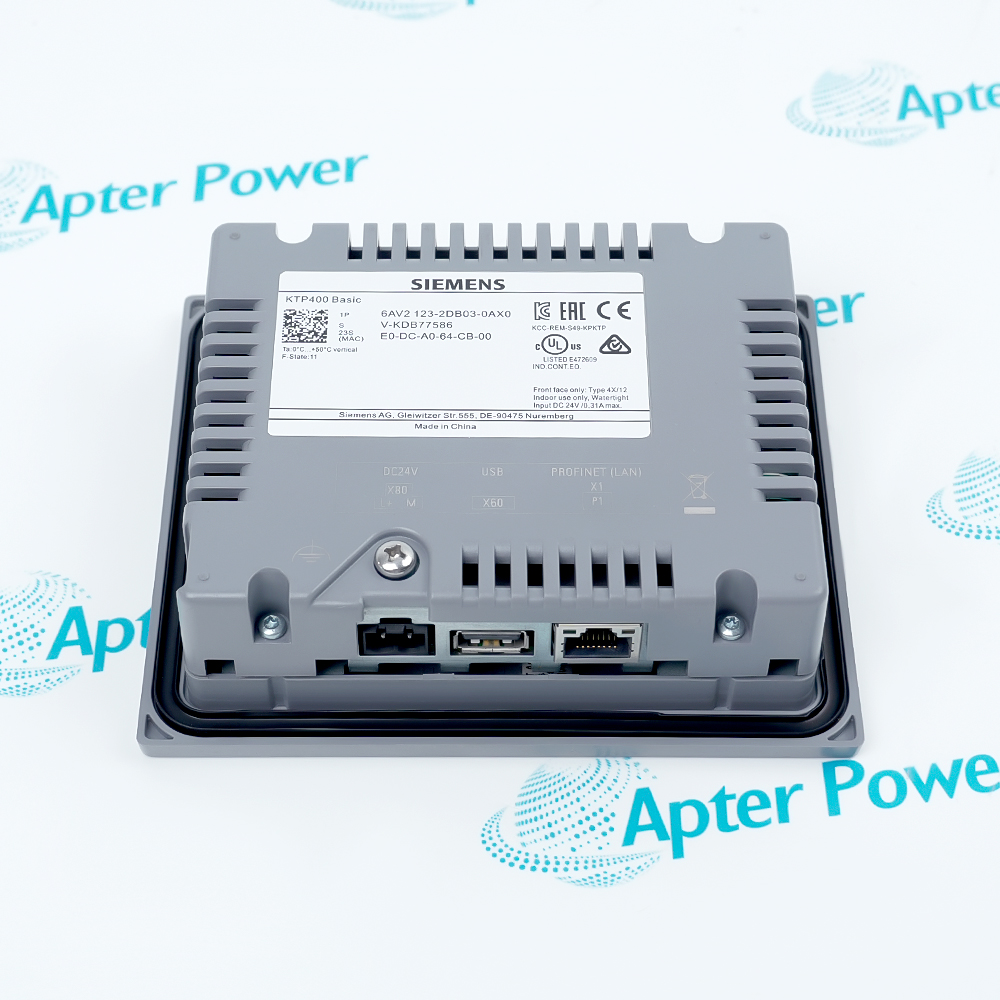
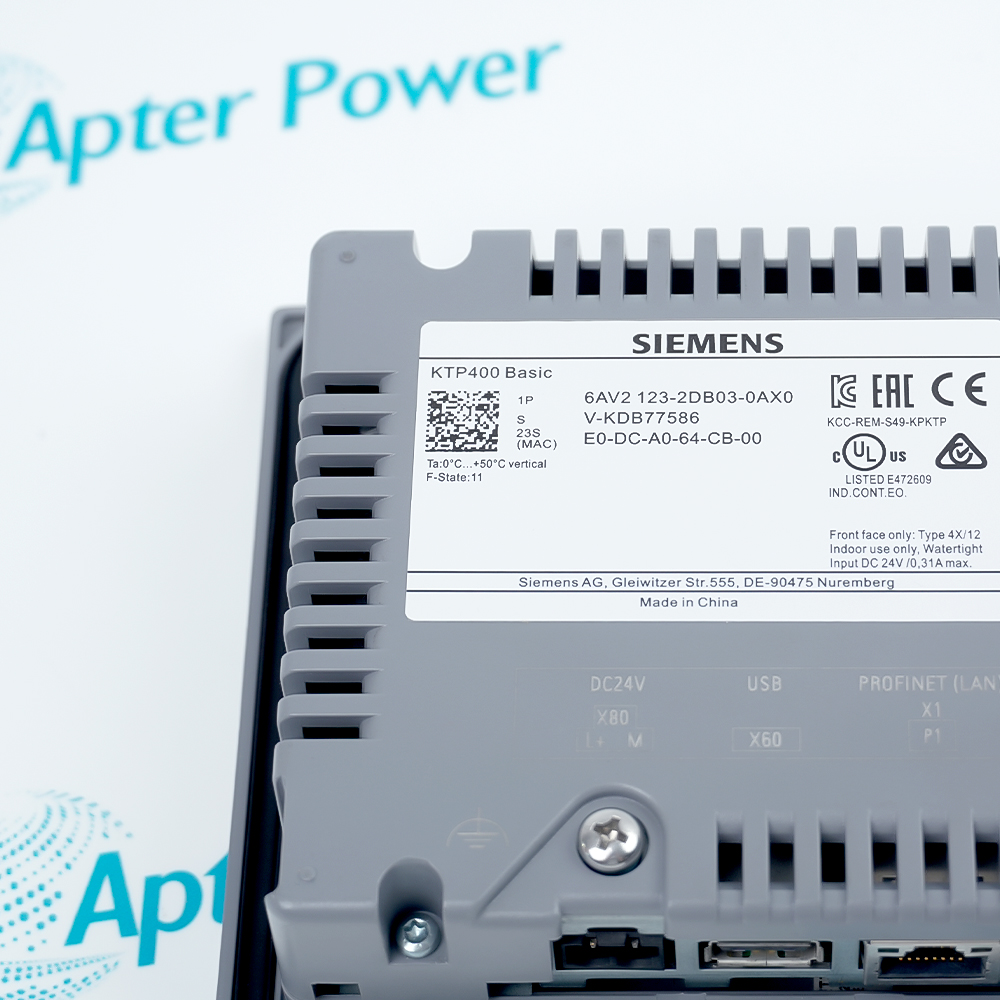
- Exchanges controller data through PROFINET and supports a USB host connection.
Siemens 6AV2123-2DB03-0AX0 places operator graphics, touch commands, and four function keys in one compact panel.
The HMI project maps screen objects to controller tags so the display and control program exchange process values over PROFINET.
Panel mounting fixes the front interface in the enclosure while the rear supply, Ethernet, and USB connections remain inside the cabinet.
The Siemens 6AV2123-2DB03-0AX0 KTP400 Basic 4.3-Inch Key/Touch Operator Panel may still be available for purchase and support from Apter Power beyond End-Of-Life (EOL) by the manufacturer (OEM).
Siemens 6AV2123-2DB03-0AX0 KTP400 Basic 4.3-Inch Key/Touch Operator Panel Manuals,Datasheets,Link
Important Notice: Other accessories, manuals, cables, calibration data, software, etc. are not included with this equipment unless listed in the above stock item description. All prices are shown in USD.
Operator interface elements
- Display: The 4.3-inch TFT presents 480 x 272 pixels in 65,536 colors.
- Touch: An analog-resistive layer returns operator selections from the configured screens.
- Keys: Four physical function keys provide project-assigned commands outside the touch area.
- Backlight: The dimmable LED backlight has a documented 20,000-hour MTBF at 25 °C.
HMI project resources
- User memory: Ten megabytes store the configured HMI application and its runtime objects.
- Screens: The project organizes process values, commands, alarms, and navigation into operator views.
- Recipes: Recipe objects retain configured data sets within the panel's documented limits.
- Engineering: WinCC Basic or STEP 7 Basic transfers the project from the engineering station.
Controller communication path
- Interface: One PROFINET Ethernet connection carries project communication and controller tags.
- Protocol role: The panel reads process values and returns operator commands through configured connections.
- Addressing: The project and network configuration assign the panel's PROFINET identity and IP settings.
- USB host: The separate USB host port handles supported local media or peripheral functions.
Cabinet installation boundary
- Mounting: The panel installs through a prepared enclosure cutout with the display facing the operator.
- Supply: A regulated 24 V DC source feeds the rear power connector.
- Orientation: Landscape and portrait installation are documented within the permitted inclination.
- Rear access: Cable clearance must remain available for power, PROFINET, and USB connections.