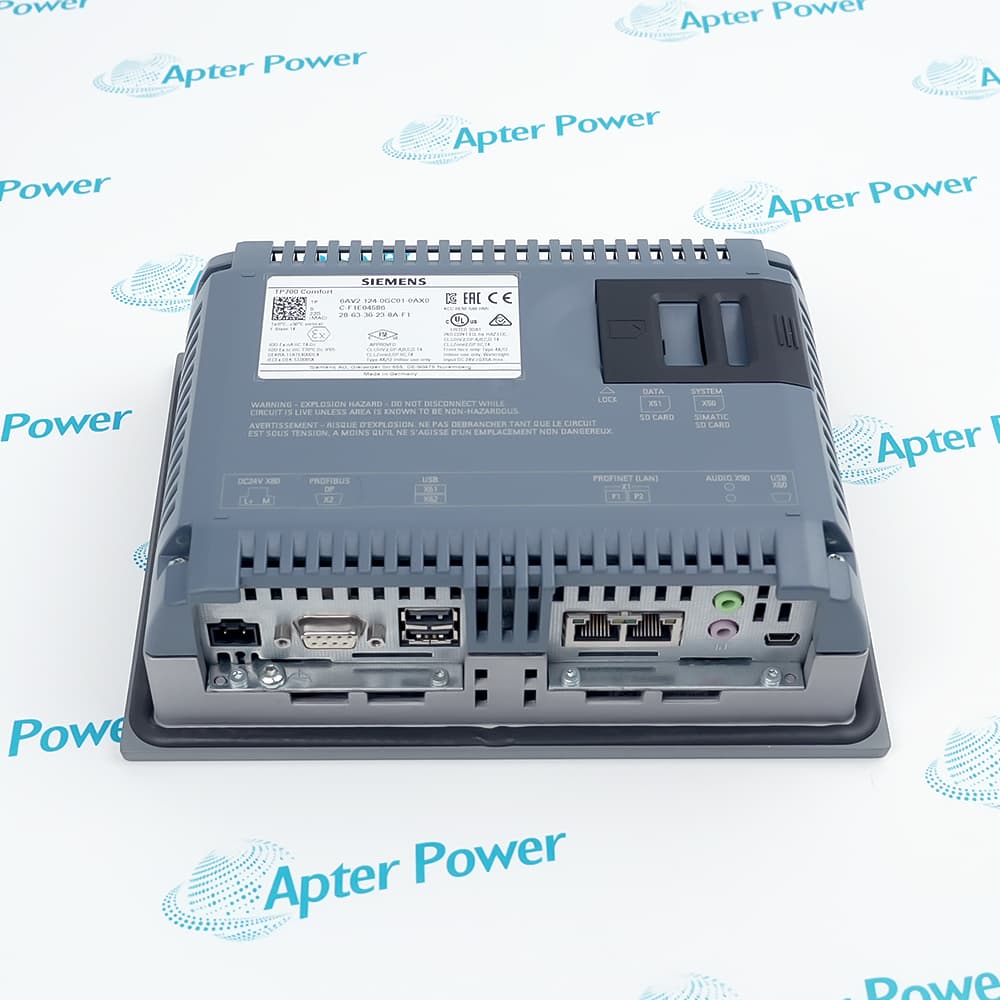
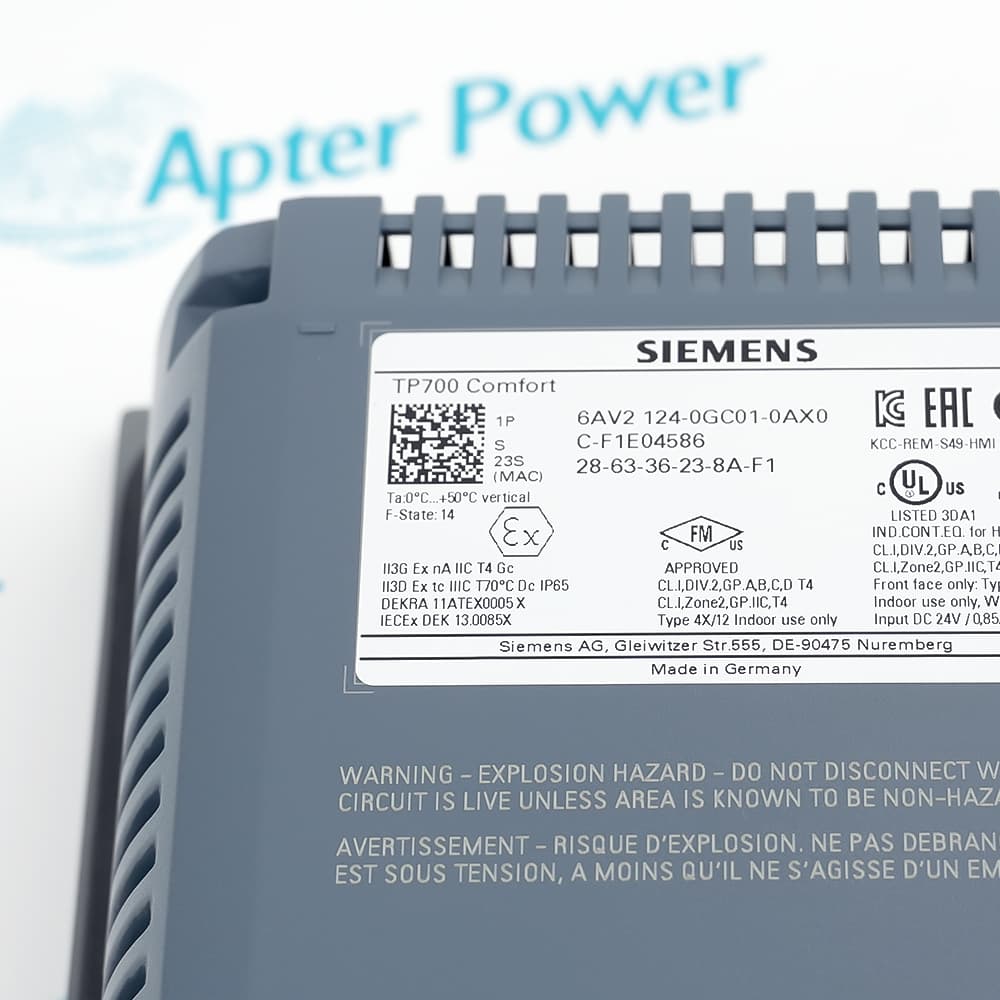
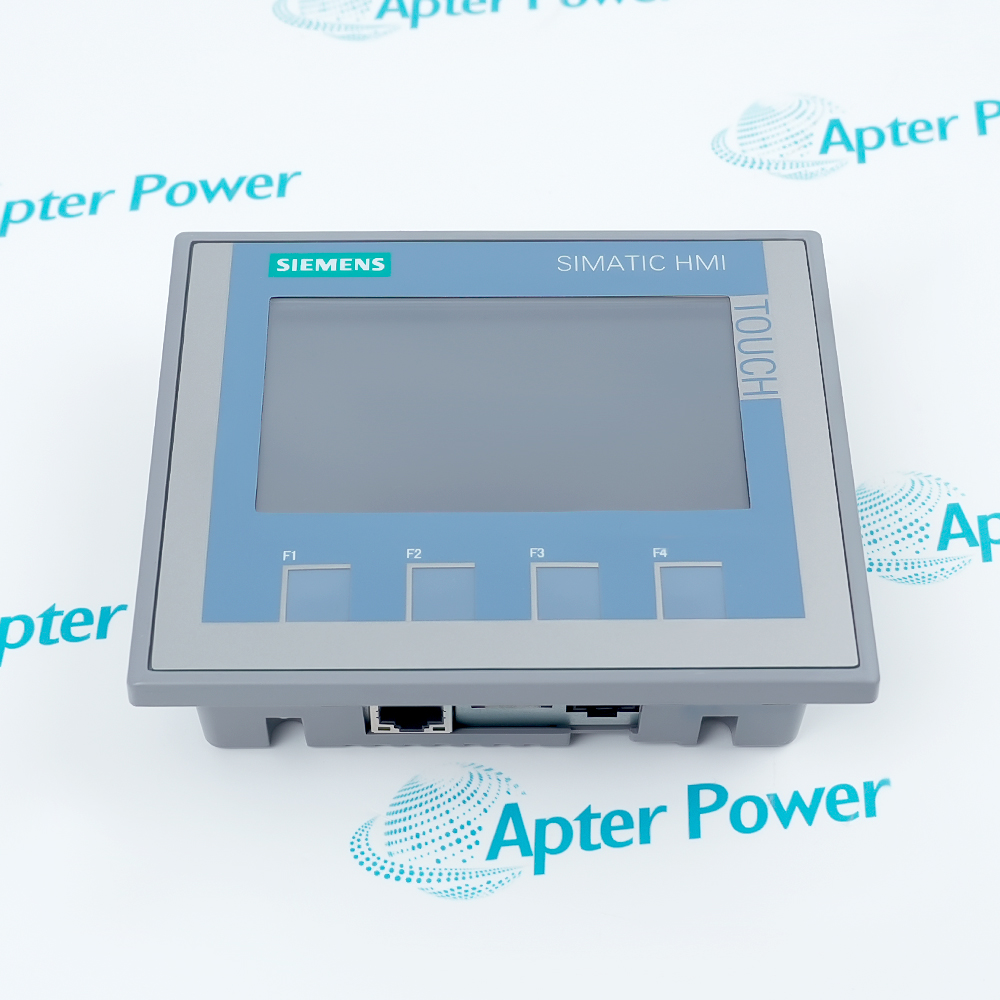
6AV2124-0GC01-0AX0
6AV2124-0GC01-0AX0
6AV2124-0GC01-0AX0
6AV2124-0GC01-0AX0
6AV2124-0GC01-0AX0
6AV2124-0GC01-0AX0
Ask our team:
  • Phone: +86 181 0690 9650
  • E-Mail sales1@apterpower.com
  • Lifecycle status

    Discontinued / Obsolete by OEM
    Apter Power reviews project recovery, interfaces, mechanical fit, condition, and successor differences before discontinued-panel supply.

6AV2124-0GC01-0AX0

/ 4.9
1001 reviews | Need a Specific Revision?
6AV2124-0GC01-0AX0 is a 7-inch TP700 Comfort touch panel with PROFINET, MPI/PROFIBUS DP, and 12 MB configuration memory.
In Stock
Ships by Wednesday, October 28
Fast Shipping Available
Get a quick price for 6AV2124-0GC01-0AX0
Quantity
*E-mail
Company
*Mobile
*Content
Upload (gif, jpg, jpeg, png, bmp, doc, docx, xls, xlsx, ppt, pdf, csv)

Technical specifications for 6AV2124-0GC01-0AX0

  • Manufacturer:
    Siemens
  • Part Number:
    6AV2124-0GC01-0AX0
  • Product Family:
    Siemens Simatic HMI
  • Product Type:
    SIMATIC HMI TP700 Comfort Panel
  • Stock:
    1
  • Operator input:
    Touchscreen
  • Panel type:
    TP700 Comfort
  • Display:
    7-inch widescreen TFT
  • Colors:
    16 million
  • Operation:
    Touchscreen
  • Configuration memory:
    12 MB
  • Ethernet interface:
    PROFINET
  • Fieldbus interface:
    MPI/PROFIBUS DP
  • Engineering software:
    WinCC Comfort V11 or higher
  • Operating system:
    Windows CE 6.0
  • Rated supply voltage:
    24 V DC
  • Weight:
    1.58 kg
  • Estimated shipping dimensions:
    19.7 x 26.6 x 11.8 cm
  • Tariff Code:
    85371091
  • Country of origin:
    Germany
  • Place of shipment:
    Xiamen,Fujian,China
By purchasing this item, you agree to the Terms & Conditions, ApterPower is not an authorized distributor for listed manufacturers or tradenames and therefore the manufacturer's warranty does not apply. All our products come with ApterPower's 1-year warranty.

More Information

Overview Manuals Interface Paths Project Transfer Panel Integration Product Applications

Features:

  • Seven-inch operator interface: widescreen touch operation supports machine visualization
  • Dual network paths: PROFINET and MPI/PROFIBUS DP serve documented controller links
  • Comfort functionality: 12 MB configuration memory supports alarms, recipes, and trend applications
6AV2124-0GC01-0AX0 brings operator visualization and two established Siemens communication paths into one TP700 Comfort panel.

Its continuity risk is the project and connection definition: correct screens alone do not prove that PLC addressing, transfer, alarms, and peripherals are aligned.

A migration record should include project archive, engineering version, passwords, interface table, transfer method, cutout, mounting, supply, and peripheral assignments.
Apter Power can review 6AV2124-0GC01-0AX0 project, interfaces, cutout, condition, documentation, and successor differences before sourcing.
Siemens 6AV2124-0GC01-0AX0 SIMATIC HMI TP700 Comfort Panel Manuals, Datasheets, Links
Important Notice: Other accessories, manuals, cables, calibration data, software, etc. are not included with this equipment unless listed in the above stock item description. All prices are shown in USD.
  • PROFINET link: preserve controller address, device name, subnet, and cable path.
  • MPI/PROFIBUS link: retain station address, bus rate, termination, and connector details.
  • Peripheral separation: test each external device independently from the PLC communication path.
  • Engineering baseline: retain the validated WinCC project and software version.
  • Device selection: compile for the exact TP700 Comfort catalog before transfer.
  • Acceptance record: verify alarms, recipes, trends, users, and controller tags after download.
  • Mechanical fit: compare cutout, mounting clamps, enclosure depth, and service clearance.
  • Power path: confirm the 24 V DC supply, grounding, and shutdown behavior.
  • Operator check: test touch calibration, readability, and every safety-relevant navigation path.
  • Machine operation: present status, commands, alarms, and recipes at a local panel.
  • PROFINET visualization: exchange documented HMI data with a Siemens Ethernet controller.
  • Legacy fieldbus retrofit: maintain an approved MPI/PROFIBUS DP operator connection during migration planning.
Description
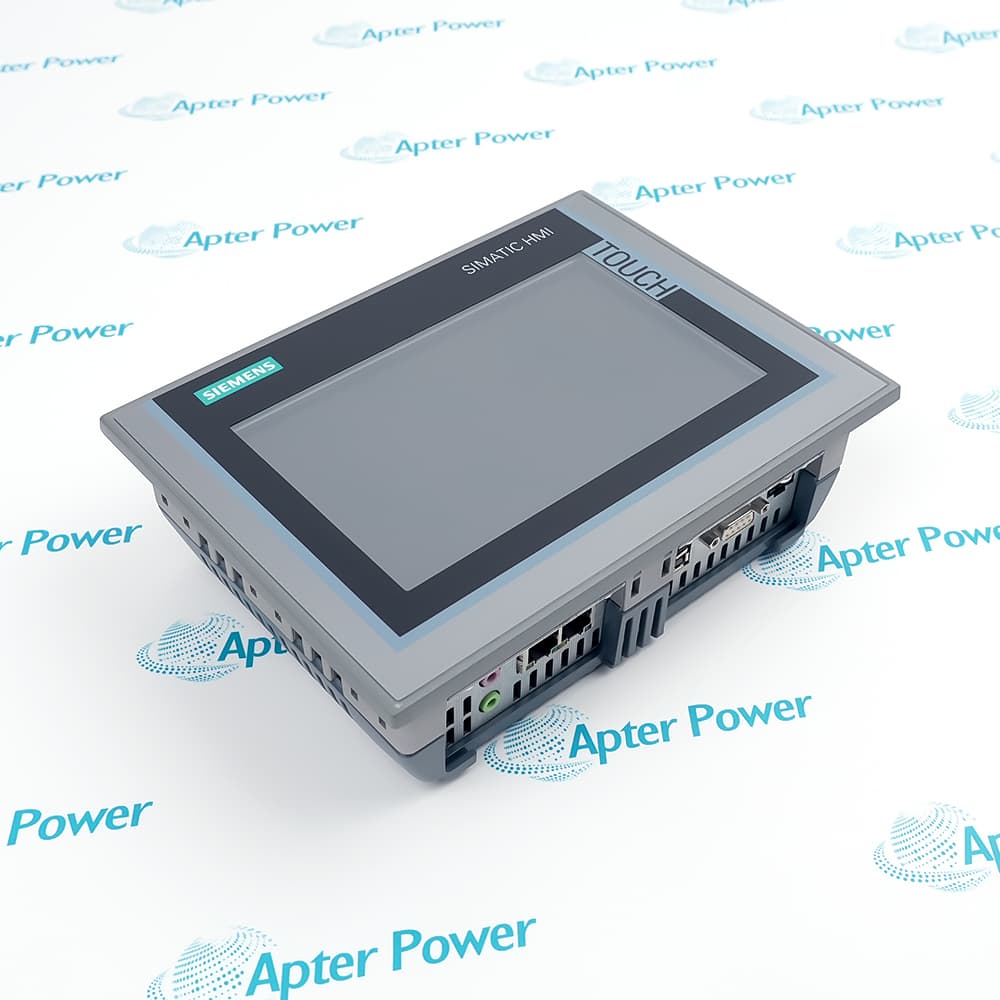
6AV2124-0GC01-0AX0 is the Siemens SIMATIC HMI TP700 Comfort Panel with a 7-inch widescreen TFT touch display and 16 million colors. The panel provides 12 MB of configuration memory for machine and process visualization.

Both PROFINET and MPI/PROFIBUS DP interfaces let 6AV2124-0GC01-0AX0 connect to the documented automation networks, while its Comfort Panel functions support alarms, recipes, trends, and operator interaction. Engineering begins with WinCC Comfort V11 for this exact configuration.

Before replacing 6AV2124-0GC01-0AX0, preserve the project and transfer method, confirm interface assignments, PLC addresses, panel cutout, mounting position, power, and connected peripherals. Siemens lists a successor, but the installation dimensions and project migration require independent verification.
Alternative Names
6AV21240GC010AX0 6AV 2124-0GC01-0AX0 TP700 Comfort Panel SIMATIC 7 Inch Comfort HMI
Technical notes
6AV2124-0GC01-0AX0 uses both PROFINET and MPI/PROFIBUS DP interfaces, so a restored project can display correctly while communicating on the wrong path. Preserve the original project and connection table, verify WinCC version and device selection, then test each controller link and peripheral separately before operator acceptance.
Exceptional Service

Our Mission

  • 100% Satisfaction

    We believe expertise is priceless. With over 20 years of experience, and top engineers on staff, we can help you solve or avoid problems that threaten your business.
  • Trust Guaranteed

    Not only do we have a vast inventory, our team makes sure every piece of equipment is in working condition. Your purchases are also backed by our Warranty.
  • Expertise

    Time is money, especially when your equipment is down. We work quickly to get your equipment on its way so you can get it back up and running.

FAQS

The following is a list of questions commonly asked by our customers. Please contact us if you have a question about our process that is not answered below.
Why can 6AV2124-0GC01-0AX0 show the correct screens but no live PLC values after a restore?
Compare the restored connection table, device name or station address, controller endpoint, transfer interface, cable, and PLC availability before editing tags or rebuilding screens.
What should be preserved before replacing 6AV2124-0GC01-0AX0 during an outage?
Archive the WinCC project, engineering version, user and recipe data, passwords under site control, communication settings, transfer method, panel cutout, peripherals, and a tested rollback image.
How should PROFINET and PROFIBUS faults be separated on 6AV2124-0GC01-0AX0?
Test each interface independently with its own address, cable, termination, and controller path. Do not infer a panel hardware fault when only one configured network connection is unavailable.
Can the listed successor for 6AV2124-0GC01-0AX0 be installed without changing the project or panel?
Not automatically. Compare cutout, depth, interfaces, power, transfer tools, project conversion, scripts, peripherals, and operator acceptance requirements before approving migration.
Why can touch operation on 6AV2124-0GC01-0AX0 become inaccurate after mechanical service?
Check mounting stress, enclosure flatness, screen contamination, calibration, operating temperature, and the protective overlay before replacing the panel or modifying the application.
What information should accompany a 6AV2124-0GC01-0AX0 RFQ?
Provide full nameplate and front images, project and WinCC version, active interfaces, cutout and enclosure photos, peripheral list, quantity, condition, destination, and outage date.

Product Browsing History