Features:
- Interface Between the Universal AC Power Source and SIMATIC S7-300 Rack Backplane
- Combines Capability of AC/DC Power Conversion with Integrated 24V DC Power Supply
- Operates in Conjunction with the S7-300 Signal Modules and Distributed I/O Devices
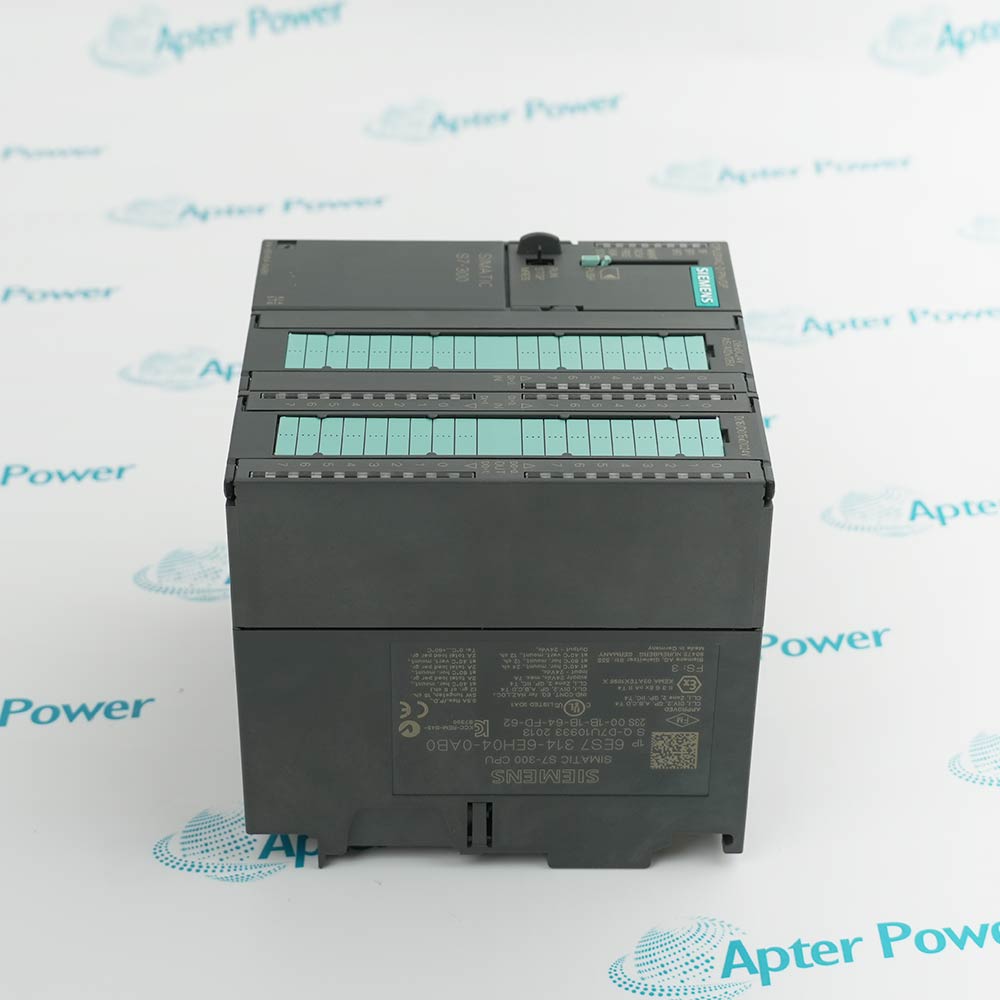
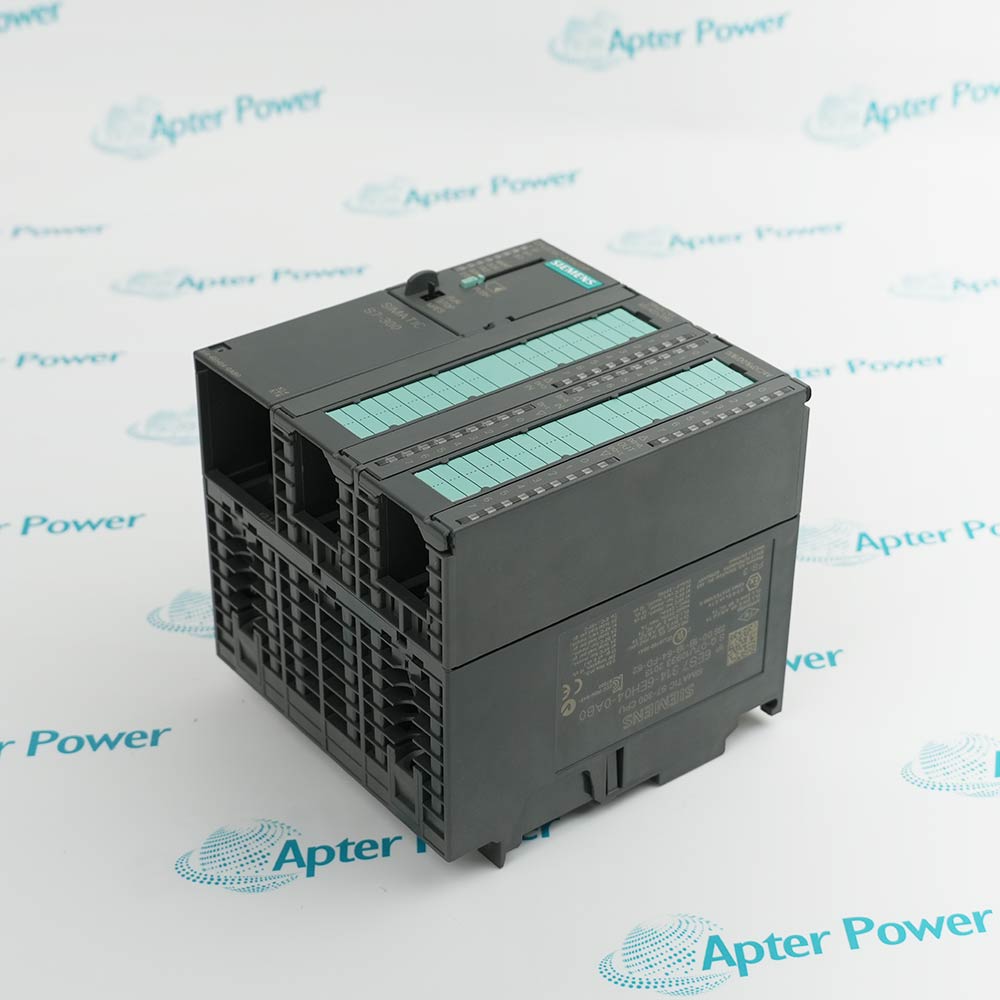
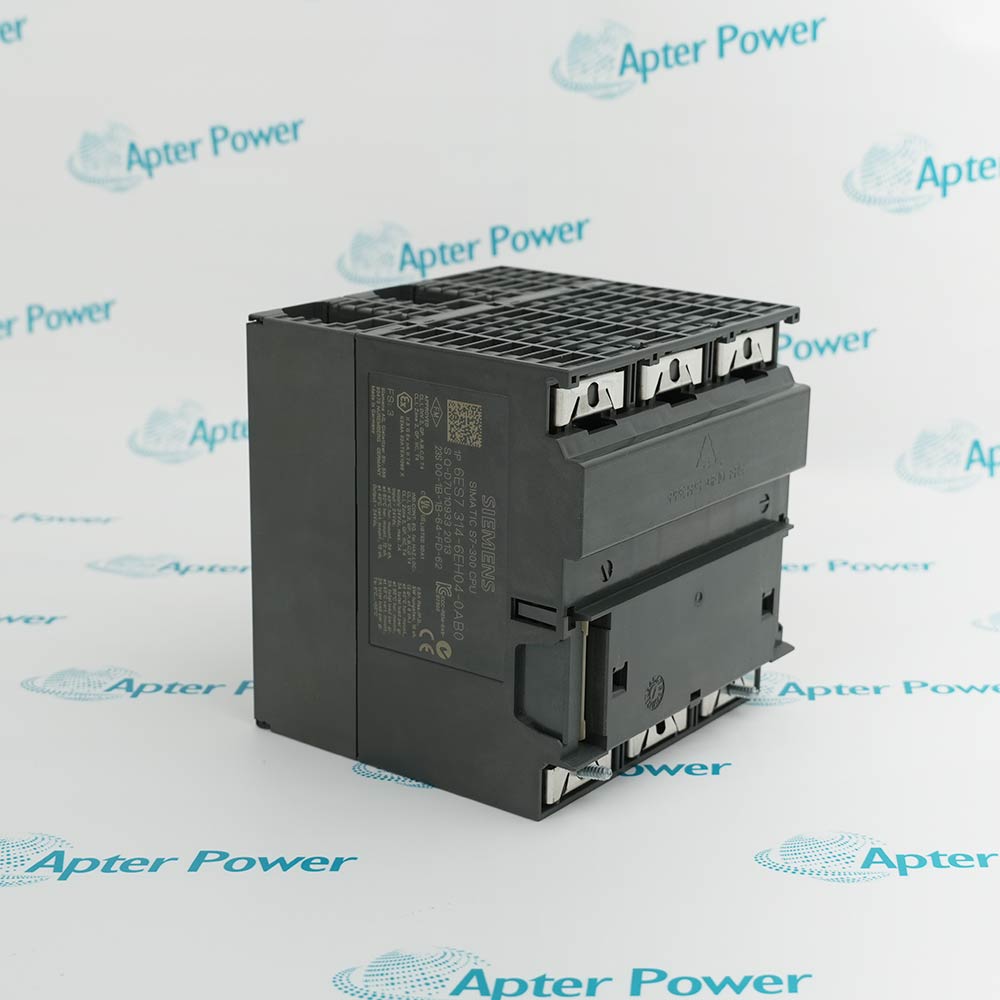
The Siemens 6ES7314-6EH04-0AB0 Compact CPU operates as the central processing unit in a SIMATIC S7-300 rack, providing reliable control and integrated power distribution to all modules within the system. It continuously processes control logic through its 192 Kbyte working memory while converting incoming 24 VDC power through its integrated power supply to support steady state operation of all monitors and modules. Seamless communication is standard with the 6ES7314-6EH04-0AB0, however using its dual interface architecture will allow seamless switchover between MPI/DP and PROFINET networks in the event of a primary communication path failure. The 6ES7314-6EH04-0AB0 has made improvements in several areas over previous CPU designs in addition to incorporating universal communication capability within the S7-300 rack.
The 6ES7314-6EH04-0AB0 provides essential control functions common to the entire rack, and is a critical component of the automation path, directly affecting the proper, normal operation of the overall control system. One 6ES7314-6EH04-0AB0 CPU is required per rack depending on the desired processing capability. The 6ES7314-6EH04-0AB0 occupies a standard slot in the rack and is always located in the designated CPU position.
For Dual Network Communication applications, the S7-300 System utilizes the second interface of the 6ES7314-6EH04-0AB0 CPU module equipped with Ethernet PROFINET and 2-port switch. In addition to standard single network operation, the redundant configuration also performs automatic protocol bridging. The 6ES7314-6EH04-0AB0 dual interface configuration executes failover using the internal circuitry specified in the communication options. Using this method, the redundant communication system continually monitors the health of both networks. If the system detects that the primary PROFINET connection is no longer providing stable data exchange (outside configured timeout/tolerance levels), it will automatically transfer the load to the secondary MPI/DP interface and place an event in the diagnostic buffer.
The 6ES7314-6EH04-0AB0 Siemens Compact CPU may still be available for purchase and support from Apter Power beyond End-Of-Life (EOL) by the manufacturer (OEM).
Siemens 6ES7314-6EH04-0AB0 Compact CPU Manuals,Datasheets,Link
Important Notice: Other accessories, manuals, cables, calibration data, software, etc. are not included with this equipment unless listed in the above stock item description. All prices are shown in USD.
Siemens 6ES7314-6EH04-0AB0 Compact CPU Specs
General
- Manufacturer Siemens
- Model 6ES7314-6EH04-0AB0
- Condition New Original ready stock
- Product Family 6ES7307-1EA01-0AA0,6ES7314-6CH04-0AB0
Important Notice: Other accessories, manuals, cables, calibration data, software, etc. are not included with this equipment unless listed in the above stock item description. All prices are shown in USD.
- Special Machinery & Robotics: Used as the "brains" for complex automated instructions and feedback loops.
- Manufacturing Equipment: Found in automotive manufacturing, textile machines, and packaging machinery.
- Mechanical Engineering: Applied in machine tool manufacture and general mechanical equipment.
- Process Automation: Suitable for controller building and installation systems in the electrical/electronics industry.
- Software Requirements: Programs are developed using STEP 7 V5.5 or higher (with HSP 191) or TIA Portal (e.g., V15 or higher).
- Programming Languages: Supports Ladder Logic (LAD), FBD, STL, SCL, Graph, HiGraph, and CFC.
- Integrated I/O Configuration: Features 24 digital inputs, 16 digital outputs, 5 analog inputs, and 2 analog outputs. It also includes 4 high-speed counters (60 kHz) for technological functions.
- Hardware Setup: Requires an S7 Micro Memory Card (MMC) for load memory (up to 8 MB supported) and standard S7-300 rack mounting.
- Online Update Procedure: Open the station in STEP 7 HW-Config and highlight the CPU. Select Target System > Update Firmware. Browse for the firmware update file (.UPD) and click Execute.
- MMC Update Procedure: Use SIMATIC Manager to program an "Operating System Update Card" onto an MMC. Power off the CPU, insert the prepared MMC, and power it back on. The transfer is complete when the STOP LED blinks slowly (approx. 2 minutes).
- Verification: After updating, check the firmware version under Online & Diagnostics in TIA Portal or the Siemens SIMATIC Manager.