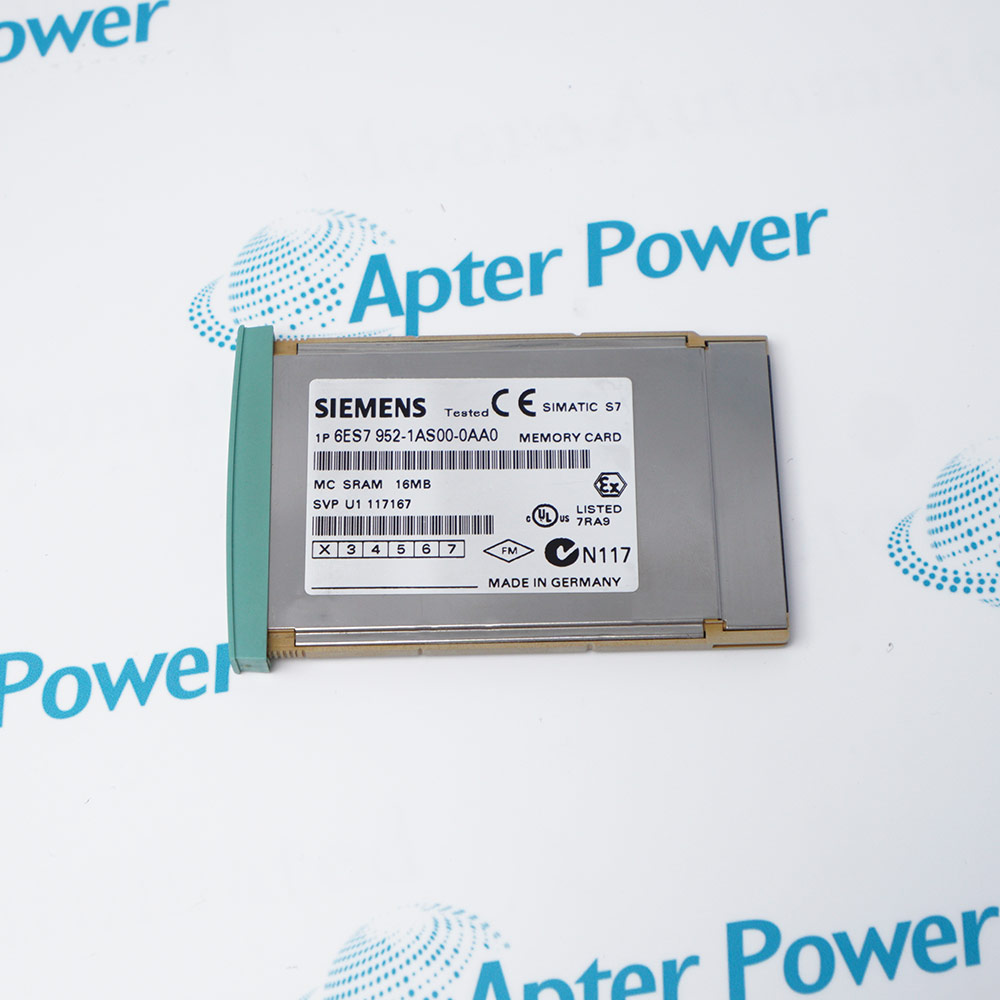
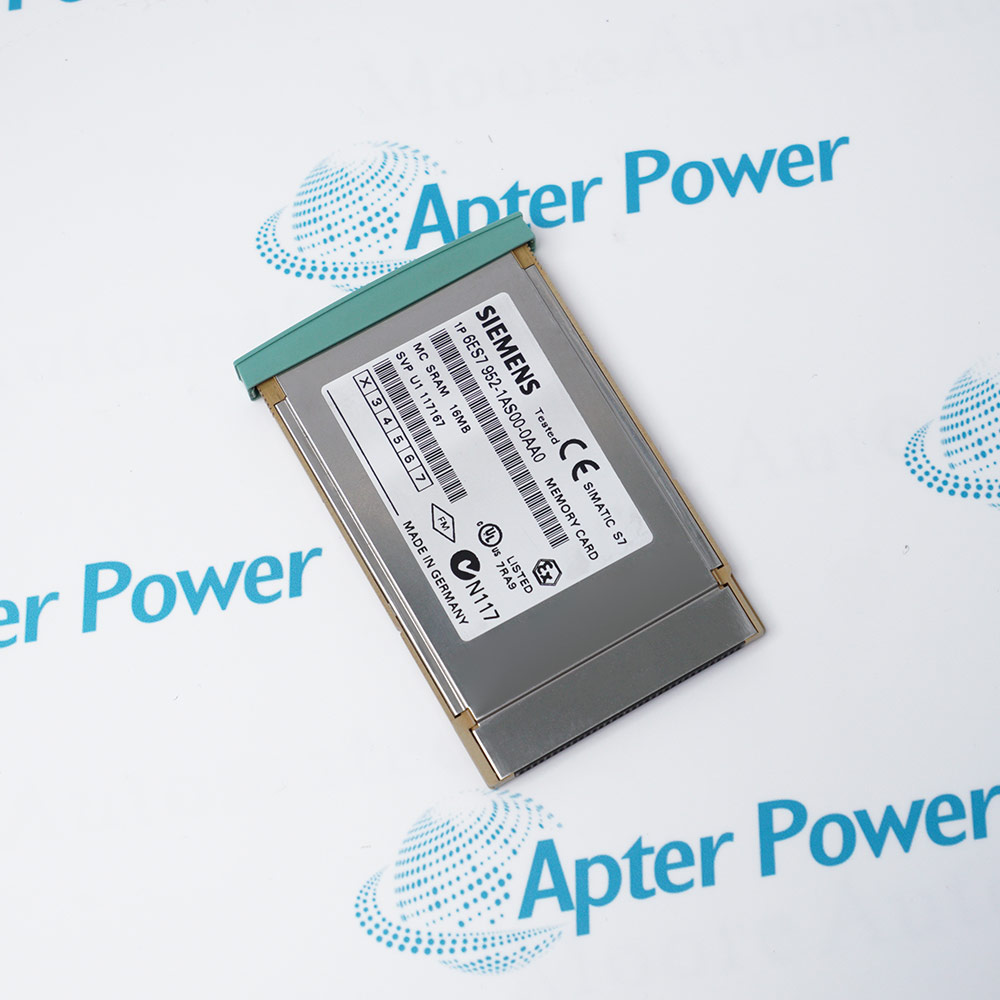
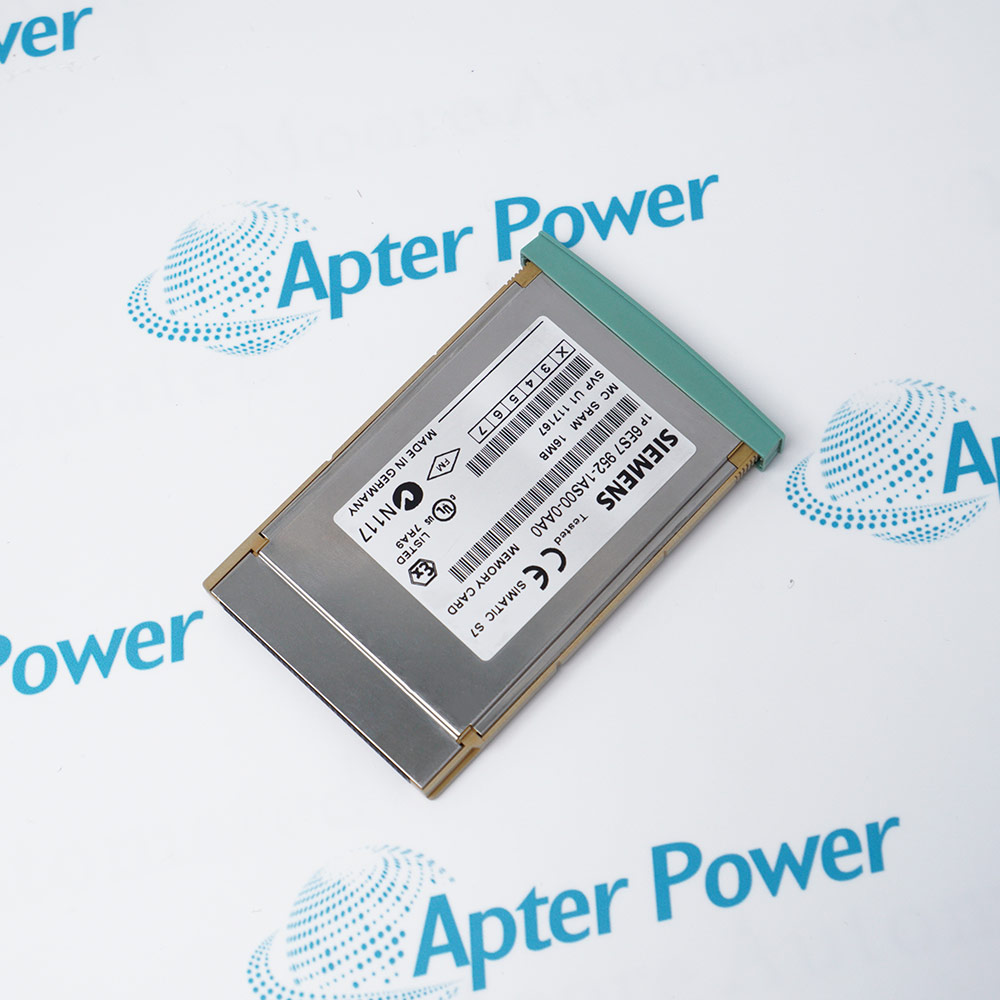
Features:
- 16 Mbyte RAM memory for expanding S7-400 CPU load memory.
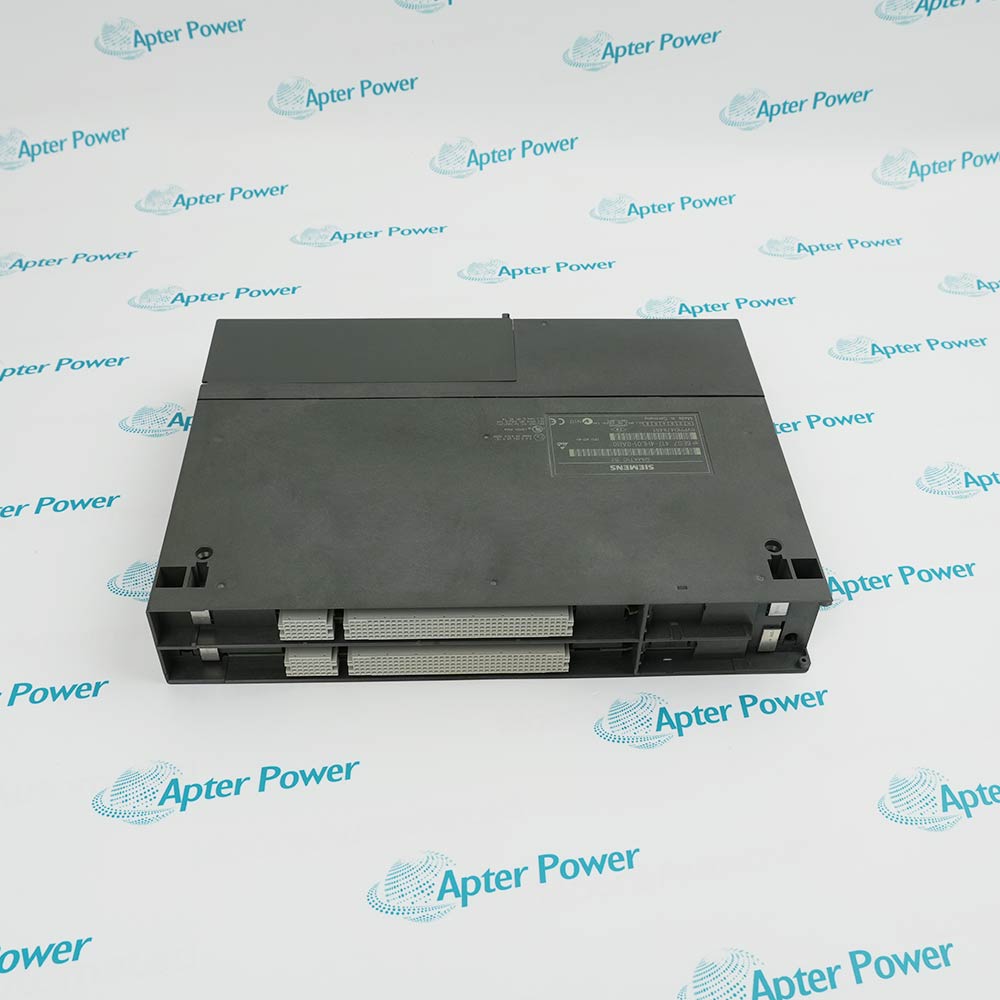
- Compatible with SIMATIC S7-400 PLC systems as an accessory memory card.
- Lightweight design for easy installation in CPU memory card slots.
The 6ES7952-1AS00-0AA0 provides 16 Mbyte of additional RAM memory for SIMATIC S7-400 programmable logic controllers. S7-400 CPUs have internal work memory, but large automation projects—with hundreds of function blocks, data blocks, and extensive configuration data—often exceed this capacity. Installing this memory card expands the load memory, allowing the CPU to store and execute larger user programs. For facilities running complex processes such as chemical plants, power generation, or automotive assembly lines, this expansion is essential to avoid program fragmentation or the need for a higher-end CPU.
The 6ES7952-1AS00-0AA0 uses RAM technology, which offers fast read/write access but requires continuous power to retain data. In S7-400 systems, a backup battery on the CPU maintains the memory content during power-off conditions. This is suitable for applications where program changes are frequent and write cycles are high, as RAM does not have the wear limitations of Flash memory. However, users must monitor the battery status and replace batteries according to Siemens maintenance schedules to prevent data loss.
For S7-400 systems still in operation—many of which have been running for decades in industries like oil and gas, water treatment, and metals—the 6ES7952-1AS00-0AA0 is a vital spare part. As Siemens transitions away from S7-400 toward S7-1500, original memory cards become harder to find. Having spare cards on hand ensures that a CPU memory failure doesn't shut down a production line.
The 6ES7952-1AS00-0AA0 Siemens Memory Card may still be available for purchase and support from Apter Power beyond
End-Of-Life (EOL) by the manufacturer (OEM).
Siemens 6ES7952-1AS00-0AA0 Memory Card Manuals,
Datasheets, Drivers, Link
Important Notice: Other accessories, manuals, cables, calibration data, software, etc. are not
included with this equipment unless listed in the above stock item description. All prices are
shown in USD.
Siemens 6ES7952-1AS00-0AA0 Memory Card Specs
General
- Manufacturer Siemens
- Model 6ES7952-1AS00-0AA0
- Condition New Original ready stock
- Product Family
6ES7952-1AK00-0AA0,6ES7952-1AL00-0AA0,6ES7952-1AP00-0AA0
Important Notice: Other accessories, manuals, cables, calibration data, software, etc. are not
included with this equipment unless listed in the above stock item description. All prices are
shown in USD.
- Manufacturing and Process Industries: Such as automotive production lines, pharmaceuticals, food and beverage processing.
- Heavy Industries: Steel industry, power generation and distribution, chemicals and petrochemicals.
- Large-Scale Facility Management: Building systems automation, warehousing and logistics.
- High Data Demand Scenarios: 16 MB of high-capacity RAM is suitable for applications requiring frequent reading and writing of large amounts of operational data or formula parameters.
- Diagnostic Mechanism, System Status List (SSL): The CPU's system status can be read using SFC 51 (RDSYSST) via STEP 7 software, including whether the memory card is inserted and memory error information.
- Diagnostic Interrupts: When a memory card malfunctions (such as a write error), the CPU triggers a diagnostic interrupt (such as OB82). The specific error code can be viewed in the diagnostic buffer.
- Protection Measures, Data Protection (Battery Backup): Because this card is a RAM type, the data is volatile. It must rely on the backup battery on the S7-400 rack. If the battery fails and the system loses power, the data on the memory card will be lost.
- Physical protection: The module is designed with good vibration resistance and industrial protection rating, but ensure the system condition allows it before plugging or unplugging (power off or in a specific maintenance mode is recommended).
- Confirm Slot: Insert the memory card into the Memory Card slot on the S7-400 CPU front panel.
- Hardware Configuration: In STEP 7's HW Config, select the corresponding CPU and configure the memory card parameters in the properties.
- Remote expansion and distributed deployment of I/O links in power plant automation control systems.
- Download Program: After configuration, download the user program and data blocks to the memory card.