Ask our team:
  • Phone: +86 181 0690 9650
  • E-Mail sales1@apterpower.com
How We Verify Your Order
Before dispatch, we confirm the exact model, revision, condition, inspection requirements and shipping documents for your order.
See a real on-site verification case >>
  • Lifecycle status

    OEM Lifecycle Status Not Confirmed
    Apter Power supports exact-model quotation, technical documentation and installed-system matching.

AD5*D

/ 4.9
1001 reviews | Need a Specific Revision?
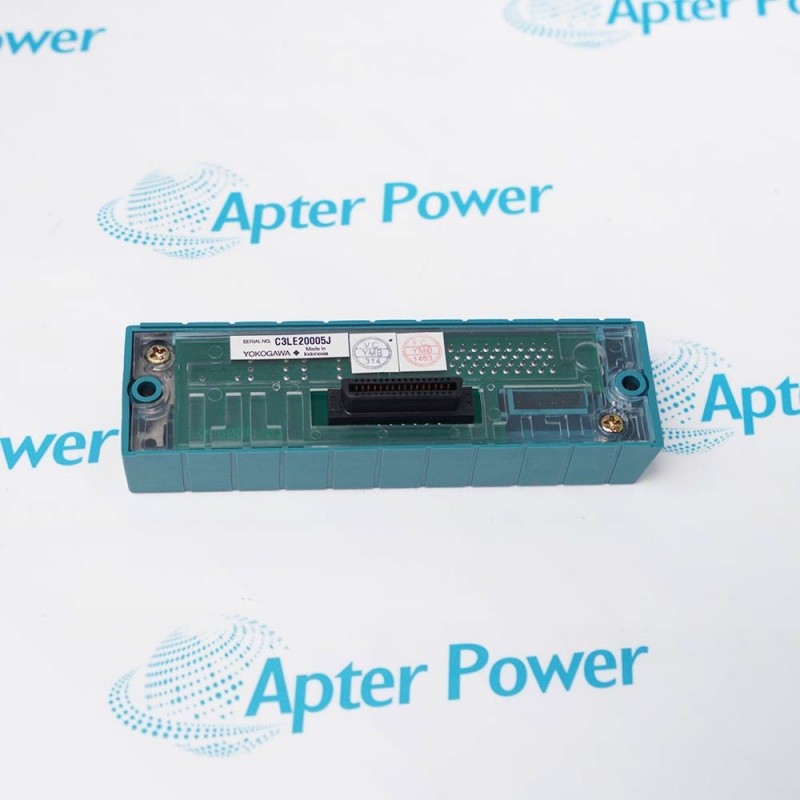
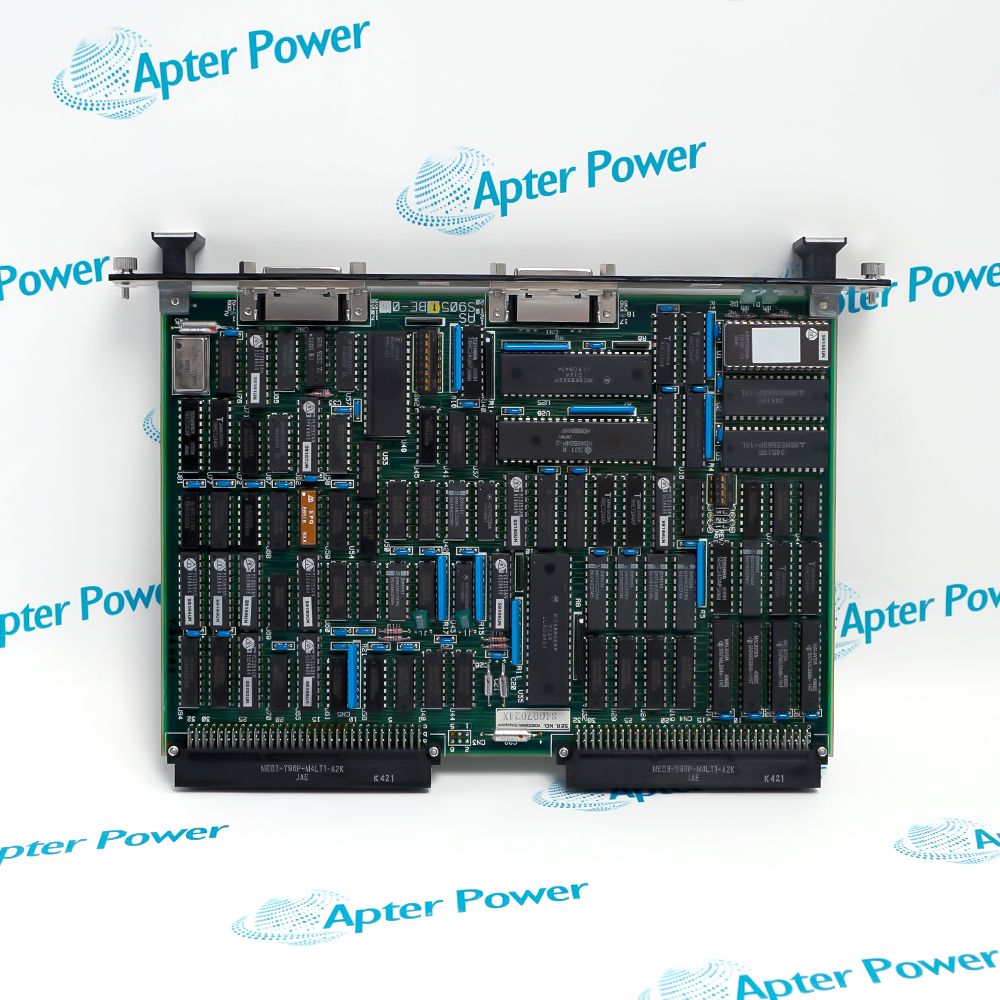
Yokogawa AD5*D is a legacy CENTUM XL plug-in module for a documented cabinet position and backplane interface.
In Stock
Ships by Saturday, November 14
Fast Shipping Available
Get a quick price for AD5*D
Quantity
*E-mail
Company
*Mobile
*Content
Upload (gif, jpg, jpeg, png, bmp, doc, docx, xls, xlsx, ppt, pdf, csv)

Technical specifications for AD5*D

  • Manufacturer:
    Yokogawa
  • Part Number:
    AD5*D
  • Product Family:
    Yokogawa Centum XL
  • Product Type:
    CENTUM XL DCS Module
  • Stock:
    1
  • System Family:
    Yokogawa CENTUM XL
  • Module Class:
    Legacy DCS module
  • Suffix:
    *D
  • Weight:
    0.68 kg
  • Estimated shipping dimensions:
    3.5x32x17.6cm
  • Tariff Code:
    8538909190
  • Country of origin:
    Japan
  • Place of shipment:
    Xiamen,Fujian,China
By purchasing this item, you agree to the Terms & Conditions, ApterPower is not an authorized distributor for listed manufacturers or tradenames and therefore the manufacturer's warranty does not apply. All our products come with ApterPower's 1-year warranty.

More Information

Overview Manuals Cabinet Context Installation Functional Checks Applications

Features:

  • Legacy CENTUM XL plug-in module for a documented cabinet position
  • Backplane and connector relationships defined by the installed hardware set
  • Serviceable module for controlled restoration of an existing cabinet
Integration focus: Use the complete suffix, slot schedule, connector map and companion-hardware list together.

Engineering consequence: Similar appearance does not prove equivalent function because slot wiring and suffix-dependent circuitry can differ.

Commissioning focus: Confirm normal cabinet diagnostics and test only the affected control path under the site procedure.

Apter Power supports the Yokogawa AD5*D CENTUM XL Plug-in Module with exact-model quotation and installed-cabinet checks.
Yokogawa AD5*D CENTUM XL DCS Module Manuals,Datasheets,Link

Important Notice: Use the complete model, suffix and installed-system documentation before service or installation.

  • Confirm the complete suffix and documented cabinet position before the module is removed.
  • Use the slot schedule and connector map to understand which control path is affected by the work.
  • Check companion modules and backplane references because similar cards may serve different functions.
  • Inspect card-edge contacts, guides, retention hardware and mating connectors before seating the module.
  • Keep the cabinet de-energized and apply ESD controls throughout board handling.
  • Seat the module in the specified position without disturbing adjacent cards or field wiring.
  • If a fault remains, separate module seating, backplane connection and external wiring before changing another component.
  • Use cabinet diagnostics and the affected control function together; a normal power indication alone is not sufficient.
  • After service, test the documented control path and confirm that unrelated channels remain unchanged.
  • Maintenance of installed CENTUM XL cabinets that explicitly specify AD5*D.
  • Controlled restoration of a documented plug-in module position during plant outages.
  • Life-extension work in process plants retaining the original cabinet, backplane and field wiring.
Description
Yokogawa AD5*D is a legacy CENTUM XL plug-in module intended for the specific cabinet position and hardware set defined by the installed system documentation.

Because the exact role of AD5*D is determined by its complete suffix, slot wiring and companion hardware, service work should preserve the original connector, backplane and configuration relationships rather than infer function from the family marking alone.

For an installed cabinet, AD5*D supports exact-slot continuity during maintenance, allowing technicians to restore the documented module position while minimizing changes to adjacent control paths and field wiring.
Alternative Names
AD5 D AD5D Yokogawa AD5*D Yokogawa AD5D CENTUM XL AD5*D AD5 legacy DCS module
Technical notes
AD5*D is a suffix-dependent CENTUM XL plug-in module whose working role is defined by the installed slot, connector map and companion hardware. If a fault remains after installation, separate board seating, backplane contact and external wiring before changing another component. This preserves the documented control path and avoids unnecessary cabinet disturbance.
Exceptional Service

Our Mission

  • 100% Satisfaction

    We believe expertise is priceless. With over 20 years of experience, and top engineers on staff, we can help you solve or avoid problems that threaten your business.
  • Trust Guaranteed

    Not only do we have a vast inventory, our team makes sure every piece of equipment is in working condition. Your purchases are also backed by our Warranty.
  • Expertise

    Time is money, especially when your equipment is down. We work quickly to get your equipment on its way so you can get it back up and running.

FAQS

The following is a list of questions commonly asked by our customers. Please contact us if you have a question about our process that is not answered below.
What determines the correct cabinet position for AD5*D?
Use the complete suffix, slot schedule, connector map and installed hardware list together. Mechanical fit alone does not establish the correct position.
Why can a cabinet fault remain after AD5*D is installed?
The cause may be incomplete seating, a damaged backplane contact, external wiring or companion hardware. Check the affected path systematically before changing another module.
Can AD5*D be selected from appearance alone?
No. Similar legacy boards can have different suffixes, circuitry and slot assignments. The complete marking and cabinet documentation are required.
What should be inspected before seating AD5*D?
Inspect card-edge contacts, board guides, retention hardware and mating connectors for contamination, bending, corrosion or heat damage.
How should AD5*D be handled outside the cabinet?
Use grounded ESD controls, touch only the board edges and keep the module in shielding packaging until it is ready to be installed.
What should be tested after installing AD5*D?
Confirm normal cabinet diagnostics, exercise the documented affected control path and verify that adjacent or unrelated channels remain unchanged.