ABB CDP312R
ABB CDP312R
ABB CDP312R
ABB CDP312R
ABB CDP312R
ABB CDP312R
Ask our team:
  • Phone: +86 181 0690 9650
  • E-Mail sales1@apterpower.com

CDP-312R

/ 4.9
1001 reviews | Need a Specific Revision?
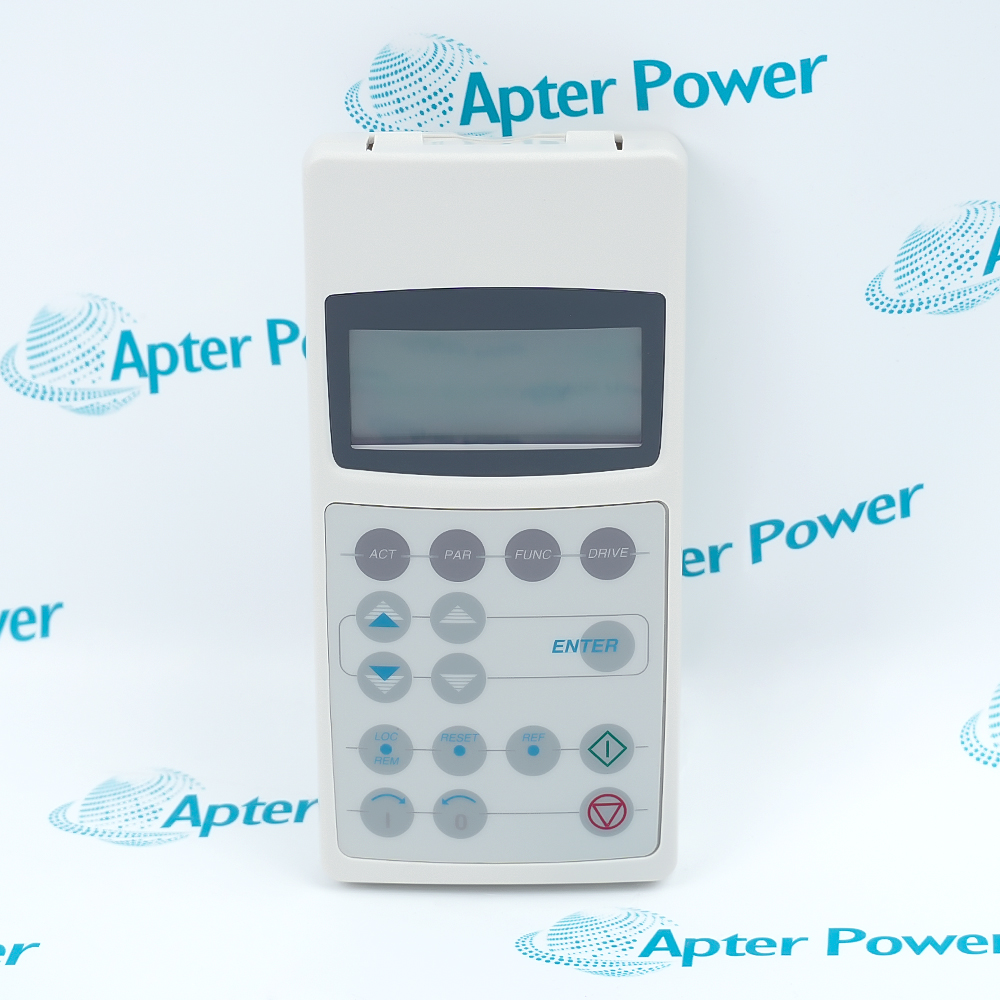
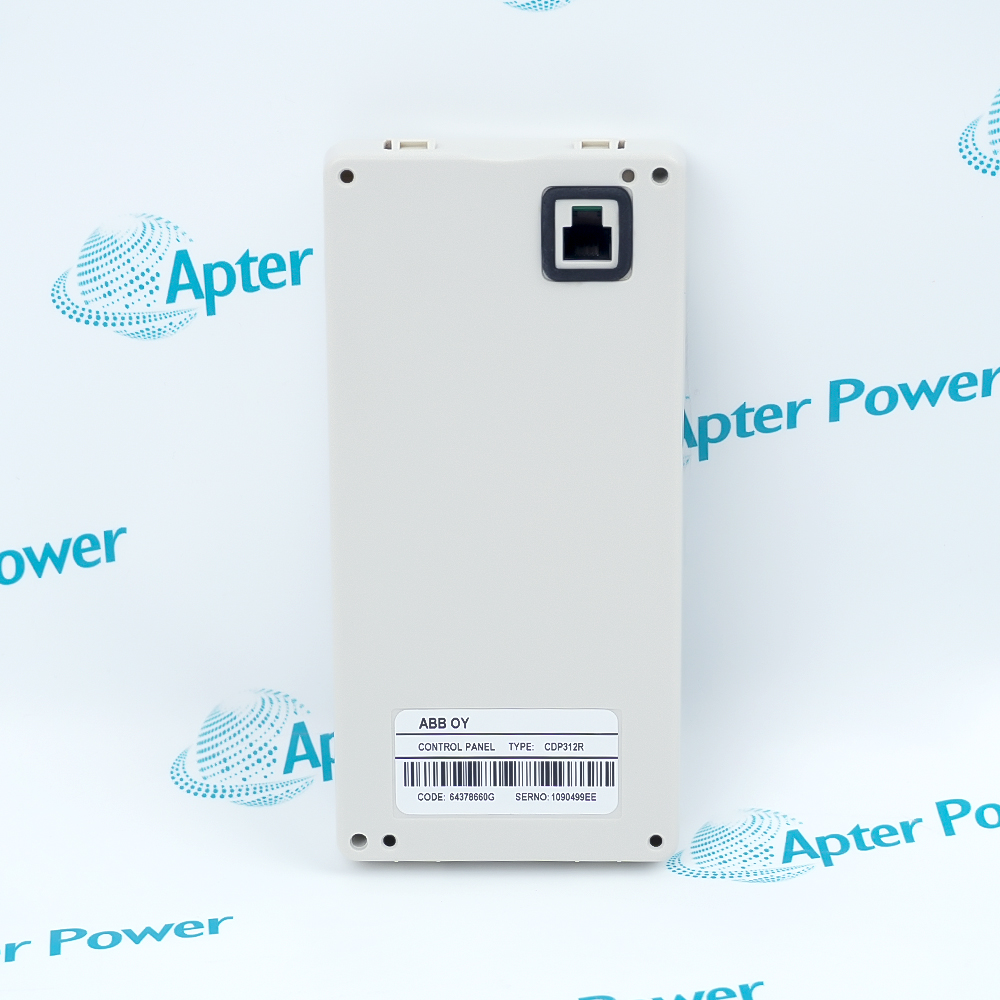
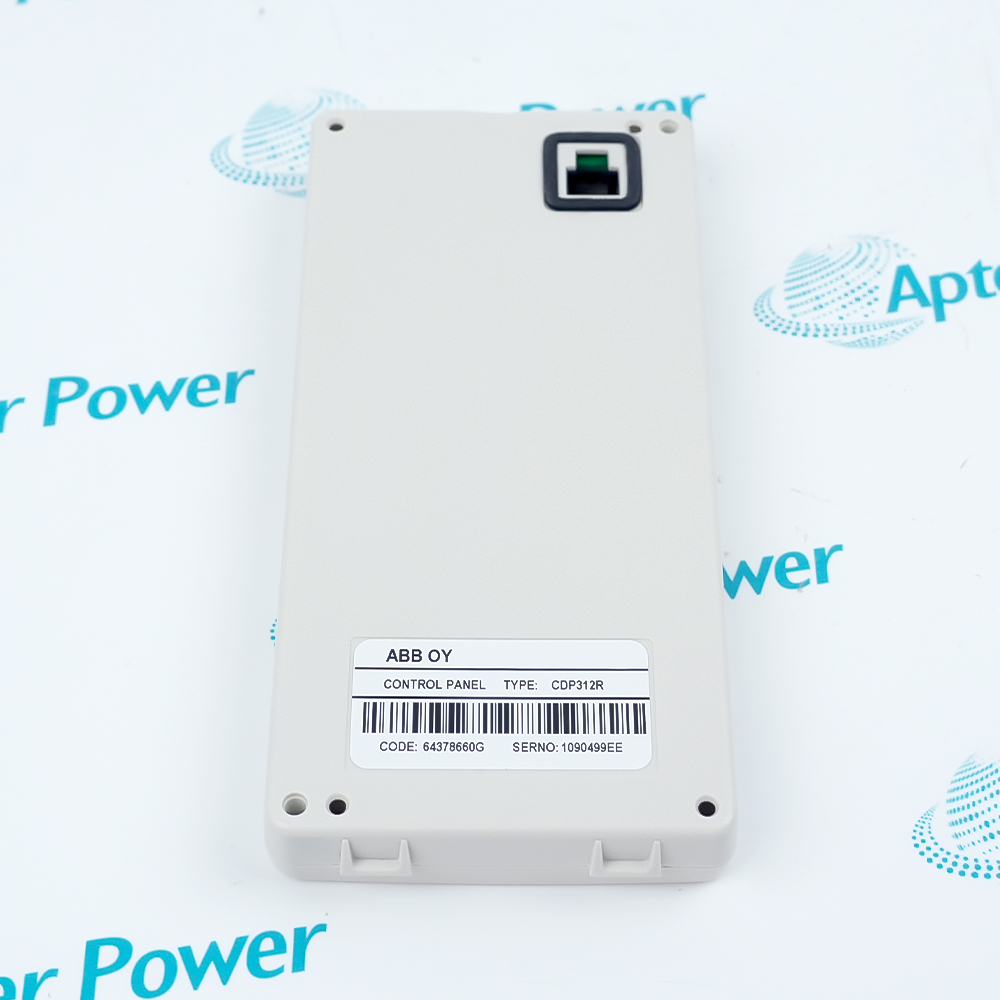
ABB CDP-312R is a removable drive control panel used to monitor, configure, select, and locally operate compatible ACQ800 and ACS800 drives.
In Stock
Ships by Thursday, October 29
Fast Shipping Available
Get a quick price for CDP-312R
Quantity
*E-mail
Company
*Mobile
*Content
Upload (gif, jpg, jpeg, png, bmp, doc, docx, xls, xlsx, ppt, pdf, csv)

Technical specifications for CDP-312R

  • Manufacturer:
    ABB
  • Part Number:
    CDP-312R
  • Product Family:
    ABB Drives
  • Product Type:
    Drive Control Panel
  • Stock:
    1
  • Display:
    Four-line LCD, 20 characters per line
  • Operating Modes:
    ACT, PAR, FUNC, and DRIVE
  • Drive-Control Keys:
    Start, Stop, reference activation, forward, reverse, fault reset, and local/remote
  • Compatible ACQ800 Panel:
    The same panel is documented for all ACQ800 drives
  • Multi-Drive Panel-Bus Capability:
    Up to 31 compatible drives in documented ACS800 panel-bus arrangements
  • Dimensions:
    17.0 × 8.0 × 2.3 cm
  • Weight:
    0.14 kg
  • Tariff Code:
    8537109090
  • Country of origin:
    Sweden
  • Place of shipment:
    Xiamen, Fujian, China
By purchasing this item, you agree to the Terms & Conditions, ApterPower is not an authorized distributor for listed manufacturers or tradenames and therefore the manufacturer's warranty does not apply. All our products come with ApterPower's 1-year warranty.

More Information

Overview Manuals Display Modes Local Control Panel Setup Application
  • Four-line LCD presents actual values, parameters, functions, and drive selection
  • Dedicated keys support local drive operation, direction control, and fault reset
  • Removable design supports compatible drive-front and panel-mounting arrangements

CDP-312R is ABB's operator interface for supported ACQ800 and ACS800 variable-speed drives.

Operators use its ACT, PAR, FUNC, and DRIVE modes to navigate operating data and to select the drive being controlled on a documented panel-bus arrangement.

Before installation, confirm the drive family, panel connector, cable and mounting hardware, active control source, drive address, and safe command conditions.

Availability, condition, price, and shipping time for CDP-312R are confirmed during quotation.

ABB CDP-312R Drive Control Panel Manuals, Datasheets, Links

Important Notice: Other accessories, manuals, cables, calibration data, software, etc. are not included with this equipment unless listed in the above stock item description. All prices are shown in USD.


  • Use ACT mode to view selected actual signals and status
  • Use PAR mode to navigate parameter groups and values
  • Use FUNC and DRIVE modes for functions and drive selection
  • Select local or remote control before issuing panel commands
  • Use dedicated Start, Stop, direction, and reference keys as allowed by the drive
  • Reset a fault only after the underlying trip condition is understood
  • Seat the panel cable and connector without forcing the interface
  • Verify drive identity and panel-bus address in multi-drive systems
  • Use the correct mounting accessory for drive-front or cabinet-door installation
  • Local commissioning and monitoring of ACQ800 pump-control drives
  • Operator control of compatible ACS800 drive installations
  • Drive selection and operation on documented ABB multi-drive panel-bus systems
Description
CDP-312R is an ABB four-line operator panel for compatible ACQ800 and ACS800 drive systems.

It provides actual-signal display, parameter and function navigation, drive selection, local or remote control selection, direction commands, start and stop control, and fault reset.

Before replacement, confirm the complete panel type, drive family, panel interface, cable, mounting arrangement, drive address, and safe control state.
Alternative Names
CDP-312R CDP 312R CDP312R ABB CDP-312R ABB CDP 312R ABB Drives CDP-312R
Technical notes
CDP-312R must match a compatible ABB drive panel interface and installed control mode; confirm the panel cable, mounting arrangement, drive identity, and local/remote settings to avoid commissioning errors.
Exceptional Service

Our Mission

  • 100% Satisfaction

    We believe expertise is priceless. With over 20 years of experience, and top engineers on staff, we can help you solve or avoid problems that threaten your business.
  • Trust Guaranteed

    Not only do we have a vast inventory, our team makes sure every piece of equipment is in working condition. Your purchases are also backed by our Warranty.
  • Expertise

    Time is money, especially when your equipment is down. We work quickly to get your equipment on its way so you can get it back up and running.

FAQS

The following is a list of questions commonly asked by our customers. Please contact us if you have a question about our process that is not answered below.
Can ABB CDP-312R be used with every ACQ800 drive?
ABB's ACQ800 manual states that the same CDP 312R control panel is used with all ACQ800 drives; still verify the installed panel interface and cable.
What should be checked before using ABB CDP-312R to copy settings to another drive?
Confirm the target drive type and application are compatible, preserve a backup, and review the transferred parameter set before enabling operation; do not assume settings from one drive are suitable for another.
How does ABB CDP-312R switch between local and external control?
Use the LOC/REM control to change the control location, then verify the display indication and the drive's enabled command source before issuing a start command.
What should be checked if ABB CDP-312R powers up but does not control the drive?
Confirm the panel cable and connector, selected drive identity, local/remote state, enabled command source, active fault, and whether the drive is ready for local commands.
Can ABB CDP-312R be mounted on a cabinet door?
ABB documents removable panel arrangements and panel-mounting accessories; verify the correct mounting platform, cable, connector, and door cutout for the installed drive.
What must be retained before replacing ABB CDP-312R?
Record the selected drive, display settings, local/remote state, panel-bus addresses, and any panel-related configuration; the drive's own parameter backup should also be secured.
Why might the fault-reset key on ABB CDP-312R not restart the drive?
A reset acknowledges a resettable fault but does not remove its cause or automatically enable a start; inspect the fault record, interlocks, control source, and safe restart conditions.

Product Browsing History