
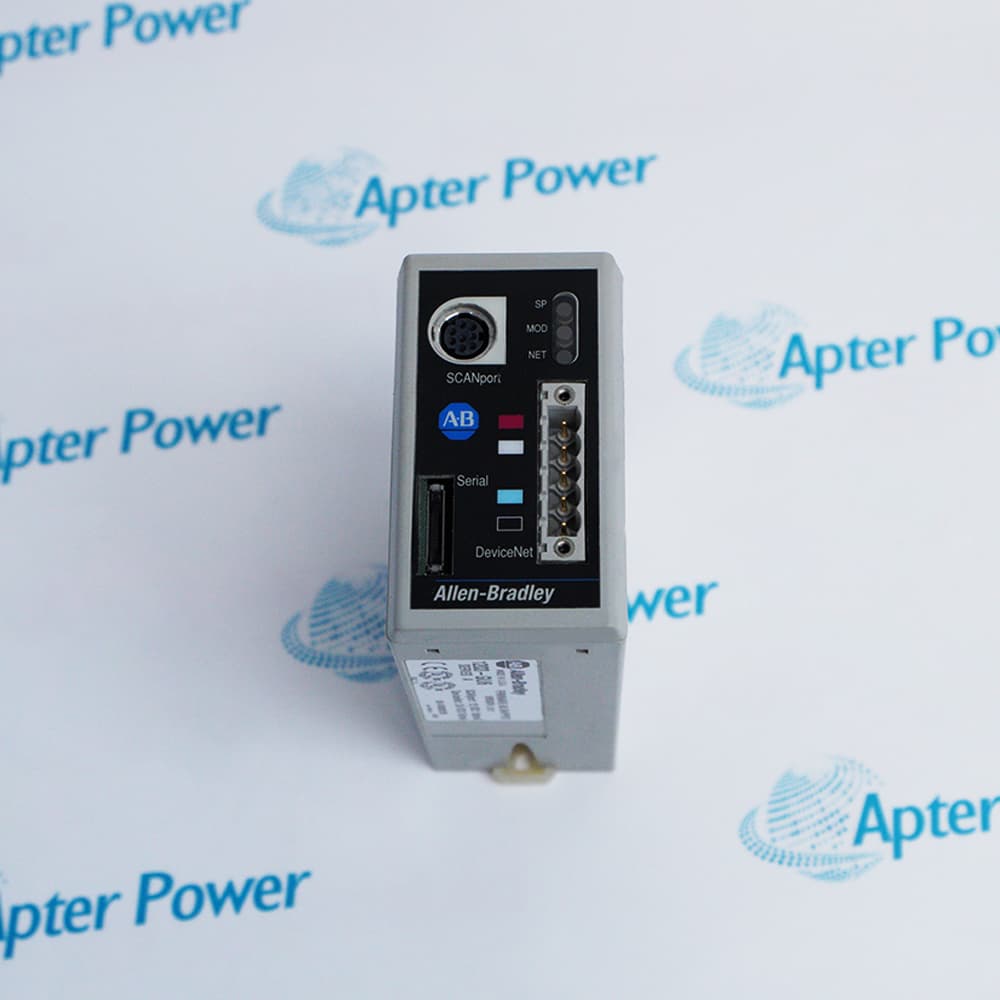
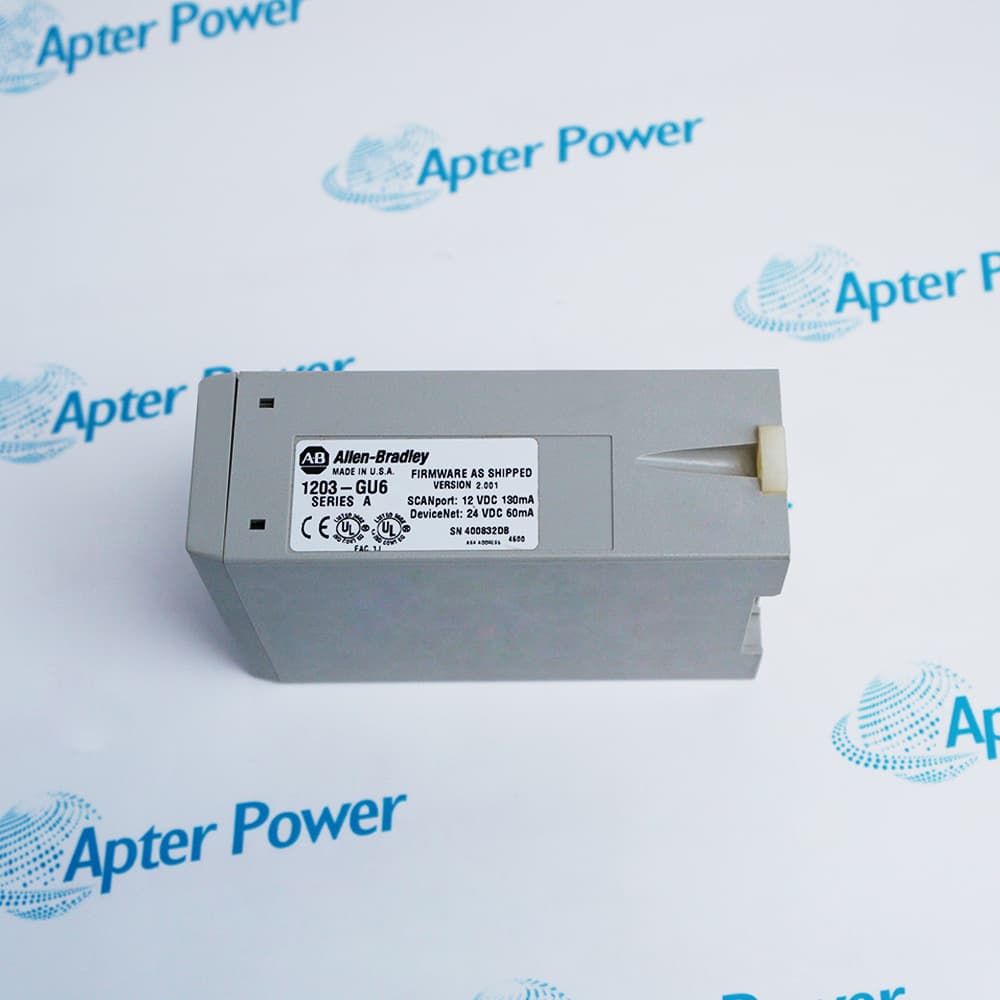
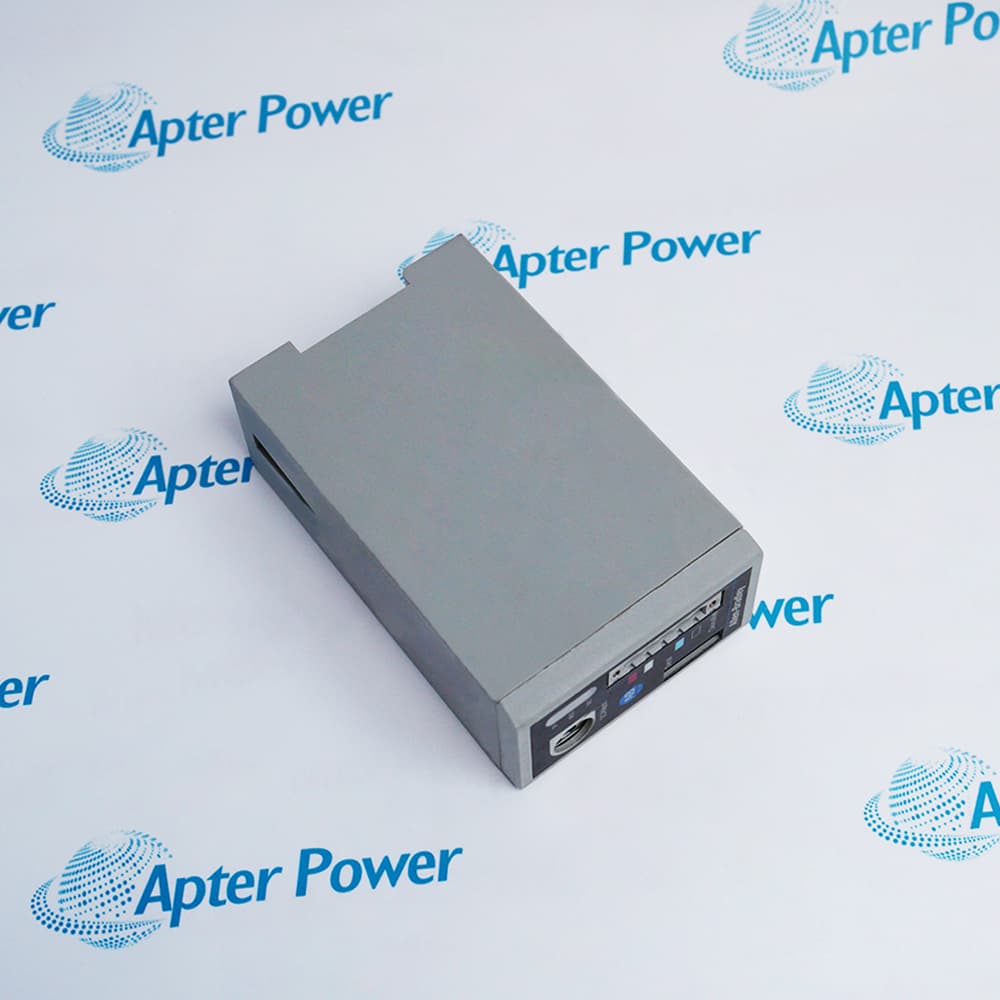
Allen-Bradley 1203-GU6
Ask our team:
  • Phone: +86 181 0690 9650
  • E-Mail sales1@apterpower.com
  • Lifecycle status

    Discontinued
    Discontinued date: 2014-12-31

1203-GU6

/ 4.9
1001 reviews | Need a Specific Revision?
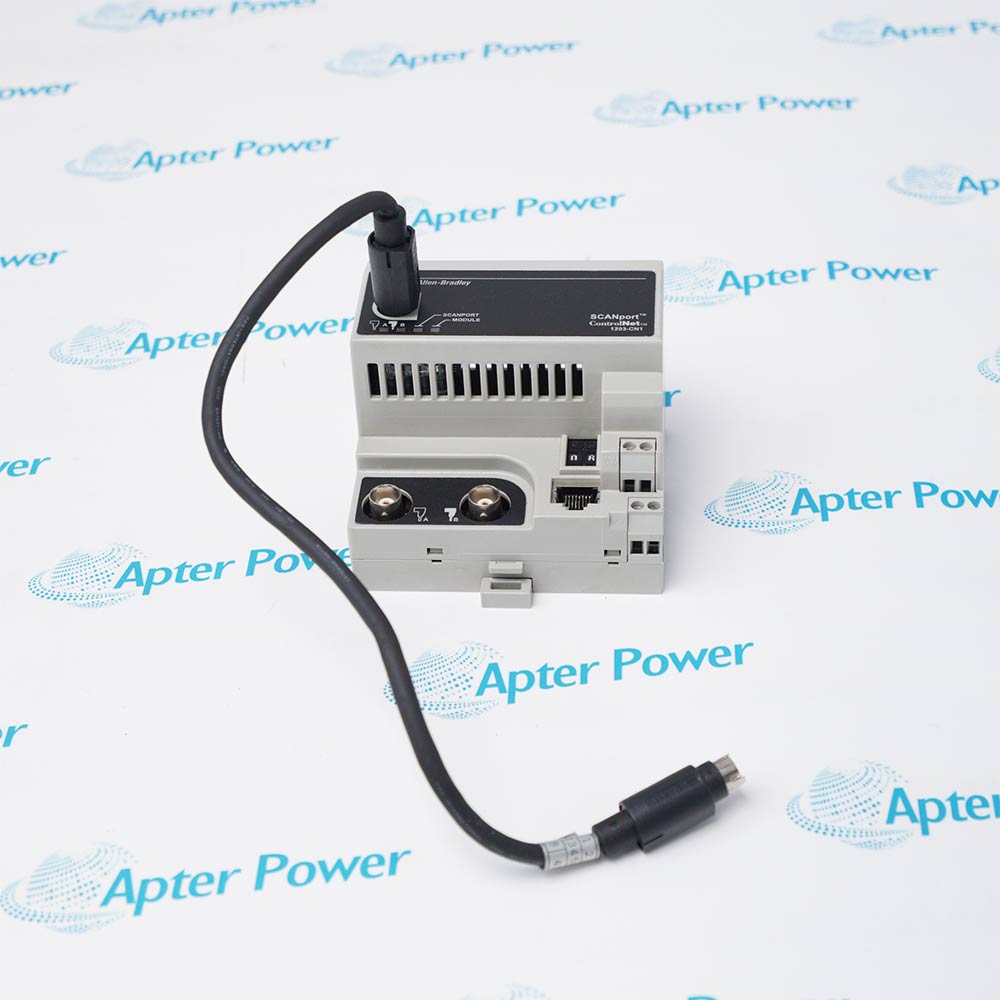
Allen-Bradley 1203-GU6 connects a compatible SCANport drive to DeviceNet, providing digital command, reference, status, and feedback exchange through a DIN-rail module.
In Stock
Ships by Thursday, October 29
Fast Shipping Available
Get a quick price for 1203-GU6
Quantity
*E-mail
Company
*Mobile
*Content
Upload (gif, jpg, jpeg, png, bmp, doc, docx, xls, xlsx, ppt, pdf, csv)

Technical specifications for 1203-GU6

  • Manufacturer:
    Allen-Bradley
  • Part Number:
    1203-GU6
  • Product Family:
    1203 Communication Modules
  • Product Type:
    Enhanced DeviceNet-to-SCANport Communications Module
  • Stock:
    1
  • Network Interface:
    DeviceNet
  • Device Interface:
    SCANport
  • Dimensions:
    4.57 × 7.62 × 12.7 cm
  • SCANport Power:
    130 mA maximum at 12V DC
  • DeviceNet Power:
    60 mA maximum at 24V DC
  • Operating Temperature:
    0 to 55°C
  • Storage Temperature:
    -40 to 85°C
  • Mounting:
    35 mm DIN rail
  • Dimensions:
    4.57 × 7.62 × 12.70 cm
  • Weight:
    0.179 kg
  • Tariff Code:
    8537101190
  • Country of origin:
    USA
  • Place of shipment:
    Xiamen,Fujian,China
By purchasing this item, you agree to the Terms & Conditions, ApterPower is not an authorized distributor for listed manufacturers or tradenames and therefore the manufacturer's warranty does not apply. All our products come with ApterPower's 1-year warranty.

More Information

Overview Manuals DeviceNet Setup SCANport Integration Diagnostics Application
  • Enhanced DeviceNet communication for a compatible SCANport device
  • Documented DeviceNet and SCANport power requirements
  • Official dimensions, weight, environmental limits, and DIN-rail mounting

Allen-Bradley 1203-GU6 provides DeviceNet communication for one compatible SCANport drive or peripheral.

Integration requires correct DeviceNet node and baud settings, EDS information, scanner mapping, SCANport power, drive parameters, and communication-loss behavior.

Because the module is discontinued without a direct OEM replacement, any platform migration should be treated as an engineered controls change.

Availability, condition, price, and shipping time for 1203-GU6 are confirmed during quotation.

Allen-Bradley 1203-GU6 Communications Module Manuals, Datasheets, Links

Important Notice: Other accessories, manuals, cables, calibration data, software, etc. are not included with this equipment unless listed in the above stock item description. All prices are shown in USD.
  • Set the documented node address and baud rate
  • Install the correct EDS and scanner configuration
  • Verify DeviceNet power, cable, shielding, and termination
  • Connect one compatible SCANport device
  • Confirm control-source and data-mapping parameters
  • Back up drive and adapter settings before replacement
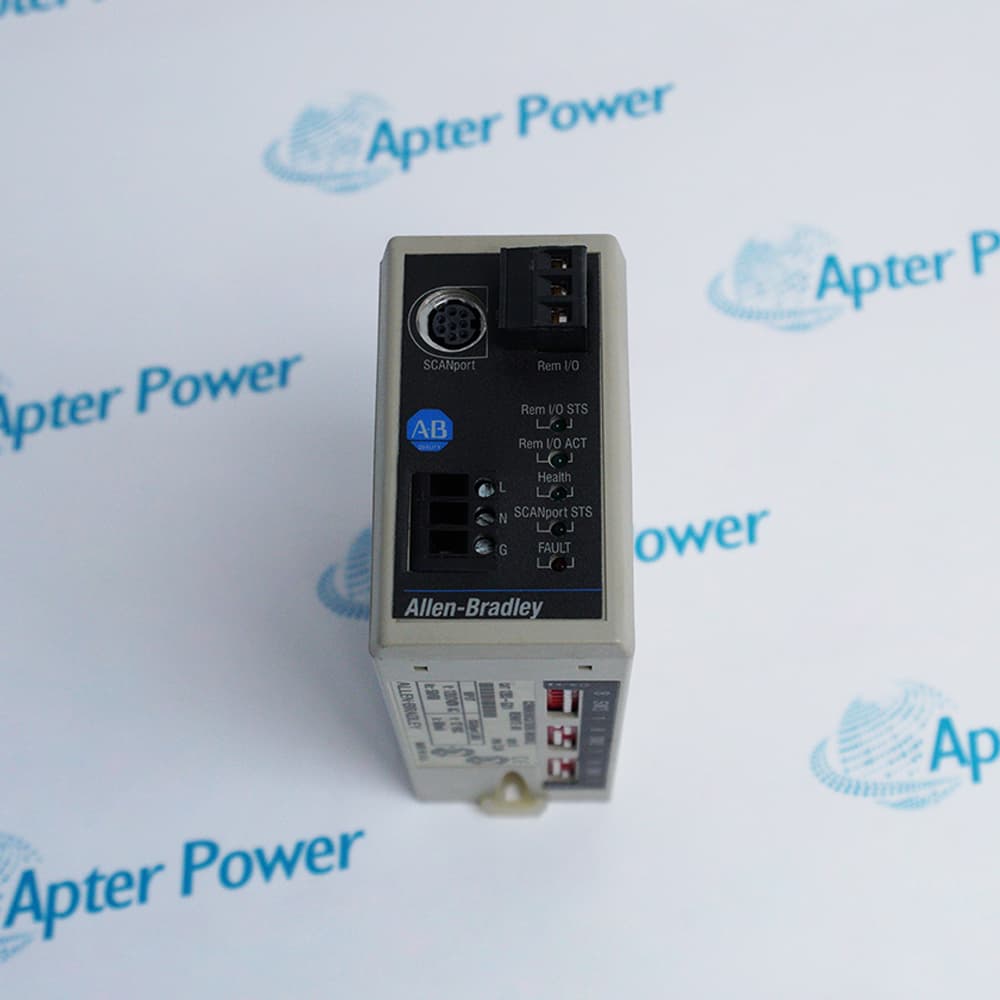
  • Interpret DeviceNet, adapter, and SCANport indicators separately
  • Check both power sources before changing configuration
  • Test communication-loss and recovery behavior safely
  • DeviceNet command and speed-reference control of supported SCANport drives
  • Cyclic drive status and feedback exchange with DeviceNet scanners
  • DeviceNet explicit-message access to supported SCANport drive parameters and diagnostics
Description
Allen-Bradley 1203-GU6 is an enhanced DeviceNet-to-SCANport communications module for connecting one compatible drive or peripheral to a DeviceNet network. It mounts on 35 mm DIN rail and draws power from the documented DeviceNet and SCANport interfaces.

Correct operation depends on DeviceNet node and baud settings, cable and termination, EDS information, scanner I/O mapping, drive control-source configuration, and SCANport compatibility. The official manual provides exact electrical, environmental, dimensional, weight, and approval information.

Before replacement, save the adapter and drive parameters, scanner configuration, EDS revision, firmware, network wiring, and communication-loss action. Commission with the machine safe and verify cyclic I/O, command and reference ownership, feedback scaling, stop behavior, and recovery after a network interruption.
Alternative Names
1203-GU6 1203GU6 1203 GU6 Allen-Bradley 1203-GU6 Allen Bradley 1203-GU6 AB 1203-GU6 Rockwell Automation 1203-GU6
Technical notes
Allen-Bradley 1203-GU6 requires compatible DeviceNet and SCANport power, node and baud settings, EDS and I/O mapping, grounding, and tested loss-of-communication behavior.
Exceptional Service

Our Mission

  • 100% Satisfaction

    We believe expertise is priceless. With over 20 years of experience, and top engineers on staff, we can help you solve or avoid problems that threaten your business.
  • Trust Guaranteed

    Not only do we have a vast inventory, our team makes sure every piece of equipment is in working condition. Your purchases are also backed by our Warranty.
  • Expertise

    Time is money, especially when your equipment is down. We work quickly to get your equipment on its way so you can get it back up and running.

FAQS

The following is a list of questions commonly asked by our customers. Please contact us if you have a question about our process that is not answered below.
Why can a DeviceNet scanner detect 1203-GU6 but establish no cyclic I/O connection?
Add the node to the scanlist, match the configured input and output sizes, confirm ownership, and place the scanner and controller in the required operating mode.
What should be checked when configuration software identifies 1203-GU6 as an unknown device?
Install the matching EDS, then compare vendor, device type, product code, revision, node address, and firmware before adding the adapter to the scanlist.
What must match when replacing a DeviceNet adapter for 1203-GU6?
Match node address, baud rate, EDS revision, I/O assembly or mapping, scanner configuration, drive parameters, and communication-loss action.
Why can the adapter appear online while the drive remains uncontrolled for 1203-GU6?
The network connection may be established while control-source selection, I/O mapping, drive enable, logic command, reference, or ownership remains incorrect.
Can 1203-GU6 be installed in an open panel?
Use the enclosure, DIN-rail mounting, clearances, grounding, and pollution controls required by the official manual and local installation rules.
What should be tested after DeviceNet commissioning for 1203-GU6?
Verify cyclic I/O, explicit messaging where used, status and feedback scaling, stop behavior, communication-loss response, and power-cycle recovery.
Can 1203-GU6 be replaced by another DeviceNet adapter without changing controller logic?
Do not assume direct interchangeability. Compare I/O assemblies, word order, scaling, scanner mapping, drive compatibility, ownership, and communication-fault behavior before substitution.

Product Browsing History