
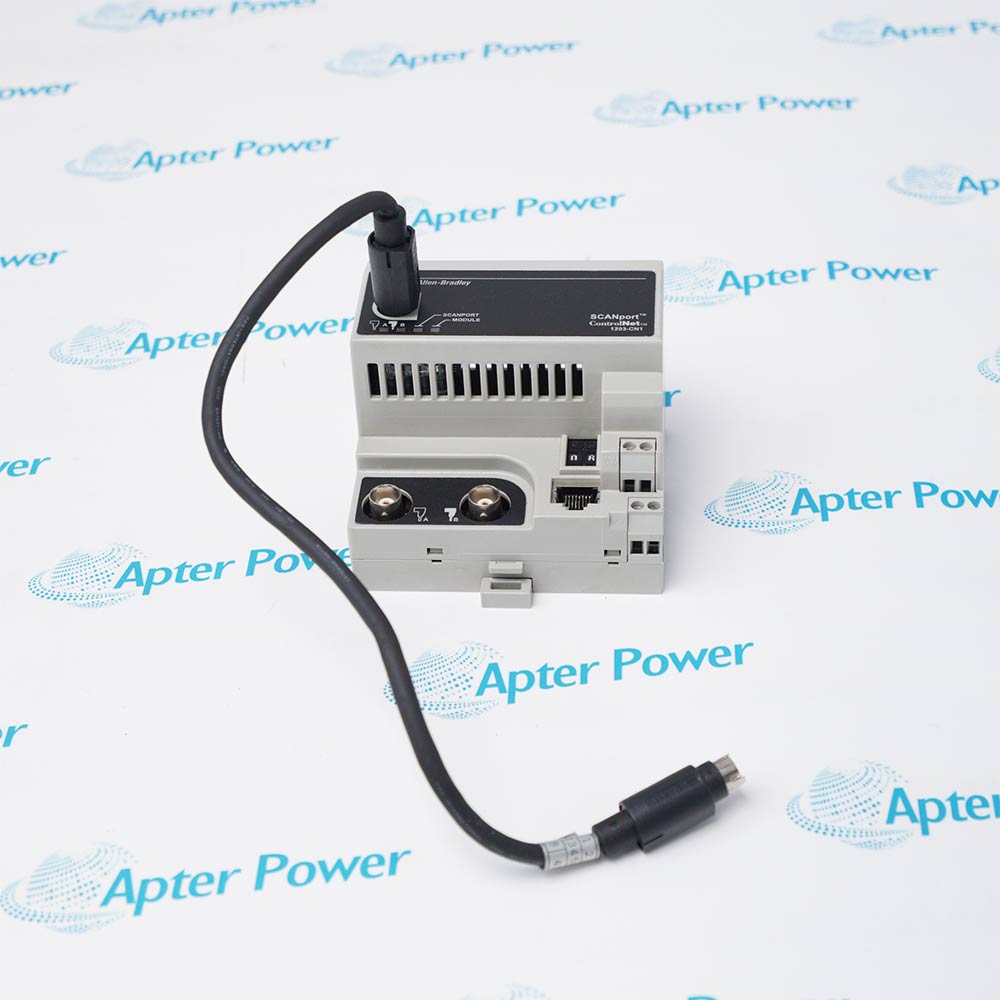
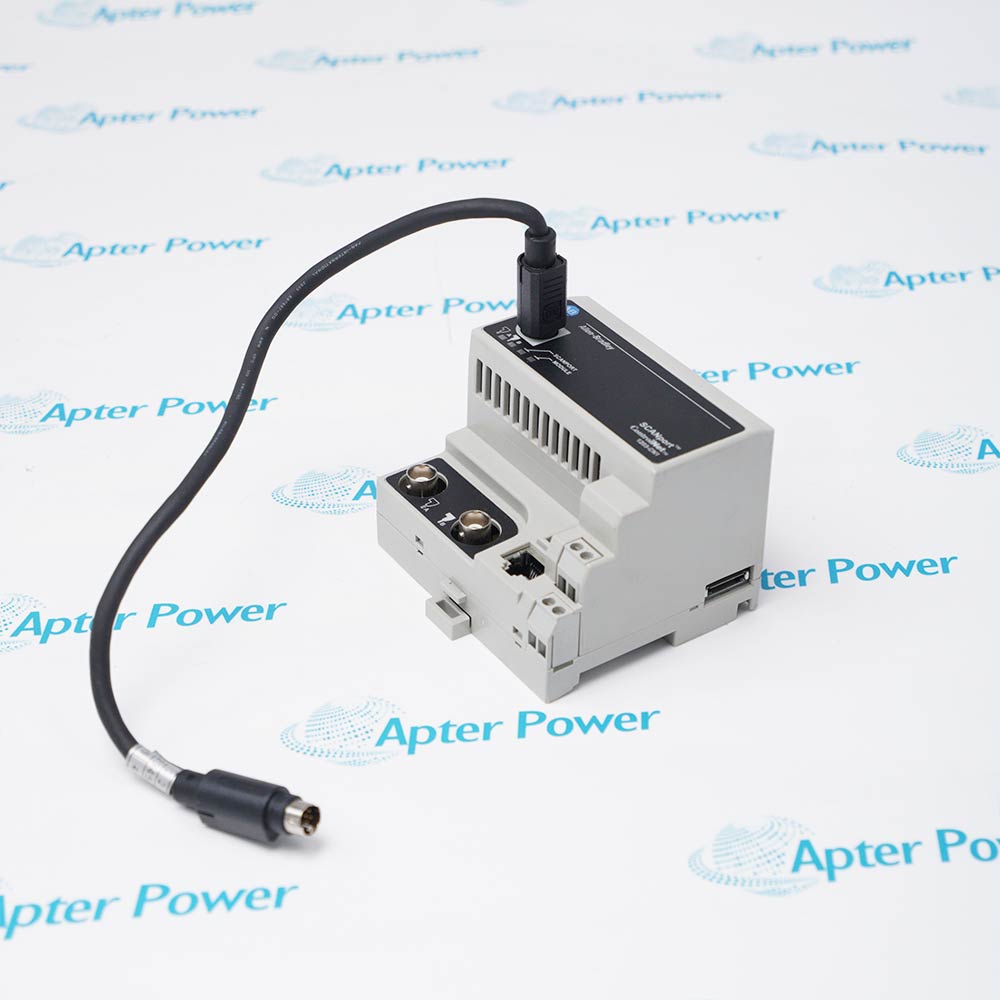
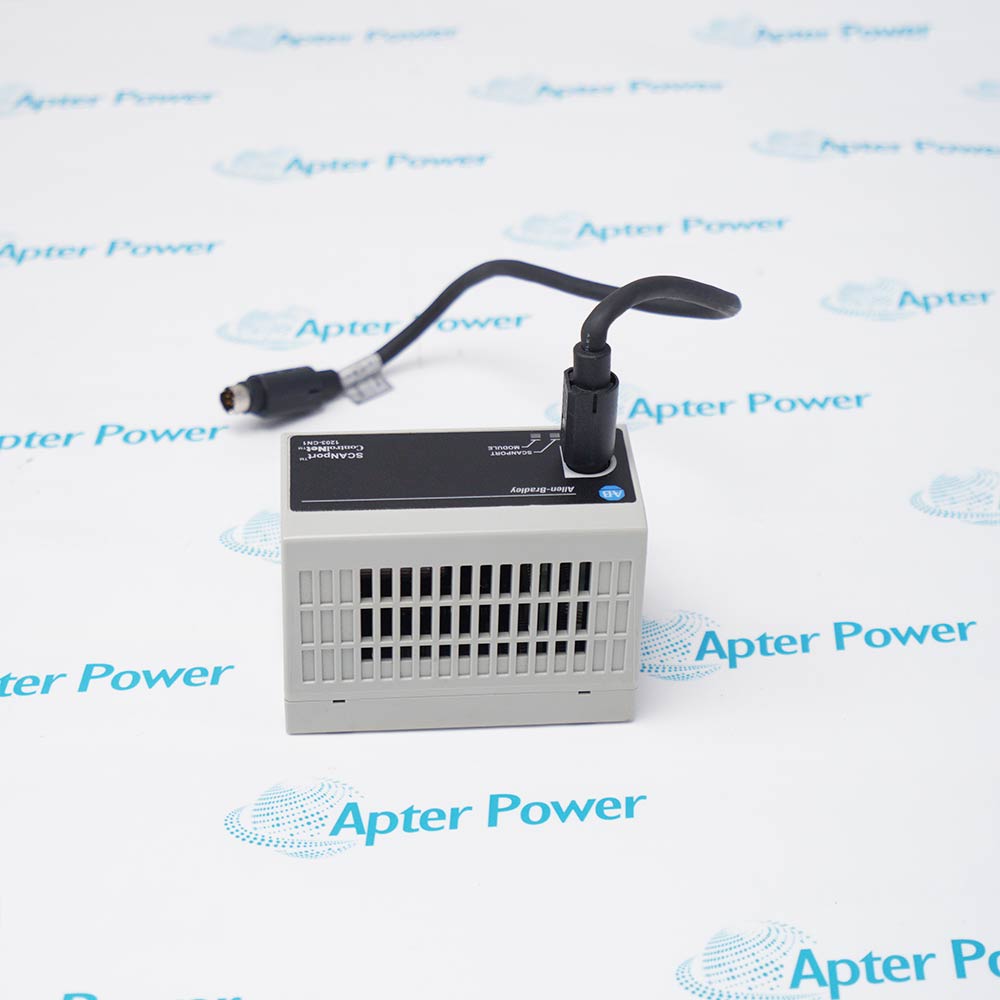
AB 1203-CN1
AB 1203-CN1
AB 1203-CN1
AB 1203-CN1
AB 1203-CN1
AB 1203-CN1
Ask our team:
  • Phone: +86 181 0690 9650
  • E-Mail sales1@apterpower.com

1203-CN1

/ 4.9
1001 reviews | Need a Specific Revision?
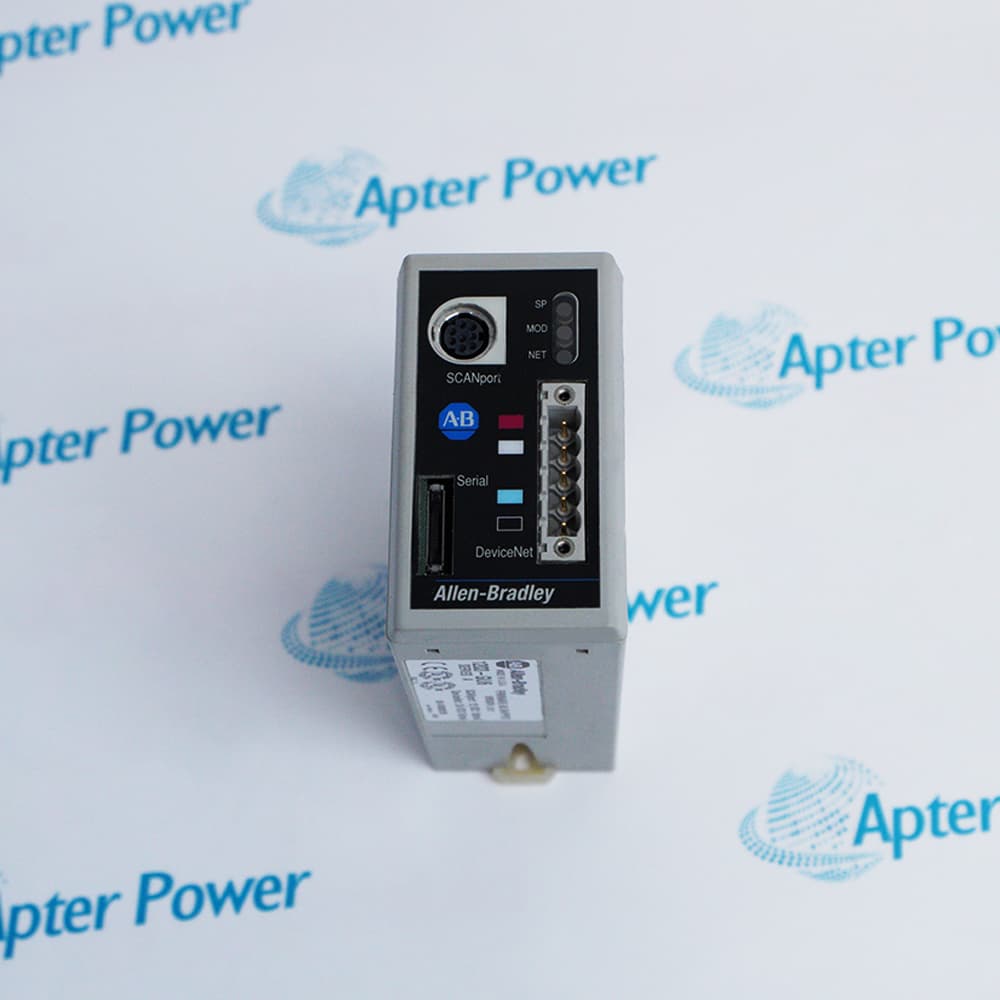
Allen-Bradley 1203-CN1 connects one SCANport-compatible drive or peripheral to a ControlNet network in an externally powered DIN-rail communications module.
In Stock
Ships by Wednesday, October 28
Fast Shipping Available
Get a quick price for 1203-CN1
Quantity
*E-mail
Company
*Mobile
*Content
Upload (gif, jpg, jpeg, png, bmp, doc, docx, xls, xlsx, ppt, pdf, csv)

Technical specifications for 1203-CN1

  • Manufacturer:
    Allen-Bradley
  • Part Number:
    1203-CN1
  • Product Family:
    1203 Communication Modules
  • Product Type:
    ControlNet-to-SCANport Communications Module
  • Stock:
    1
  • Network Interface:
    ControlNet
  • Device Interface:
    One SCANport connection
  • Supply:
    24V DC; 250 mA maximum
  • Dimensions:
    9.95 × 6.84 × 9.0 cm
  • Operating Temperature:
    0 to 55°C
  • Storage Temperature:
    -40 to 85°C
  • Mounting:
    35 mm DIN rail
  • Approvals:
    UL and cUL as listed in the official manual
  • Weight:
    0.2367 kg
  • Tariff Code:
    8537101190
  • Country of origin:
    USA
  • Place of shipment:
    Xiamen,Fujian,China
By purchasing this item, you agree to the Terms & Conditions, ApterPower is not an authorized distributor for listed manufacturers or tradenames and therefore the manufacturer's warranty does not apply. All our products come with ApterPower's 1-year warranty.

More Information

Overview Manuals ControlNet Setup SCANport Interface Diagnostics Application
  • ControlNet network connection for one SCANport-compatible device
  • DIN-rail package with documented 24V DC power requirements
  • Official dimensions, weight, environmental limits, and agency approvals

Allen-Bradley 1203-CN1 provides a digital communication path between a ControlNet network and one SCANport-compatible device.

Correct operation depends on external 24V DC power, compliant ControlNet media, a valid node address, EDS information, and a compatible SCANport cable and host device.

Before replacement, preserve network scheduling, I/O mapping, adapter configuration, firmware details, and the connected drive parameter set.

Availability, condition, price, and shipping time for 1203-CN1 are confirmed during quotation.

Allen-Bradley 1203-CN1 Communications Module Manuals, Datasheets, Links

Important Notice: Other accessories, manuals, cables, calibration data, software, etc. are not included with this equipment unless listed in the above stock item description. All prices are shown in USD.
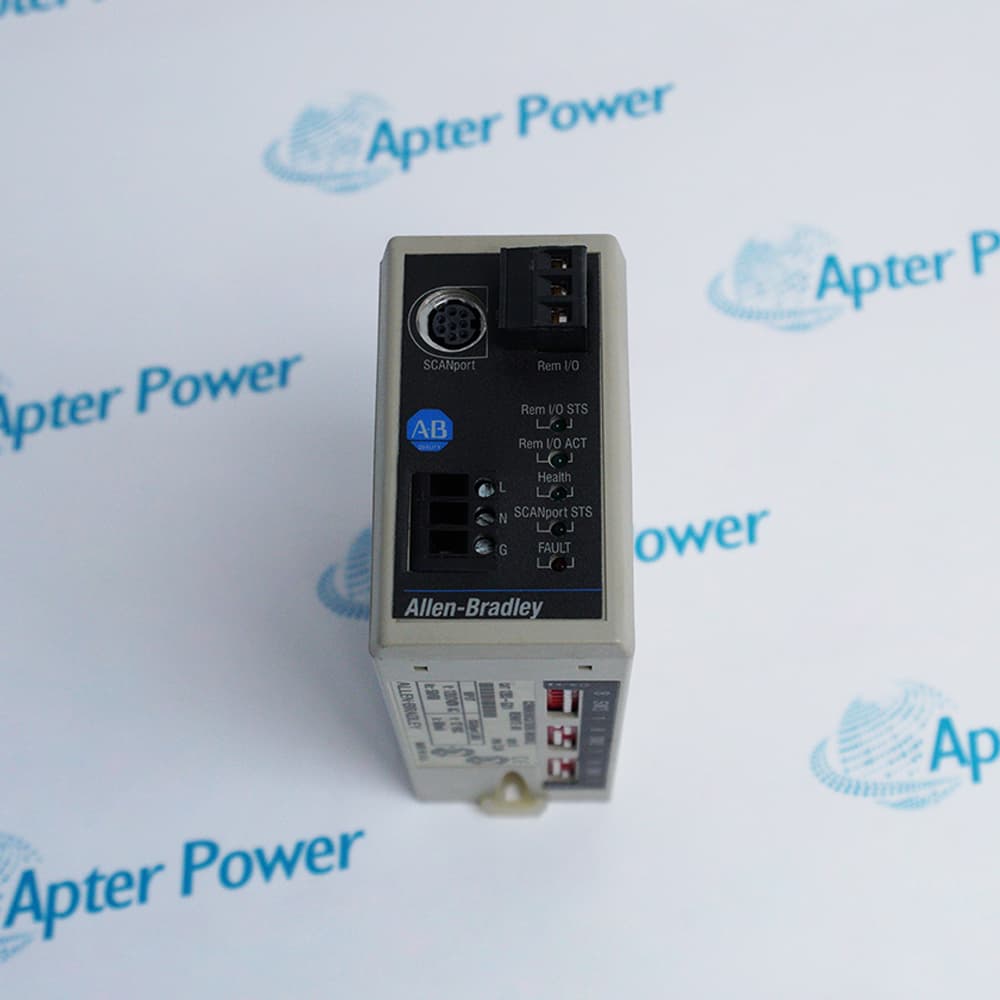
  • Set and document the unique network node address
  • Use compliant taps, trunk cable, connectors, and terminators
  • Install the correct EDS and update the network schedule
  • Connect one supported SCANport-compatible device
  • Use the specified cable and avoid unsupported peripheral loading
  • Back up device parameters before adapter replacement
  • Check adapter, network, and SCANport status indicators
  • Separate media faults from configuration or drive faults
  • Commission cyclic data and control words with the process safe
  • ControlNet start, stop, command, and speed-reference control of SCANport drives
  • Scheduled drive status and feedback exchange with ControlNet controllers
  • ControlNet explicit-message access to supported SCANport drive parameters and diagnostics
Description
Allen-Bradley 1203-CN1 is a ControlNet-to-SCANport communications module for connecting one compatible drive or peripheral to a ControlNet network. It uses a compact DIN-rail enclosure and requires external 24V DC power.

Successful integration depends on a unique node address, compliant ControlNet cabling and termination, the correct EDS information, a scheduled network connection, and a supported SCANport device. The official manual also defines environmental limits, clearances, grounding, dimensions, and weight.

Before replacement, save the ControlNet schedule, I/O mapping, adapter settings, drive parameters, firmware information, and cable details. After installation, verify network status, SCANport communication, command and reference scaling, feedback data, and the machine safe-state response.
Alternative Names
1203-CN1 1203CN1 1203 CN1 Allen-Bradley 1203-CN1 Allen Bradley 1203-CN1 AB 1203-CN1 Rockwell Automation 1203-CN1
Technical notes
Allen-Bradley 1203-CN1 requires 24V DC, correct ControlNet media and scheduling, a compatible SCANport device, EDS configuration, grounding, and controlled commissioning.
Exceptional Service

Our Mission

  • 100% Satisfaction

    We believe expertise is priceless. With over 20 years of experience, and top engineers on staff, we can help you solve or avoid problems that threaten your business.
  • Trust Guaranteed

    Not only do we have a vast inventory, our team makes sure every piece of equipment is in working condition. Your purchases are also backed by our Warranty.
  • Expertise

    Time is money, especially when your equipment is down. We work quickly to get your equipment on its way so you can get it back up and running.

FAQS

The following is a list of questions commonly asked by our customers. Please contact us if you have a question about our process that is not answered below.
Does 1203-CN1 replace a drive communication adapter?
It is a gateway between ControlNet and one SCANport device; verify the host device, network schedule, and supported data arrangement before substitution.
Can 1203-CN1 be added to an existing ControlNet network without rescheduling it?
Not for scheduled I/O. Install the correct EDS, assign an unused node, define the I/O connection, update the network schedule, and download it under controlled process conditions.
Can 1203-CN1 connect to any Allen-Bradley drive?
No. The drive must provide a compatible SCANport interface. Confirm the drive model, port availability, firmware, and supported data arrangement before installation.
Can 1203-CN1 be mounted outside an enclosure?
The module requires the environmental protection and clearances specified by the OEM; use an appropriate industrial enclosure and DIN rail.
What should be checked if ControlNet is healthy but the drive is offline for 1203-CN1?
Check the SCANport cable, compatible device port, adapter status, power, data configuration, and whether another peripheral is occupying an unsupported connection.
Must ControlNet media be terminated for 1203-CN1?
Yes. Follow ControlNet trunk, tap, connector, and termination rules; media faults cannot be corrected by changing only software configuration.
What should be saved before replacing 1203-CN1?
Record the node address, network schedule, EDS revision, I/O mapping, SCANport device parameters, cable routing, and firmware information.