
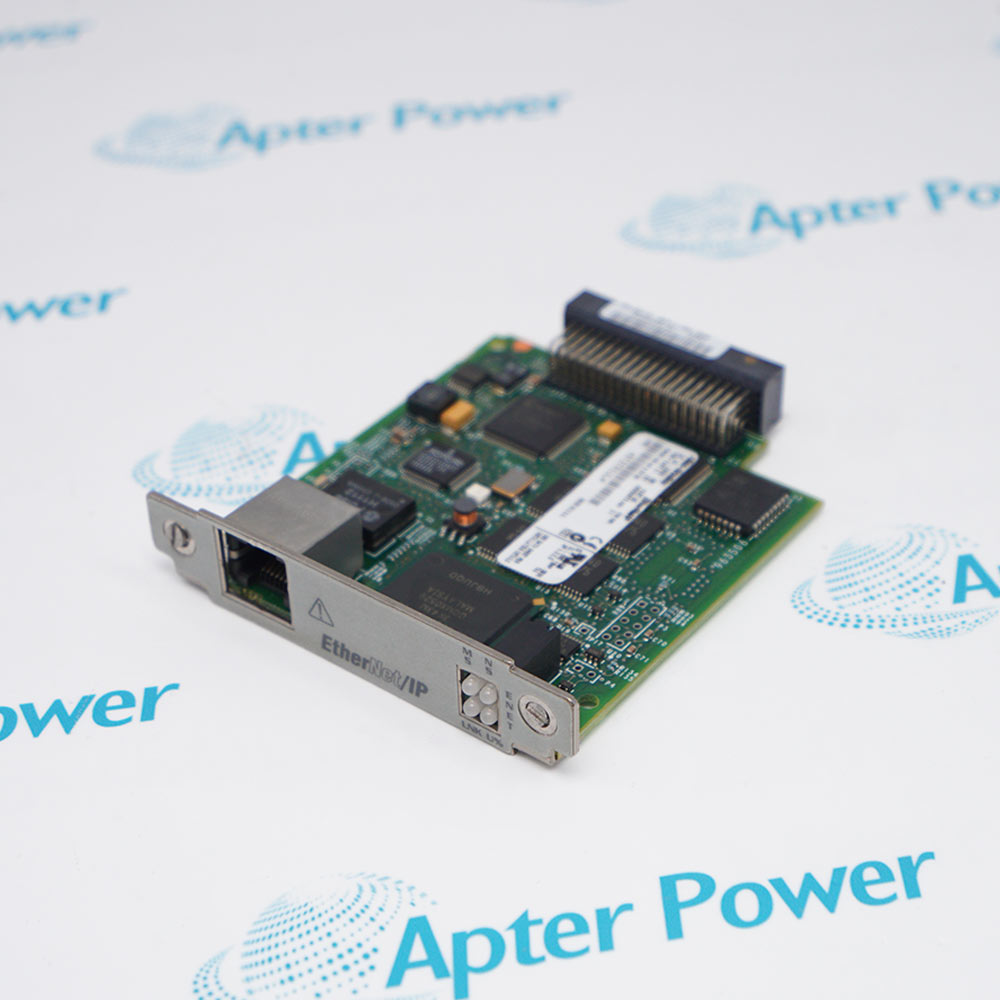
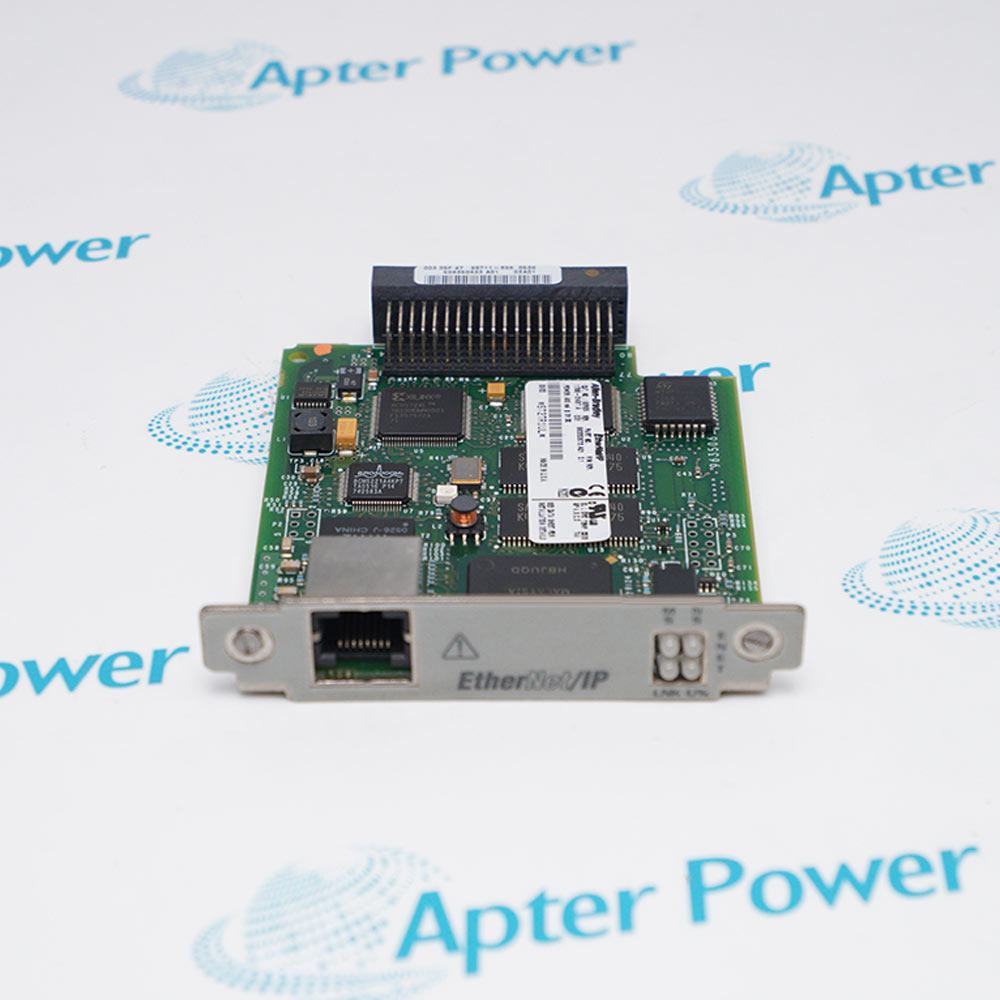
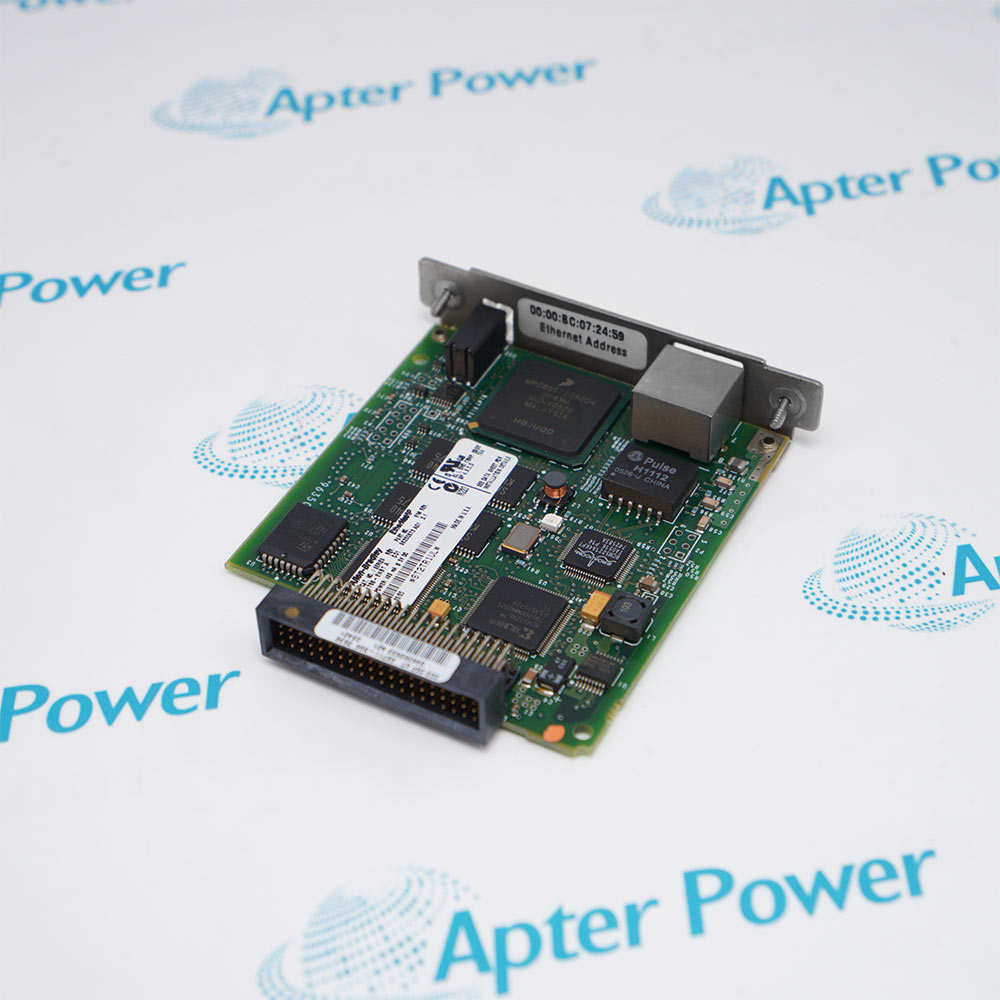
Allen-Bradley 1788-ENBT
Ask our team:
  • Phone: +86 181 0690 9650
  • E-Mail sales1@apterpower.com
  • Lifecycle status

    Discontinued
    Discontinued date: 2016-12-31
    Replacement category: No planned RA replacement

1788-ENBT

/ 4.9
1001 reviews | Need a Specific Revision?
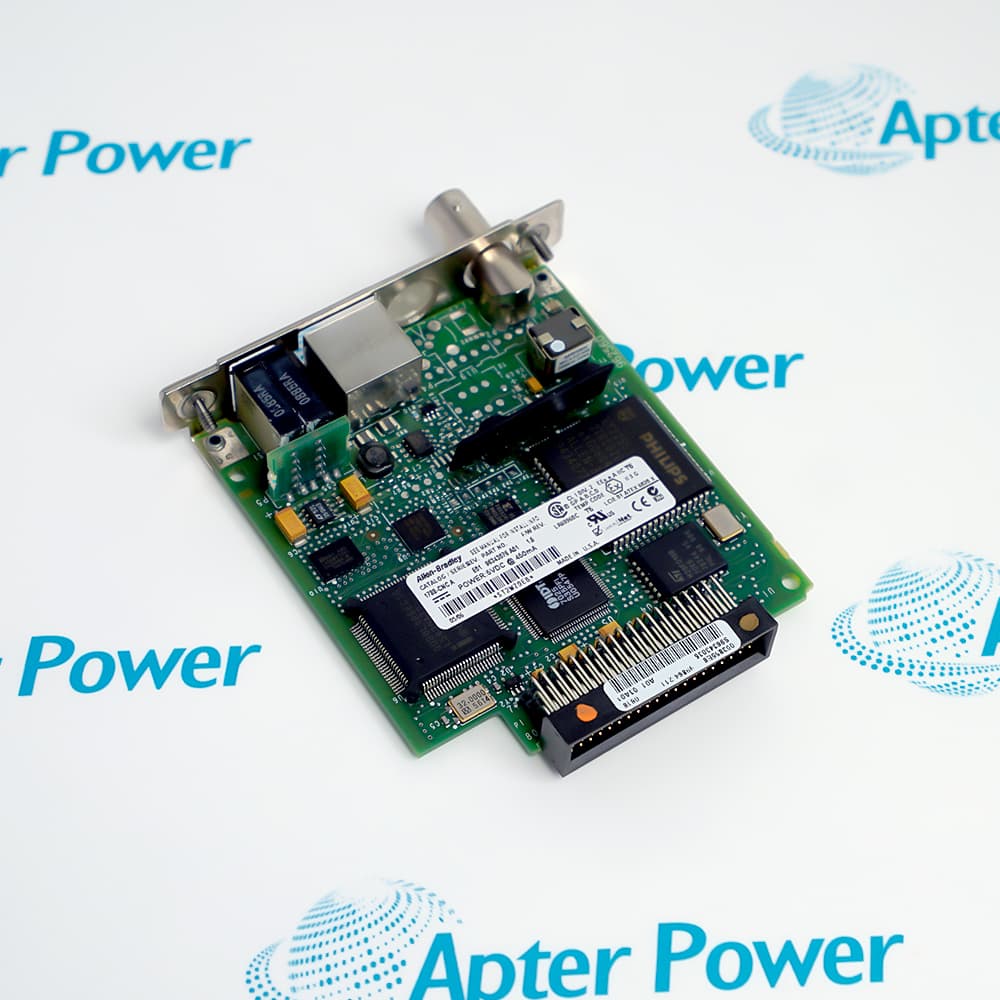
Allen-Bradley 1788-ENBT is a 10/100BASE-T EtherNet/IP daughtercard for compatible FlexLogix, DriveLogix, and other supported host devices.
In Stock
Ships by Thursday, October 29
Fast Shipping Available
Get a quick price for 1788-ENBT
Quantity
*E-mail
Company
*Mobile
*Content
Upload (gif, jpg, jpeg, png, bmp, doc, docx, xls, xlsx, ppt, pdf, csv)

Technical specifications for 1788-ENBT

  • Manufacturer:
    Allen-Bradley
  • Part Number:
    1788-ENBT
  • Product Family:
    1788 Linking Devices
  • Product Type:
    FlexLogix/DriveLogix EtherNet/IP Daughtercard
  • Stock:
    1
  • Network Interface:
    10/100BASE-T EtherNet/IP
  • Connector:
    RJ45 Category 5
  • Ethernet Conductors:
    IEEE 802.3 compliant twisted pair
  • Power Requirement:
    5 V DC at 465 mA
  • Power Consumption:
    2.33 W
  • Thermal Dissipation:
    8.0 BTU/hr
  • Isolation Voltage:
    500 V AC for 60 seconds
  • I/O Connections:
    32 maximum
  • Recommended Network Connection:
    100 Mbps Ethernet switch
  • Enclosure Type:
    Open style
  • Operating Temperature:
    0°C to 60°C equipment rating; 85°C maximum surrounding slot temperature
  • Storage Temperature:
    -40°C to 85°C
  • Relative Humidity:
    5% to 95%, non-condensing
  • Weight:
    0.1 kg
  • Tariff Code:
    8517623990
  • Country of origin:
    USA
  • Place of shipment:
    Xiamen,Fujian,China
By purchasing this item, you agree to the Terms & Conditions, ApterPower is not an authorized distributor for listed manufacturers or tradenames and therefore the manufacturer's warranty does not apply. All our products come with ApterPower's 1-year warranty.

More Information

Overview Manuals Host Match IP Recovery Diagnostics Application
  • Network daughtercard for supported FlexLogix and DriveLogix hosts
  • Single RJ45 10/100BASE-T EtherNet/IP interface
  • Module, network, link, and utilization status indicators

1788-ENBT places EtherNet/IP communication inside a compatible host instead of occupying a separate controller chassis slot.

Its connection state and packet loading can be evaluated directly from the four front-panel indicators during commissioning and troubleshooting.

Because the card has no planned OEM replacement, retaining host and project records is essential before a failure forces a broader platform migration.

Availability, condition, price, and shipping time for 1788-ENBT are confirmed during quotation.

Allen-Bradley 1788-ENBT FlexLogix/DriveLogix EtherNet/IP Daughtercard Manuals, Datasheets, Links

Important Notice: Other accessories, manuals, cables, calibration data, software, etc. are not included with this equipment unless listed in the above stock item description. All prices are shown in USD.
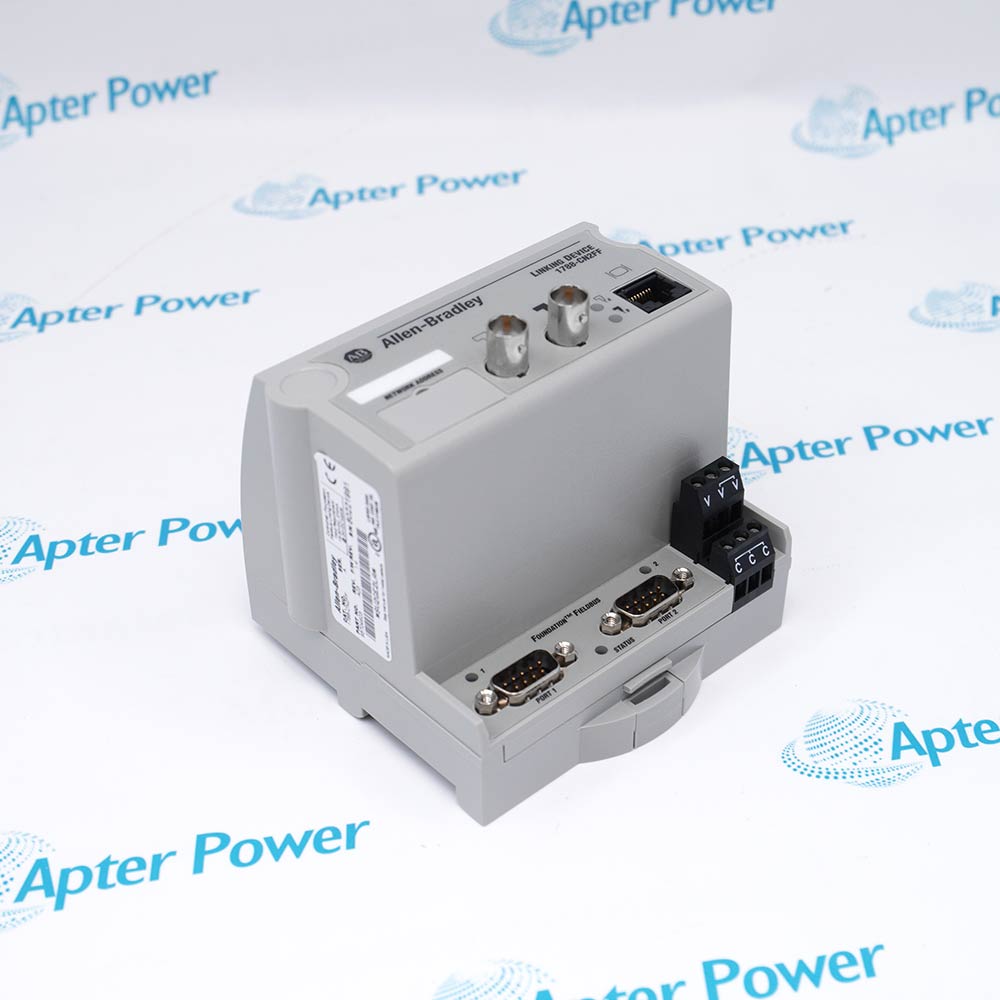
  • Confirm the host supports the network daughtercard interface
  • Verify the host power limit
  • Remove power before insertion or removal
  • Record BOOTP or static-address handling
  • Preserve subnet mask and gateway
  • Check that the restored address is unique
  • Interpret module and network status separately
  • Confirm the physical link before checking CIP connections
  • Use utilization status when reviewing connection load
  • FlexLogix controller EtherNet/IP communication
  • DriveLogix network integration
  • Host-based industrial Ethernet connectivity
Description
Allen-Bradley 1788-ENBT adds a 10/100BASE-T EtherNet/IP interface to a host designed for the Rockwell network-daughtercard architecture.

The card uses an RJ45 port and status indicators for module, network, link, and utilization conditions; configuration for FlexLogix or DriveLogix applications requires the supported Logix programming environment.

Replacement planning must confirm the host accepts the daughtercard, preserve IP and connection settings, match firmware and project requirements, and remove host power before inserting or removing the card.
Revisions

Revision Part #

Also known as

1788-ENBT Ser A
1788-ENBT/A, Series A, Rev A
Alternative Names
1788-ENBT Allen-Bradley 1788-ENBT Rockwell Automation 1788-ENBT 1788-ENBT/A FlexLogix 1788-ENBT DriveLogix 1788-ENBT
Technical notes
1788-ENBT replacement requires a compatible daughtercard host, matching firmware and project support, preserved IP and CIP settings, correct RJ45 cabling, and power removal; no planned Rockwell drop-in replacement exists.
Exceptional Service

Our Mission

  • 100% Satisfaction

    We believe expertise is priceless. With over 20 years of experience, and top engineers on staff, we can help you solve or avoid problems that threaten your business.
  • Trust Guaranteed

    Not only do we have a vast inventory, our team makes sure every piece of equipment is in working condition. Your purchases are also backed by our Warranty.
  • Expertise

    Time is money, especially when your equipment is down. We work quickly to get your equipment on its way so you can get it back up and running.

FAQS

The following is a list of questions commonly asked by our customers. Please contact us if you have a question about our process that is not answered below.
Which hosts can accept Allen-Bradley 1788-ENBT?
Only hosts designed for the Rockwell network-daughtercard interface should be used; confirm the host manual, power limits, firmware, and project support before installation.
What should be backed up before replacing Allen-Bradley 1788-ENBT?
Record the IP address, subnet mask, gateway, BOOTP state, EtherNet/IP connections, host firmware, and the complete controller or drive project.
Why can Allen-Bradley 1788-ENBT show a duplicate-IP fault after replacement?
The restored address may already be in use. Isolate the device, correct the IP assignment, and verify BOOTP or static-address handling before reconnecting it.
Can Allen-Bradley 1788-ENBT be inserted while the host is powered?
No. Rockwell states that the daughtercard is not designed for insertion or removal under power; isolate host power before service.
What does a network LED with no established CIP connection mean on Allen-Bradley 1788-ENBT?
The card can have a valid IP address while no Class 1 or Class 3 connection is active; inspect the originator configuration and connection error information.
Why should Allen-Bradley 1788-ENBT use an Ethernet switch?
Rockwell recommends a 100 Mbps switch to reduce collisions and lost packets and to improve available network bandwidth compared with shared-media arrangements.
What should be planned before migrating away from Allen-Bradley 1788-ENBT?
Inventory the host, controller or drive project, firmware, IP configuration, CIP connections, produced and consumed data, switch ports, and downtime because Rockwell lists no planned drop-in replacement.

Product Browsing History