Features:
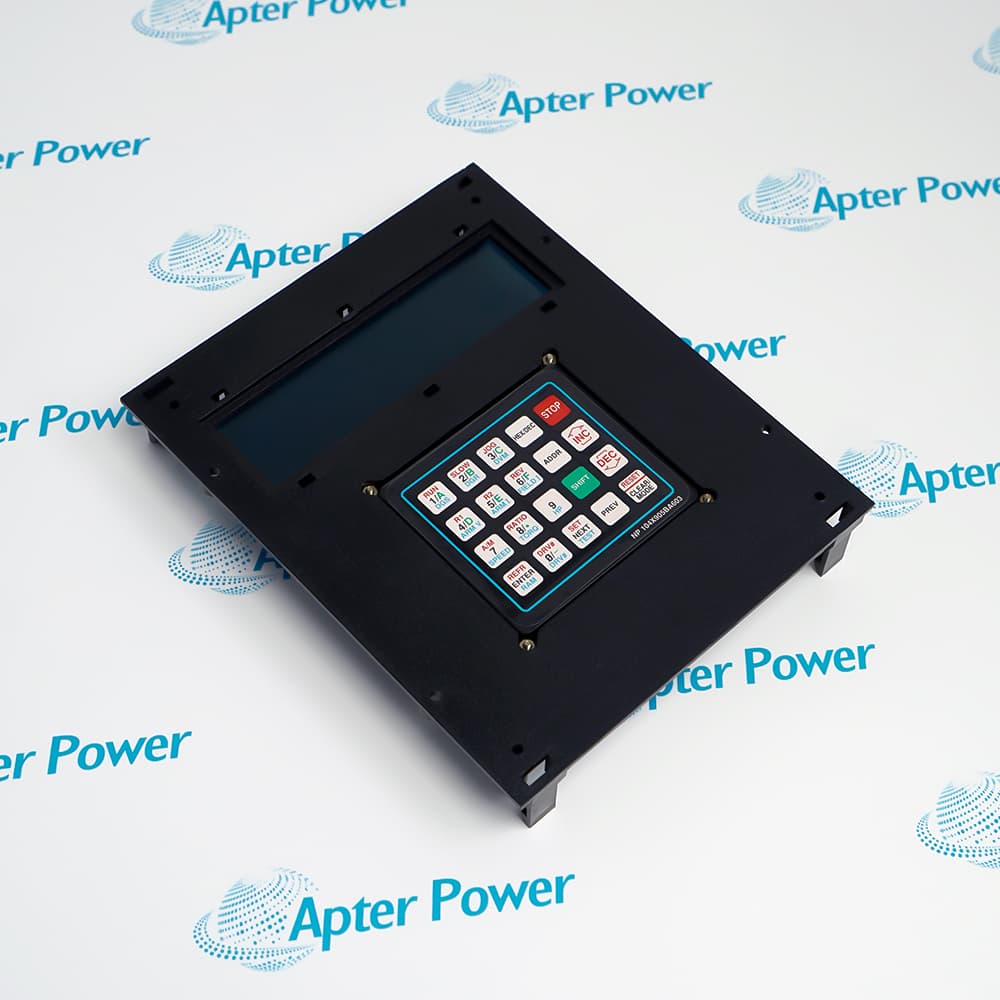
- Provides a local display and labeled keypad interface for service interaction with the GE EX2000 excitation platform.
- Supports operating review, stored-parameter access and diagnostic functions described in the applicable GE procedures.
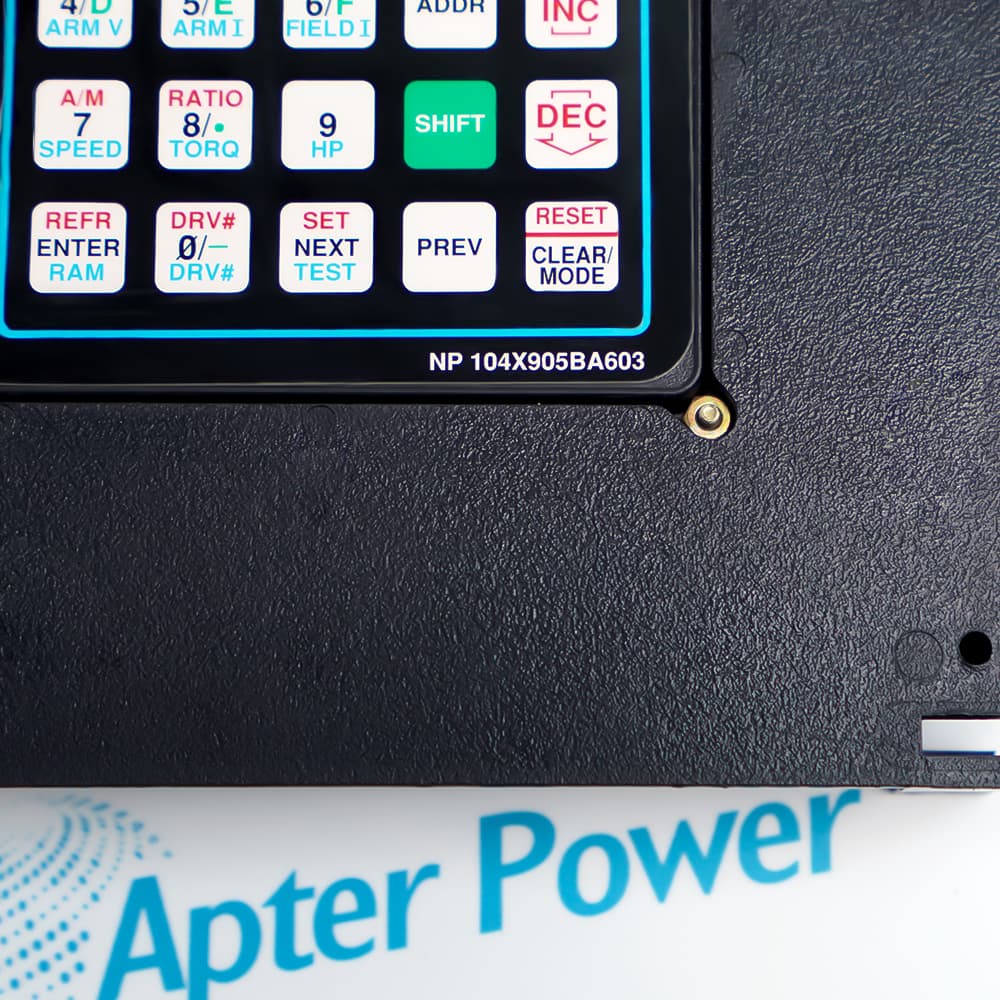
- Uses the visible NP 104X905BA603 marking and 5 x 4 key layout as essential replacement-identification points.
The current ordering reference is NP104X905BA603-NP-104X905BA603, corresponding to the front-panel marking NP 104X905BA603 on the supplied General Electric keypad assembly.
The panel gives trained personnel a local interface for reviewing EX2000 status, accessing permanent or temporary parameters and calling documented diagnostic functions when servicing the excitation-control system.
Before installation, compare the front marking, display window, key legends, enclosure and host configuration with the removed unit. Treat any parameter or RUN operation as a controlled system action under the applicable GE procedure.
Availability is subject to Apter Power inventory and sourcing confirmation.
Verified resources for General Electric NP104X905BA603-NP-104X905BA603:
Important Notice: Other accessories, manuals, cables, calibration data, software, etc. are not included with this equipment unless listed in the above stock item description. All prices are shown in USD.
- Provides local status and fault review during maintenance of installed EX2000 static excitation-control systems.
- Supports controlled access to permanent EEPROM settings and temporary Mirror RAM settings during documented service procedures.
- Assists trained personnel with firmware review, diagnostic-variable display and the applicable oscillator test functions.
- Operate mode is the normal interface state for viewing EX2000 operating status and active fault information.
- Parameter E mode accesses EEPROM configuration constants, and accepted changes remain stored after a reset or power cycle.
- Parameter M mode accesses temporary Mirror RAM values that are cleared by a hard reset or removal of control power.
- The operating display presents active EX2000 faults in their order of occurrence for systematic troubleshooting review.
- Diagnostic mode includes documented functions for firmware identification and selected diagnostic-variable display.
- Oscillator start and stop tests are service functions that require the correct system state and the applicable GE procedure.
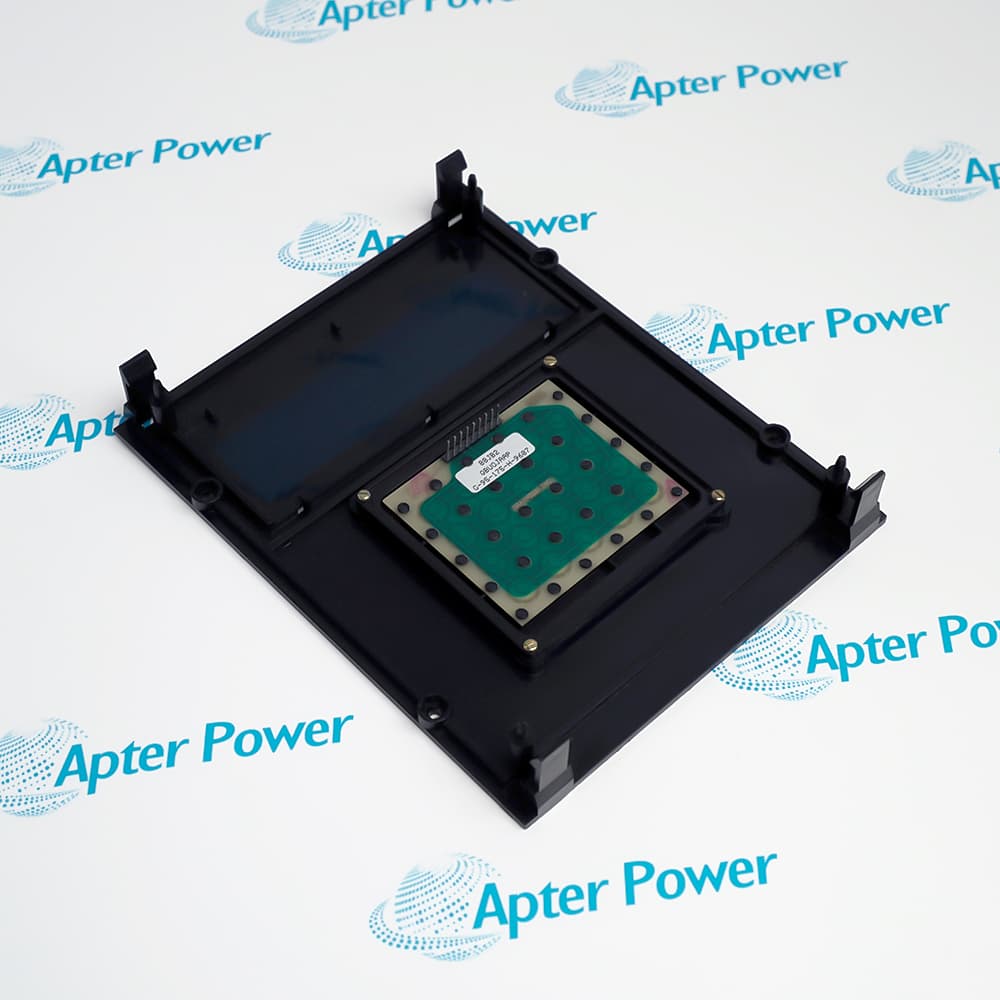
- Match the NP 104X905BA603 front marking, key legends, display opening and enclosure before accepting a replacement assembly.
- Isolate the connected equipment and follow the system-specific GE service procedure before removing or fitting the keypad panel.
- Confirm the host configuration and perform controlled display, key and fault-review checks before returning the system to service.