Features:
- Dedicated operator input for compatible legacy Honeywell workstation configurations.
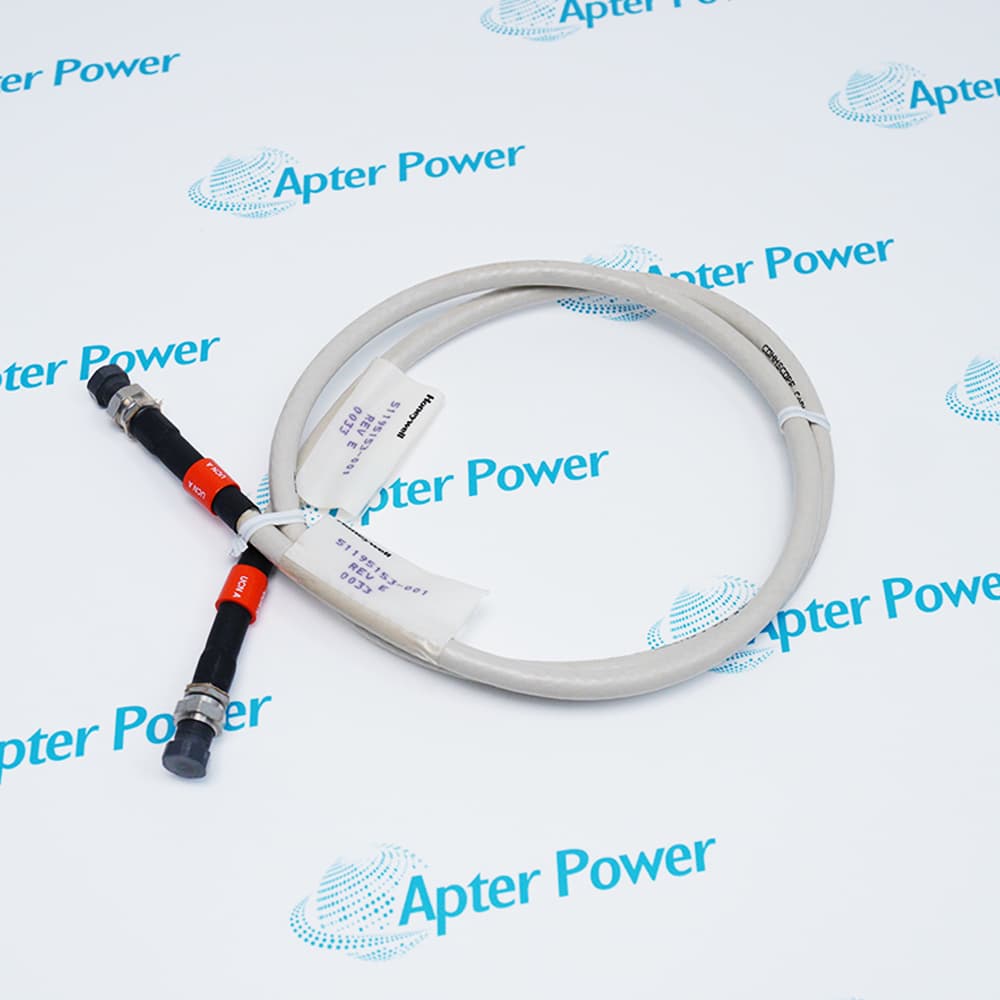
- Configuration-specific installation using the correct keyboard cable and OEP/IKB adapter hardware.
- Lifecycle planning supported through revision, station, cable, and replacement-part verification.
The Honeywell 51403578-100 provides dedicated operator input within compatible legacy Honeywell workstation installations. Its role is keyboard-based command entry and display navigation rather than process measurement, control execution, or protocol conversion.
Installation of the Honeywell 51403578-100 depends on the workstation generation and the associated cable and adapter arrangement. The physical connector and applicable OEP/IKB adapter must therefore be verified before replacement.
The Honeywell 51403578-100 is legacy hardware. Procurement decisions should be based on the complete nameplate, hardware revision, station type, keyboard cable, and Honeywell replacement guidance rather than the base part number alone.
The 51403578-100 Honeywell Operator Keyboard may still be available for purchase and support from Apter Power beyond End-Of-Life (EOL) by the manufacturer (OEM).
Honeywell 51403578-100 Operator Keyboard Manuals,
Datasheets, Drivers, Link
Important Notice: Other accessories, manuals, cables, calibration data, software, etc. are not
included with this equipment unless listed in the above stock item description. All prices are
shown in USD.
Honeywell 51403578-100 Operator Keyboard Specs
General
- Manufacturer Honeywell
- Model 51403578-100
- Condition New Original ready stock
- Product Family 51403578-100, TP-DSOEP1-100, 51402497-200
Important Notice: Other accessories, manuals, cables, calibration data, software, etc. are not included with this equipment unless listed in the above stock item description. All prices are shown in USD.
- Operator command entry at compatible Honeywell process-control workstations.
- Navigation of station displays, trends, alarms, and operating views.
- Maintenance replacement for an installed OEP keyboard with matching revision and cabling.
- Legacy console support during an approved migration or lifecycle-extension project.
- Verify the host station model and software release before installation.
- Match the keyboard assembly to the required cable and OEP/IKB adapter.
- Confirm serial-interface hardware and required keyboard services where an adapter is used.
- Perform operator-key and alarm-acknowledgement checks after installation.
- Record the complete Honeywell part number and hardware revision from the nameplate.
- Compare the installed connector and cable part number with the replacement unit.
- Confirm whether the station requires a direct keyboard connection or an OEP/IKB adapter.
- Validate key operation using the site-approved Honeywell station maintenance procedure.