Features:
- Standard straight camera-cable construction
- Fixed 10 m connection length
- Supports documented repeater-based extensions
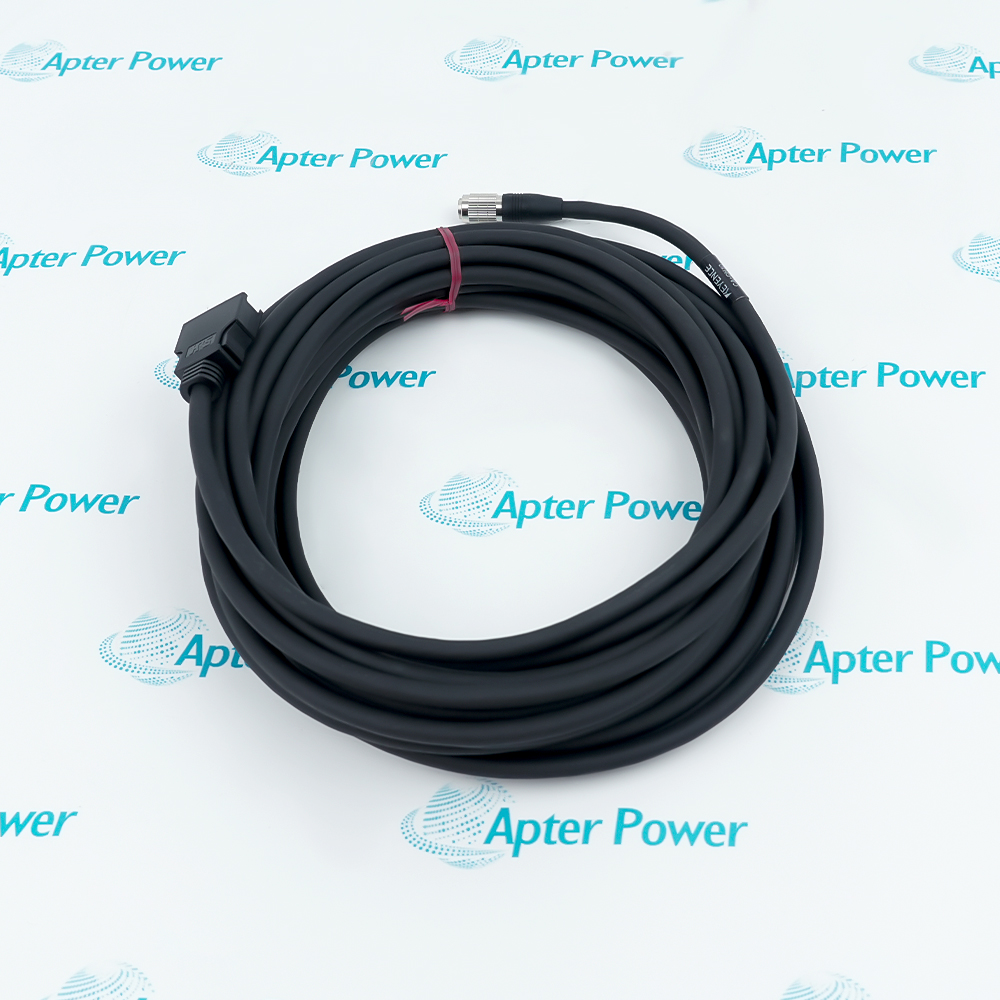
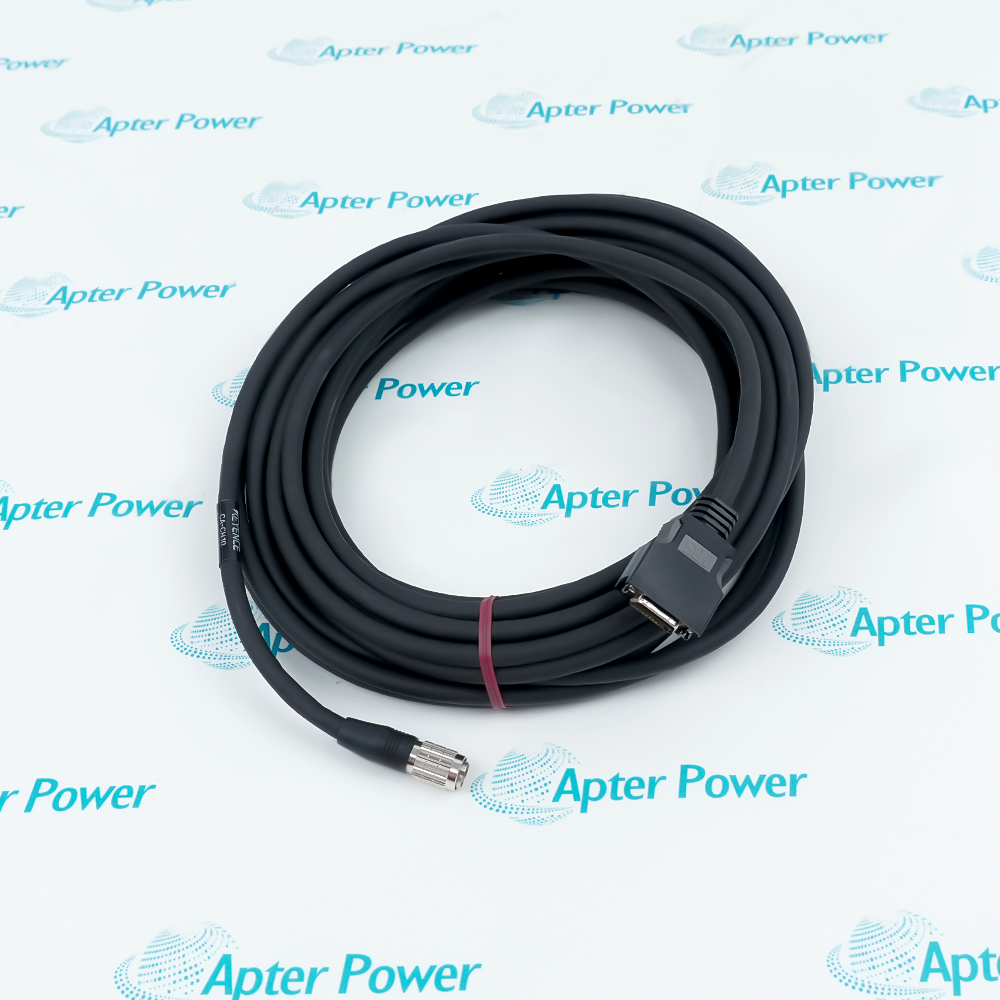
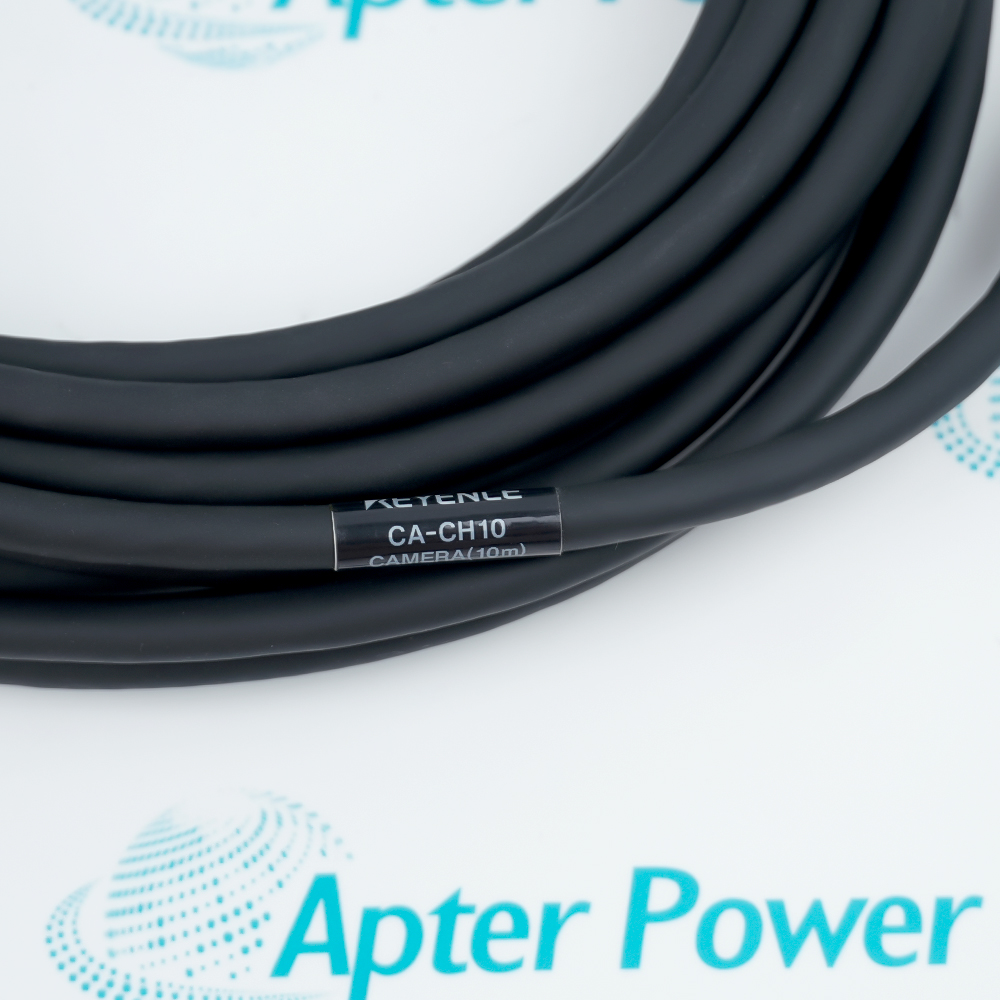
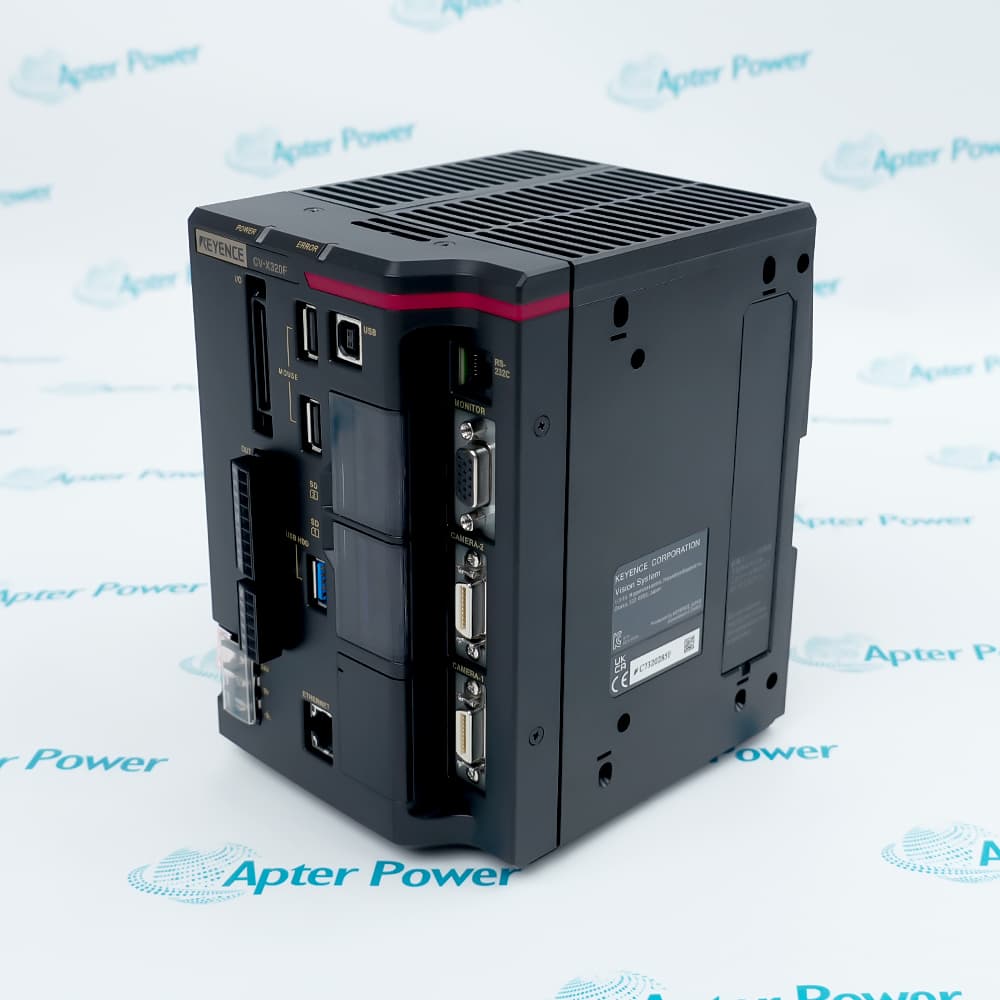
KEYENCE CA-CH10 links a compatible high-speed camera with a KEYENCE vision controller.
The straight cable layout provides a defined 10 m run for routing between a machine-mounted camera and its control enclosure.
For supported cameras, CA-CHX10U repeaters can extend the total connection length beyond the direct-cable limit.
The KEYENCE CA-CH10 High-Speed Camera Cable may still be available for purchase and support from Apter Power beyond End-Of-Life (EOL) by the manufacturer (OEM).
KEYENCE CA-CH10 High-Speed Camera Cable Manuals,Datasheets,Link
Important Notice: Other accessories, manuals, cables, calibration data, software, etc. are not included with this equipment unless listed in the above stock item description. All prices are shown in USD.
Choose the Correct Cable Form
- Straight Routing: KEYENCE CA-CH10 uses the standard straight connector arrangement, so verify that the camera and cabinet route allow straight cable entry.
- Variant Control: Right-angle and flexible CA camera cables use different suffixes; do not identify KEYENCE CA-CH10 from cable length alone.
- Length Meaning: The 10 suffix identifies the fixed 10 m assembly and should match the measured end-to-end route.
- Order Review: Confirm the complete KEYENCE CA-CH10 label together with the camera and controller combination before selecting the cable.
Follow the Camera Signal Route
- Direct Link: KEYENCE CA-CH10 carries the camera connection directly to the compatible vision controller when the route remains within the supported limit.
- Endpoint Check: Identify the exact camera at one end and the controller at the other before routing the cable through the machine.
- Connector Clearance: Allow room for the straight connector body rather than assuming a right-angle exit at either endpoint.
- Route Measurement: Measure the installed path, bends and enclosure entry before deciding that one KEYENCE CA-CH10 assembly covers the connection.
Build a Supported Extended Run
- First Extension: Add one CA-CHX10U repeater only for a supported camera arrangement that requires up to 20 m total distance.
- Second Extension: A supported 30 m route uses two CA-CHX10U repeaters rather than a single longer KEYENCE CA-CH10 cable.
- Separate Parts: Repeaters and their connecting cables are not included with KEYENCE CA-CH10 and must be accounted for individually.
- Sequence: Keep the controller, cable sections, repeaters and camera in the documented connection order when planning the extended path.
Resolve Fit Before Routing
- Camera Limit: Check the maximum cable distance for the exact camera because repeater support is determined by the camera configuration.
- Controller Match: Verify that the selected vision controller accepts the camera and KEYENCE CA-CH10 connection rather than relying on connector appearance.
- Space Check: Confirm straight-connector clearance at the camera and enclosure before fixing the cable route.
- Parts List: Record KEYENCE CA-CH10, every required CA-CHX10U repeater and each separate repeater cable before installation begins.