PCD2.C100
PCD2.C100
PCD2.C100
PCD2.C100
PCD2.C100
PCD2.C100
Ask our team:
  • Phone: +86 181 0690 9650
  • E-Mail sales1@apterpower.com
How We Verify Your Order
Before dispatch, we confirm the exact model, revision, condition, inspection requirements and shipping documents for your order.
See a real on-site verification case >>
  • Lifecycle status

    Active / Available from OEM
    Apter Power supports PCD2.C100 selection with slot, cable and address-plan review.

PCD2.C100

/ 4.9
1001 reviews | Need a Specific Revision?
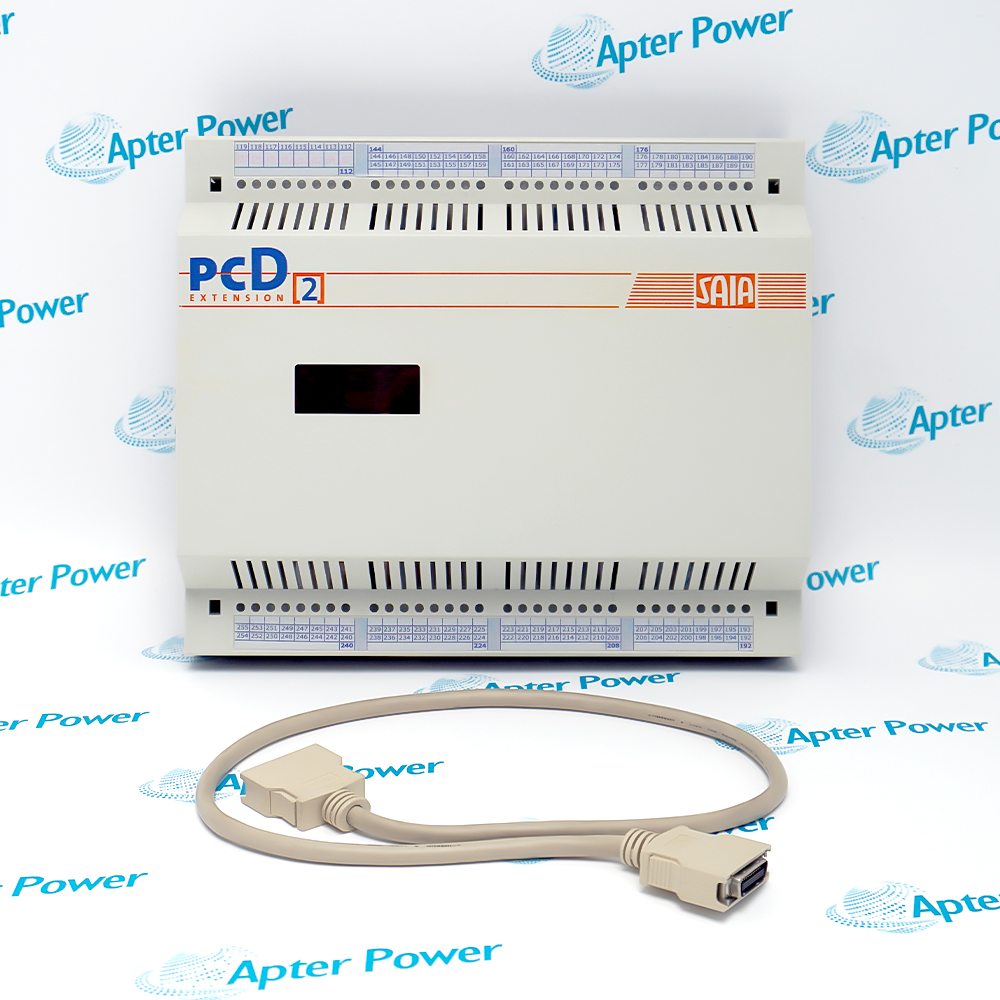
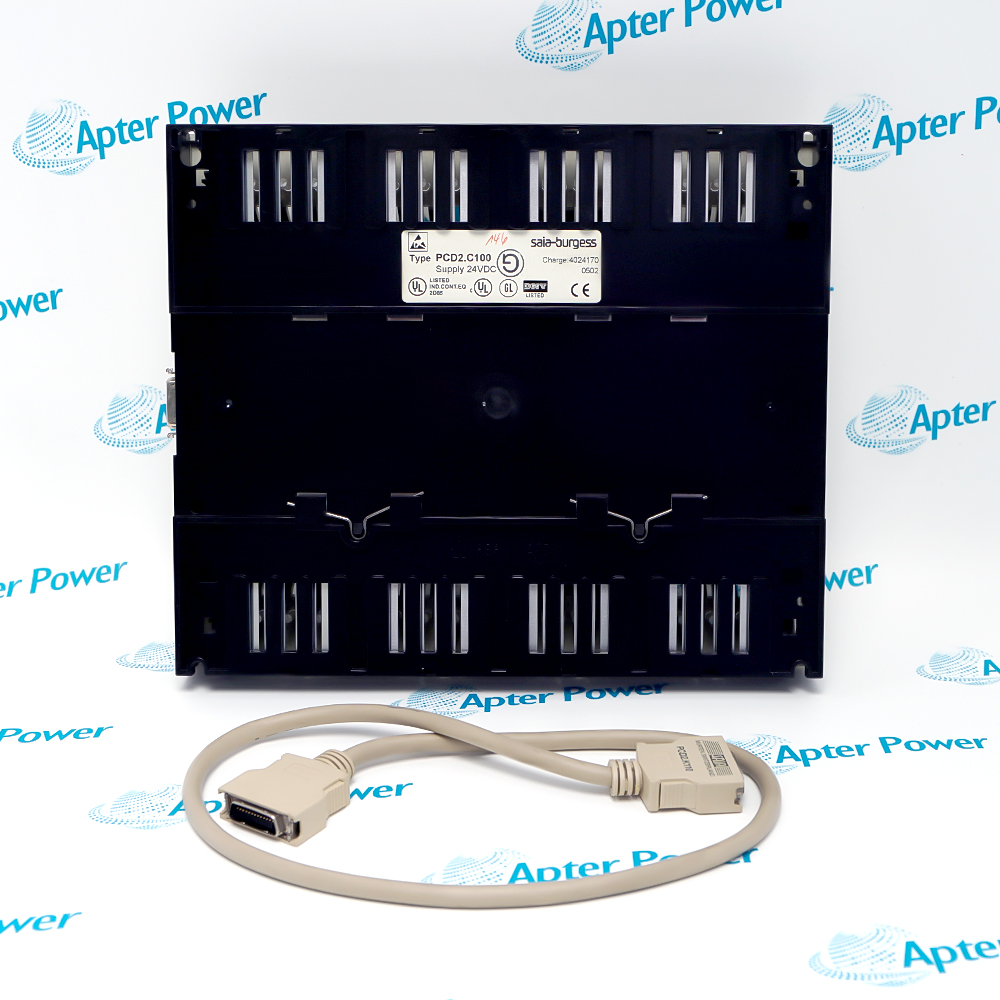
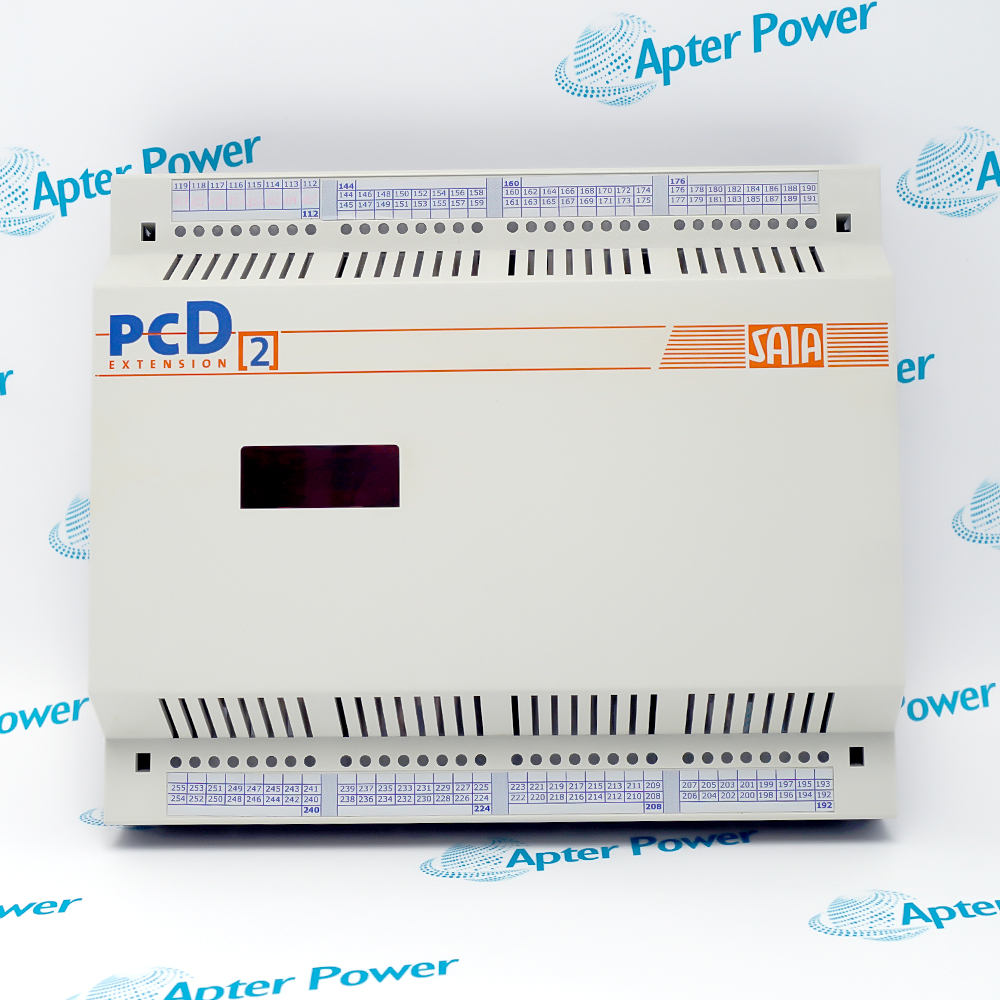
PCD2.C100 is an eight-slot SAIA PCD2 expansion housing for extending an installed controller with additional I/O modules.
In Stock
Ships by Saturday, November 14
Fast Shipping Available
Get a quick price for PCD2.C100
Quantity
*E-mail
Company
*Mobile
*Content
Upload (gif, jpg, jpeg, png, bmp, doc, docx, xls, xlsx, ppt, pdf, csv)

Technical specifications for PCD2.C100

  • Manufacturer:
    SAIA
  • Part Number:
    PCD2.C100
  • Product Family:
    SAIA
  • Product Type:
    PCD2 Expansion Housing
  • Stock:
    1
  • I/O Module Sockets:
    8
  • Expansion Cables:
    PCD2.K100 or PCD2.K110
  • Address Range:
    128–255
  • Product Family:
    SAIA PCD2
  • Housing Role:
    I/O expansion
  • Controller Integration:
    PG5 hardware configuration
  • Installed Use:
    Additional field I/O
  • Weight:
    0.6 kg
  • Estimated shipping dimensions:
    24.8x6x20.8cm
  • Tariff Code:
    Please confirm the destination before shipping
  • Country of origin:
    Switzerland
  • Place of shipment:
    Xiamen,Fujian,China
By purchasing this item, you agree to the Terms & Conditions, ApterPower is not an authorized distributor for listed manufacturers or tradenames and therefore the manufacturer's warranty does not apply. All our products come with ApterPower's 1-year warranty.

More Information

Overview Manuals Slot Planning Bus Connection Address Allocation Product Applications

Features:

  • Eight module sockets: expands the installed PCD2 station without changing controller family.
  • Defined address range: places expansion I/O within addresses 128–255.
  • Documented connection: works through PCD2.K100 or PCD2.K110 expansion cabling.
PCD2.C100 is intended for users who need more PCD2 I/O capacity while keeping the original station concept and software environment.

Its eight sockets extend the physical backplane, while the 128–255 range gives the engineering project a predictable addressing boundary.

A sound configuration decision combines the housing, the correct expansion cable and a slot-by-slot module plan.

Apter Power supports SAIA PCD2.C100 PCD2 Expansion Housing enquiries with technical-document review, responsive quotation and application-focused sourcing assistance.
SAIA PCD2.C100 PCD2 Expansion Housing Manuals,Datasheets,Link
Important Notice: These Apter Power links support product discovery, technical reference and quotation assistance; final suitability depends on the installed system configuration.
  • Eight positions: the housing extends the installed PCD2 station.
  • Module order: physical slots must match the PG5 configuration.
  • Reserve space: document unused positions for future expansion.
  • Power: review the housing budget before adding modules.
  • Cable: use the documented PCD2.K100 or PCD2.K110 connection.
  • Seating: secure both expansion connectors before power-up.
  • Shared loss: one cable fault can hide every module.
  • Routing: avoid strain at either connector.
  • Range: the housing uses addresses 128–255.
  • Conflict: duplicate addresses prevent correct I/O operation.
  • Mapping: slot order and software assignment must agree.
  • Expansion: recheck addresses after station changes.
  • Additional I/O for building-services automation.
  • Machine expansion in packaging and material handling.
  • Utility-skid control for pumps and treatment equipment.
  • Energy and infrastructure monitoring with installed PCD2 controllers.
Description
SAIA PCD2 systems use PCD2.C100 to add eight I/O module positions to an installed controller architecture.

The expansion cable and 128–255 address range make PCD2.C100 part of the controller configuration rather than a passive enclosure.

Matching PCD2.C100 to the PG5 hardware layout, slot order and station power budget helps avoid address conflicts when additional I/O is introduced.
Alternative Names
PCD2 C100 PCD2C100 SAIA PCD2.C100 SAIA PCD2 C100 Saia Burgess PCD2.C100 PCD2 expansion housing PCD2 eight-slot expansion SAIA PCD2 expansion rack
Technical notes
PCD2.C100 is an eight-slot SAIA PCD2 expansion housing whose modules use addresses 128–255. The housing depends on the documented PCD2.K100 or PCD2.K110 connection to the main station; choosing the wrong cable or duplicating an address range can prevent the added I/O from entering the controller configuration correctly.
Exceptional Service

Our Mission

  • 100% Satisfaction

    We believe expertise is priceless. With over 20 years of experience, and top engineers on staff, we can help you solve or avoid problems that threaten your business.
  • Trust Guaranteed

    Not only do we have a vast inventory, our team makes sure every piece of equipment is in working condition. Your purchases are also backed by our Warranty.
  • Expertise

    Time is money, especially when your equipment is down. We work quickly to get your equipment on its way so you can get it back up and running.

FAQS

The following is a list of questions commonly asked by our customers. Please contact us if you have a question about our process that is not answered below.
Why are modules in PCD2.C100 not detected by the controller?
Check that the expansion cable is seated, the housing is powered and the configured addresses match the 128–255 range.
What causes an address conflict after adding PCD2.C100?
Two modules or stations may share the same address range. Compare the physical slot order with the PG5 hardware configuration.
Can PCD2.C100 be replaced without changing the controller program?
Usually yes when the same expansion connection, slot order and addresses are restored. Any placement change must be reflected in the configuration.
Which expansion cables are associated with PCD2.C100?
Check the installed design for PCD2.K100 or PCD2.K110 and use the cable documented for that controller generation.
What should be checked if only one PCD2.C100 slot fails?
Inspect that slot, the module seating and the configured module type. A single-slot problem is less likely to be the main expansion cable.
Why can a PCD2.C100 station become unstable only after another I/O module is added?
The new module may exceed the enclosure power budget or introduce a slot or address conflict. Comparing the added module with the PG5 hardware configuration and existing load helps separate power from configuration issues.