Ask our team:
  • Phone: +86 181 0690 9650
  • E-Mail sales1@apterpower.com
  • Lifecycle status

    Discontinued / Obsolete by OEM
    Apter Power handles 6AV2124-0UC02-0AX0 document requests, quotations, and interface checks.

6AV2124-0UC02-0AX0

/ 4.9
1001 reviews | Need a Specific Revision?
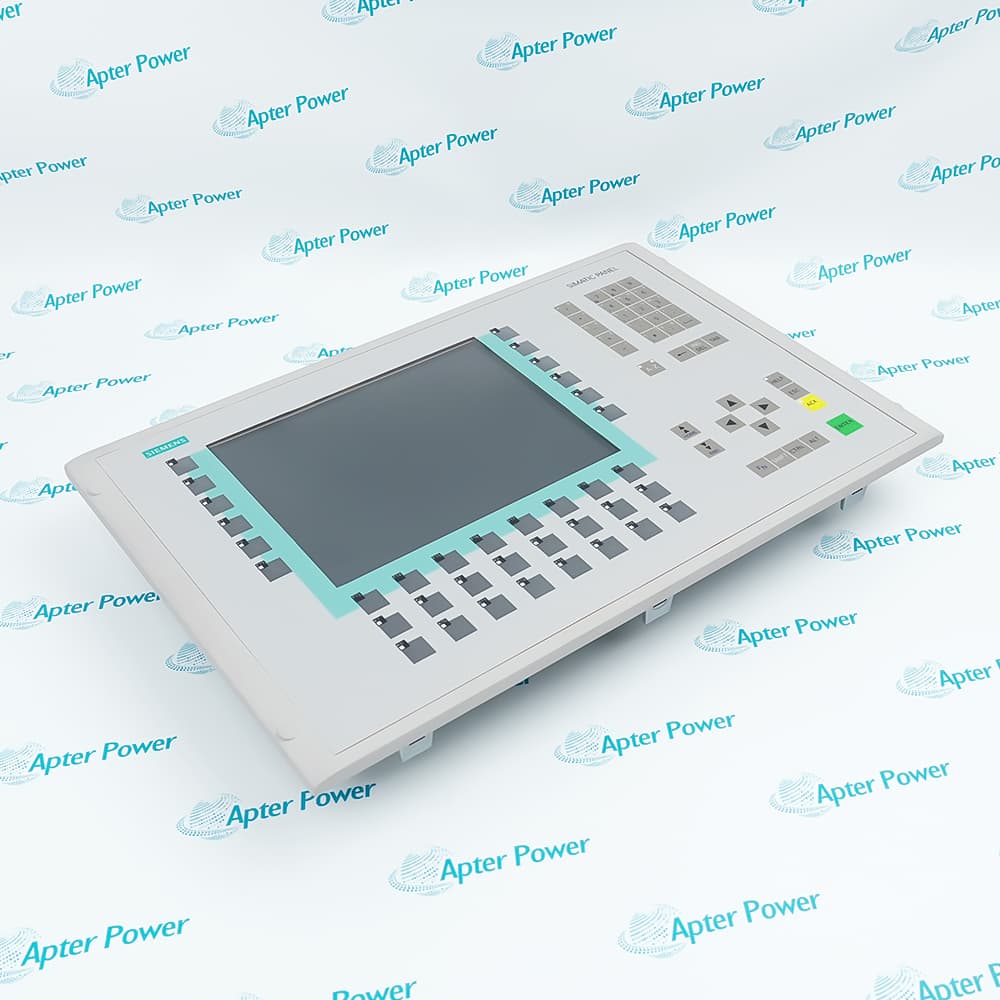
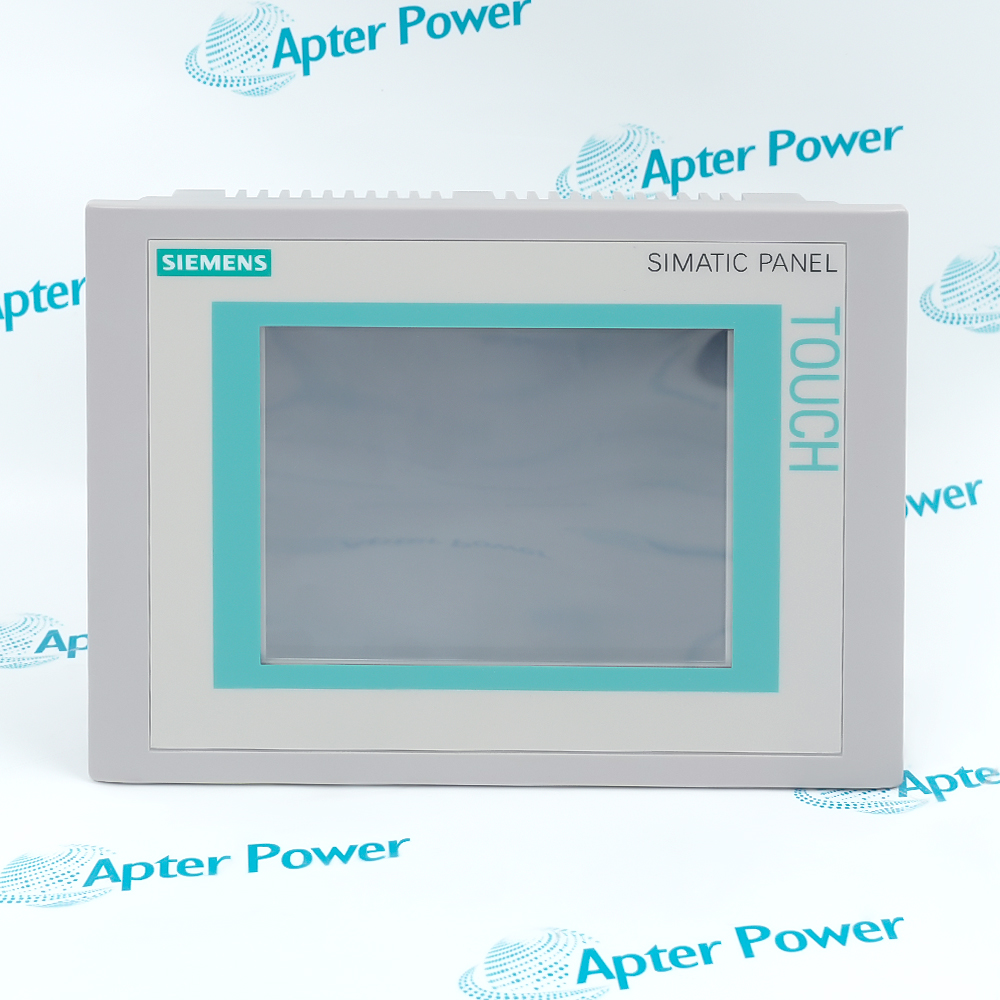
Providing large-format machine visualization, Siemens 6AV2124-0UC02-0AX0 is a SIMATIC HMI TP1900 Comfort Panel that exchanges operator data over PROFINET and MPI/PROFIBUS DP.
In Stock
Ships by Wednesday, October 28
Fast Shipping Available
Get a quick price for 6AV2124-0UC02-0AX0
Quantity
*E-mail
Company
*Mobile
*Content
Upload (gif, jpg, jpeg, png, bmp, doc, docx, xls, xlsx, ppt, pdf, csv)

Technical specifications for 6AV2124-0UC02-0AX0

  • Manufacturer:
    Siemens
  • Part Number:
    6AV2124-0UC02-0AX0
  • Product Family:
    Siemens Simatic HMI
  • Product Type:
    TP1900 Comfort Panel
  • Stock:
    1
  • Product type designation:
    TP1900 Comfort
  • Display design:
    TFT widescreen display
  • Screen diagonal:
    18.5 in
  • Display resolution:
    1366 × 768 pixels
  • Display colors:
    16,777,216
  • Touch operation:
    Analog-resistive touchscreen
  • Backlight MTBF at 25 °C:
    50,000 h
  • Backlight dimming:
    0–100%
  • Rated supply voltage:
    24 V DC
  • Permissible DC range:
    19.2–28.8 V
  • Rated current consumption:
    1.3 A
  • Typical active power:
    32 W
  • Configuration memory:
    24 MB
  • Industrial Ethernet interfaces:
    2
  • RS 422/485 interfaces:
    1 combined
  • USB host interfaces:
    2 × USB 2.0
  • USB device interface:
    1 × USB Mini-B
  • SD card slots:
    2
  • Supported communications:
    PROFINET IO, IRT, PROFIBUS DP, MPI, EtherNet/IP, Modbus
  • Configuration software:
    WinCC Comfort / Advanced / Professional V11 SP2 or later
  • OPC UA roles:
    Client and server
  • Front / rear protection:
    IP65 / IP20
  • Permissible vertical operating temperature:
    0 to 45 °C
  • Front dimensions:
    483 × 337 mm
  • Mounting cutout:
    465 × 319 mm
  • Weight:
    14.33 lbs (6.5 kg)
  • Estimated shipping dimensions:
    66.5×51×21.001cm
  • Tariff Code:
    85371098
  • Country of origin:
    Germany
  • Place of shipment:
    Xiamen,Fujian,China
By purchasing this item, you agree to the Terms & Conditions, ApterPower is not an authorized distributor for listed manufacturers or tradenames and therefore the manufacturer's warranty does not apply. All our products come with ApterPower's 1-year warranty.

More Information

Overview Manuals Screen Operation Controller Links Storage Workflow Panel Integration

Features:

  • The 18.5-inch widescreen provides analog-resistive single-touch operation at 1366 × 768 resolution.
  • Backlight intensity is adjustable across the documented range for the installed operator station.
  • WinCC Comfort runtime presents process pictures, alarms, trends, recipes, archives, and scripts.
Siemens 6AV2124-0UC02-0AX0 identifies the TP1900 Comfort panel with a large-format touch surface for local machine and process interaction.

Windows CE 6 provides the device operating environment in which the configured WinCC Comfort runtime executes.

The selected screen objects, controller driver, archive design, and operator permissions determine how this particular panel behaves in service.

The Siemens 6AV2124-0UC02-0AX0 SIMATIC HMI TP1900 Comfort Panel may still be available for purchase and support from Apter Power beyond End-Of-Life (EOL) by the manufacturer (OEM).
Siemens 6AV2124-0UC02-0AX0 SIMATIC HMI TP1900 Comfort Panel Manuals,Datasheets,Link Important Notice: Other accessories, manuals, cables, calibration data, software, etc. are not included with this equipment unless listed in the above stock item description. All prices are shown in USD.

Interaction on the Large Operator Surface

  • The analog-resistive touchscreen accepts single-point operator input through the configured runtime objects.
  • The widescreen workspace presents process pictures and navigation at the panel resolution defined for the project.
  • Backlight dimming can be used by the panel configuration across its documented adjustment range.

How Automation Data Reaches the Panel

  • PROFINET communication is carried by the Industrial Ethernet interfaces.
  • MPI or PROFIBUS DP communication uses the combined RS 422/485 connection instead of an Ethernet port.
  • The selected driver and controller address in the WinCC project determine the active data path.

Project, Archive, and Transfer Media

  • Onboard configuration memory retains the runtime project assigned to the device.
  • Two SD positions provide removable storage for documented backup or data tasks.
  • USB host and device interfaces support peripherals and transfer procedures separate from controller communication.

Boundaries Set by the Installed Assembly

  • The mounting cutout fixes how the panel fits into the enclosure front.
  • Front and rear protection levels apply to different sides of the installed operator panel.
  • The 24 V DC supply and ambient-temperature limits remain part of the panel installation boundary.
Description
Siemens 6AV2124-0UC02-0AX0 is a TP1900 Comfort Panel for SIMATIC HMI operator control. Its 18.5-inch analog-resistive touchscreen presents the WinCC runtime interface used to view process states and enter configured commands.

Screen operation on 6AV2124-0UC02-0AX0 brings process pictures, alarm handling, trends, recipes, archives, and scripts into one local runtime. Backlight adjustment and the single-touch input method are controlled as panel functions within that engineered operator interface.

A WinCC project assigns the communication path used by 6AV2124-0UC02-0AX0: PROFINET traffic uses Industrial Ethernet, whereas MPI or PROFIBUS DP is carried by the combined RS 422/485 connection. USB and SD media retain separate peripheral, transfer, and storage roles.

The installed boundary of 6AV2124-0UC02-0AX0 is defined by its enclosure cutout, front and rear protection levels, 24 V DC supply, and permitted ambient conditions. These limits apply to the panel assembly without changing the controller protocol selected in the runtime project.
Alternative Names
6AV21240UC020AX0 6AV2124 0UC02 0AX0 Siemens 6AV2124-0UC02-0AX0 6AV2124-OUCO2-OAXO 6AV2124-0UCO2-0AX0 6AV2124-0UC02-OAXO SIMATIC HMI 6AV2124-0UC02-0AX0 TP1900 6AV2124-0UC02-0AX0
Technical notes
Siemens 6AV2124-0UC02-0AX0 uses analog-resistive single-touch operation and WinCC Comfort engineering; Ethernet and RS 422/485 connections serve different controller-network roles.
Exceptional Service

Our Mission

  • 100% Satisfaction

    We believe expertise is priceless. With over 20 years of experience, and top engineers on staff, we can help you solve or avoid problems that threaten your business.
  • Trust Guaranteed

    Not only do we have a vast inventory, our team makes sure every piece of equipment is in working condition. Your purchases are also backed by our Warranty.
  • Expertise

    Time is money, especially when your equipment is down. We work quickly to get your equipment on its way so you can get it back up and running.

FAQS

The following is a list of questions commonly asked by our customers. Please contact us if you have a question about our process that is not answered below.
Is a multi-touch project suitable for Siemens 6AV2124-0UC02-0AX0?
No. Siemens 6AV2124-0UC02-0AX0 uses an analog-resistive single-touch screen, so multi-touch gestures from a Unified Comfort project are not equivalent.
Which WinCC generation is documented for Siemens 6AV2124-0UC02-0AX0?
Siemens 6AV2124-0UC02-0AX0 is configurable with WinCC Comfort, Advanced, or Professional V11 SP2 or a supported later release containing the device.
How can Siemens 6AV2124-0UC02-0AX0 communicate with an MPI controller?
Siemens 6AV2124-0UC02-0AX0 uses its combined RS 422/485 interface for the documented MPI connection; the Ethernet ports are used for Ethernet-based communication.
What should be reviewed before restoring panel data to Siemens 6AV2124-0UC02-0AX0?
For Siemens 6AV2124-0UC02-0AX0, verify the exact device entry, project version, storage medium, controller driver, and communication addresses before restoration.
Why might PROFINET data remain unavailable on Siemens 6AV2124-0UC02-0AX0 after project transfer?
On Siemens 6AV2124-0UC02-0AX0, check the Ethernet interface assignment, IP settings, device name, selected controller connection, and physical port path.
Can an SD card replace the onboard project memory of Siemens 6AV2124-0UC02-0AX0?
No. Siemens 6AV2124-0UC02-0AX0 uses onboard configuration memory for the runtime project, while its SD positions provide documented removable-media functions.

Product Browsing History