BT100
BT100
BT100
BT100
BT100
BT100
Ask our team:
  • Phone: +86 181 0690 9650
  • E-Mail sales1@apterpower.com
  • Lifecycle status

    Discontinued / Obsolete by OEM
    Apter Power supports legacy terminal sourcing and BT200 migration review.

BT100

/ 4.9
1001 reviews | Need a Specific Revision?
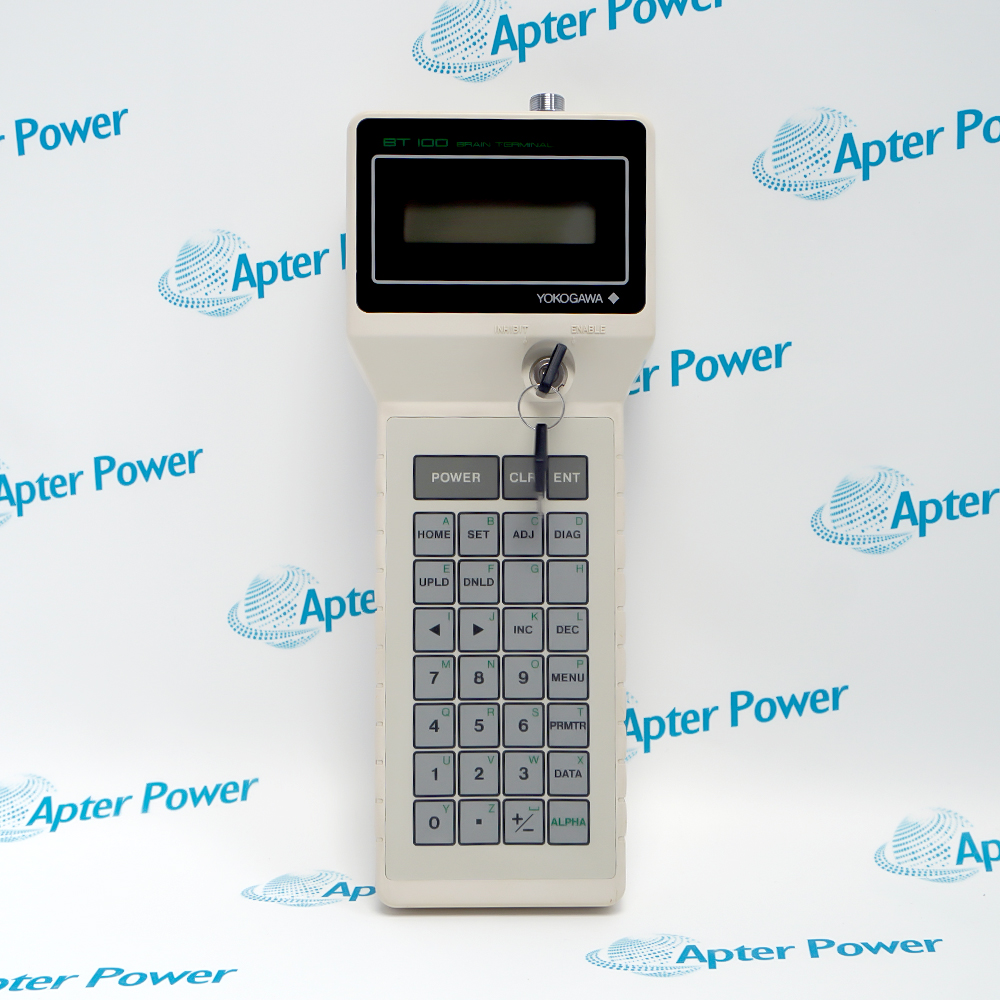
Yokogawa BT100 is a discontinued handheld terminal for local parameter access on supported Yokogawa field instruments.
In Stock
Ships by Wednesday, October 28
Fast Shipping Available
Get a quick price for BT100
Quantity
*E-mail
Company
*Mobile
*Content
Upload (gif, jpg, jpeg, png, bmp, doc, docx, xls, xlsx, ppt, pdf, csv)

Technical specifications for BT100

  • Manufacturer:
    Yokogawa
  • Part Number:
    BT100
  • Product Family:
    BRAIN Handheld Terminals
  • Product Type:
    Handheld Terminal
  • Stock:
    1
  • Yokogawa model:
    BT100
  • Device class:
    Handheld terminal
  • OEM discontinuation date:
    30 April 1994
  • OEM replacement path:
    BT200
  • Official guide:
    Yokogawa IM 1F2B4-01-YIA
  • Weight:
    0.42 kg
  • Estimated shipping dimensions:
    10x4.4x26cm
  • Tariff Code:
    8537101190
  • Country of origin:
    Japan
  • Place of shipment:
    Xiamen,Fujian,China
By purchasing this item, you agree to the Terms & Conditions, ApterPower is not an authorized distributor for listed manufacturers or tradenames and therefore the manufacturer's warranty does not apply. All our products come with ApterPower's 1-year warranty.

More Information

Overview Manuals Terminal Operation Instrument Access Parameter Recovery Product Applications

Features:

  • Local parameter access: supports reading and entering values on compatible Yokogawa instruments.
  • Transfer workflow: upload and download keys support parameter-copy tasks described in the official guide.
  • Defined successor: Yokogawa directs discontinued BT100 users toward BT200 subject to application review.

BT100 identity covers the handheld service terminal, while the instrument and lead determine whether a connection is valid.

Parameter changes require an approved before-and-after record because the terminal can alter the live instrument configuration.

The BT200 successor path should be checked against the specific instrument, cable and communication method before migration.
Apter Power supports legacy-spare review and quotation for Yokogawa BT100 Handheld Terminal.
Yokogawa BT100 Handheld Terminal Manuals,Datasheets,Link

Important Notice: Use the complete BT100 product model in every document request.

  • Menu access: the display and keyboard support navigation through compatible instrument parameters.
  • Value entry: numeric and function keys allow approved settings to be reviewed or changed.
  • Upload function: instrument data can be copied into terminal memory for a controlled service task.
  • Download function: stored data can be written back only after target-instrument compatibility is confirmed.
  • Device support: the connected Yokogawa instrument manual determines whether BT100 access is valid.
  • Service lead: cable and connection point must match the instrument interface.
  • Operating state: maintenance access is performed with the process in the approved safe condition.
  • Parameter authority: only values covered by the site change record should be edited.
  • Baseline capture: record existing values before a terminal transfer or edit begins.
  • Target check: confirm tag and instrument identity before downloading stored data.
  • Write verification: read back every changed value and compare it with the approved configuration.
  • Process return: confirm normal signal and device response before closing the maintenance activity.
  • Legacy field-instrument maintenance: provides local parameter access where BT100 is documented for the installed device.
  • Configuration capture: supports an approved copy of settings before instrument service.
  • Like-for-like parameter restoration: returns validated values to a confirmed compatible target.
  • BT200 migration planning: gives maintenance a baseline for checking the OEM successor path.
Description
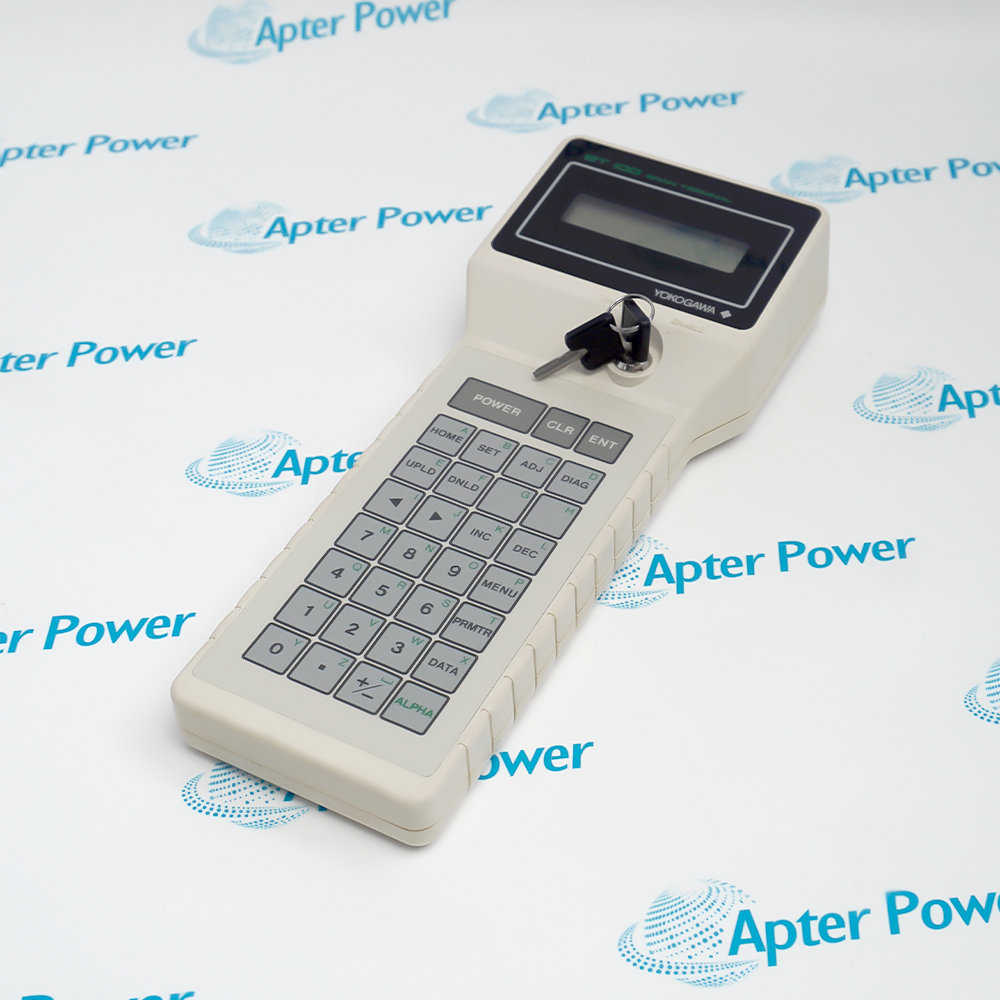
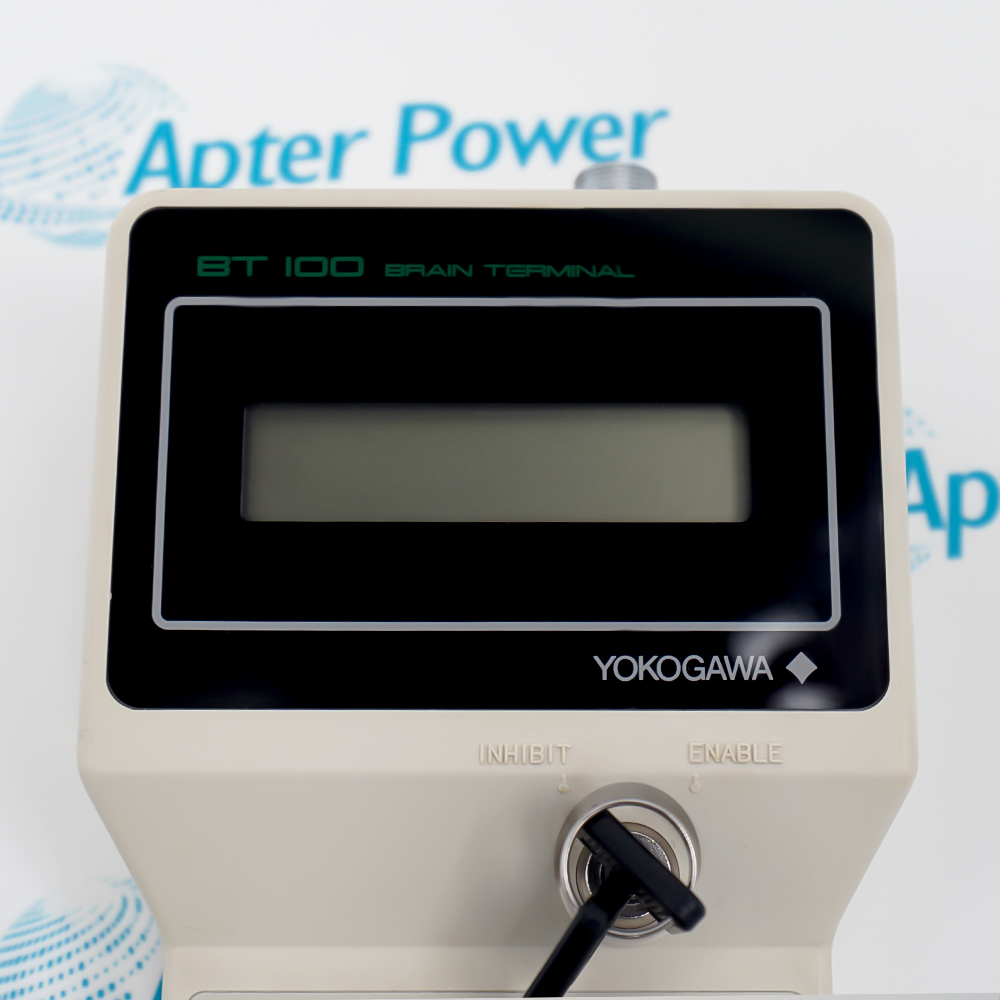
Yokogawa’s BT100 is a handheld terminal used to read, enter and transfer parameters on supported field instruments. Its keyboard, removable-key arrangement and display belong to an earlier service workflow that predates the BT200 replacement path.

A working BT100 is useful only when the connected instrument, communication method and service lead match the intended session. Parameter access should be planned from the instrument manual rather than inferred from the terminal connector alone.

Before field use, inspect the lead and keys, confirm the instrument is in a safe maintenance state and capture the existing parameter record. After any change, compare the stored value with the approved configuration and verify that the process signal has returned to its expected condition.
Alternative Names
BT-100 BT 100 BT1OO BТ100 Yokogawa BT100 Yokogawa BT-100 BT100 handheld BT100 terminal BT100 HHT BT100/BT200
Technical notes
BT100 reached Yokogawa discontinuation on 30 April 1994, with BT200 named as its replacement. That successor statement does not establish automatic cable or instrument compatibility; use the target instrument manual and connection accessory record.
Exceptional Service

Our Mission

  • 100% Satisfaction

    We believe expertise is priceless. With over 20 years of experience, and top engineers on staff, we can help you solve or avoid problems that threaten your business.
  • Trust Guaranteed

    Not only do we have a vast inventory, our team makes sure every piece of equipment is in working condition. Your purchases are also backed by our Warranty.
  • Expertise

    Time is money, especially when your equipment is down. We work quickly to get your equipment on its way so you can get it back up and running.

FAQS

The following is a list of questions commonly asked by our customers. Please contact us if you have a question about our process that is not answered below.
A BT100 powers up but will not communicate with the field instrument. What should be checked first?
Confirm the exact instrument model, supported connection point and service lead before treating the terminal as faulty.
Can stored BT100 data be downloaded to another instrument with the same family name?
Do not download until tag, revision and parameter-map compatibility are proven; a family match alone is not sufficient.
When is BT200 an acceptable replacement for BT100?
Use BT200 only after the target instrument manual and required connection accessories confirm the intended service function.
What should be recorded before a technician edits parameters with BT100?
Capture the instrument tag, current values, process condition and authorized target values so every change can be reversed and traced.
The terminal reports an entry error. Should the value be forced through another menu?
No. Stop and check parameter range, instrument mode and write permission; forcing a different path can create an unapproved configuration.
What closes a BT100 service session?
Read back the approved values, verify the process signal, remove the lead safely and store the before-and-after record.