AB 1769-L20
AB 1769-L20
AB 1769-L20
AB 1769-L20
AB 1769-L20
AB 1769-L20
Ask our team:
  • Phone: +86 181 0690 9650
  • E-Mail sales1@apterpower.com
  • Lifecycle status

    Discontinued

1769-L20

/ 4.9
1001 reviews | Need a Specific Revision?
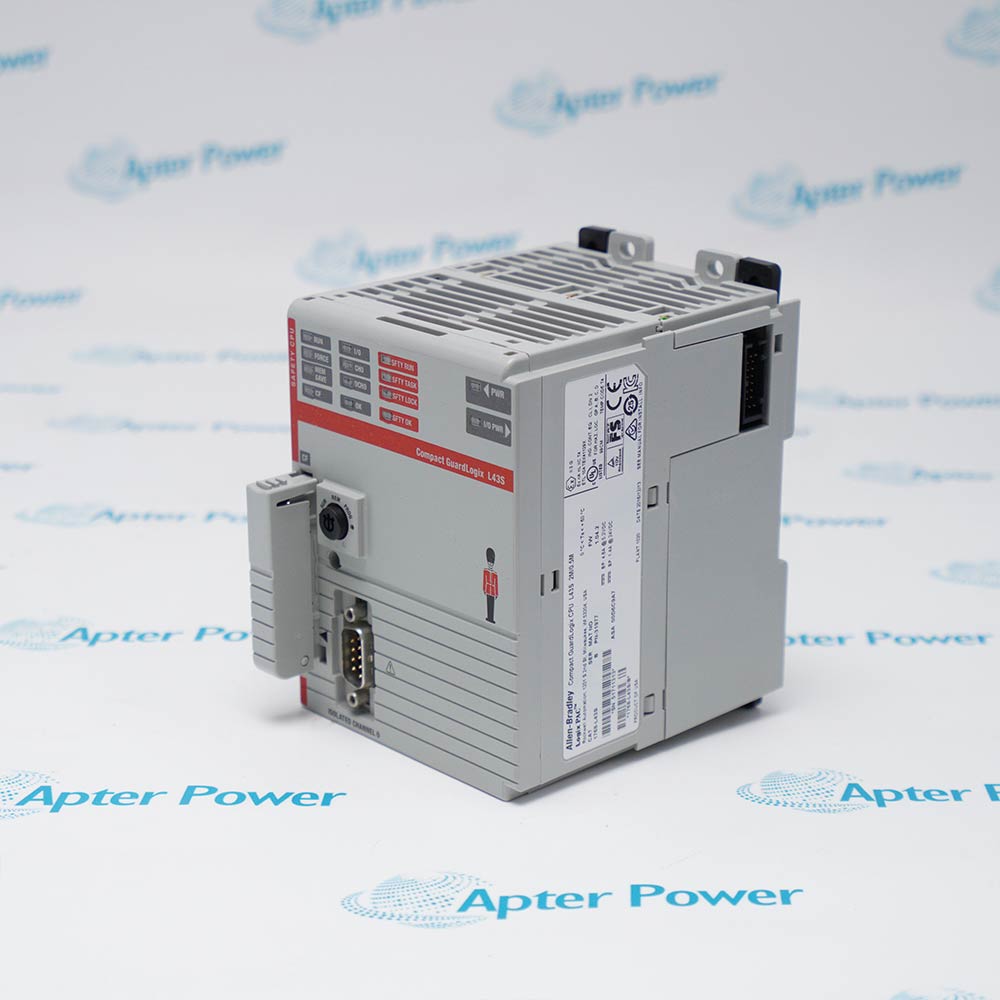
Allen-Bradley 1769-L20 manages compact machine-control applications through its local CompactBus and configurable serial channel, with controller memory retained by the specified 1747-BA battery.
In Stock
Ships by Thursday, October 29
Fast Shipping Available
Get a quick price for 1769-L20
Quantity
*E-mail
Company
*Mobile
*Content
Upload (gif, jpg, jpeg, png, bmp, doc, docx, xls, xlsx, ppt, pdf, csv)

Technical specifications for 1769-L20

  • Manufacturer:
    Allen-Bradley
  • Part Number:
    1769-L20
  • Product Family:
    CompactLogix
  • Product Type:
    CompactLogix 5320 Controller
  • Stock:
    1
  • User Memory:
    64 KB
  • Communication Port:
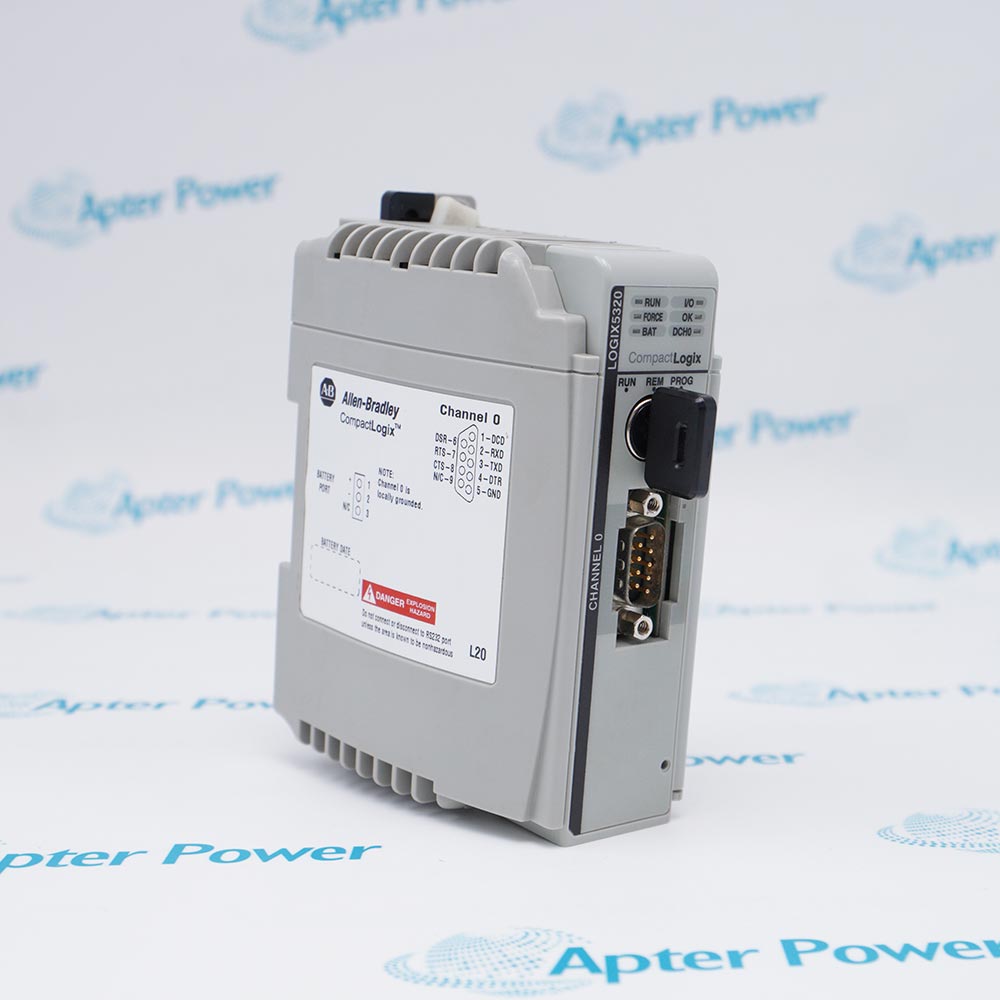
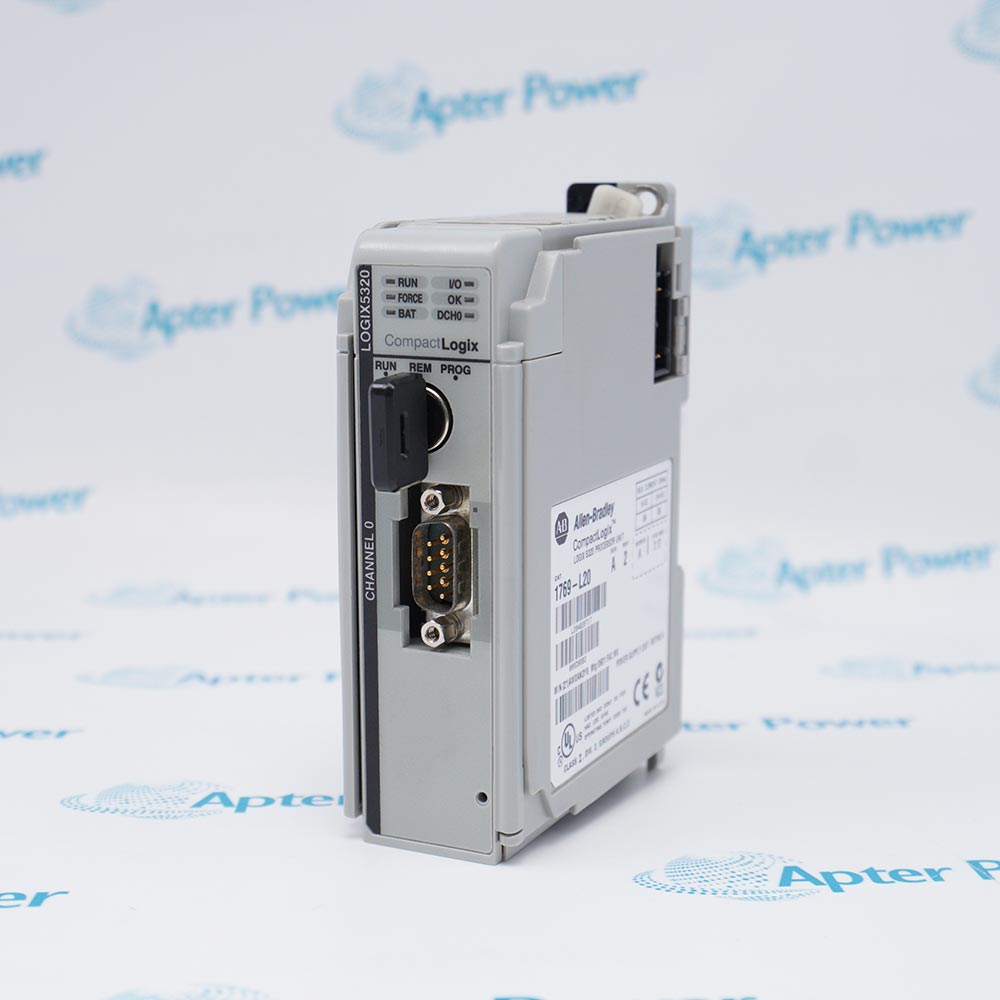
    One RS-232 port
  • Maximum Local I/O Modules:
    8
  • Maximum I/O Banks:
    2
  • Backplane Current:
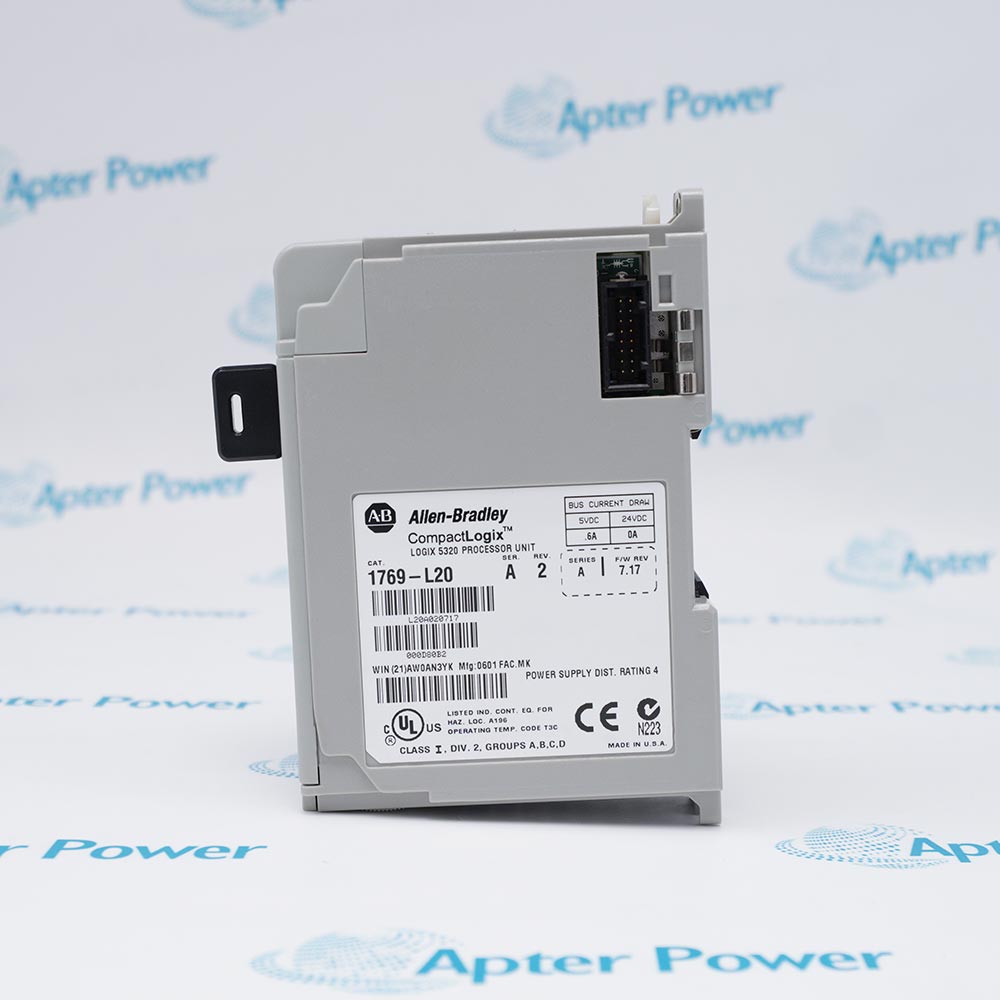
    600 mA at 5 V DC; 0 mA at 24 V DC
  • Power Supply Distance Rating:
    4 modules
  • Operating Temperature:
    0…60°C
  • Storage Temperature:
    -40…85°C
  • Relative Humidity:
    5…95%, non-condensing
  • Battery:
    1747-BA
  • Programming Cable:
    1747-CP3 or 1756-CP3
  • Available Firmware:
    Version 13.019 in the official Product Compatibility and Download Center
  • Mounting:
    DIN rail or panel mount
  • Dimensions:
    5.0 × 8.7 × 11.8 cm
  • Weight:
    0.2 kg
  • Tariff Code:
    8537101190
  • Country of origin:
    USA
  • Place of shipment:
    Xiamen,Fujian,China
By purchasing this item, you agree to the Terms & Conditions, ApterPower is not an authorized distributor for listed manufacturers or tradenames and therefore the manufacturer's warranty does not apply. All our products come with ApterPower's 1-year warranty.

More Information

Overview Manuals System Planning Serial Communication Replacement Application
  • DIN-rail or panel mounting within a 1769 Compact I/O assembly
  • Controller placement within four slot positions of the power supply
  • 50 mm minimum clearance on every side for ventilation and electrical isolation

1769-L20 integrates into a 1769 Compact I/O assembly and supports either DIN-rail mounting or direct panel mounting.

During installation, keep the controller within its documented power-supply distance rating, secure each module correctly, and install the required end cap at the end of the I/O bank.

Remove system power before inserting or removing modules, and prevent metal chips, wire strands, or other debris from entering the controller while mounting the assembly.

Availability, condition, price, and shipping time for 1769-L20 are confirmed during quotation.

Allen-Bradley 1769-L20 CompactLogix 5320 Controller Manuals, Datasheets, Links

Important Notice: Other accessories, manuals, cables, calibration data, software, etc. are not included with this equipment unless listed in the above stock item description. All prices are shown in USD.

  • The controller occupies the leftmost position in the first CompactLogix bank
  • The documented system supports up to eight local I/O modules in two banks
  • Power supplies, expansion cables, and the final end cap must follow the planned bank layout
  • The RS-232 channel supports controller programming and configured serial communication
  • Channel settings must match the workstation or connected serial device
  • The 1747-CP3 or 1756-CP3 cable is specified for programming connections
  • Back up the complete application before removing the controller
  • Match the Series A revision and compatible firmware before restoring the project
  • Verify the 1747-BA battery and operating-mode selection during recommissioning
  • CompactLogix 5320 standalone machine control
  • Local Compact I/O control with up to eight modules
  • Serially connected automation systems using the built-in RS-232 channel
Description
1769-L20 provides control for compact local I/O systems built on the CompactLogix 5320 platform.

This Series A controller includes 64 KB of user memory and an RS-232 communication port, supporting up to eight local 1769 I/O modules.
Revisions

Revision Part #

Also known as

1769-L20 Ser A
1769-L20/A, Series A, Rev A
Alternative Names
1769-L20 1769 L20 1769L20 Allen-Bradley 1769-L20 Allen Bradley 1769-L20 Rockwell Automation 1769-L20 CompactLogix 1769-L20 CompactLogix 5320 1769-L20
Technical notes
1769-L20 must retain its Series A firmware 13.019 project and 1747-BA-backed memory before exchange; verify RS-232 channel mode and local I/O bank order, or the controller may not enter Run mode.
Exceptional Service

Our Mission

  • 100% Satisfaction

    We believe expertise is priceless. With over 20 years of experience, and top engineers on staff, we can help you solve or avoid problems that threaten your business.
  • Trust Guaranteed

    Not only do we have a vast inventory, our team makes sure every piece of equipment is in working condition. Your purchases are also backed by our Warranty.
  • Expertise

    Time is money, especially when your equipment is down. We work quickly to get your equipment on its way so you can get it back up and running.

FAQS

The following is a list of questions commonly asked by our customers. Please contact us if you have a question about our process that is not answered below.
Can an existing RSLogix 5000 project be restored directly to a replacement 1769-L20?
Restore only after confirming that the replacement is the same controller type and Series A revision and that its firmware is compatible with the saved project; otherwise convert or update the project through the supported Rockwell workflow.
Can 1769-BA be substituted for the battery specified with 1769-L20?
No. The official 1769-L20 installation instructions specify 1747-BA, so do not substitute the later 1769-BA assembly when sourcing a replacement battery for this controller.
Why might a programming workstation fail to communicate with 1769-L20 after replacement?
Verify that the approved 1747-CP3 or 1756-CP3 connection is used and that the workstation driver, RS-232 channel settings, cable wiring, and controller operating mode match the saved 1769-L20 setup.
What must be backed up before replacing 1769-L20?
Save the complete RSLogix 5000 project and document firmware, controller revision, RS-232 configuration, I/O arrangement, operating mode, and battery condition before removing the controller.
Can 1769-L20 be inserted or removed with power applied?
No. Disconnect controller and I/O power before assembly or replacement because hot insertion can create an electrical arc, unintended machine motion, or equipment damage.
Where must 1769-L20 be positioned in the CompactLogix system?
The controller is the leftmost module in the first bank and must remain within four slot positions of the system power supply; every bank also requires correct bus termination.
What should a buyer verify about the hardware revision when sourcing 1769-L20?
Check the complete Series A revision on the controller label against Rockwell’s service advisory, which identifies an issue affecting Rev 1 and its correction in Rev 2, before accepting the replacement.

Product Browsing History