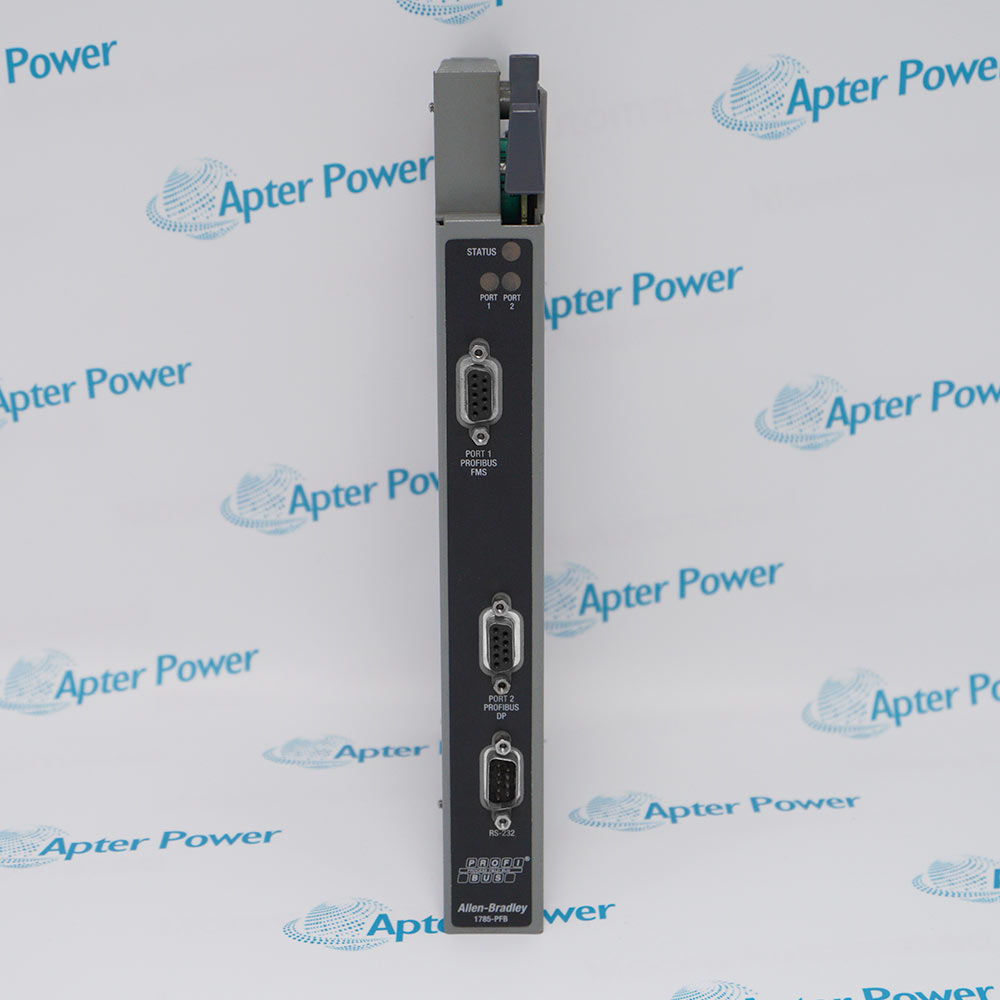
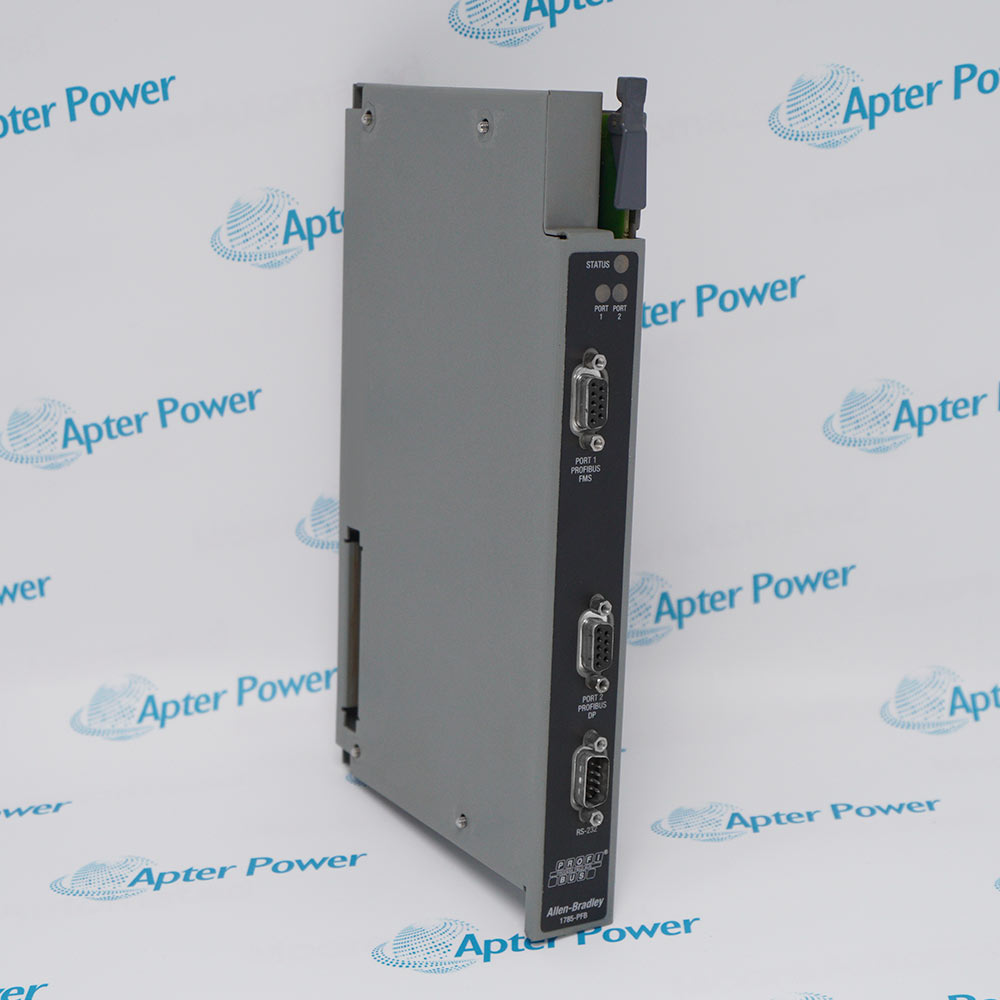
Allen-Bradley 1785-PFB
Ask our team:
  • Phone: +86 181 0690 9650
  • E-Mail sales1@apterpower.com

1785-PFB

/ 4.9
1001 reviews | Need a Specific Revision?
Allen-Bradley 1785-PFB is the PLC-5 PROFIBUS Local Station Manager software package used to configure and diagnose a compatible PLC-5 PROFIBUS coprocessor through RS-232.
In Stock
Ships by Thursday, October 29
Fast Shipping Available
Get a quick price for 1785-PFB
Quantity
*E-mail
Company
*Mobile
*Content
Upload (gif, jpg, jpeg, png, bmp, doc, docx, xls, xlsx, ppt, pdf, csv)

Technical specifications for 1785-PFB

  • Manufacturer:
    Allen-Bradley
  • Part Number:
    1785-PFB
  • Product Family:
    PLC-5
  • Product Type:
    PLC-5 PROFIBUS Local Station Manager Software
  • Stock:
    1
  • Network Interface:
    PROFIBUS
  • Configuration Utility:
    PLC-5 PROFIBUS Local Station Manager
  • Configuration Connection:
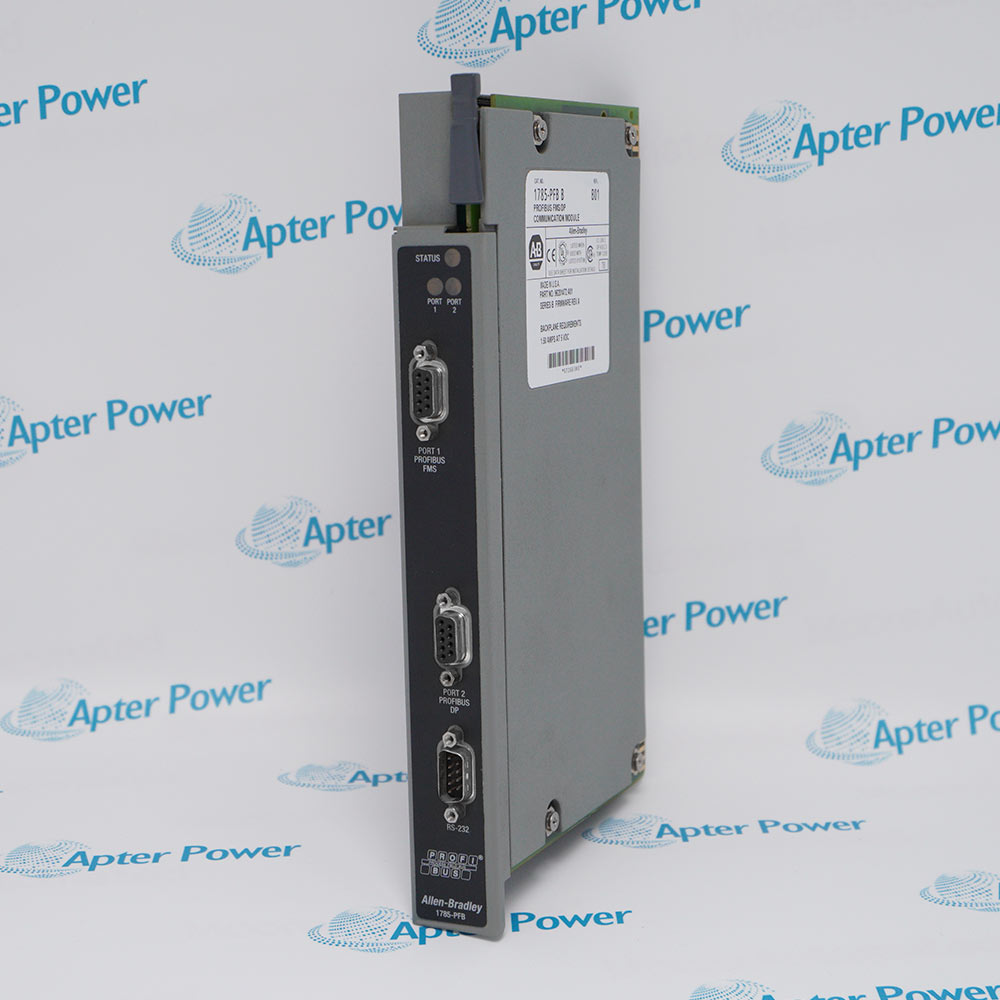
    RS-232
  • RS-232 Connector:
    9-pin female
  • RS-232 Pin 4:
    Transmit data from module to computer
  • RS-232 Pin 3:
    Receive data from computer to module
  • RS-232 Pin 1:
    Data ground
  • Documented Host Requirement:
    Microsoft Windows 3.1 or later
  • Documented Utility Functions:
    Bus parameters, system events, resets, address conversion, and module information
  • Tariff Code:
    8517623990
  • Country of origin:
    USA
  • Place of shipment:
    Xiamen,Fujian,China
By purchasing this item, you agree to the Terms & Conditions, ApterPower is not an authorized distributor for listed manufacturers or tradenames and therefore the manufacturer's warranty does not apply. All our products come with ApterPower's 1-year warranty.

More Information

Overview Manuals RS-232 Setup Bus Parameters Diagnostic Control Application
  • Configures a compatible PLC-5 PROFIBUS coprocessor through the Local Station Manager utility
  • Uses an RS-232 connection for bus parameters, diagnostics, events, and reset functions
  • Requires the separate coprocessor hardware, cable, software media, and saved station configuration

1785-PFB identifies the Allen-Bradley PLC-5 PROFIBUS Local Station Manager software.

The utility communicates with a compatible PLC-5 PROFIBUS coprocessor and provides configuration, status, event, and address-conversion functions.

Before service, preserve the installed software version, RS-232 setup, station addresses, bus parameters, event records, and identity of the separate coprocessor hardware.

Availability, condition, price, and shipping time for 1785-PFB are confirmed during quotation.

Allen-Bradley 1785-PFB PLC-5 PROFIBUS Interface Manuals, Datasheets, Links

Important Notice: Other accessories, manuals, cables, calibration data, software, etc. are not included with this equipment unless listed in the above stock item description. All prices are shown in USD.
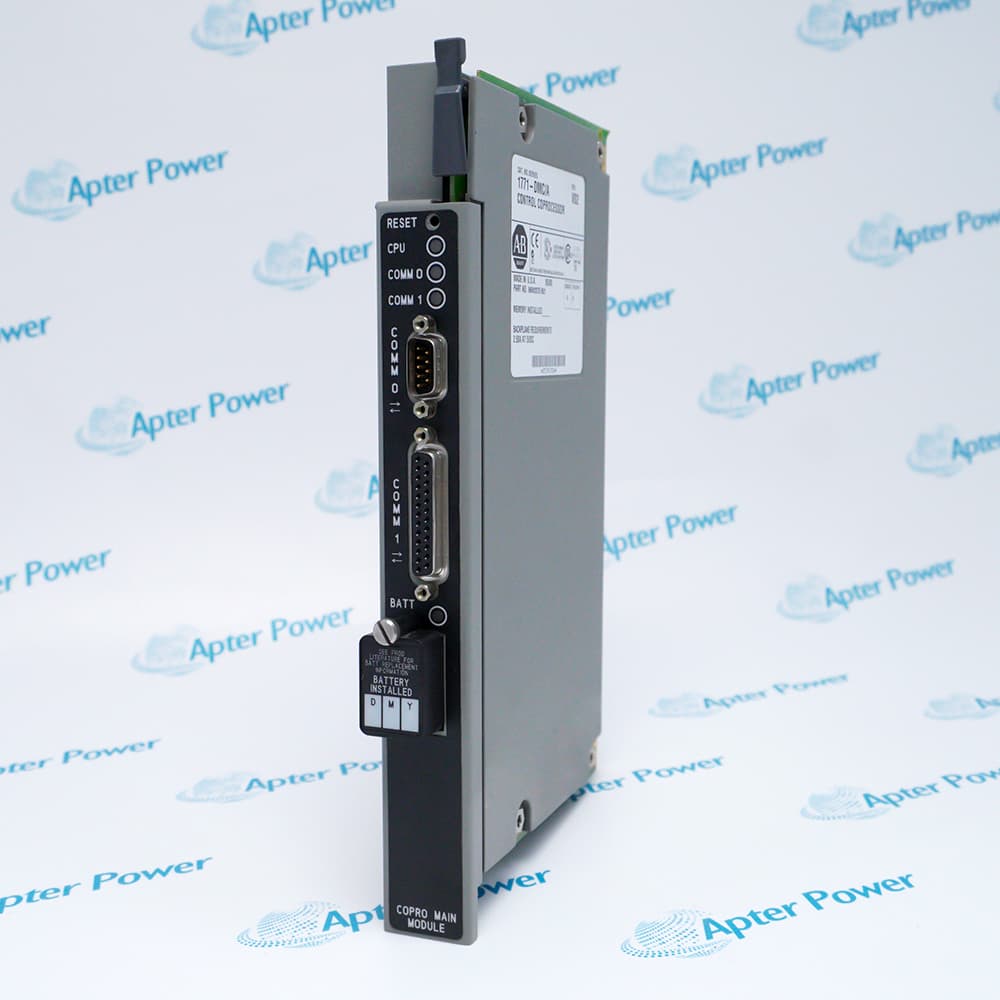

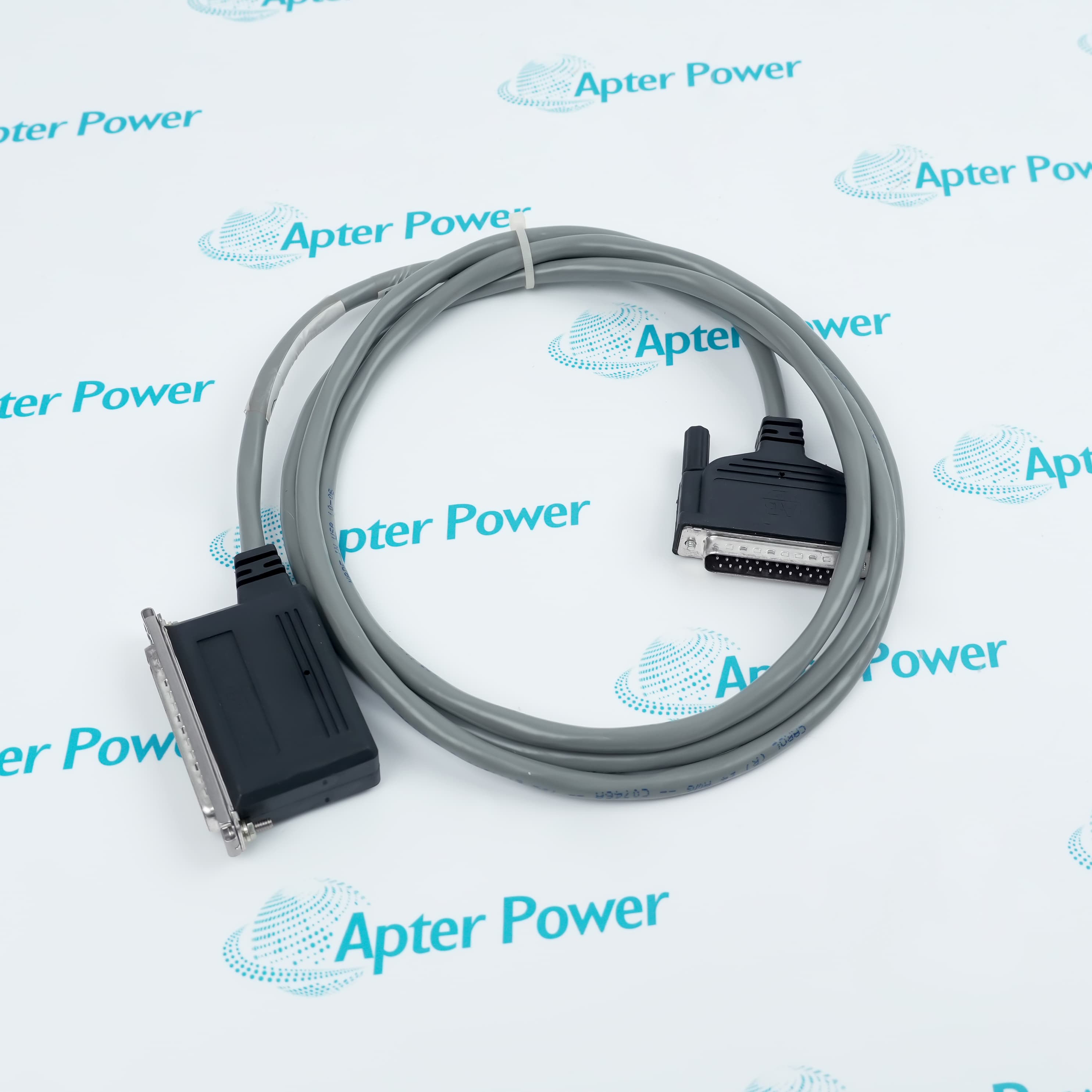
  • The official setup connects a computer to the coprocessor through RS-232.
  • The rear connector uses documented transmit, receive, and data-ground pins.
  • The selected computer communication port must match the physical cable.
  • Local Station Manager provides access to the documented PROFIBUS parameters.
  • Address-conversion and switch information can be reviewed through the utility.
  • Save the installed bus configuration before hardware or software changes.
  • The utility reports module state, communication versions, and system events.
  • No Communication status directs the user to connection and port-setting checks.
  • Reset functions should be used only after the active configuration is preserved.
  • PLC-5 PROFIBUS systems administered through the Local Station Manager utility.
  • Configuration recovery involving RS-232 access, saved bus parameters, and station addresses.
  • Diagnostic work using module state, event, switch, and communication-version information.
Description
Allen-Bradley 1785-PFB is the PLC-5 PROFIBUS Local Station Manager software package documented for use with a compatible PLC-5 PROFIBUS coprocessor.

The official guide covers RS-232 connection, communication-port selection, bus-parameter setup, event monitoring, address conversion, reset functions, battery checks, and module information.

Ordering should distinguish the 1785-PFB software from the separate coprocessor hardware and should confirm the required software media, host-computer environment, RS-232 cable, and saved PROFIBUS configuration.
Alternative Names
1785-PFB 1785PFB 1785 PFB Allen-Bradley 1785-PFB Allen Bradley 1785-PFB AB 1785-PFB PLC-5 1785-PFB
Technical notes
1785-PFB is the PLC-5 PROFIBUS Local Station Manager software, not the coprocessor hardware; confirm the separate coprocessor catalog, software media and version, RS-232 cable, host-computer compatibility, and saved bus parameters.
Exceptional Service

Our Mission

  • 100% Satisfaction

    We believe expertise is priceless. With over 20 years of experience, and top engineers on staff, we can help you solve or avoid problems that threaten your business.
  • Trust Guaranteed

    Not only do we have a vast inventory, our team makes sure every piece of equipment is in working condition. Your purchases are also backed by our Warranty.
  • Expertise

    Time is money, especially when your equipment is down. We work quickly to get your equipment on its way so you can get it back up and running.

FAQS

The following is a list of questions commonly asked by our customers. Please contact us if you have a question about our process that is not answered below.
What should be included when ordering Allen-Bradley 1785-PFB?
Confirm the Local Station Manager software media and version, host-computer compatibility, documentation, and the RS-232 cable required for the separately identified PLC-5 PROFIBUS coprocessor.
How is Allen-Bradley 1785-PFB configured according to the official guide?
A computer connects to the PROFIBUS coprocessor over RS-232 and uses the PLC-5 PROFIBUS Local Station Manager utility.
What configuration should be saved before replacing Allen-Bradley 1785-PFB?
Retain bus parameters, station addresses, address conversions, communication-port settings, module and software versions, event information, and the PLC-5 application context.
Why might Local Station Manager show no communication with Allen-Bradley 1785-PFB?
Inspect the RS-232 cable pinout, selected computer port, module power and state, switch settings, connector seating, and utility communication setup.
Does Allen-Bradley 1785-PFB include the PLC-5 PROFIBUS coprocessor hardware?
No. The official publication identifies 1785-PFB as the Local Station Manager software. Verify the separate coprocessor catalog, cabling, and saved bus configuration.
What should be checked before resetting Allen-Bradley 1785-PFB communication?
Preserve the active bus configuration and event information, confirm the affected process is safe, and follow the official Local Station Manager reset procedure.
Can Allen-Bradley 1785-PFB be recommissioned when the original Local Station Manager configuration is unavailable?
The bus setup may be reconstructed only through a controlled engineering process using verified station addresses, parameters, connected devices, and PLC-5 behavior; obtaining the original configuration remains the safer approach.