Ask our team:
  • Phone: +86 181 0690 9650
  • E-Mail sales1@apterpower.com
  • Lifecycle status

    Active / Available from OEM
    Apter Power coordinates model checks, backup review, official documentation, quotation, and dispatch verification.

2707-V40P1

/ 4.9
1001 reviews | Need a Specific Revision?
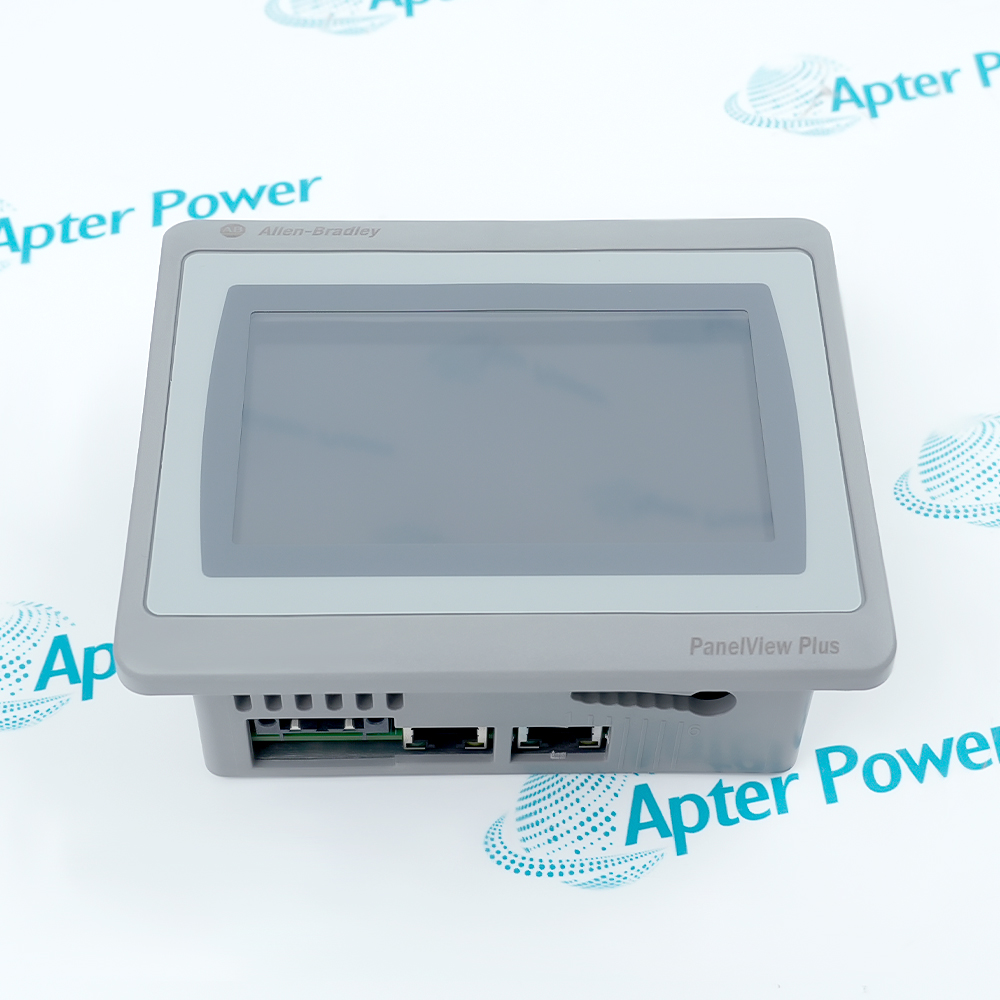
Allen-Bradley 2707-V40P1 is a 40K DTAM Plus terminal with a VFD, printer port, real-time clock, and low-voltage P1 power input.
In Stock
Ships by Thursday, October 29
Fast Shipping Available
Get a quick price for 2707-V40P1
Quantity
*E-mail
Company
*Mobile
*Content
Upload (gif, jpg, jpeg, png, bmp, doc, docx, xls, xlsx, ppt, pdf, csv)

Technical specifications for 2707-V40P1

  • Manufacturer:
    Allen-Bradley
  • Part Number:
    2707-V40P1
  • Product Family:
    Allen Bradley Panelviews
  • Product Type:
    DTAM Plus VFD Operator Interface
  • Stock:
    1
  • Display:
    4-line x 20-character VFD
  • Application Memory:
    40K
  • Communications Port:
    Configurable RS-232C / RS-485
  • Printer Port:
    RS-232C
  • P1 Input:
    15–23V AC or 20–30V DC
  • Operating Temperature:
    0 to 60°C
  • Weight:
    0.95 kg
  • Estimated shipping dimensions:
    19.3x13.97x4.57cm
  • Tariff Code:
    Please confirm the destination before shipping
  • Country of origin:
    USA
  • Place of shipment:
    Xiamen,Fujian,China
By purchasing this item, you agree to the Terms & Conditions, ApterPower is not an authorized distributor for listed manufacturers or tradenames and therefore the manufacturer's warranty does not apply. All our products come with ApterPower's 1-year warranty.

More Information

Overview Manuals VFD Visibility Printer & ASCII Service Layout Product Applications

Features:

  • Vacuum fluorescent display intended for longer viewing distance
  • 40K application configuration with clocked report functions
  • Low-voltage P1 catalog within the DTAM Plus VFD range
The VFD display and P1 suffix make 2707-V40P1 a different retrofit choice from both the LCD catalog and the sealed P2N configuration.

The 40K identity indicates that controller interaction and peripheral work are application-defined, while viewing brightness remains a local operator adjustment.

Visibility, report-channel use, and rear service layout remain independent engineering concerns rather than one interchangeable VFD parameter set.
Apter Power can coordinate official-document review, quotation, and sourcing support for 2707-V40P1.
2707-V40P1 DTAM Plus VFD Operator Interface Manuals, Datasheets, Links Important Notice: Other accessories, manuals, cables, calibration data, software, etc. are not included with this equipment unless listed in the above stock item description. All prices are shown in USD.
  • Viewing reach: The fluorescent display is specified for observation beyond the immediate keypad position.
  • Brightness control: Keypad adjustment supports commissioning for the installed machine-lighting conditions.
  • Panel heat: The VFD-specific ambient boundary must be checked against enclosure temperature, not room temperature alone.
  • Separate interface: The RS-232C printer port is distinct from the configured controller communication port.
  • Time reference: The real-time clock supports application-defined time stamps on printed information.
  • Decoded input: Supported ASCII data can enter through the peripheral path when the 40K application defines its use.
  • Connector clearance: The enclosure must leave room for installed communication and printer cables without strain.
  • Maintenance access: Fuses and DIP switches remain rear-service items after the terminal is mounted.
  • Air movement: Spacing around the assembly must account for heat from neighboring panel equipment.
  • Distant status viewing: Present PLC or SLC process information where operators read across machine space.
  • Operator adjustments: Perform approved value entry, recipe transfer, and point-access tasks at the panel.
  • Production records: Generate time-referenced output or accept configured decoded ASCII data through the peripheral port.
Description
Long sight lines across a machine are the defining context for 2707-V40P1, the vacuum fluorescent 40K member of the Allen-Bradley DTAM Plus range with a P1 supply identity. The display choice separates it from the LCD catalog before communication or application details are reviewed.

During commissioning, 2707-V40P1 serves as the local operator point while its controller connection and peripheral channel remain separate system resources. This distinction lets engineering assess live control data and production-facing output as different parts of the installed design.

Because another DTAM Plus unit can present a similar front panel, sourcing 2707-V40P1 should begin with the complete nameplate and the machine application context. Those records establish the VFD, P1, and 40K combination without turning the retrofit decision into a front-view comparison.
Alternative Names
Allen-Bradley DTAM Plus V40P1 Rockwell 2707 V40P1 VFD Terminal DTAM Plus 40K VFD Operator Interface
Technical notes
Do not connect 2707-V40P1 to wiring prepared for a P2 DTAM Plus terminal. Its P1 design accepts 15–23 VAC or 20–30 VDC and requires the documented Class 2 source treatment; isolate the panel and correct the circuit if the complete nameplate and installed supply do not agree.
Exceptional Service

Our Mission

  • 100% Satisfaction

    We believe expertise is priceless. With over 20 years of experience, and top engineers on staff, we can help you solve or avoid problems that threaten your business.
  • Trust Guaranteed

    Not only do we have a vast inventory, our team makes sure every piece of equipment is in working condition. Your purchases are also backed by our Warranty.
  • Expertise

    Time is money, especially when your equipment is down. We work quickly to get your equipment on its way so you can get it back up and running.

FAQS

The following is a list of questions commonly asked by our customers. Please contact us if you have a question about our process that is not answered below.
Why can 2707-V40P1 remain visible across the machine but become difficult to read only after the panel heats up?
Long viewing distance does not remove the enclosure-temperature limit. Measure air around the terminal, inspect ventilation and nearby heat sources, then retest the keypad brightness control before replacing the VFD.
After replacing an LCD terminal, why can 2707-V40P1 look unreadable even though live controller values are correct?
The VFD uses a keypad brightness adjustment rather than the LCD backlight-and-contrast workflow. Set the local brightness for the installed viewing position and inspect enclosure temperature before changing the application or controller logic.
If reports print but barcode entries do not reach the controller, how should 2707-V40P1 be checked?
Keep the printer channel separate from host communications. Verify the decoder format, application ASCII mapping, destination controller address, and active peripheral mode before changing the controller link.
After a backup is loaded, why might 2707-V40P1 show valid screens but no live PLC values?
Compare the restored protocol, terminal switches, controller address, and runtime cable with the machine baseline. A correct screen database cannot communicate when the saved host path belongs to another installation.
When the front of 2707-V40P1 looks correct but rear connectors are inaccessible, what should the panel team change?
Rework the enclosure layout so communication and printer plugs are not bent, ventilation remains open, and fuses and switches can be reached safely. Do not accept a cutout that makes routine service destructive.
Which records should accompany an RFQ for 2707-V40P1 to avoid receiving another VFD catalog?
Provide a readable full nameplate, P1 power drawing, application backup, host protocol, runtime cable, printer-port task, and enclosure photos. Those details separate this catalog from P2 and sealed VFD versions.