Ask our team:
  • Phone: +86 181 0690 9650
  • E-Mail sales1@apterpower.com
  • Lifecycle status

    Discontinued / Obsolete by OEM
    Apter Power supports IC697BEM733 availability and quotation enquiries for installed Series 90-70 systems.

IC697BEM733

/ 4.9
1001 reviews | Need a Specific Revision?
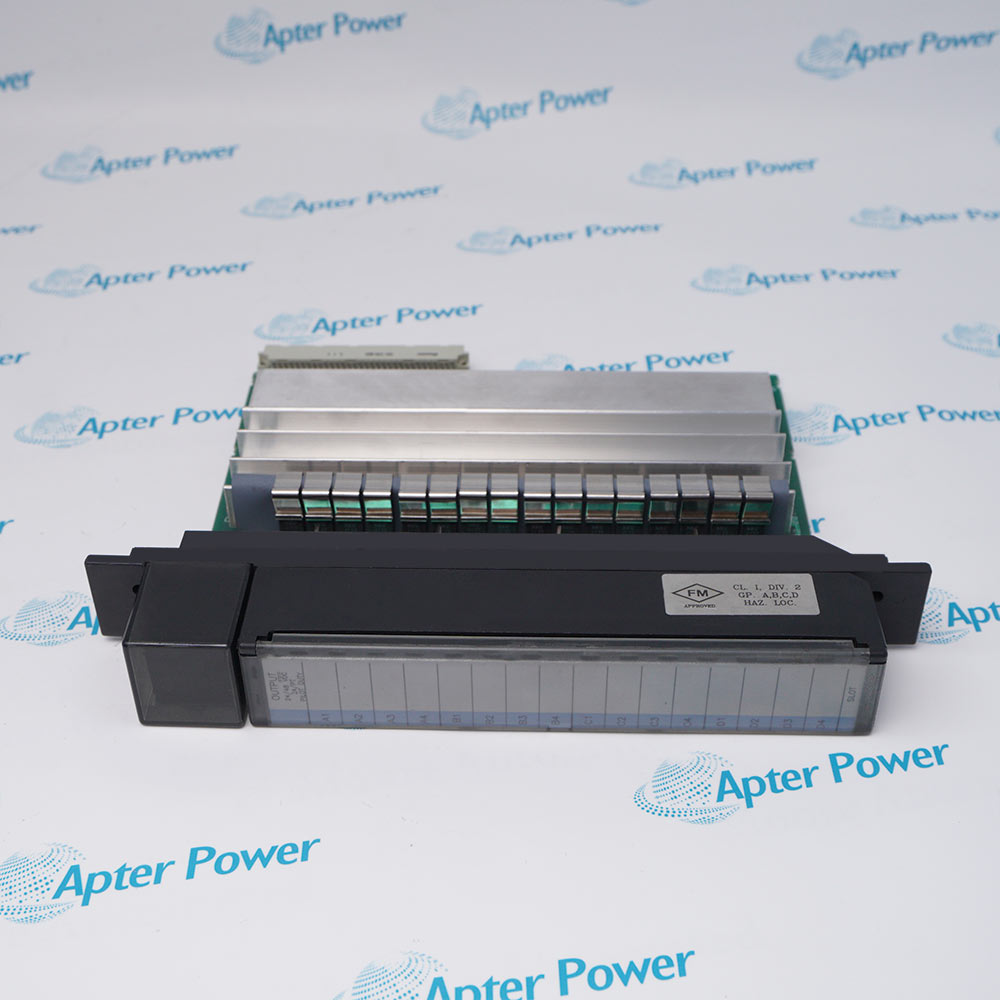
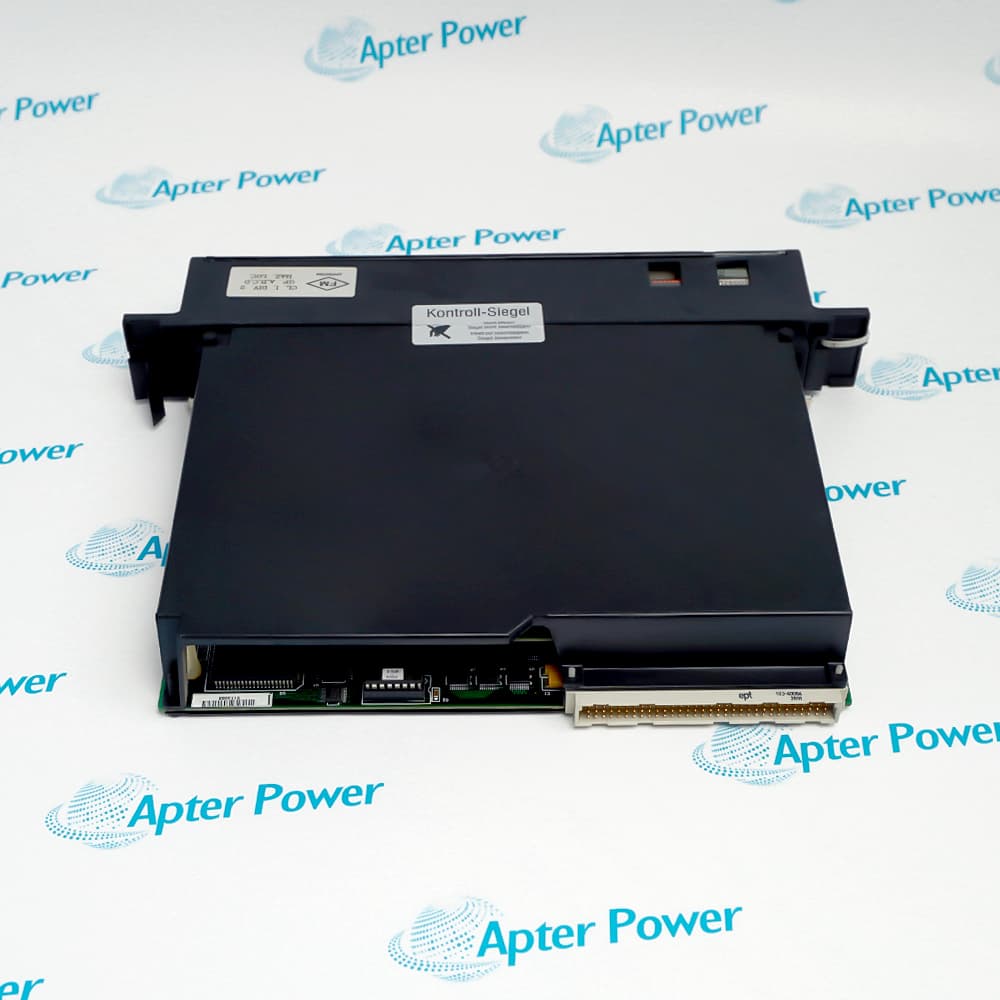
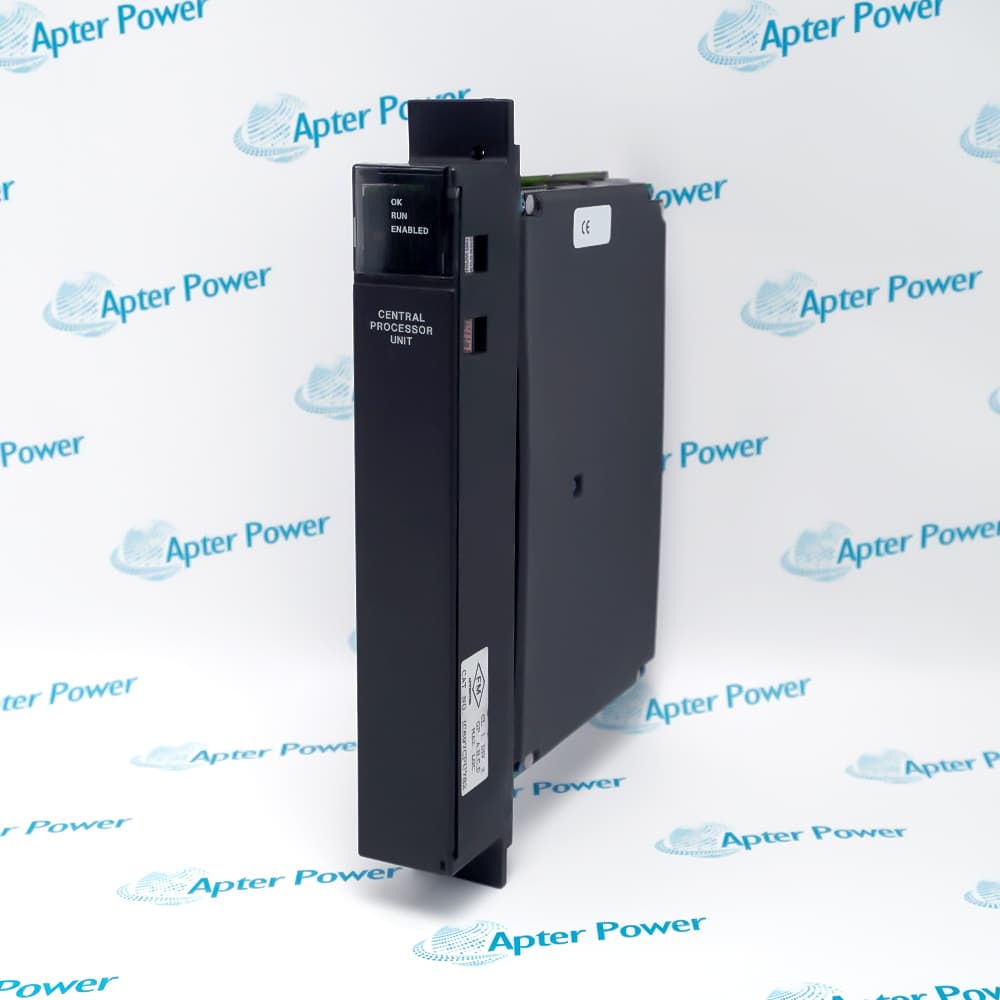
General Electric IC697BEM733 is a Remote I/O Scanner that interfaces a remote Series 90-70 rack with an IC66 Genius serial bus.
In Stock
Ships by Wednesday, October 28
Fast Shipping Available
Get a quick price for IC697BEM733
Quantity
*E-mail
Company
*Mobile
*Content
Upload (gif, jpg, jpeg, png, bmp, doc, docx, xls, xlsx, ppt, pdf, csv)

Technical specifications for IC697BEM733

  • Manufacturer:
    General Electric
  • Part Number:
    IC697BEM733
  • Product Family:
    GE 90-70 Series PLC
  • Product Type:
    Remote I/O Scanner
  • Stock:
    1
  • Bus interface:
    IC660/IC661 Genius bus
  • Remote distance:
    Up to 2,275 m (7,500 ft)
  • Per-drop data:
    128 bytes input and 128 bytes output
  • Remote-drop capacity:
    Up to eight racks
  • Bus capacity:
    Up to 30 remote drops
  • Tariff Code:
    8538900000
  • Country of origin:
    USA
  • Place of shipment:
    Xiamen,Fujian,China
By purchasing this item, you agree to the Terms & Conditions, ApterPower is not an authorized distributor for listed manufacturers or tradenames and therefore the manufacturer's warranty does not apply. All our products come with ApterPower's 1-year warranty.

More Information

Overview Manuals Host Compatibility Remote-Drop Layout Data Exchange Configuration Tools

Features:

  • Remote racks up to 7500 ft.
  • Standard discrete and analog I/O support.
  • Hand-held monitor port.
remote racks up to 7500 ft establishes the principal capability of IC697BEM733 within its Series 90-70 function.

The relationship between standard discrete and analog I/O support and hand-held monitor port determines how the module fits the surrounding rack, network, or field circuit.

During service, remote rack configuration processing must remain consistent with the saved application and the installed hardware.

Quotation and availability assistance for General Electric IC697BEM733 Remote I/O Scanner is provided by Apter Power.
General Electric IC697BEM733 Remote I/O Scanner Manuals, Datasheets, Links Important Notice: Other accessories, manuals, cables, calibration data, software, etc. are not included with this equipment unless listed in the above stock item description. All prices are shown in USD.

Controllers and I/O accepted by the scanner

  • Host systems: IC697BEM733 can operate with an IC697 PLC or another host able to control an IC660/IC661 Genius bus.
  • I/O modules: A remote drop may contain standard IC697 discrete, analog, and analog-expander modules.
  • Additional modules: PCM, ADS, Bus Transmitter, and Bus Receiver modules are supported within the stated remote-drop arrangement.
  • Excluded functions: I/O interrupts, bus controllers, communications modules, and COMREQ-dependent modules are not permitted in the remote drop.

How IC697BEM733 organizes remote I/O

  • Scanner position: The scanner resides in rack 0 of the remote drop.
  • Rack span: One drop can include up to eight linked five-slot or nine-slot IC697 racks.
  • Inter-rack distance: The first-to-last rack cable length inside the drop is limited to 15 m (50 ft).
  • Bus population: As many as 30 remote drops can share one Genius bus.

Capacity and bus distance

  • Input data: Each remote drop transfers as many as 128 input bytes through IC697BEM733.
  • Output data: The corresponding output allocation is also limited to 128 bytes per drop.
  • Remote reach: A scanner may be located up to 2,275 m (7,500 ft) from the controlling host.
  • Redundancy support: B-revision or later hardware supports both CPU and Genius bus redundancy.

Setting up a remote scanner

  • Programming software: The drop can be configured through the Series 90-70 programming environment.
  • Hand-held access: An IC660/IC661 Hand-held Monitor provides another supported configuration path.
  • Address planning: Bus address, input allocation, and output allocation must agree with the host configuration.
  • Commissioning check: The scanner and every linked rack are verified as one remote drop before field control is enabled.
Description
Within a Series 90-70 system, General Electric IC697BEM733 serves as the Remote I/O Scanner and interfaces a remote Series 90-70 rack with an IC66 Genius serial bus.

Its design combines remote racks up to 7500 ft with standard discrete and analog I/O support, giving the installed unit a clearly defined operating role.

hand-held monitor port and remote rack configuration processing govern the way this model is integrated, commissioned, and matched during replacement.
Revisions

Revision Part #

Also known as

IC697BEM733G
IC697BEM733-G, Series G, Rev G
IC697BEM733F
IC697BEM733-F, Series F, Rev F
IC697BEM733E
IC697BEM733-E, Series E, Rev E
IC697BEM733D
IC697BEM733-D, Series D, Rev D
IC697BEM733C
IC697BEM733-C, Series C, Rev C
IC697BEM733B
IC697BEM733-B, Series B, Rev B
IC697BEM733A
IC697BEM733-A, Series A, Rev A
Alternative Names
General Electric IC697BEM733 GE Fanuc IC697BEM733 GE IC697BEM733 IC697 BEM733 IC697-BEM733 Series 90-70 IC697BEM733 IC697BEMT33 IC 697 BEM733
Technical notes
IC697BEM733 service records should preserve hand-held monitor port and remote rack configuration processing so the replacement matches the operating Series 90-70 configuration.
Exceptional Service

Our Mission

  • 100% Satisfaction

    We believe expertise is priceless. With over 20 years of experience, and top engineers on staff, we can help you solve or avoid problems that threaten your business.
  • Trust Guaranteed

    Not only do we have a vast inventory, our team makes sure every piece of equipment is in working condition. Your purchases are also backed by our Warranty.
  • Expertise

    Time is money, especially when your equipment is down. We work quickly to get your equipment on its way so you can get it back up and running.

FAQS

The following is a list of questions commonly asked by our customers. Please contact us if you have a question about our process that is not answered below.
Which system detail must match before installing IC697BEM733?
For IC697BEM733, confirm the complete model, Series 90-70 role, remote racks up to 7500 ft, and standard discrete and analog I/O support before installation.
How should a startup fault on IC697BEM733 be isolated?
Check IC697BEM733 rack power, seating, configuration, indicators, and hand-held monitor port before deciding that the module has failed.
What should be recorded before replacing IC697BEM733?
Record the IC697BEM733 slot, connections, settings, hardware suffix, standard discrete and analog I/O support, and remote rack configuration processing before removing power.
How is IC697BEM733 checked after commissioning?
Confirm normal IC697BEM733 indications, clear faults, exercise the intended function, and compare the result with the saved control state.
Can a neighboring Series 90-70 model replace IC697BEM733 without review?
A neighboring module may differ in remote racks up to 7500 ft, standard discrete and analog I/O support, or hand-held monitor port; verify the complete IC697BEM733 identity and configuration first.
What external condition can affect IC697BEM733 operation?
For IC697BEM733, inspect the connected rack, field circuit, communication path, or power path associated with standard discrete and analog I/O support.
When should IC697BEM733 be returned to service?
Return IC697BEM733 only after configuration, connections, diagnostics, and the remote rack configuration processing requirement have been verified under a controlled test.

Product Browsing History