Features:
- Supports up to 30 client connections with 16 commands per client for efficient communication with multiple Modbus TCP/IP servers.
- Transfers up to 5000 registers through Ladder Logic with user-definable memory allocation and asynchronous data exchange.
- Combines a 10/100 Base-T Ethernet interface, comprehensive LED diagnostics, and Ethernet broadcast storm resiliency for dependable operation.
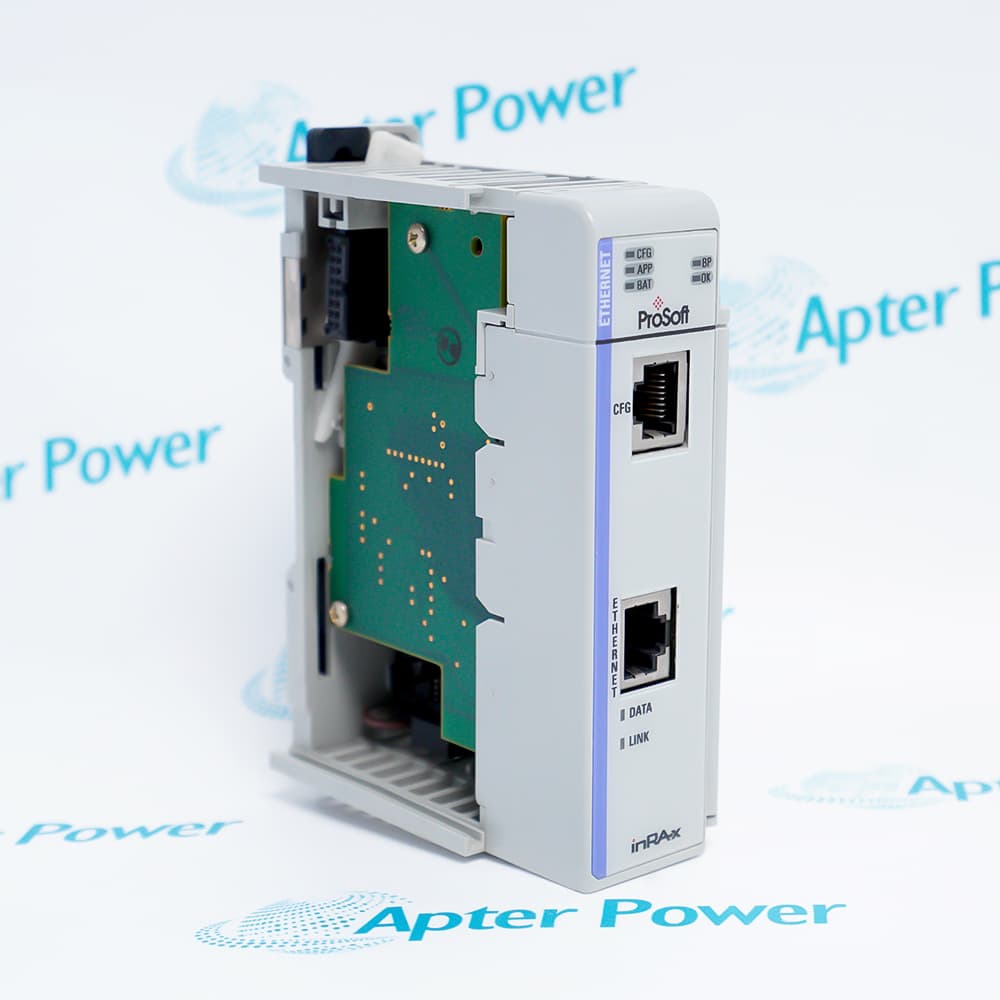
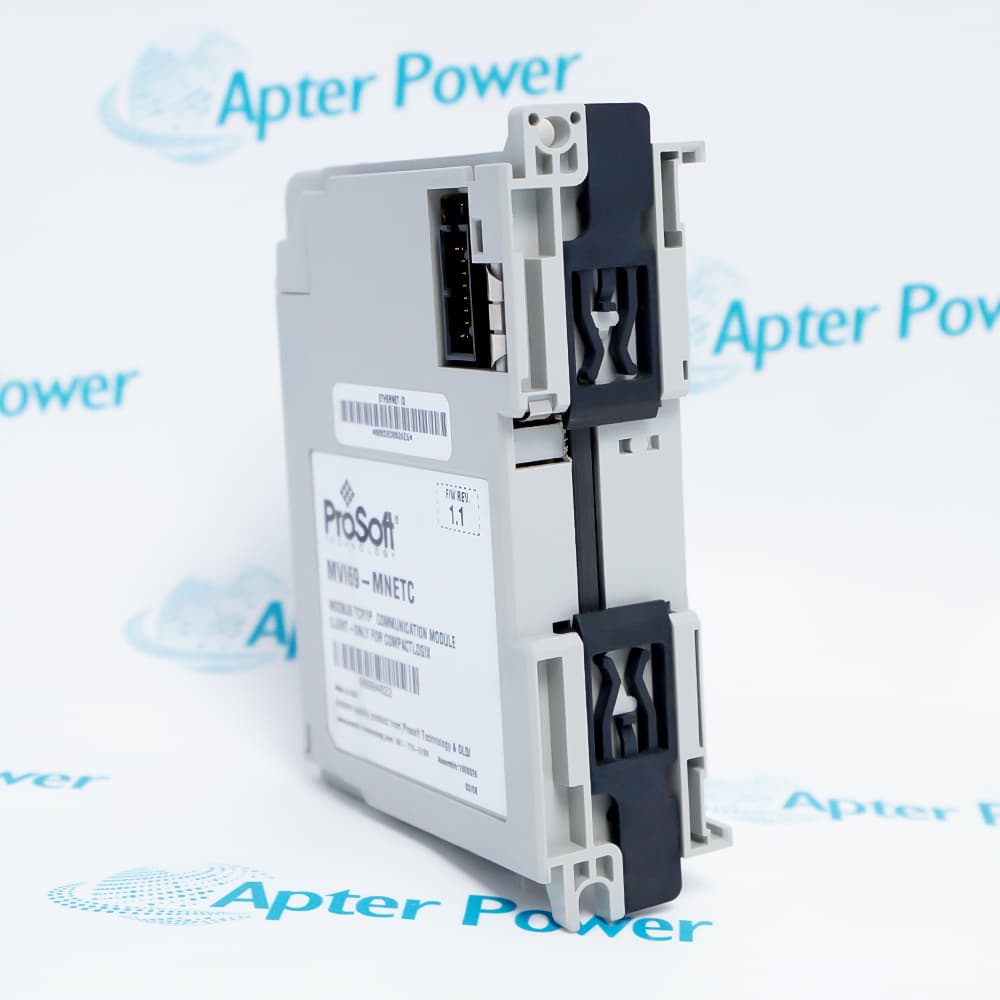
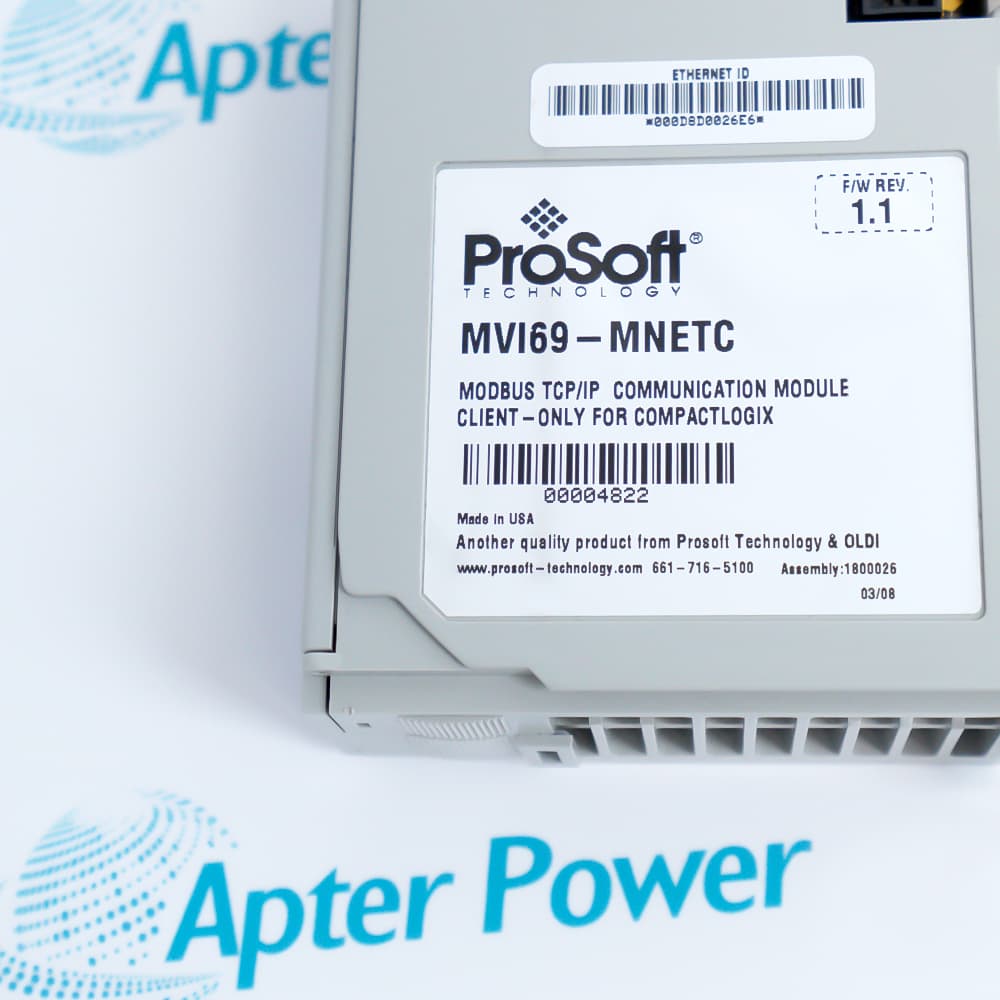
ProSoft MVI69-MNETC expands the communication capabilities of CompactLogix and MicroLogix controllers by adding native Modbus TCP/IP client functionality. The module exchanges information between the controller backplane and Ethernet network without interrupting processor execution, making it suitable for demanding automation applications. Support for asynchronous data transfer helps maintain efficient communication with connected devices.
Installation is straightforward because ProSoft MVI69-MNETC fits a standard 1769 single-slot location and is recognized by the controller as an input/output module. Configuration files can be downloaded directly to the module, while Ladder Logic provides an intuitive method for moving data between controller tags and module memory. User-selectable memory allocation allows the module to adapt to different project requirements.
ProSoft MVI69-MNETC is well suited for manufacturing, process automation, utilities, and industrial control systems that require communication with multiple Modbus TCP/IP servers. Advanced client management features allow commands to be controlled directly from Ladder Logic, while support for standard Modbus function codes ensures compatibility with a wide variety of Ethernet-enabled field devices. Diagnostic LEDs, robust environmental specifications, and included communication cables further simplify installation and long-term operation.
The MVI69-MNETC ProSoft Modbus TCP/IP Client Communication Module may still be available for purchase and support from Apter Power beyond End-Of-Life (EOL) by the manufacturer (OEM).
ProSoft MVI69-MNETC Modbus TCP/IP Client Communication Module Manuals,Datasheets,Link
Important Notice: Other accessories, manuals, cables, calibration data, software, etc. are not included with this equipment unless listed in the above stock item description. All prices are shown in USD.
ProSoft MVI69-MNETC Modbus TCP/IP Client Communication Module Specs
General
- Manufacturer ProSoft
- Model MVI69-MNETC
- Condition New Original ready stock
- Product Family MVI69-ADM,MVI69-ADMNET,MVI69-DFNT
Important Notice: Other accessories, manuals, cables, calibration data, software, etc. are not included with this equipment unless listed in the above stock item description. All prices are shown in USD.
- Physical Slot Anti-static: Turn off the CompactLogix system power, insert the MVI69-MNETC module into the back panel slot, and ensure the metal clips are locked in place.
- Dedicated Hardware Grounding: Connect the grounding terminal on the side of the module to the main grounding busbar of the rack to prevent high-frequency interference from the industrial network.
- Network Cable Deployment: Insert a standard CAT6 shielded twisted-pair cable into the RJ45 Ethernet port of the module, and connect the other end to the industrial switch.
- Configuration File Import: Open RSLogix 5000 or Studio 5000 software and import the corresponding extended configuration file (AOP) or standard module configuration into the I/O tree.
- Initial Indicator Status: After power-on, ensure the OK light is solid green. A solid red light indicates a failure in backplane communication or hardware self-test.
- Parameter File Download: Use ProSoft Configuration Builder (PCB) software to configure the module's IP address and client commands, and download them to the module via serial port or Ethernet.
- Data Mapping Verification: Monitor the connected I/O tags in the controller to confirm that the data mapping between the backplane input/output buffers and the controller is updated correctly.
- Online Diagnostic Troubleshooting: When the ERR light flashes, use the Diagnostic mode of the PCB software to view the specific Modbus error code, thereby eliminating line or slave faults.
- Centralized Inverter Control: In automated production lines, it acts as a master station to centrally collect and control multiple third-party inverters and servo drives that support Modbus TCP.
- Electricity Meter Data Acquisition: Used in factory energy management systems to read voltage and current data from multiple smart meters and power factor compensators within the factory area in real time.
- Cross-Vendor PLC Interconnection: Used in factory upgrades and renovations for data exchange between the Rockwell CompactLogix system and PLCs from Schneider Electric or Siemens that support Modbus TCP.
- Field Instrument Networking: Connects flow meters, pressure transmitters, and analyzers from water treatment or chemical plants, integrating data from multiple remote slave stations back to the central control room.