Ask our team:
  • Phone: +86 181 0690 9650
  • E-Mail sales1@apterpower.com
  • Lifecycle status

    Discontinued / Obsolete by OEM
    Apter Power coordinates manuals, model matching, quotations, and selection support for 6AV3617-1JC00-0AX1.

6AV3617-1JC00-0AX1

/ 4.9
1001 reviews | Need a Specific Revision?
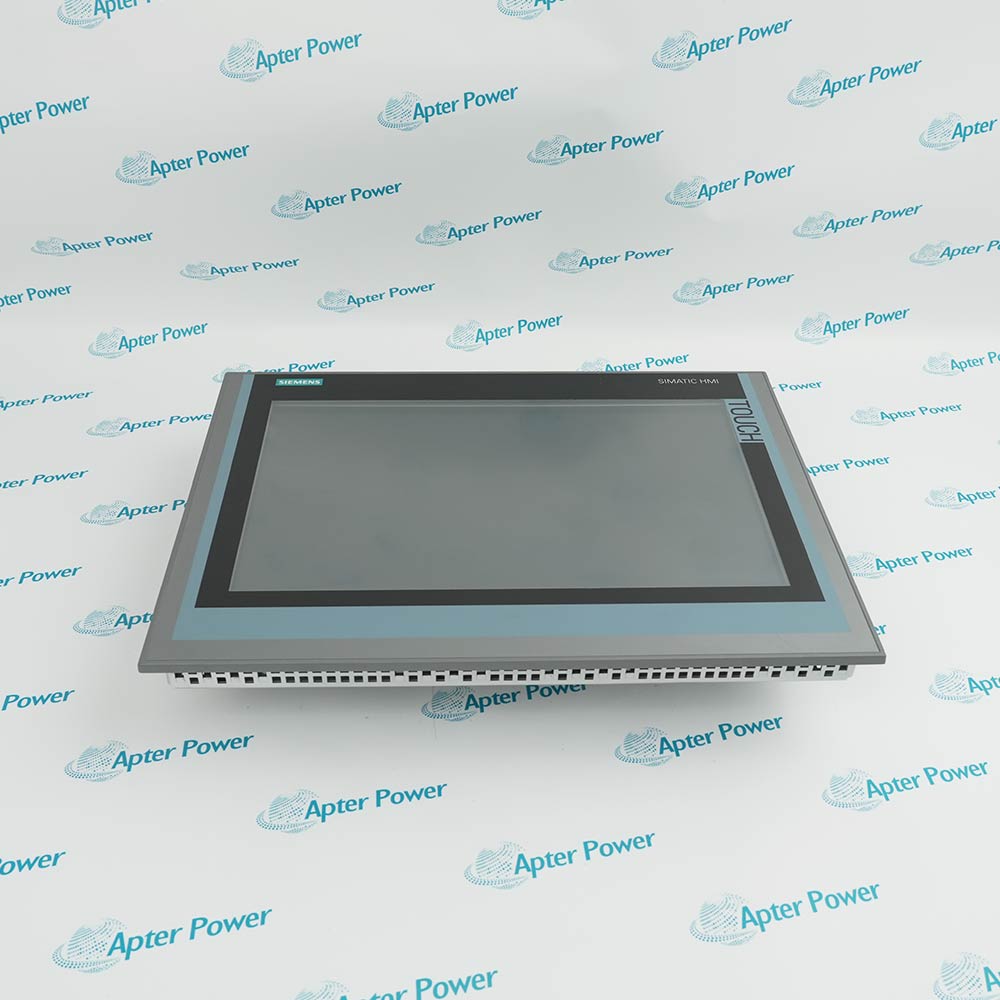
Operators view process messages and enter commands through Siemens 6AV3617-1JC00-0AX1, a SIMATIC OP17/PP text panel for supported S5 and 505 control systems.
In Stock
Ships by Wednesday, October 28
Fast Shipping Available
Get a quick price for 6AV3617-1JC00-0AX1
Quantity
*E-mail
Company
*Mobile
*Content
Upload (gif, jpg, jpeg, png, bmp, doc, docx, xls, xlsx, ppt, pdf, csv)

Technical specifications for 6AV3617-1JC00-0AX1

  • Manufacturer:
    Siemens
  • Part Number:
    6AV3617-1JC00-0AX1
  • Product Family:
    Siemens Simatic HMI
  • Product Type:
    SIMATIC OP17/PP Operator Panel
  • Stock:
    1
  • Display Type:
    Monochrome LC display with LED backlight
  • Display Layout:
    8 lines x 40 characters or 4 lines x 20 characters
  • Function Keys:
    24
  • Key LEDs:
    16
  • Keyboard Type:
    Membrane keyboard
  • Numeric Entry:
    Hexadecimal input
  • Rated Supply:
    24 V DC
  • Rated Current:
    0.34 A
  • Power Consumption:
    10 W
  • Processor Architecture:
    x86
  • Memory Types:
    Flash and RAM
  • Backup Battery:
    Optional 3.6 V; minimum 4-year service life
  • Hardware Clock:
    Integrated
  • TTY Interfaces:
    2
  • RS232 Interfaces:
    2
  • RS422 Interfaces:
    1
  • RS485 Interfaces:
    1
  • Fieldbus Support:
    PROFIBUS and MPI
  • Front Protection:
    IP65
  • Rear Protection:
    IP20
  • Engineering Software:
    ProTool/Lite 2.51 or later; ProTool Version 1
  • Weight:
    2.1164 lbs (0.96 kg)
  • Estimated shipping dimensions:
    24x20.4x5cm
  • Tariff Code:
    85371091
  • Country of origin:
    Germany
  • Place of shipment:
    Xiamen,Fujian,China
By purchasing this item, you agree to the Terms & Conditions, ApterPower is not an authorized distributor for listed manufacturers or tradenames and therefore the manufacturer's warranty does not apply. All our products come with ApterPower's 1-year warranty.

More Information

Overview Manuals Operator Layout Controller Links Memory Clock Panel Mounting

Features:

  • The OP17/PP combines a backlit text display with membrane-key command entry.
  • Twenty-four function keys and sixteen key LEDs separate operator actions from visual feedback.
  • TTY, serial and fieldbus interfaces connect the panel to supported controller drivers.
Configured process text appears in the selected character layout while the key field handles operator input.

Interface choice determines the cable, electrical standard and native driver used for controller communication.

The sealed front faces the operator area and the IP20 rear remains inside the protective enclosure.

The Siemens 6AV3617-1JC00-0AX1 SIMATIC OP17/PP Operator Panel may still be available for purchase and support from Apter Power beyond End-Of-Life (EOL) by the manufacturer (OEM).
Siemens 6AV3617-1JC00-0AX1 OP17/PP Manuals,Datasheets,Link Important Notice: Other accessories, manuals, cables, calibration data, software, etc. are not included with this equipment unless listed in the above stock item description. All prices are shown in USD.

Relating display messages to physical keys

  • Text display: The monochrome backlit LC area shows the configured process and alarm text.
  • Function keys: Twenty-four keys issue the assigned operator commands.
  • LED feedback: Sixteen illuminated key positions show configured states beside the control surface.
  • Numeric entry: The membrane keypad accepts the supported hexadecimal input format.

Selecting the correct communication path

  • TTY pair: Two TTY interfaces serve controller connections that use the current-loop standard.
  • Serial choices: RS232, RS422 and RS485 connections require their matching electrical wiring.
  • Fieldbus routes: PROFIBUS and MPI communication depend on the configured controller driver.
  • Driver match: The project and physical interface must refer to the same control-system path.

Keeping project data and time functions separate

  • Runtime storage: Flash and RAM support the panel project and active operating data.
  • Hardware clock: The integrated clock provides the time base for configured panel functions.
  • Battery option: A 3.6 V backup battery supports the retained functions when installed.
  • Service check: Battery condition should be checked independently of the main 24 V supply.

Applying front and rear enclosure limits

  • Front seal: The installed operator face reaches the documented IP65 protection level.
  • Rear enclosure: The IP20 rear requires protection inside the machine cabinet.
  • Orientation: Vertical mounting permits the stated inclination without external ventilation.
  • Clearance: Rear connectors and cable bends need space beyond the panel body dimensions.
Description
For SIMATIC S5 and 505 operator communication, Siemens 6AV3617-1JC00-0AX1 is an OP17/PP text operator panel that presents process messages and accepts commands through its membrane keyboard.

The display and key field on 6AV3617-1JC00-0AX1 work as one operator interface: the backlit LC screen shows the configured text layout, while function keys and illuminated indicators provide machine actions and local feedback.

Controller data reaches 6AV3617-1JC00-0AX1 through its TTY, RS232, RS422, RS485, PROFIBUS or MPI paths according to the selected native driver. These interfaces are alternatives with different wiring roles, not parallel copies of one connector type.

The panel front of 6AV3617-1JC00-0AX1 provides IP65 protection when installed as specified, while the rear remains IP20 inside the enclosure. Flash and RAM hold the runtime data, and the optional battery maintains the clock-backed functions when its service condition is valid.
Alternative Names
6AV36171JC000AX1 6AV3617 1JC00 0AX1 6AV3 617-1JC00-0AX1 Siemens 6AV36171JC000AX1 OP17 PP 6AV3617-1JC00-0AX1 SIMATIC HMI 6AV3617-1JC00-0AX1 6AV3617-1JCOO-0AX1 6AV3617-IJC00-0AX1
Technical notes
Siemens 6AV3617-1JC00-0AX1 combines an OP17/PP text display, membrane keys and multiple serial paths; match the native driver and interface wiring to the controller.
Exceptional Service

Our Mission

  • 100% Satisfaction

    We believe expertise is priceless. With over 20 years of experience, and top engineers on staff, we can help you solve or avoid problems that threaten your business.
  • Trust Guaranteed

    Not only do we have a vast inventory, our team makes sure every piece of equipment is in working condition. Your purchases are also backed by our Warranty.
  • Expertise

    Time is money, especially when your equipment is down. We work quickly to get your equipment on its way so you can get it back up and running.

FAQS

The following is a list of questions commonly asked by our customers. Please contact us if you have a question about our process that is not answered below.
The display powers up but 6AV3617-1JC00-0AX1 does not exchange data; what should be compared?
Compare the configured native driver with the physical TTY, RS232, RS422, RS485, PROFIBUS or MPI path on 6AV3617-1JC00-0AX1. A powered panel can still use the wrong electrical interface or project driver.
Which side of 6AV3617-1JC00-0AX1 carries the IP65 rating?
Only the properly installed front face of 6AV3617-1JC00-0AX1 is rated IP65. The rear is IP20 and must remain inside the enclosure with suitable connector and cable protection.
Why might the clock-backed functions of 6AV3617-1JC00-0AX1 be lost after power removal?
Check whether the optional 3.6 V backup battery is installed and serviceable in 6AV3617-1JC00-0AX1. The main 24 V supply powers operation, while the battery supports retained time functions separately.
Can an RS232 cable be moved directly to the RS485 connection on 6AV3617-1JC00-0AX1?
No. The RS232 and RS485 paths on 6AV3617-1JC00-0AX1 use different electrical standards and wiring assignments. Select the interface that matches both the controller and the configured panel driver.
What must be allowed behind 6AV3617-1JC00-0AX1 when planning the cabinet cutout?
Keep space for the IP20 rear section, connector bodies and cable bend radius behind 6AV3617-1JC00-0AX1. The published panel dimensions do not remove the need for service clearance.
Which engineering software belongs with a 6AV3617-1JC00-0AX1 project?
The documented paths for 6AV3617-1JC00-0AX1 are ProTool/Lite 2.51 or later and ProTool Version 1. Verify that the existing project matches the panel type before transferring it.