AB 2711-B6C10
AB 2711-B6C10
AB 2711-B6C10
AB 2711-B6C10
AB 2711-B6C10
AB 2711-B6C10
Ask our team:
  • Phone: +86 181 0690 9650
  • E-Mail sales1@apterpower.com

2711-B6C10

/ 4.9
1001 reviews | Need a Specific Revision?
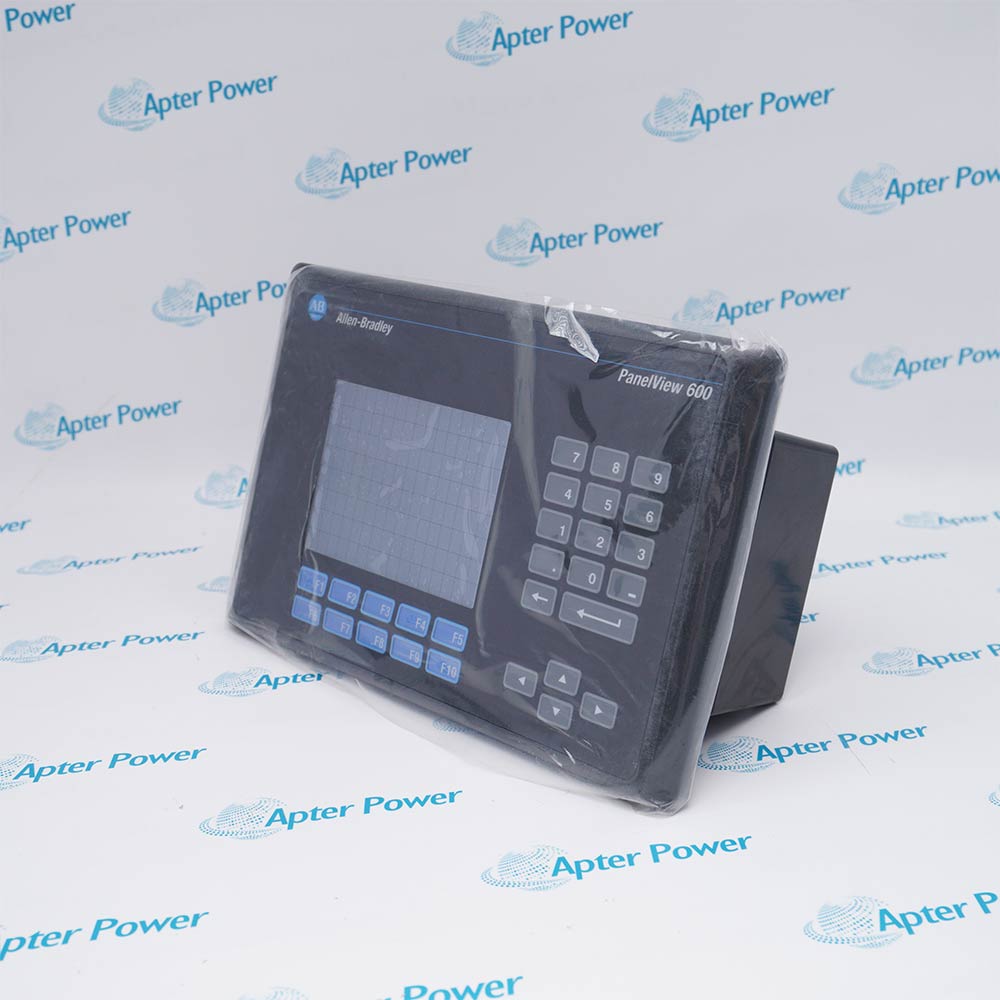
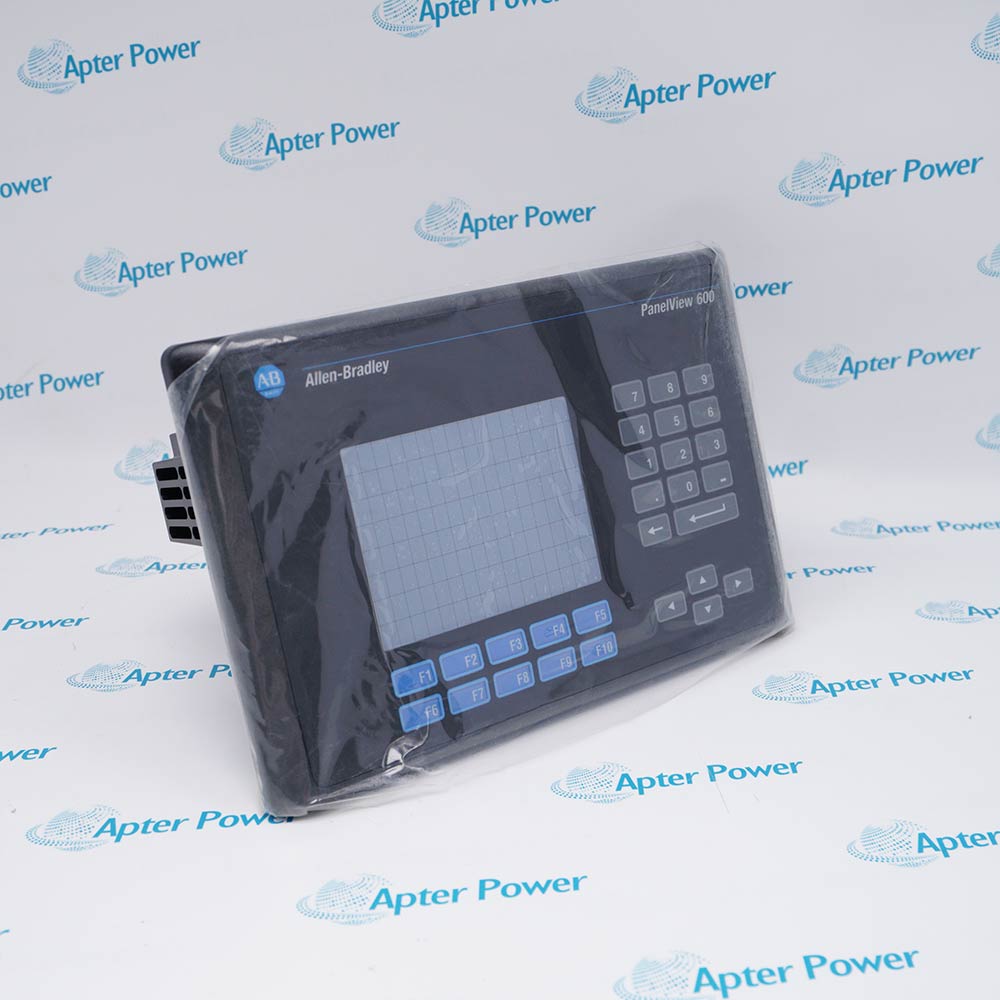
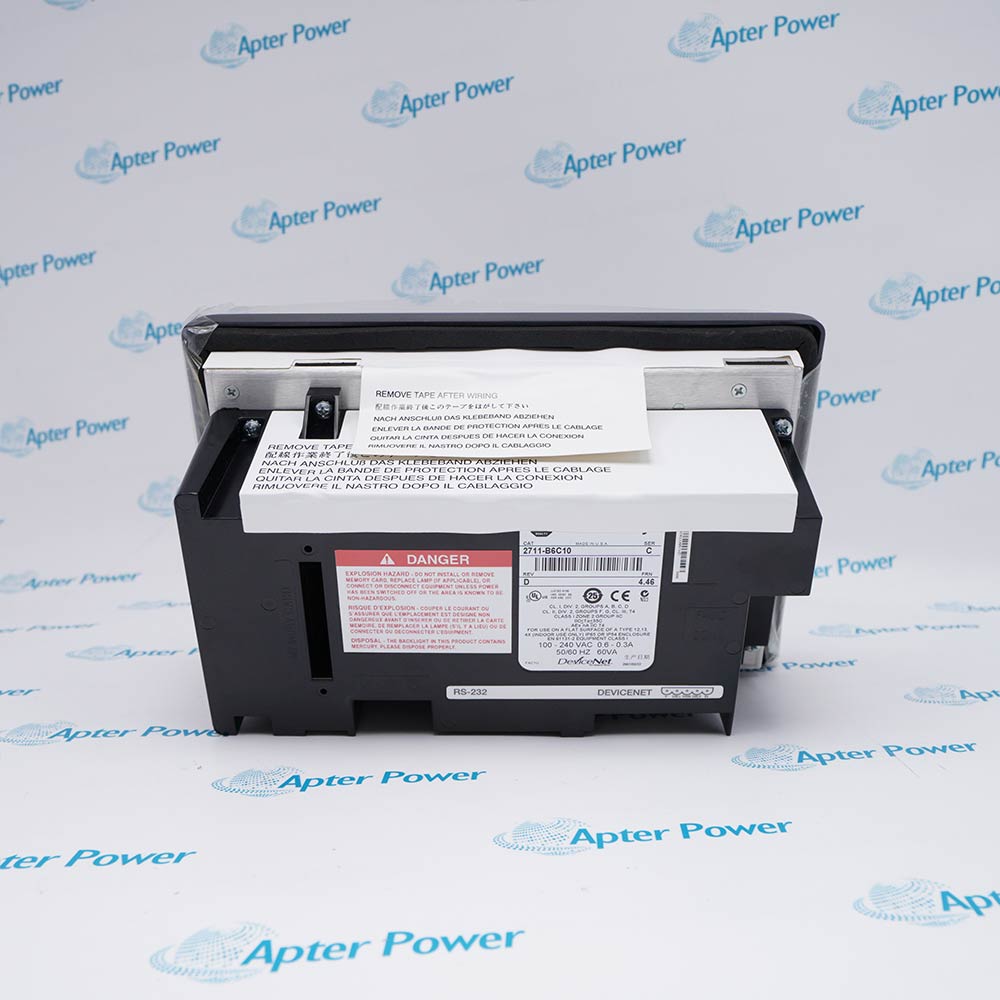
Allen-Bradley 2711-B6C10 is a PanelView Standard 600 color terminal with keypad and touch input, DeviceNet communication, an RS-232 printer port, and AC power.
In Stock
Ships by Wednesday, October 28
Fast Shipping Available
Get a quick price for 2711-B6C10
Quantity
*E-mail
Company
*Mobile
*Content
Upload (gif, jpg, jpeg, png, bmp, doc, docx, xls, xlsx, ppt, pdf, csv)

Technical specifications for 2711-B6C10

  • Manufacturer:
    Allen-Bradley
  • Part Number:
    2711-B6C10
  • Product Family:
    Allen Bradley Panelviews
  • Product Type:
    PanelView Standard 600 Color Keypad and Touch Terminal with DeviceNet
  • Stock:
    1
  • Terminal Family:
    PanelView Standard 600
  • Display Type:
    Color TFT with CCFL backlight
  • Display Area:
    11.5 × 8.6 cm
  • Display Resolution:
    320 × 234 pixels
  • Operator Input:
    Keypad and analog-resistive touch screen
  • Touch Cells:
    128
  • Network Interface:
    DeviceNet
  • Auxiliary Port:
    RS-232 printer port
  • Application Flash Memory:
    240 KB
  • Input Voltage:
    85 to 264 V AC, 43 to 63 Hz
  • Maximum Power Consumption:
    60 VA
  • Enclosure Rating:
    NEMA Type 12, 13, and 4X indoor; IP54/IP65 when properly mounted
  • Operating Temperature:
    0 to 55 °C
  • Storage Temperature:
    -25 to 70 °C
  • Relative Humidity:
    5% to 95%, noncondensing
  • Heat Dissipation:
    32 W
  • Dimensions:
    29.0 × 19.2 × 11.6 cm
  • Weight:
    2 kg
  • Tariff Code:
    8537109090
  • Country of origin:
    USA
  • Place of shipment:
    Xiamen, Fujian, China
By purchasing this item, you agree to the Terms & Conditions, ApterPower is not an authorized distributor for listed manufacturers or tradenames and therefore the manufacturer's warranty does not apply. All our products come with ApterPower's 1-year warranty.

More Information

Overview Manuals DeviceNet Setup Operator Interface Replacement Checks Application
  • PanelView Standard 600 color terminal with keypad and touch input
  • DeviceNet interface supports controller data exchange and terminal I/O
  • Separate RS-232 port supports documented printer functions

2711-B6C10 provides color process visualization and two operator-input methods in a single PanelView Standard 600 enclosure.

The communication code identifies DeviceNet networking, while the B6 construction combines a physical keypad with an analog-resistive touch screen.

Replacement requires the original PanelBuilder32 application, network configuration, AC power arrangement, cutout, and printer setup to be preserved together.

Availability, condition, price, and shipping time for 2711-B6C10 are confirmed during quotation.

Allen-Bradley 2711-B6C10 Manuals, Product Family, Links

Important Notice: Other accessories, manuals, cables, calibration data, software, etc. are not included with this equipment unless listed in the above stock item description. All prices are shown in USD.

  • Preserve the node address, network rate, and scanner connection definition
  • Match input and output assembly sizes to the controller project
  • Verify network power, polarity, shielding, and termination before startup
  • Keypad functions and touch targets are defined by the terminal application
  • Touch calibration should be checked after installation or overlay service
  • Alarm, security, and numeric-entry behavior must be validated on the machine
  • Rockwell Automation lists 2711P-B7C22A9P as the primary migration option for 2711-B6C10
  • Adapter plate 2711P-RAAK7 is required because the original and replacement panel cutouts are different
  • The replacement provides dual Ethernet rather than native DeviceNet, so the controller network and PanelBuilder32 application path require conversion
  • DeviceNet operator-interface applications using the B6 keypad-and-touch configuration
  • Color alarm and data-entry screens using the 320 × 234 display, function keys, and 16 × 8 touch grid
  • PanelBuilder32 applications that exchange configured DeviceNet I/O assemblies and retain the separate RS-232 printer function
Description
2711-B6C10 combines color visualization, keypad controls, and analog-resistive touch input in a PanelView Standard 600 operator terminal.

Its communication configuration provides a DeviceNet interface for controller data and a separate RS-232 port for supported printer functions.

Before replacement, preserve the PanelBuilder32 application and confirm the AC supply, DeviceNet node and baud settings, I/O assemblies, panel cutout, and printer wiring.
Alternative Names
2711-B6C10 2711 B6C10 2711B6C10 Allen-Bradley 2711-B6C10 Allen Bradley 2711-B6C10 PanelView 600 2711-B6C10
Technical notes
2711-B6C10 requires 85–264 V AC; retain its DeviceNet node address and baud rate when loading the PanelBuilder32 application.
Exceptional Service

Our Mission

  • 100% Satisfaction

    We believe expertise is priceless. With over 20 years of experience, and top engineers on staff, we can help you solve or avoid problems that threaten your business.
  • Trust Guaranteed

    Not only do we have a vast inventory, our team makes sure every piece of equipment is in working condition. Your purchases are also backed by our Warranty.
  • Expertise

    Time is money, especially when your equipment is down. We work quickly to get your equipment on its way so you can get it back up and running.

FAQS

The following is a list of questions commonly asked by our customers. Please contact us if you have a question about our process that is not answered below.
Which DeviceNet configuration data must be captured before replacing Allen-Bradley 2711-B6C10?
Record the node address, network rate, scanner entry, input and output assembly sizes, network power and termination, and the matching PanelBuilder32 application before removing the terminal.
Can Allen-Bradley 2711-B6C10 be replaced by any PanelView 600 terminal?
No. Match the B6 keypad-and-touch construction, color display, communication code 10, AC power configuration, panel cutout, application, and controller network design.
Why might Allen-Bradley 2711-B6C10 show a DeviceNet fault after installation?
Check node-address duplication, network rate, trunk and drop wiring, termination, supply, scanner configuration, I/O assembly sizes, and whether the restored application matches the controller project.
What should be checked if the touch screen on Allen-Bradley 2711-B6C10 does not align correctly?
Inspect the overlay for damage, run the documented touch calibration, verify the correct application, and confirm that no substitute terminal geometry has been introduced.
How should the RS-232 port on Allen-Bradley 2711-B6C10 be handled?
Treat it as the documented printer port, preserve the cable and serial settings, and verify print triggers and report formatting after the application is restored.
Does the primary migration option for Allen-Bradley 2711-B6C10 fit the original cutout directly?
No. Rockwell Automation specifies adapter plate 2711P-RAAK7 because the 2711-B6C10 cutout is 167 × 264 mm and the listed 2711P-B7C22A9P replacement uses a 142 × 237 mm cutout.
What network change is required when migrating Allen-Bradley 2711-B6C10 to 2711P-B7C22A9P?
The listed replacement provides dual Ethernet rather than native DeviceNet, so the DeviceNet controller path, application communications, and any gateway or network redesign must be validated before conversion.