Ask our team:
  • Phone: +86 181 0690 9650
  • E-Mail sales1@apterpower.com
  • Lifecycle status

    Active / Available from OEM
    Apter Power coordinates official-data review, quotation, procurement, and DLR configuration checks.

2715P-T7CD

/ 4.9
1001 reviews | Need a Specific Revision?
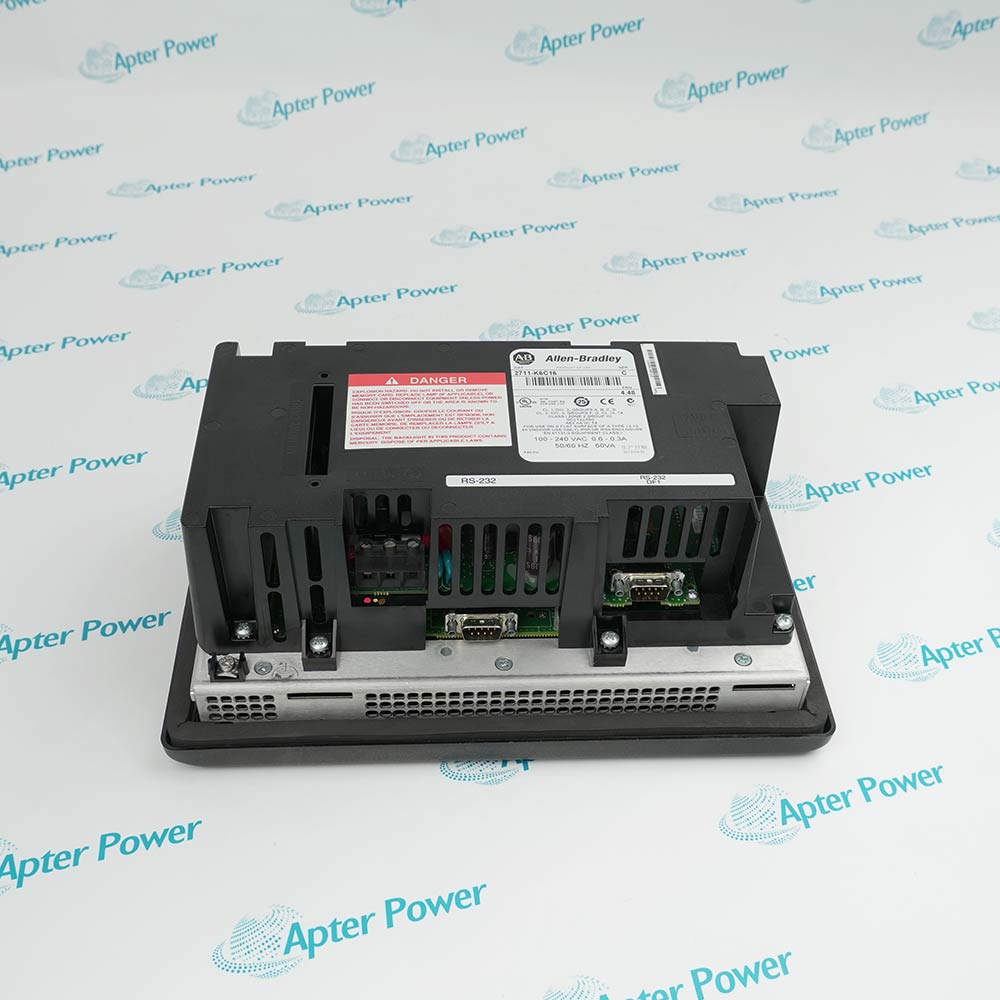
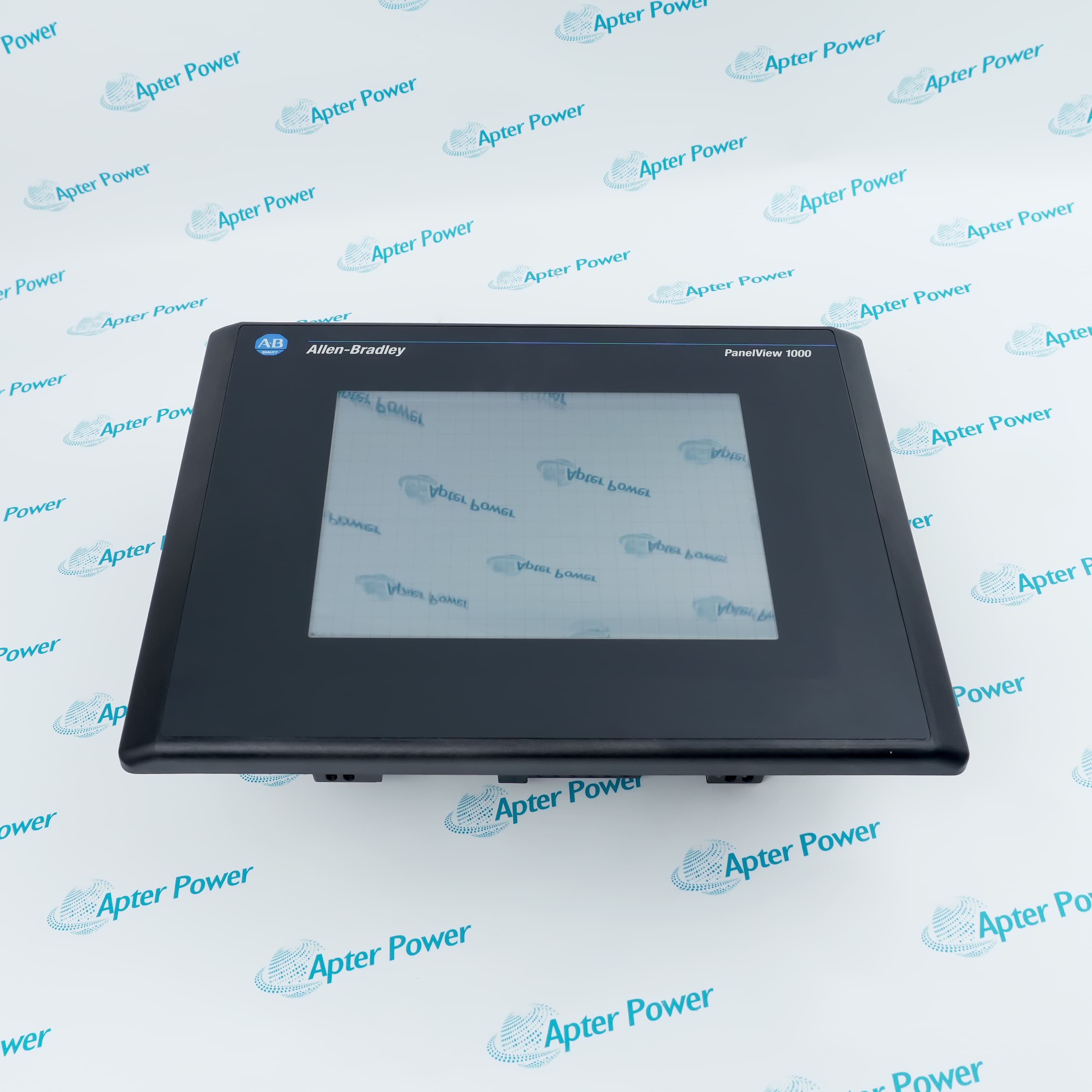
The 2715P-T7CD is a compact 6.5-inch PanelView 5510 resistive-touch terminal with dual Ethernet ports for DLR, linear, or star machine networks.
In Stock
Ships by Wednesday, October 28
Fast Shipping Available
Get a quick price for 2715P-T7CD
Quantity
*E-mail
Company
*Mobile
*Content
Upload (gif, jpg, jpeg, png, bmp, doc, docx, xls, xlsx, ppt, pdf, csv)

Technical specifications for 2715P-T7CD

  • Manufacturer:
    Allen-Bradley
  • Part Number:
    2715P-T7CD
  • Product Family:
    PanelView
  • Product Type:
    PanelView 5510 Graphic Terminal
  • Stock:
    1
  • Display Size:
    6.5 in.
  • Display Resolution:
    640 × 480 VGA
  • Aspect Ratio:
    4:3
  • Operator Input:
    Resistive touch plus menu navigation button
  • Display Type:
    Color TFT LCD
  • Color Depth:
    24-bit, 16.7 million colors
  • Memory:
    1 GB RAM
  • Project Storage:
    1 GB nonvolatile
  • Ethernet:
    Two 10/100Base-T ports with DLR
  • USB:
    Two host ports and one device port
  • Input Voltage:
    18...30 V DC
  • Power Consumption:
    22 W max; 12 W typical
  • Status Indicators:
    STS and ERR
  • Enclosure Rating:
    NEMA/UL Type 4X, 12, 13; IP66
  • Weight:
    1.2 kg
  • Estimated shipping dimensions:
    17.0 × 21.2 × 6.95 cm
  • Tariff Code:
    Please confirm the destination before shipping
  • Country of origin:
    USA
  • Place of shipment:
    Xiamen,Fujian,China
By purchasing this item, you agree to the Terms & Conditions, ApterPower is not an authorized distributor for listed manufacturers or tradenames and therefore the manufacturer's warranty does not apply. All our products come with ApterPower's 1-year warranty.

More Information

Overview Manuals DLR Topology Compact Display Project Restore Product Applications

Features:

  • Compact visualization: 6.5-inch 4:3 VGA touch workspace
  • Resilient networking: two Ethernet ports support DLR, linear, or star layouts
  • Integrated engineering: View Designer and Logix Designer share the Studio 5000 environment
The exact catalog code identifies the resistive-touch, branded version without conformal-coating or brandless suffixes.

Its compact bezel suits machines that need ring-capable visualization without moving to a widescreen panel opening.

Firmware, controller support, and the saved View Designer project remain part of the terminal identity during replacement.

Apter Power can coordinate official-document review, DLR configuration records, quotation, and sourcing support for 2715P-T7CD.

Verified resources for 2715P-T7CD:

Important Notice: Confirm the required application files, firmware, cables, accessories, and documentation in the quotation before ordering.
  • Port relationship: both RJ45 connectors belong to one embedded switch.
  • Ring recovery: restore the documented cable order before testing a controlled link break.
  • Linear use: assess the downstream communication loss caused by a terminal or cable outage.
  • Star use: leave the second port unused when the HMI is a single switch endpoint.
  • Project canvas: design screens for 640 × 480 rather than scaling a widescreen project automatically.
  • Touch method: use a finger, gloved finger, or suitable plastic stylus on the resistive overlay.
  • Navigation control: reserve the hardware menu button for the documented terminal navigation role.
  • Cutout: retain the official 142 × 184 mm panel opening.
  • Engineering source: keep the approved View Designer project with its Logix Designer controller references.
  • Recovery media: record any 1784-SDx card or USB device used for backup.
  • Firmware gate: match the terminal firmware to the project before download.
  • Acceptance: prove alarms, trends, security, controller values, and DLR status after restoration.
  • Compact machine stations: present local status, alarms, and commands on a 6.5-inch display.
  • DLR-connected cells: add operator visualization within an approved resilient EtherNet/IP topology.
  • Logix visualization: develop coordinated HMI and controller projects in the Studio 5000 environment.
Description
2715P-T7CD places a 6.5-inch VGA operator interface in the PanelView 5510 platform, combining resistive touch input, a menu navigation button, and 24 V DC operation for compact Logix visualization stations.

Two 10/100Base-T ports let 2715P-T7CD join an approved Device Level Ring, linear chain, or star topology while View Designer and Logix Designer remain available through the Studio 5000 environment.

A service plan for 2715P-T7CD should preserve the View Designer project, terminal firmware, controller path, SD-card contents, IP settings, and ring position before the original unit leaves the panel.
Alternative Names
Allen-Bradley 2715P T7CD AB 2715PT7CD PanelView 5510 6.5-inch touch terminal 2715P T7CD DLR HMI Rockwell 6.5-inch View Designer terminal
Technical notes
Treat the two Ethernet connectors on 2715P-T7CD as one embedded-switch network interface, not two independent controller paths. Document the DLR supervisor design, cable order, IP settings, firmware level, and controller shortcut before removal; an incorrect reconnection can leave the ring faulted even when the replacement terminal powers up normally.
Exceptional Service

Our Mission

  • 100% Satisfaction

    We believe expertise is priceless. With over 20 years of experience, and top engineers on staff, we can help you solve or avoid problems that threaten your business.
  • Trust Guaranteed

    Not only do we have a vast inventory, our team makes sure every piece of equipment is in working condition. Your purchases are also backed by our Warranty.
  • Expertise

    Time is money, especially when your equipment is down. We work quickly to get your equipment on its way so you can get it back up and running.

FAQS

The following is a list of questions commonly asked by our customers. Please contact us if you have a question about our process that is not answered below.
Why can a Device Level Ring remain faulted after 2715P-T7CD is replaced?
The two ports form one embedded switch, so a reversed, missing, or misrouted cable can keep the ring open. Restore the recorded port sequence, then prove recovery with a controlled link break.
How should a widescreen project be adapted for 2715P-T7CD?
Redesign the View Designer screens for the 640 × 480 4:3 canvas and retest navigation, alarm banners, numeric entry, trends, and touch targets rather than accepting automatic scaling.
What does the ERR indicator contribute when commissioning 2715P-T7CD?
Use the ERR and STS indicators with the terminal diagnostics and controller path to separate a terminal condition from an application, addressing, or ring-topology fault.
When is an SD-card restore unsafe on 2715P-T7CD?
Stop if the firmware, hardware identity, project source, or card contents are not established. Maintain stable power and do not remove media during an active restore or firmware operation.
Which panel details matter before installing 2715P-T7CD?
Use the official 142 × 184 mm cutout, verify enclosure flatness and rating, provide 18...30 V DC, and leave service access for Ethernet, USB, and SD media.
What should a sourcing request include for 2715P-T7CD?
Provide label photographs, firmware, View Designer backup, DLR or star topology, panel opening, quantity, destination, and required date so the exact resistive-touch configuration is not confused with suffixed variants.