Ask our team:
  • Phone: +86 181 0690 9650
  • E-Mail sales1@apterpower.com
  • Lifecycle status

    Discontinued / Obsolete by OEM
    Apter Power supports sourcing for legacy serial DC touch-terminal service.

2711P-T6M5D

/ 4.9
1001 reviews | Need a Specific Revision?
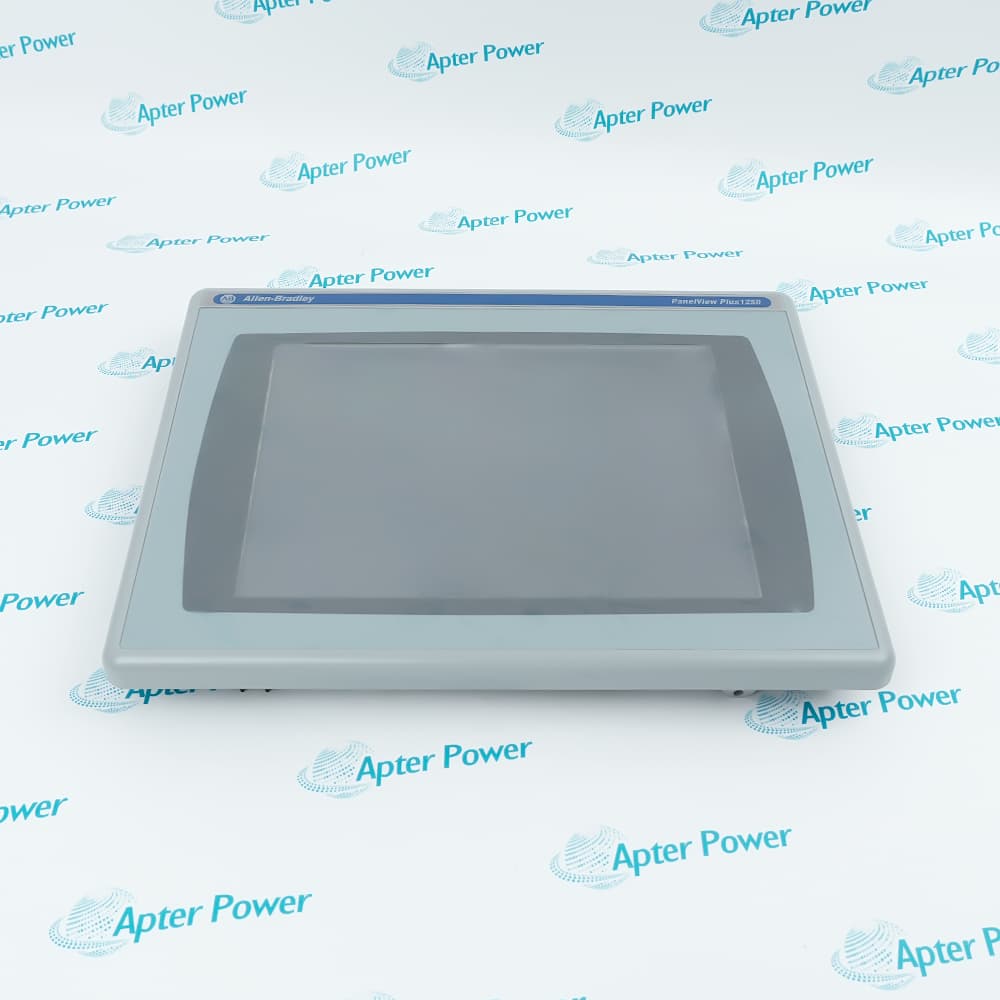
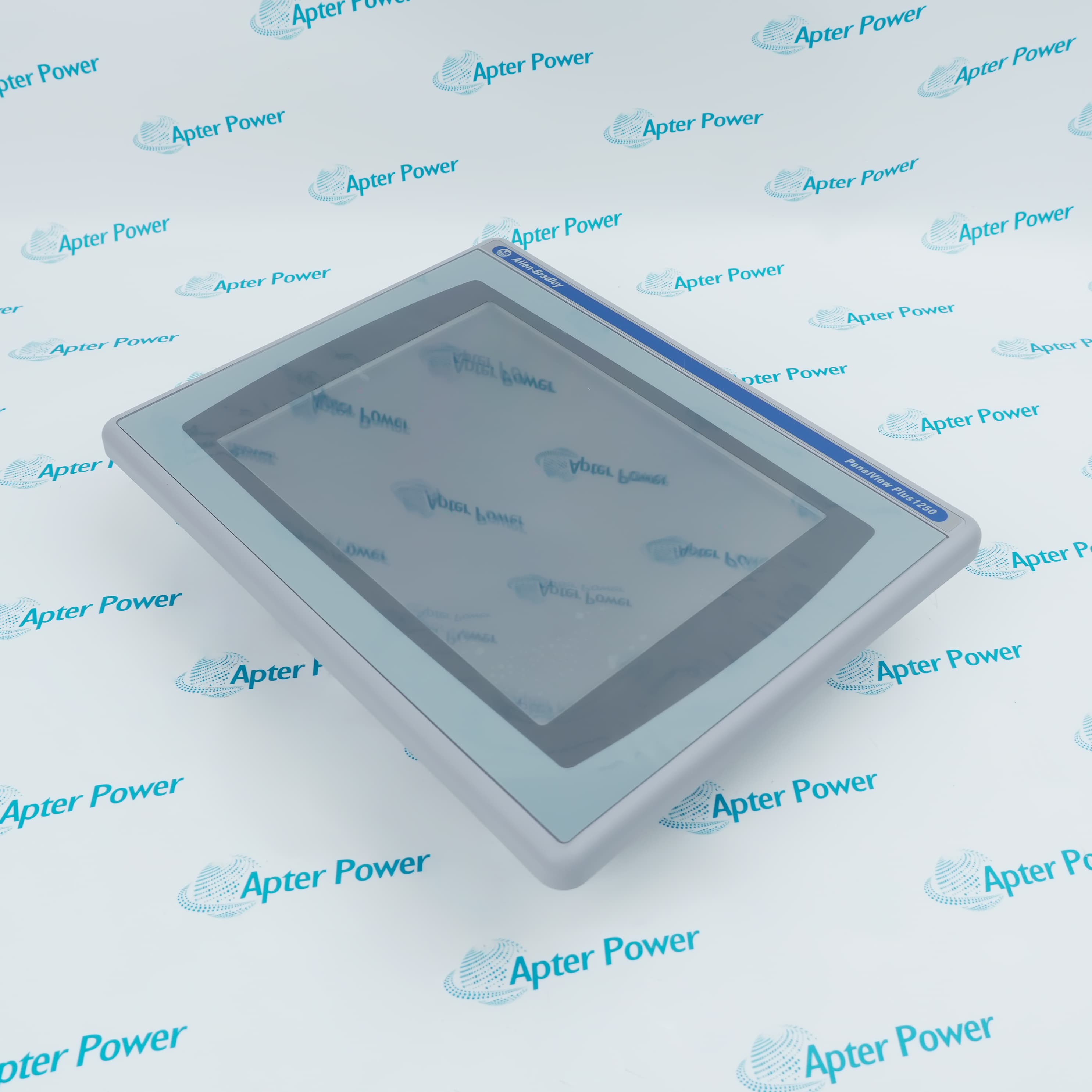
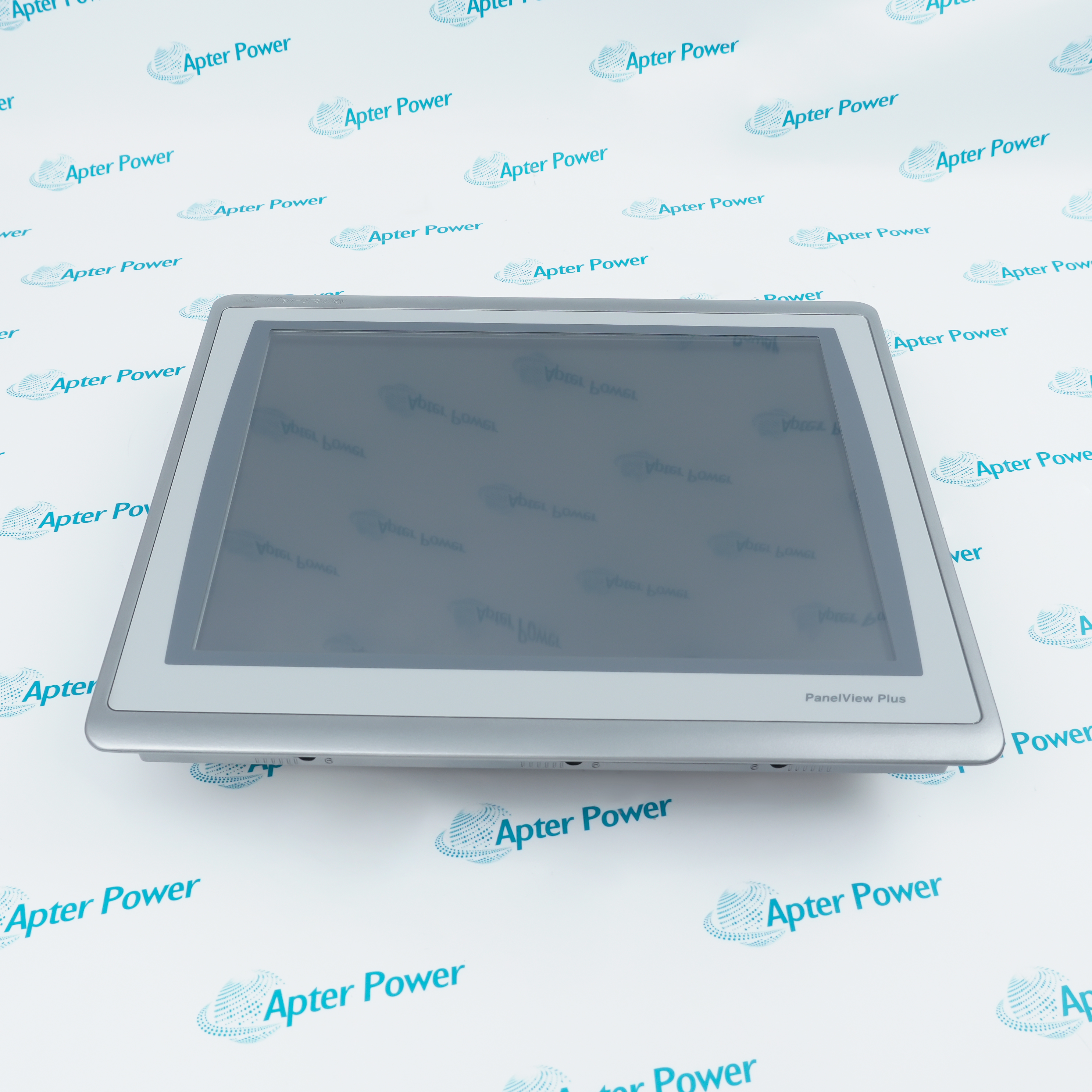
Allen-Bradley 2711P-T6M5D is a 5.5-inch grayscale touch terminal with RS-232 communication and 24 V DC power for legacy PanelView Plus installations.
In Stock
Ships by Wednesday, October 28
Fast Shipping Available
Get a quick price for 2711P-T6M5D
Quantity
*E-mail
Company
*Mobile
*Content
Upload (gif, jpg, jpeg, png, bmp, doc, docx, xls, xlsx, ppt, pdf, csv)

Technical specifications for 2711P-T6M5D

  • Manufacturer:
    Allen-Bradley
  • Part Number:
    2711P-T6M5D
  • Product Family:
    Panelview Plus
  • Product Type:
    PanelView Plus 600 Touch Grayscale Terminal
  • Stock:
    9
  • Display:
    5.5-inch grayscale STN, 320 × 240
  • Operator Input:
    Touch screen
  • Communication:
    RS-232
  • Input Power:
    24 V DC
  • Flash Memory:
    64 MB
  • Weight:
    0.789 kg
  • Estimated shipping dimensions:
    15.2 x 18.5 x 9.8 cm
  • Tariff Code:
    8537109090
  • Country of origin:
    USA
  • Place of shipment:
    Xiamen, Fujian, China
By purchasing this item, you agree to the Terms & Conditions, ApterPower is not an authorized distributor for listed manufacturers or tradenames and therefore the manufacturer's warranty does not apply. All our products come with ApterPower's 1-year warranty.

More Information

Overview Manuals Touch Operation Serial Integration DC Installation Product Applications

Features:

  • 5.5-inch grayscale PanelView Plus 600 display.
  • Touch-only operator input for screen-based control.
  • RS-232 communication with 24 V DC input power.
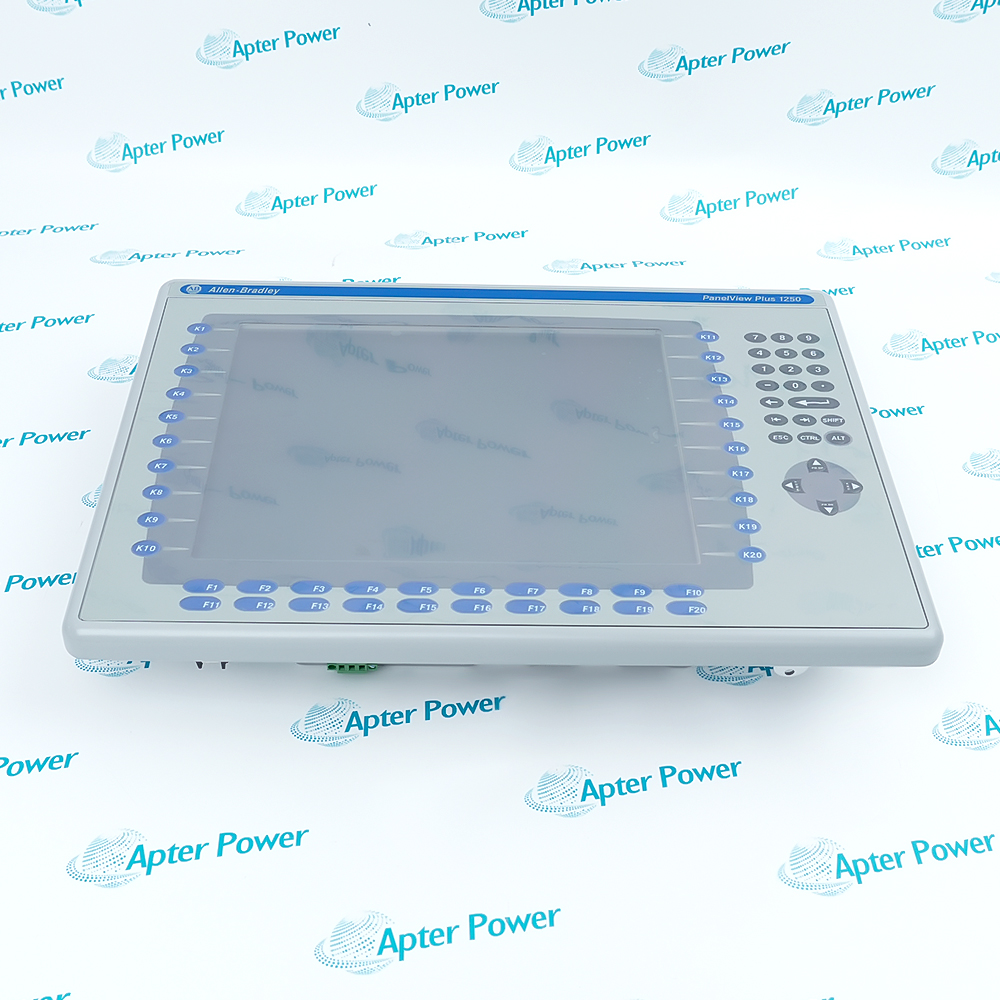
The runtime supplies every navigation, alarm and data-entry target because the bezel has no function-key bank.

The 5 communication code makes the serial protocol and cable pinout part of the terminal replacement record.

The D suffix and grayscale display distinguish this catalog from AC, color and Ethernet-equipped versions.

Apter Power supports document review, exact-model quotation and procurement for the Allen-Bradley 2711P-T6M5D PanelView Plus 600 Touch Grayscale Terminal.
Allen-Bradley 2711P-T6M5D PanelView Plus 600 Touch Grayscale Terminal Manuals and Support Links Important Notice: Other accessories, manuals, cables, calibration data, software, etc. are not included with this equipment unless listed in the above stock item description. All prices are shown in USD.
  • Touch targets provide all operator navigation and command entry.
  • The grayscale display presents the application without physical function keys.
  • Calibration affects target accuracy and data-entry reliability.
  • Commissioning should exercise the complete screen workflow and alarm path.
  • RS-232 is the communication interface for this terminal.
  • Protocol, baud rate and node settings must follow the installed application.
  • The original cable pinout must be preserved or deliberately redesigned.
  • EtherNet/IP is not established by this 5-code catalog.
  • The D suffix identifies 24 V DC input power.
  • Polarity, grounding and connector seating must match the removed unit.
  • The PanelView Plus 600 cutout and mounting hardware must remain compatible.
  • Power, serial data and touch response should be validated as one system.
  • Grayscale touch operator stations using an RS-232 link.
  • DC-powered maintenance of legacy PanelView Plus 600 machines.
  • Installed HMIs whose complete workflow is carried by screen objects.
Description
For equipment whose HMI project communicates over a serial link, 2711P-T6M5D provides a grayscale touch PanelView Plus 600 interface. Operators work entirely through screen objects, so navigation and command placement remain part of the saved application.

RS-232 communication and 24 V DC power define the installed role of 2711P-T6M5D. The 5 communication code is important because it separates this terminal from 20-code Ethernet catalogs even when the screen format looks familiar.

A replacement 2711P-T6M5D must receive the correct runtime and the original serial configuration. Validate the cable pinout, protocol settings and touch response together before the machine depends on the new operator station.
Revisions

Revision Part #

Also known as

2711P-T6M5D Ser A
2711P-T6M5D/A, Series A, Rev A
2711P-T6M5D Ser B
2711P-T6M5D/B, Series B, Rev B
2711P-T6M5D Ser C
2711P-T6M5D/C, Series C, Rev C
2711P-T6M5D Ser D
2711P-T6M5D/D, Series D, Rev D
2711P-T6M5DX
2711P-T6M5D/X, Series X, Rev X
Alternative Names
2711PT6M5D 2711P T6M5D 2711P-T6MSD 27IIP-T6M5D Allen Bradley 2711P-T6M5D
Technical notes
2711P-T6M5D is the grayscale touch, RS-232, DC version of the first-generation PanelView Plus 600. The 5 communication code differs from Ethernet-equipped 20-code catalogs. Confirm serial protocol and cable pinout, 24 V DC wiring, application backup and touch calibration before commissioning. Retain the serial wiring record and validate the loaded project.
Exceptional Service

Our Mission

  • 100% Satisfaction

    We believe expertise is priceless. With over 20 years of experience, and top engineers on staff, we can help you solve or avoid problems that threaten your business.
  • Trust Guaranteed

    Not only do we have a vast inventory, our team makes sure every piece of equipment is in working condition. Your purchases are also backed by our Warranty.
  • Expertise

    Time is money, especially when your equipment is down. We work quickly to get your equipment on its way so you can get it back up and running.

FAQS

The following is a list of questions commonly asked by our customers. Please contact us if you have a question about our process that is not answered below.
Should a network engineer plan an Ethernet connection for 2711P-T6M5D?
No. Preserve the installed RS-232 design or create a separately engineered migration; the 5 communication code does not provide EtherNet/IP.
What serial information should be recorded before servicing 2711P-T6M5D?
Record the protocol, baud rate, node settings and cable pinout because the terminal can power up normally while a serial mismatch blocks all process data.
What must an electrician confirm before powering 2711P-T6M5D?
Confirm the 24 V DC source, polarity, protective earth and connector seating against the original installation.
How should an operator test the grayscale touch interface on 2711P-T6M5D?
Check calibration, navigation, entries, alarms and guarded commands using the approved machine sequence, not just a visual screen check.
What should maintenance back up before removing 2711P-T6M5D?
Back up the runtime, serial parameters and terminal settings so both the HMI logic and the device link can be restored.
What work is required to migrate away from 2711P-T6M5D?
Plan serial-device conversion, application migration, screen-workflow review, panel adaptation and full acceptance testing before a modern terminal is selected.