How to Plan a Legacy Control System Upgrade Without Replacing the Whole Plant
About the author
Written by May, Managing Director of Apter Power
May's Facebook:
May has been working at Apter Power for 10 years, where she turns complex power-automation challenges into clear, executable plans.
Drawing on deep product knowledge and field-proven methodologies, she has already supported 2 000+ customers in over 100 countries, maintaining a 96 % satisfaction score.
A legacy control system upgrade does not always require a full plant replacement. In power generation, the safer path is often a staged one built around the outage the site already has. Keep healthy cabinets, field wiring, and proven logic in service. Upgrade the layers that are causing downtime, support problems, or spare-part exposure. That approach lowers restart pressure, keeps scope under control, and gives the plant a cleaner path for the next maintenance cycle.
What Should You Audit Before Changing Any Legacy Control Hardware?
The audit pack has to match the installed reality. In many plants, years of logic edits, hardware substitutions, field relabeling, and incomplete backups have already separated the live system from the official drawings. If that gap is still there when shutdown starts, the outage team will spend time finding problems that should have been identified earlier.
The audit should cover the full control path, from cabinet hardware to operator interface. Controller revisions, rack layout, power supplies, communication modules, remote I/O, workstation images, historian links, loop sheets, panel drawings, and spare inventory all need to be checked against the current installation. Any undocumented field change should be pulled into the record before the scope is locked.
Critical Audit Items
Controller type, firmware revision, and engineering software version
Rack and slot layout, including empty slots and any temporary jumpers
Power-supply rating, actual load margin, cabinet temperature, and redundancy status
Network topology, serial links, remote I/O paths, switch power, and IP addressing
Analog ranges, digital voltage levels, fail-state behavior, and terminal assemblies
Current backups for logic, graphics, historian tags, recipes, and workstation images
Spare inventory, bench-test status, and realistic lead times for critical modules
In a plant with aging controls, the audit should also answer a more practical question: what can stay in service for the next cycle without raising operational risk? In many plants, full replacement is proposed long before it is technically necessary. Many systems still have sound cabinets, stable field devices, and logic that operators trust. The weakness usually sits in support hardware, communication paths, or a narrow group of obsolete modules.
A good example is a rack built around ControlLogix hardware. The controller may still be stable, but the site can still carry risk if the cabinet depends on a 1756-PA75 power supply that has no tested spare on the shelf, or a 1756-EN2T network module that is already carrying heavy HMI and historian traffic. In that case, the audit should not focus on the CPU alone. It should confirm backplane loading, power margin, communications usage, spare availability, and cabinet heat before any shutdown work is approved.
Which Parts Usually Cause the Most Downtime in Aging Control Systems?
Most plants do not lose time because a controller suddenly becomes useless. They lose time because one of the layers around it fails at the wrong moment. Power drops the rack. Communication blinds the operators. I/O breaks the link between the process and the logic. That is why a legacy control system upgrade should rank risk by startup impact, not by line-item cost.
Before deciding which hardware to replace first, the team should rank each control-system layer by startup impact and maintenance risk. The table below shows the areas that usually deserve attention first during an outage-driven upgrade.
For plants with mixed generations of control hardware, the review should also identify the specific legacy modules that could affect restart reliability. These examples should not be treated as a blanket replacement list. They are the types of installed components that should be checked for health, spare availability, configuration status, and support risk before the outage begins. Depending on the plant platform, this review may include Bently Nevada 3500/15 power supply modules, Honeywell TDC 3000 or Experion PKS rack power supplies, ABB SD83x power supplies, Schneider/Triconex 8310, 8311, or 8312 redundant power modules, ABB S800 I/O assemblies, GE Mark VI or Mark VIe I/O boards, Emerson DeltaV M5 or S-series I/O modules, and legacy operator or monitoring assets such as ABB 800xA operator stations, Honeywell GUS stations, Experion spares, or GE Multilin power meters.
Where Downtime Usually Starts
Power supplies deserve attention early. An aging supply can create unstable rack behavior long before it fails completely. If the plant sees nuisance faults, unexplained restarts, or weak voltage margin during startup, power hardware belongs near the top of the scope. In a legacy plant, that may mean checking installed units such as Bently Nevada 3500/15 power supply modules, Honeywell TDC 3000 system power, Experion PKS rack power supplies, ABB SD83x series supplies, or Schneider/Triconex 8310, 8311, and 8312 redundant power modules. The key is not only whether the unit still powers up, but whether it has enough load margin, acceptable cabinet temperature, redundancy, and a tested spare ready before the shutdown begins.
Communication modules often create the next bottleneck. Plants can tolerate some cosmetic HMI issues during normal operation. During startup, they need reliable command, feedback, trends, and alarm visibility. When the network layer is weak, the whole restart becomes slower and less certain. Modules such as Bently Nevada 3500/92 communication gateways,3500/22M TDI interfaces, ABB CI854, CI867, or CI860 fieldbus communication cards, Honeywell LCN or UCN network cards, ControlNet modules, and Schneider 140NOE Modicon communication modules should be reviewed for configuration backups, protocol mapping, network loading, switch power, and spare coverage before shutdown.
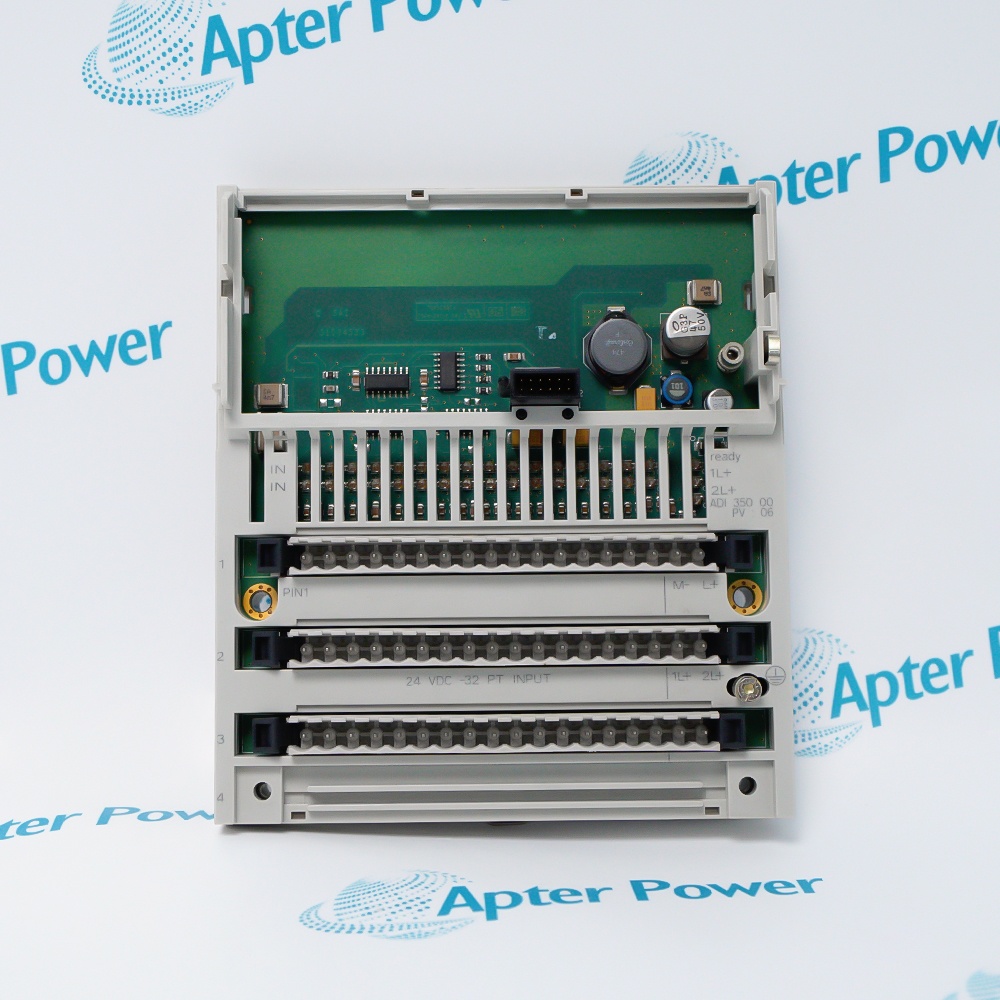
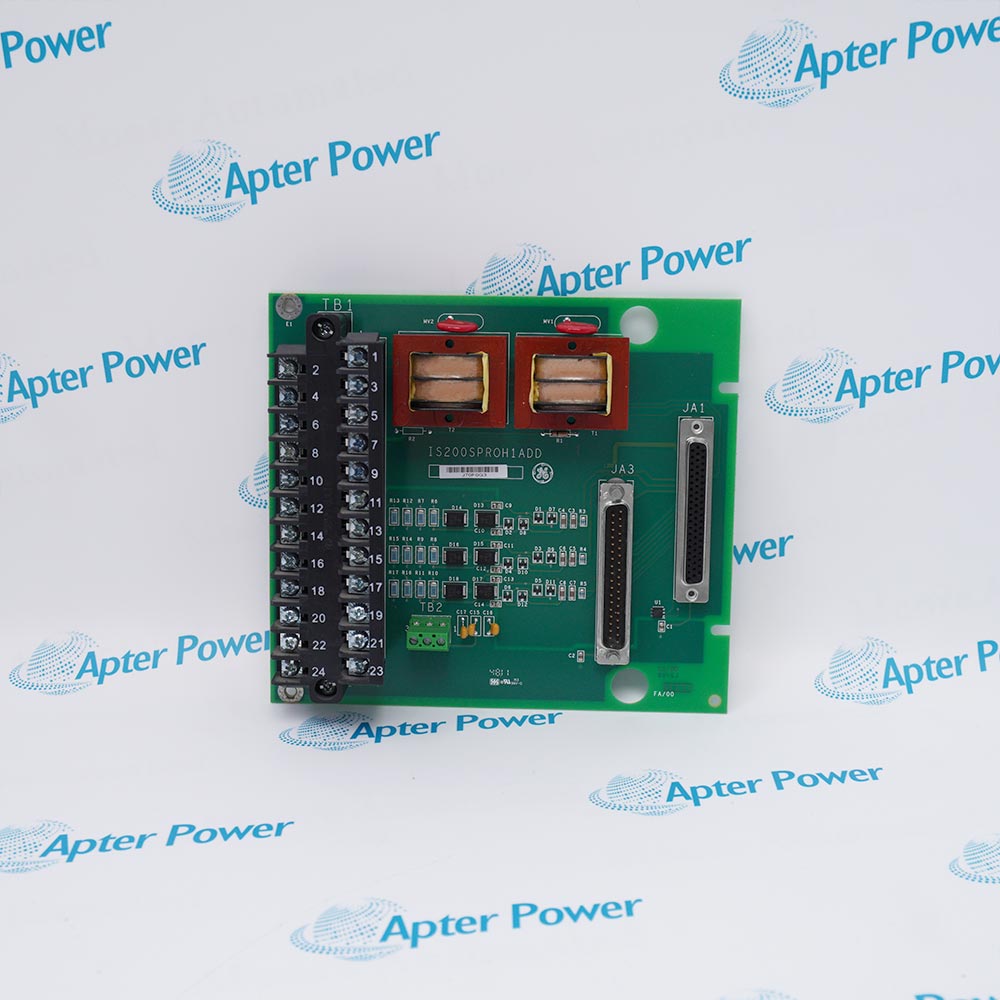
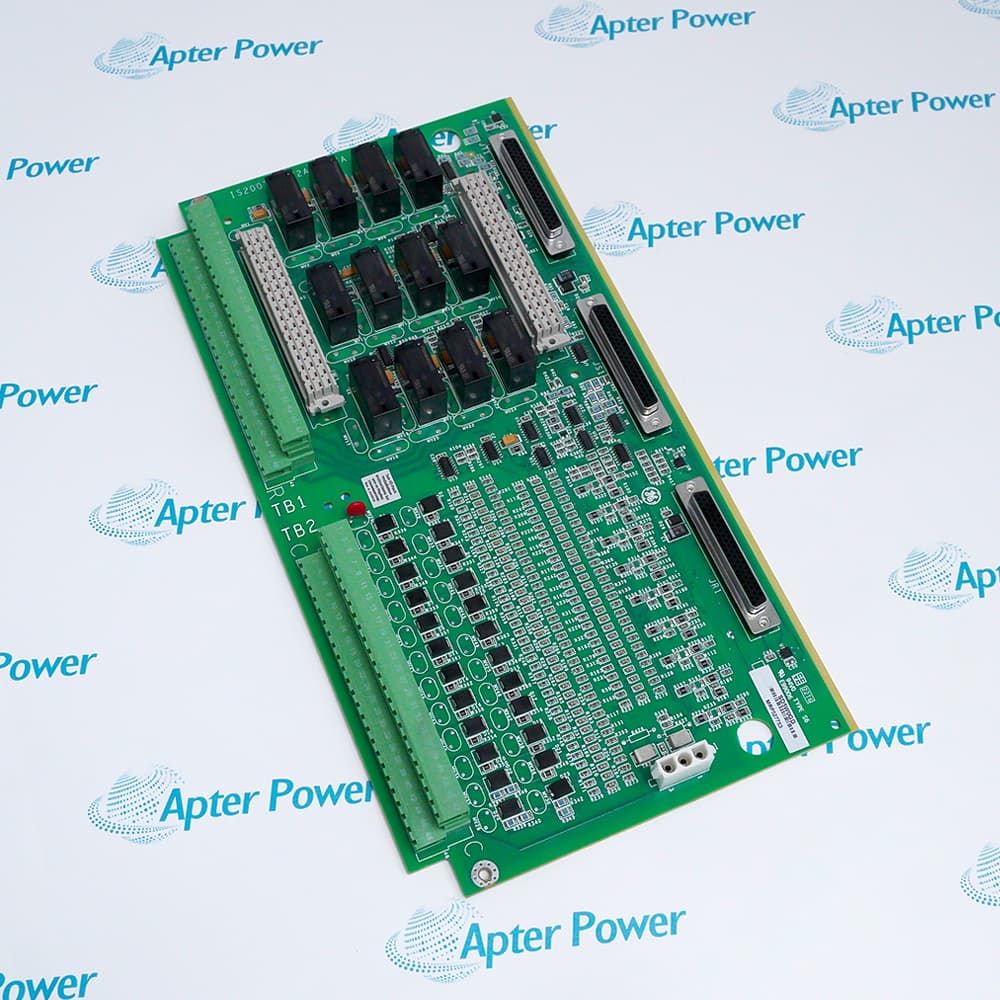
Critical I/O should be ranked by process consequence. Analog outputs, trip-related signals, permissives, and package-unit handshakes usually deserve first attention. A failed temperature input on a low-priority indication loop is not the same as a failed output driving a feedwater valve or an air-damper positioner. In older plants, this review may include ABB S800 I/O modules and terminal units such as TU850, AI810, and DI810, Honeywell System 57 cards such as 05704-A-0145, Searchpoint Optima Plus sensor cartridges, GE Mark VI or Mark VIe IS200 and IS215 series boards, and Emerson DeltaV M5 or S-series I/O modules. The goal is not to replace every card at once. It is to identify which I/O groups create the highest restart risk and prepare the right module, terminal hardware, configuration file, and loop-check plan before the outage.
The operator and monitoring layer should also be reviewed because it directly affects how quickly the plant can restart after cutover. A controller may still be serviceable, but the plant can still lose restart time if the operator station, server image, alarm database, historian connection, or monitoring panel is unsupported or poorly backed up. Legacy assets such as ABB 800xA operator stations, Honeywell GUS station hardware, Experion system spares, and GE Multilin power meters should be checked for image recovery, license status, time synchronization, alarm mapping, trend visibility, and spare availability before cutover.
A useful plant example comes from a combined-cycle power station modernization project in which the installed controller layer remained serviceable, while the main risk had shifted to the operator and infrastructure layer. The site upgraded HMI-related functions and supporting platform elements inside a defined outage window, which reduced support risk without forcing a full controller replacement in the same cycle. That sequence fits many generation assets very well.
When Does a Partial PLC Upgrade Make More Sense Than Full Replacement?
If the logic is stable and the field wiring is still serviceable, the upgrade does not need to expand into a full replacement. That situation is common in PLC upgrades for legacy systems. In many plants, the real exposure sits in communication hardware, old workstations, poor spare coverage, or one obsolete I/O section, while the core sequence still performs as expected.
A full replacement adds value only when it removes a broader operational risk. If it only adds rewrites, interface changes, and extra commissioning work inside a short outage, the scope is too wide. In that case, the better path is to replace the layer that is already driving downtime and leave the rest for a later cycle.
Three Tests That Support a Partial Scope
Control Logic Stability
If the process logic has been stable through recent operating cycles, that is a signal to preserve it for now. A controller that still handles sequencing, interlocks, and trips reliably does not need to be rewritten simply because adjacent hardware is old.
Cabinet and Wiring Condition
If the existing marshalling, cabinet structure, grounding, and field wiring are still sound, those assets should be kept in service. Rebuilding them in the same outage often adds cost and risk without improving process control.
Supportability Gap
If the plant is struggling with obsolete network modules, unsupported workstations, weak spares, or a narrow set of fragile I/O cards, the site already knows where the next outage delay is likely to come from. That is the part of the system that should be addressed first.
This is also where a PLC-based control system differs from a clean-sheet project. The upgrade is not taking place in an empty engineering environment. It is taking place in a live plant with operator habits, maintenance routines, old marshalling, and real restart constraints. The scope has to fit that reality.
Consider a balance-of-plant water treatment area feeding a unit that must return to service on a fixed date. The interlocks are stable, the field devices are healthy, and operators trust the existing sequence. The recurring failures are loss of communication to the operator station and weak spare coverage for a small group of output cards. In that case, upgrading network hardware, refreshing the operator layer, and converting only the fragile I/O section is a strong engineering decision. Rewriting the whole control strategy in the same outage would add work without solving a broader plant problem.
How Do You Check Compatibility Between Old Cabinets and New Modules?
Compatibility work decides if the outage stays disciplined or turns into cabinet surgery. In a legacy control system upgrade, compatibility should be checked across five separate dimensions: mechanical fit, power demand, terminations, signal behavior, and communications. Missing any one of them can turn a planned module swap into an unplanned fabrication job.
Five Checks That Prevent Cabinet Surprises
Mechanical Fit
Confirm slot position, front clearance, rear clearance, cable bend radius, and maintenance access after installation. A module may fit the rack and still create a practical problem if there is no room to dress wiring or remove the front cover cleanly.
Power and Thermal Margin
Check backplane demand, supply rating, cabinet heat load, and the impact of any new network or server hardware tied to the system. This should be calculated before the outage, not discovered after energization.
Termination Method
Do not approve a card swap until the correct terminal assembly, marshalling arrangement, and field-cable labeling are verified. Startup delays often come from terminations, not from the electronics.
Signal Match
Confirm voltage level, current range, channel grouping, loop-power requirements, and fail-state behavior. A module with the right channel count can still be the wrong device for the process loop.
Communication Behavior
Validate IP addressing, serial parameters, polling load, peer mapping, and time synchronization. Cabinet work can be flawless and still fail at startup if the protocol map is incomplete.
This becomes very practical in older process cabinets. A plant may keep an installed control layer in service while upgrading selected I/O or interface hardware tied to an Advant or 800xA environment. In that case, modules such as AO810V2 for analog output or CI532V02 for communication functions should never be treated as simple part swaps. The team still has to confirm output range, terminal unit arrangement, loop checkout requirements, serial mapping, and cabinet documentation before shutdown begins.
What Risks Should You Plan for Before a Shutdown Window Starts?
Before the outage begins, the site should have a locked scope and a complete execution pack in place. That pack should include verified backups, a firmware matrix, marked-up drawings, bench-tested spares, a startup script, and a rollback plan the team can execute without delay.
Pre-Shutdown Controls That Pay Off
Freeze the scope and lock the I/O list
Pull verified backups of logic, graphics, historian tags, and workstation images
Bench-test every planned spare and assign it to a specific rack or cabinet
Confirm firmware and engineering-tool compatibility across the full stack
Mark every field cable, terminal, and marshalling reference before de-energization
Prepare a rollback kit with removed hardware, saved files, and restore steps
Define startup acceptance checks for permissives, trips, graphics, trends, alarms, and historian data flow
The startup script should be finalized before shutdown and issued as part of the work package. It should cover energization order, network checks, permissive verification, loop-check sequence, and operator-screen validation. Without that sequence, faults after cutover are harder to isolate and startup takes longer.
Scope creep also needs to be stopped early. Extra changes added after shutdown begins are a common source of delay, especially when they have not been tested or assigned to a commissioning check. If the change is outside the approved work pack, it should wait for the next outage.
How Can Spare Parts Strategy Reduce Upgrade Delays?
Spare-parts planning should be built around execution. For a legacy control system upgrade during peak maintenance season, the site should separate inventory into three groups: parts scheduled for installation, startup insurance stock, and run-stock for the next operating period. Those groups should not be mixed.
What a Good Spare Strategy Looks Like
Installation parts are kitted by cabinet, rack, or subsystem
Startup insurance stock is protected and not released for other work
Each critical module is paired with its configuration file or workstation image
Terminal hardware, labels, and loop references are stored with the module kit
Bench-test records are attached to the kit before outage day
Module failures rarely stay isolated. Once a card is replaced, teams often uncover a second issue in field labeling, terminal hardware, or saved configuration. Plants recover faster when spares are prepared as complete replacement kits instead of loose parts pulled from stock.
During first-half power-station maintenance, spare planning also needs to reflect long lead times and uncertain repair turnaround. Critical modules should be secured, tested, and assigned before the outage starts. Leaving part readiness unresolved until shutdown is a direct schedule risk.
Use These Checks to Build a Safer Legacy Upgrade Path
In most plants, a legacy control system upgrade works best when the scope is narrowed before the outage begins. Audit the installed base, identify the modules that create the most downtime risk, verify cabinet and wiring compatibility, lock the shutdown plan, and stage the spare kits in advance. That sequence gives engineering, maintenance, operations, and procurement a shared execution path. The result is usually clear: lower startup risk, fewer commissioning delays, and an upgrade plan the plant can carry forward into the next maintenance cycle.
FAQs
Q1. Do PID loops need to be retuned after a partial control-system upgrade?
No, not automatically. Retuning is only needed if scan time, output scaling, signal filtering, valve response, or controller execution behavior changes after cutover. Review pre- and post-upgrade trends on critical loops first, then retune only the loops that show measurable performance drift.
Q2. How long should the old and new historian environments run in parallel?
Run them in parallel until the plant has verified tag continuity, event time stamps, report accuracy, and operator trend visibility through at least one representative operating cycle. For generation assets, that usually means covering startup, stable load, and one controlled load change.
Q3. Should sequence-of-events time stamping be tested during commissioning?
Yes. Sequence-of-events accuracy should be tested before handover, especially for trips, permissives, and protection-related signals. If time synchronization is off by even a small margin, post-event analysis becomes harder and root-cause reviews can quickly lose credibility.
Q4. What documents should be updated immediately after startup?
Update the as-left I/O list, cabinet drawings, network map, firmware register, workstation image record, alarm list, and loop references first. Those records are the ones maintenance will use during the next fault, so delays in updating them create avoidable confusion later.
Q5. Should operator training happen before the outage or after the cutover?
Before the outage, whenever possible. Operators should see the new graphics, alarm behavior, navigation paths, and startup screens in advance. Post-cutover coaching is still useful, but first exposure during startup usually slows response and increases avoidable operating errors.
Legacy Control System Upgrade
Audit Smart, Target Risk, Execute with Discipline
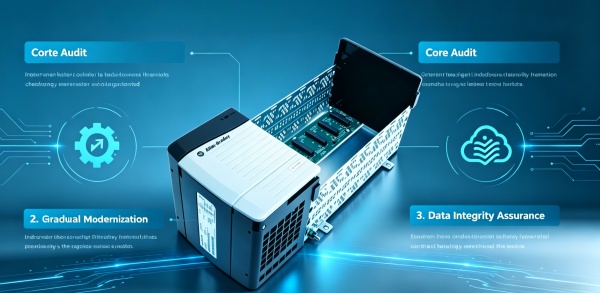
Before touching any legacy control hardware, a thorough audit is essential. The article emphasizes that years of undocumented logic edits, hardware substitutions, and incomplete backups often create a dangerous gap between the live system and official drawings. The audit must cover the full control path—from cabinet hardware and power supplies to operator interfaces and historian links. Key items include controller firmware revisions, rack layouts, network topology, analog ranges, current backups, and spare inventory. A practical audit also answers which components can safely remain in service for the next cycle, avoiding unnecessary full replacements when only specific layers (such as communication modules or power supplies) are creating real operational risk.
Targeted Upgrades
A staged upgrade approach focuses on the parts causing actual problems: undersized power supplies like the 1756-PA75, overloaded network modules like the 1756-EN2T, or fragile I/O sections with weak spare coverage. Three tests support a partial scope: stable control logic, sound cabinet and wiring condition, and a clear supportability gap in specific hardware layers. This strategy avoids the cost, risk, and commissioning delays of full replacement while solving the real pain points that threaten restart reliability.
Execution Discipline
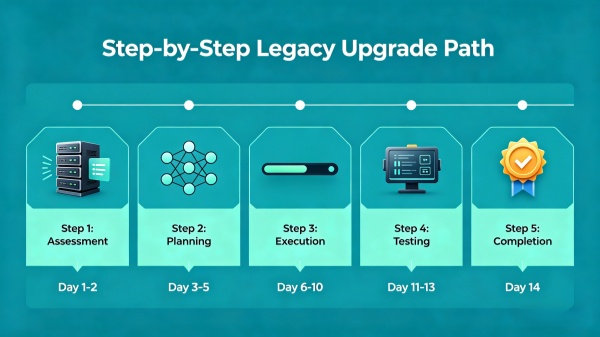
A complete execution pack should include a startup script covering energization order, network checks, permissive verification, and loop-check sequences—plus a rollback plan with removed hardware and saved files. Spare parts should be organized into three groups: installation kits, startup insurance stock, and run-stock for the next cycle. This disciplined approach reduces commissioning delays, prevents scope creep, and gives the plant a cleaner, lower-risk path through the outage and into the next maintenance cycle.












Leave Your Comment