Ask our team:
  • Phone: +86 181 0690 9650
  • E-Mail sales1@apterpower.com
  • Lifecycle status

    Discontinued / Obsolete by OEM
    Documentation, quotations, product selection, and model matching for 6ES7151-1AB05-0AB0 are supported by Apter Power.

6ES7151-1AB05-0AB0

/ 4.9
1001 reviews | Need a Specific Revision?
The Siemens 6ES7151-1AB05-0AB0 is an ET 200S IM 151-1 FO interface module that connects a modular remote I/O station to PROFIBUS DP over fiber optics.
In Stock
Ships by Wednesday, October 28
Fast Shipping Available
Get a quick price for 6ES7151-1AB05-0AB0
Quantity
*E-mail
Company
*Mobile
*Content
Upload (gif, jpg, jpeg, png, bmp, doc, docx, xls, xlsx, ppt, pdf, csv)

Technical specifications for 6ES7151-1AB05-0AB0

  • Manufacturer:
    Siemens
  • Part Number:
    6ES7151-1AB05-0AB0
  • Product Family:
    Siemens Simatic DP
  • Product Type:
    IM 151-1 FO Interface Module
  • Stock:
    1
  • PROFIBUS transfer rate:
    Up to 12 Mbit/s
  • Input address space:
    244 bytes
  • Output address space:
    244 bytes
  • Station modules:
    63 maximum
  • Optical interface:
    4 Simplex sockets
  • Backplane output current:
    700 mA maximum at 5 V DC
  • Input current from 1L+:
    200 mA maximum
  • Power loss:
    3.3 W typical
  • Cable length:
    2 m maximum
  • SYNC and FREEZE:
    Supported
  • Direct data exchange:
    Supported
  • Alarms and diagnostics:
    Supported
  • Diagnostic LEDs:
    BF red, SF red and ON green
  • Isolation test:
    57 V DC / 60 V AC
  • Weight:
    0.3946 lbs (0.179 kg)
  • Estimated shipping dimensions:
    12.1x8.5x6.9cm
  • Tariff Code:
    85176200
  • Country of origin:
    Germany
  • Place of shipment:
    Xiamen,Fujian,China
By purchasing this item, you agree to the Terms & Conditions, ApterPower is not an authorized distributor for listed manufacturers or tradenames and therefore the manufacturer's warranty does not apply. All our products come with ApterPower's 1-year warranty.

More Information

Overview Manuals Optical Bus Station Capacity Data Exchange Status Signals

Features:

  • Four integrated Simplex sockets connect the ET 200S station to the optical PROFIBUS bus.
  • The interface maps 244 bytes of input data and 244 bytes of output data.
  • Up to 63 power, electronic or motor-starter modules can follow the interface module.
Optical PROFIBUS frames enter through the interface and are converted into the backplane data used by the station modules.

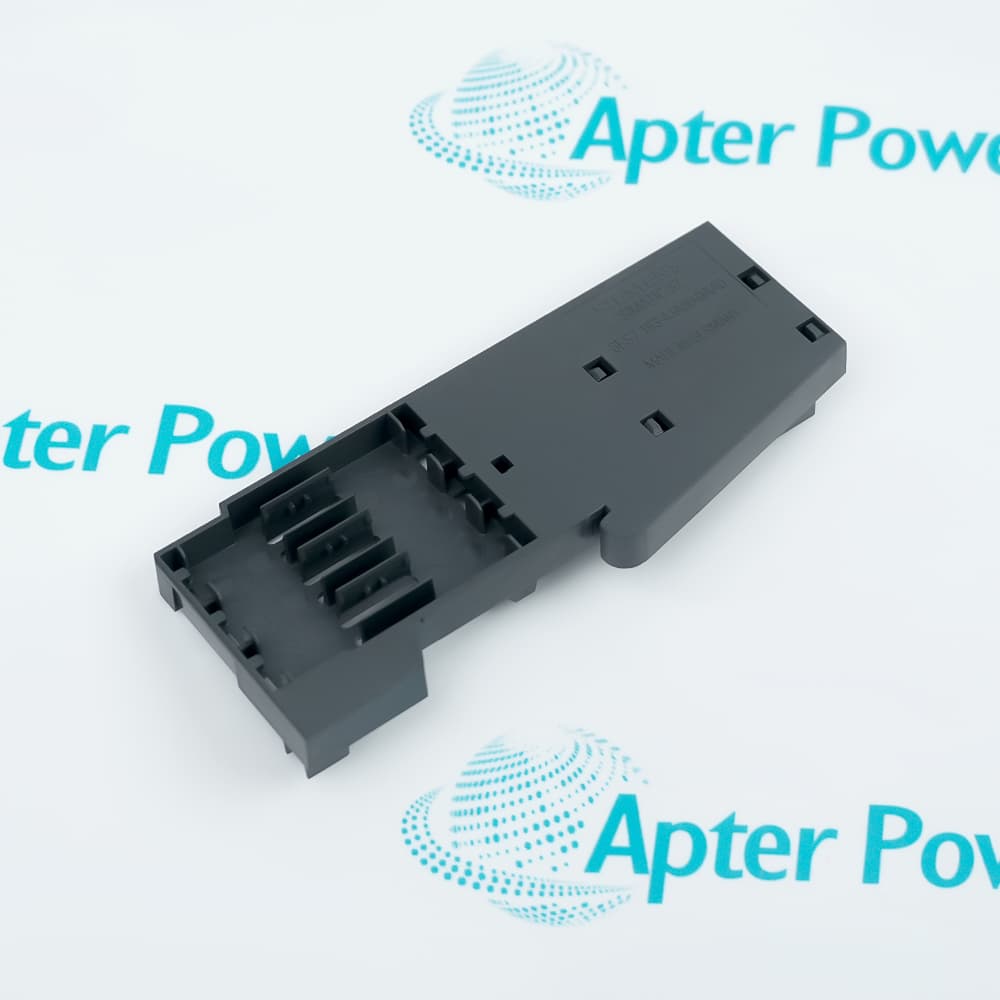
The termination module closes the ET 200S assembly, while the interface establishes the head of the modular station.

Separate BF, SF and ON indicators distinguish bus communication, grouped diagnostics and the 24 V supply condition.

The Siemens 6ES7151-1AB05-0AB0 IM 151-1 FO Interface Module may still be available for purchase and support from Apter Power beyond End-Of-Life (EOL) by the manufacturer (OEM).
Siemens 6ES7151-1AB05-0AB0 IM 151-1 FO Interface Module Manuals,Datasheets,Link Important Notice: Other accessories, manuals, cables, calibration data, software, etc. are not included with this equipment unless listed in the above stock item description. All prices are shown in USD.

Fiber connection structure

  • Optical ports: Four Simplex sockets form the integrated fiber-optic interface.
  • Network role: The interface connects one ET 200S station to PROFIBUS DP.
  • Frame path: PROFIBUS data passes from the optical bus into the station backplane.
  • Termination: The included termination module completes the station-side assembly.

ET 200S module arrangement

  • Station head: The interface module precedes the power and signal modules.
  • Module count: Up to 63 power, electronic or motor-starter modules can be connected.
  • Backplane supply: The interface provides the documented current path for the 5 V station bus.
  • Modular exchange: Each installed module occupies its assigned part of the station data map.

PROFIBUS process mapping

  • Input area: Signals from station modules are transferred into the configured PROFIBUS input space.
  • Output area: PROFIBUS output data is distributed to the addressed station modules.
  • Control services: SYNC and FREEZE coordinate the documented group behavior.
  • Peer exchange: Direct data exchange is available for the supported slave-to-slave path.

Station and bus indication

  • BF indicator: The red BF LED identifies a PROFIBUS bus fault.
  • SF indicator: The red SF LED reports the grouped diagnostic condition.
  • ON indicator: The green ON LED confirms monitoring of the 24 V supply.
  • Network diagnostics: Supported alarms and diagnostic services carry station events to the DP master.
Description
Siemens 6ES7151-1AB05-0AB0 is an ET 200S IM 151-1 FO interface module that connects the station's modular I/O structure to PROFIBUS DP through an integrated fiber-optic bus. It receives network frames at the optical interface and exchanges the configured process areas with modules on the ET 200S backplane.

Four Simplex sockets organize the optical connection on 6ES7151-1AB05-0AB0, while the included termination module closes the station assembly. The interface passes up to 244 bytes in each direction between the PROFIBUS network and the local station.

Behind 6ES7151-1AB05-0AB0, as many as 63 power, electronic or motor-starter modules can share the ET 200S station. The interface supplies the backplane path that lets those modules exchange their assigned input and output data.

When a station condition changes, 6ES7151-1AB05-0AB0 separates bus faults, group errors and supply state through BF, SF and ON indicators. PROFIBUS alarms, diagnostics, SYNC, FREEZE and direct data exchange provide the corresponding network-level status and control behavior.
Alternative Names
6ES7151 1AB05 0AB0 6ES71511AB050AB0 Siemens 6ES7151-1AB05-0AB0 SIMATIC ET 200S IM 151-1 FO IM151-1 FO PROFIBUS Interface ET200S Fiber Optic Interface Module Siemens IM 151-1 FO Module 6ES7151 AB05 Optical DP Interface
Technical notes
Siemens 6ES7151-1AB05-0AB0 integrates four Simplex optical sockets and includes the termination module required to close the ET 200S station.
Exceptional Service

Our Mission

  • 100% Satisfaction

    We believe expertise is priceless. With over 20 years of experience, and top engineers on staff, we can help you solve or avoid problems that threaten your business.
  • Trust Guaranteed

    Not only do we have a vast inventory, our team makes sure every piece of equipment is in working condition. Your purchases are also backed by our Warranty.
  • Expertise

    Time is money, especially when your equipment is down. We work quickly to get your equipment on its way so you can get it back up and running.

FAQS

The following is a list of questions commonly asked by our customers. Please contact us if you have a question about our process that is not answered below.
How should the optical network be connected to Siemens 6ES7151-1AB05-0AB0?
Route the optical network through the four integrated Simplex sockets on Siemens 6ES7151-1AB05-0AB0, then complete the ET 200S assembly with the included termination module.
What data areas must be reserved for Siemens 6ES7151-1AB05-0AB0?
Reserve up to 244 bytes of PROFIBUS input data and 244 bytes of output data for the station headed by Siemens 6ES7151-1AB05-0AB0.
Which module types can follow Siemens 6ES7151-1AB05-0AB0 in the ET 200S station?
Behind Siemens 6ES7151-1AB05-0AB0, the ET 200S station can contain as many as 63 power, electronic or motor-starter modules.
Which LEDs help isolate a startup problem on Siemens 6ES7151-1AB05-0AB0?
For startup diagnosis on Siemens 6ES7151-1AB05-0AB0, read BF as the bus-fault indicator, SF as the grouped-error indicator and ON as the monitored 24 V supply state.
Which PROFIBUS coordination services are available through Siemens 6ES7151-1AB05-0AB0?
SYNC, FREEZE and direct data exchange are available through Siemens 6ES7151-1AB05-0AB0 together with the documented alarm and diagnostic services.
How is the ET 200S backplane powered through Siemens 6ES7151-1AB05-0AB0?
Input power enters Siemens 6ES7151-1AB05-0AB0 at 1L+, and the module can deliver up to 700 mA at 5 V DC to the ET 200S backplane bus.

Product Browsing History