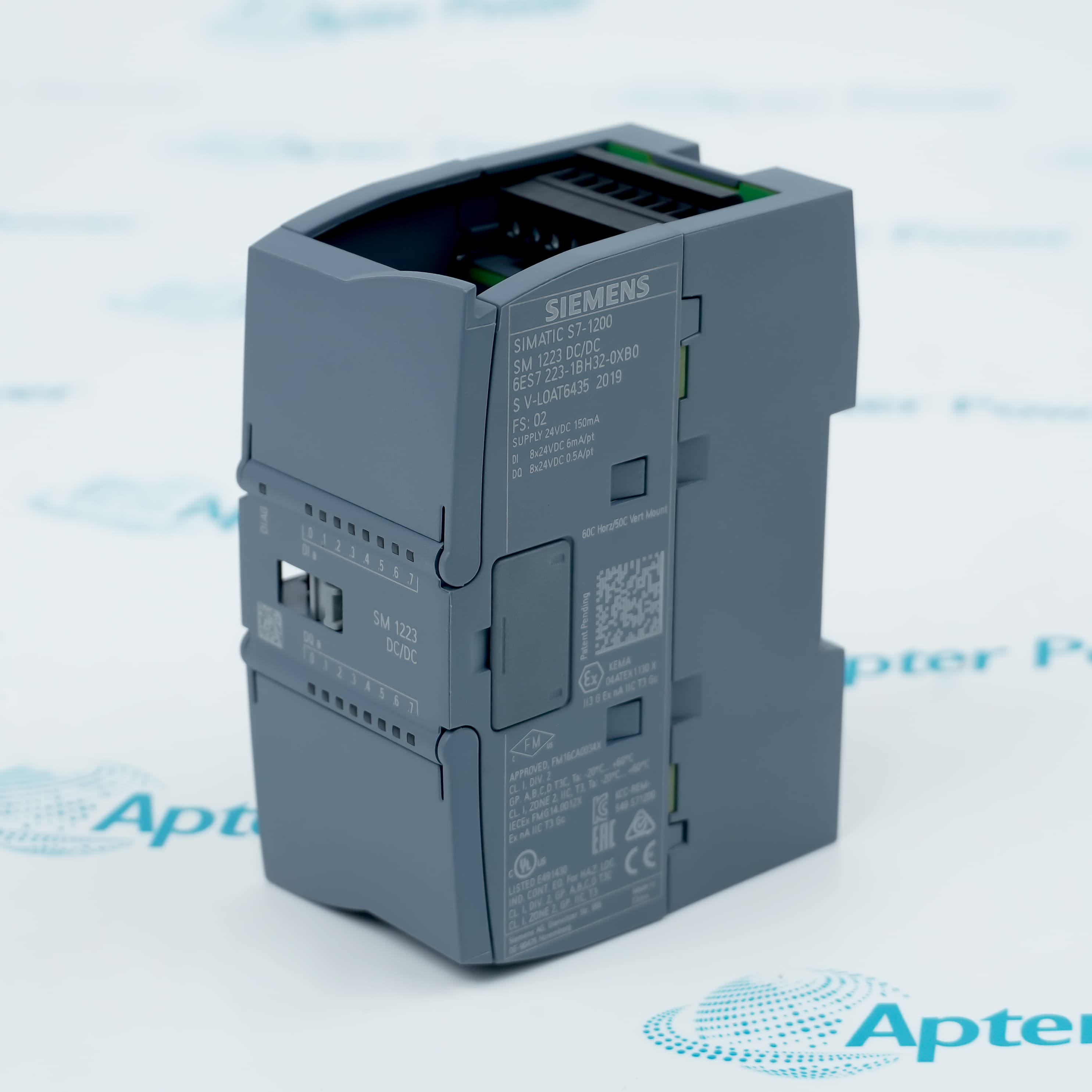
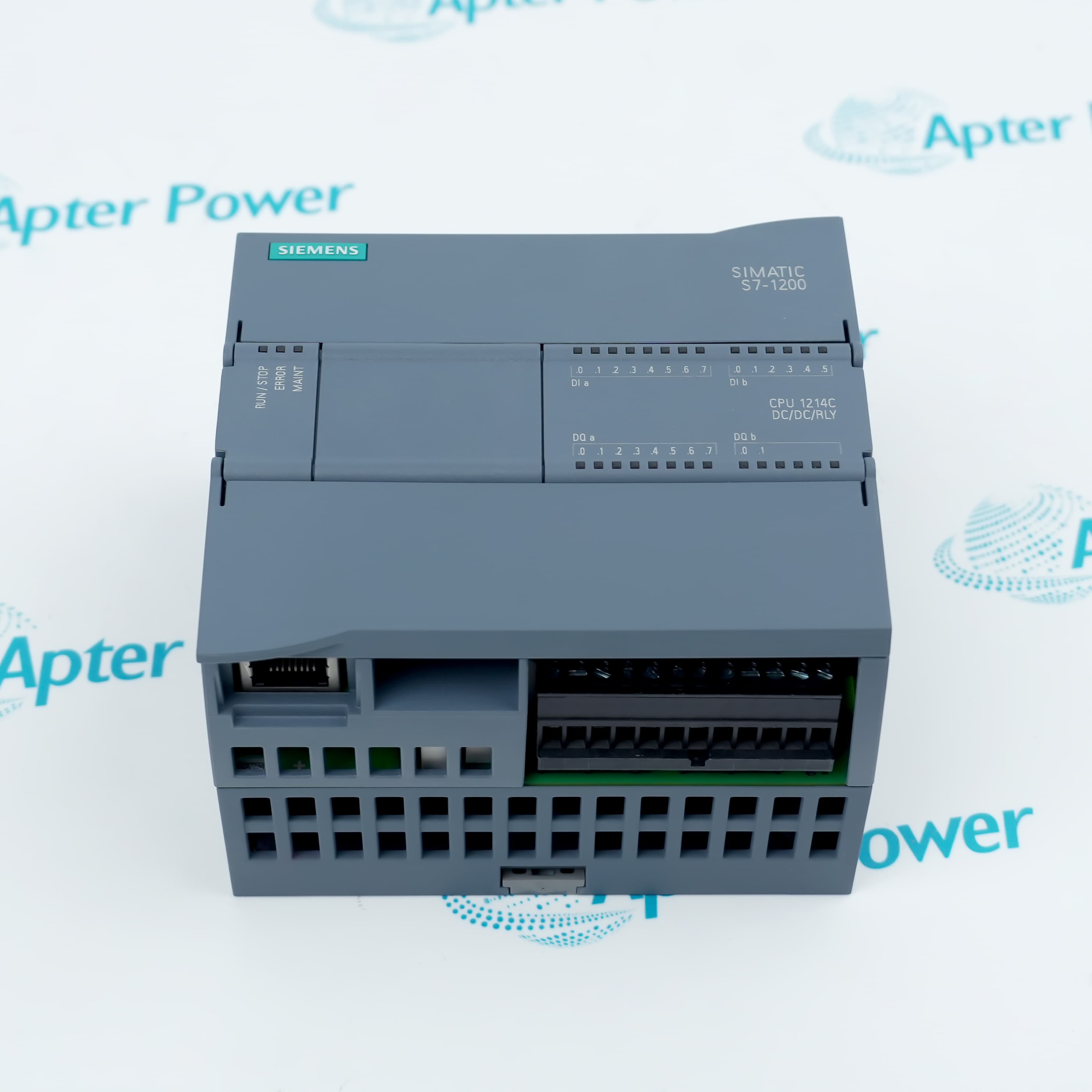
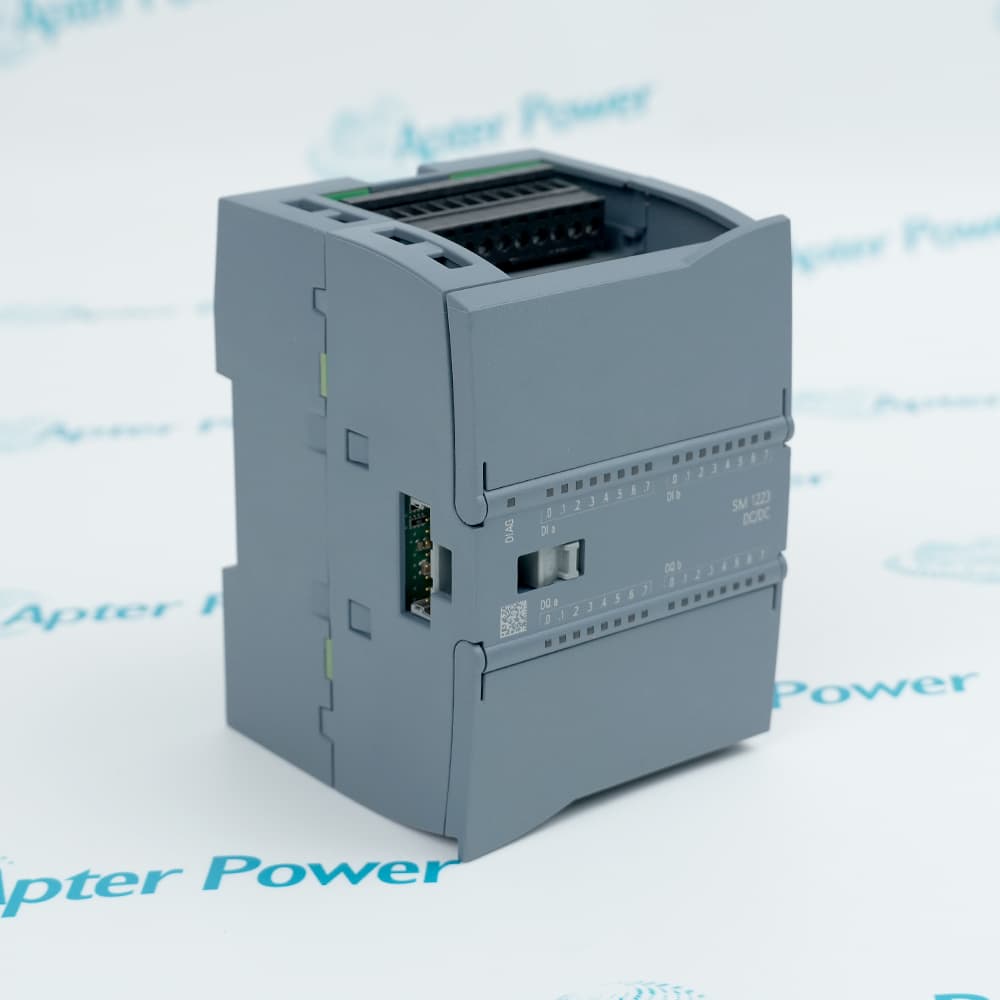
6ES7214-1AG40-0XB0
6ES7214-1AG40-0XB0
6ES7214-1AG40-0XB0
6ES7214-1AG40-0XB0
6ES7214-1AG40-0XB0
6ES7214-1AG40-0XB0
Ask our team:
  • Phone: +86 181 0690 9650
  • E-Mail sales1@apterpower.com
  • Lifecycle status

    Active / Available from OEM
    Apter Power supports quotations, technical documents, sourcing, and S7-1200 controller guidance.

6ES7214-1AG40-0XB0

/ 4.9
1001 reviews | Need a Specific Revision?
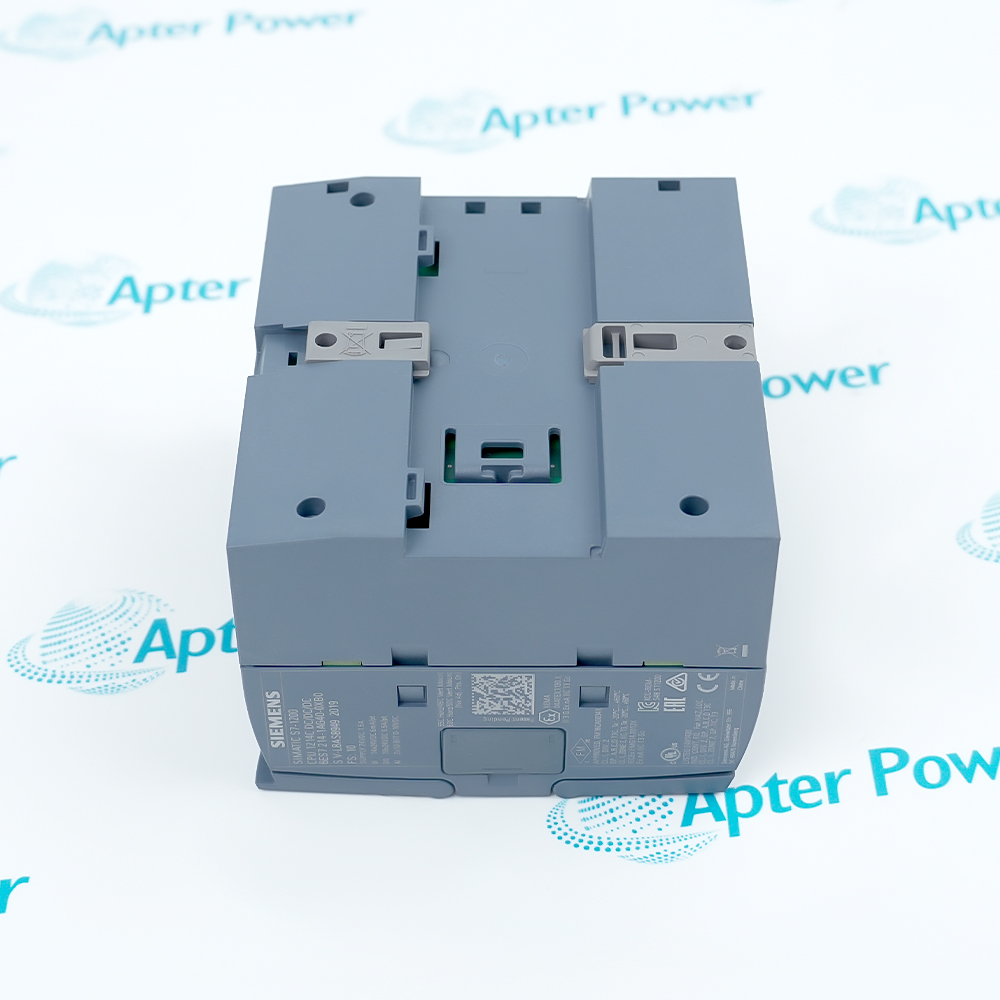
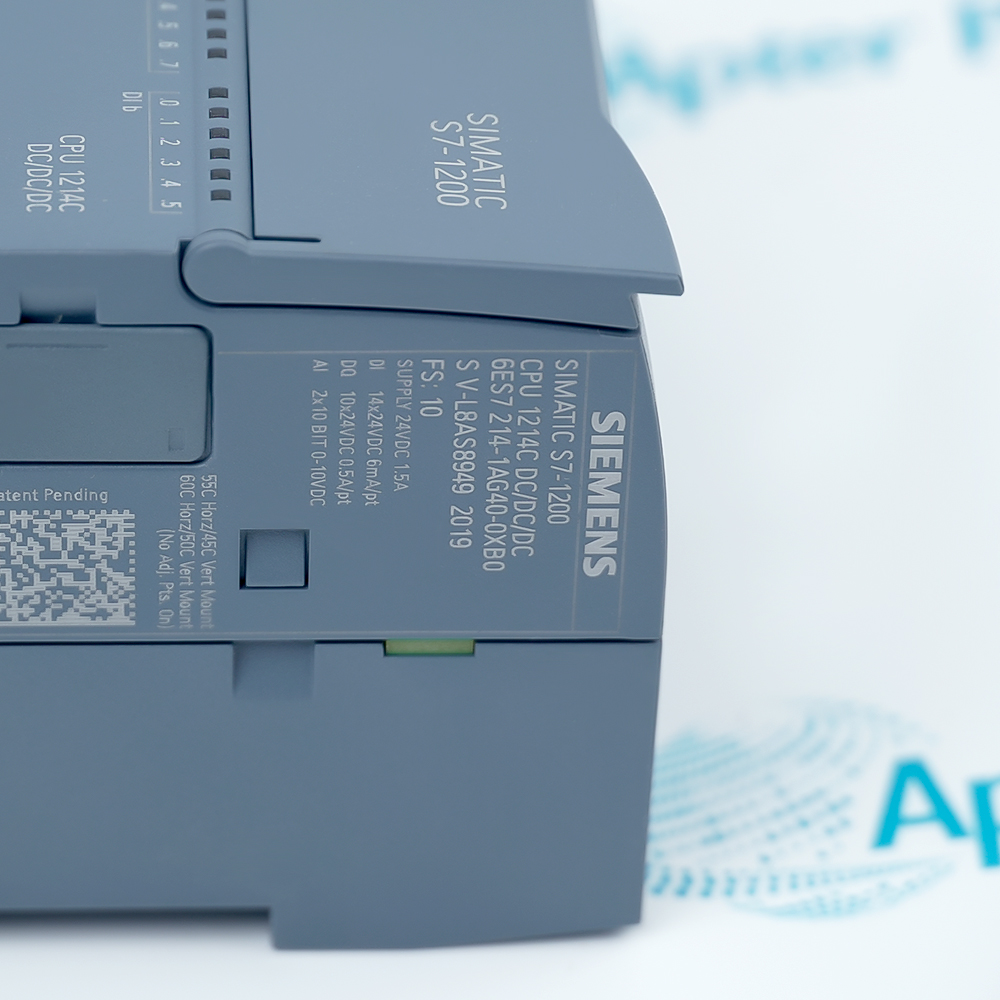
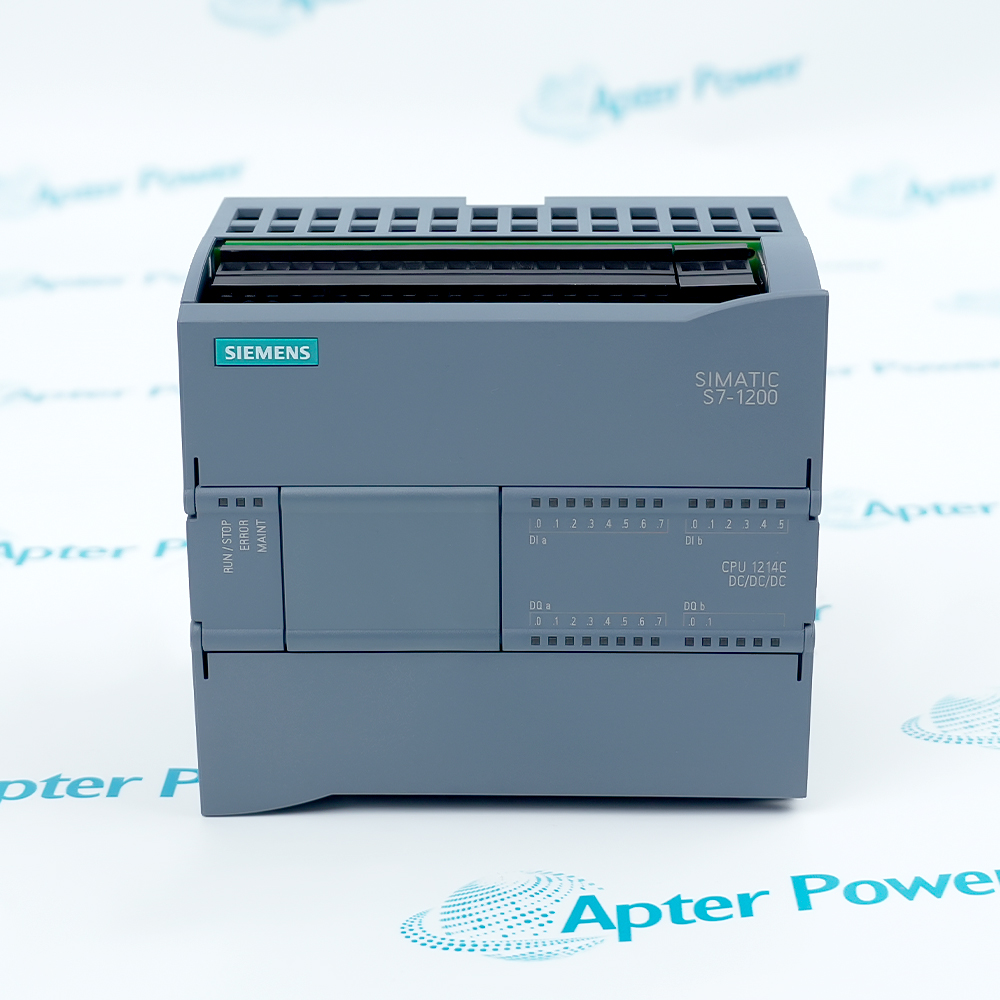
Siemens 6ES7214-1AG40-0XB0 is a CPU 1214C DC/DC/DC controller with integrated digital I/O, analog inputs and PROFINET.
In Stock
Ships by Thursday, October 29
Fast Shipping Available
Get a quick price for 6ES7214-1AG40-0XB0
Quantity
*E-mail
Company
*Mobile
*Content
Upload (gif, jpg, jpeg, png, bmp, doc, docx, xls, xlsx, ppt, pdf, csv)

Technical specifications for 6ES7214-1AG40-0XB0

  • Manufacturer:
    Siemens
  • Part Number:
    6ES7214-1AG40-0XB0
  • Product Family:
    Siemens Simatic S7-1200
  • Product Type:
    SIMATIC S7-1200 CPU 1214C DC/DC/DC compact controller
  • Stock:
    1
  • Digital inputs:
    14 at 24 V DC
  • Digital outputs:
    10 transistor outputs at 24 V DC
  • Analog inputs:
    2 channels, 0–10 V
  • Supply range:
    20.4–28.8 V DC
  • Work memory:
    150 KB
  • Load memory:
    4 MB
  • Communication:
    Integrated PROFINET interface
  • Firmware:
    Current catalog configuration V4.7
  • Weight:
    0.357 kg
  • Estimated shipping dimensions:
    10x11x7.5cm
  • Tariff Code:
    85371091
  • Country of origin:
    Germany
  • Place of shipment:
    Xiamen, Fujian, China
By purchasing this item, you agree to the Terms & Conditions, ApterPower is not an authorized distributor for listed manufacturers or tradenames and therefore the manufacturer's warranty does not apply. All our products come with ApterPower's 1-year warranty.

More Information

Overview Manuals I/O & Memory PROFINET & Expansion Commissioning Product Applications

Features:

  • Compact CPU: control logic, onboard I/O and PROFINET are integrated in one S7-1200 controller
  • DC/DC/DC design: 24 V DC inputs and transistor outputs suit compact machine circuits
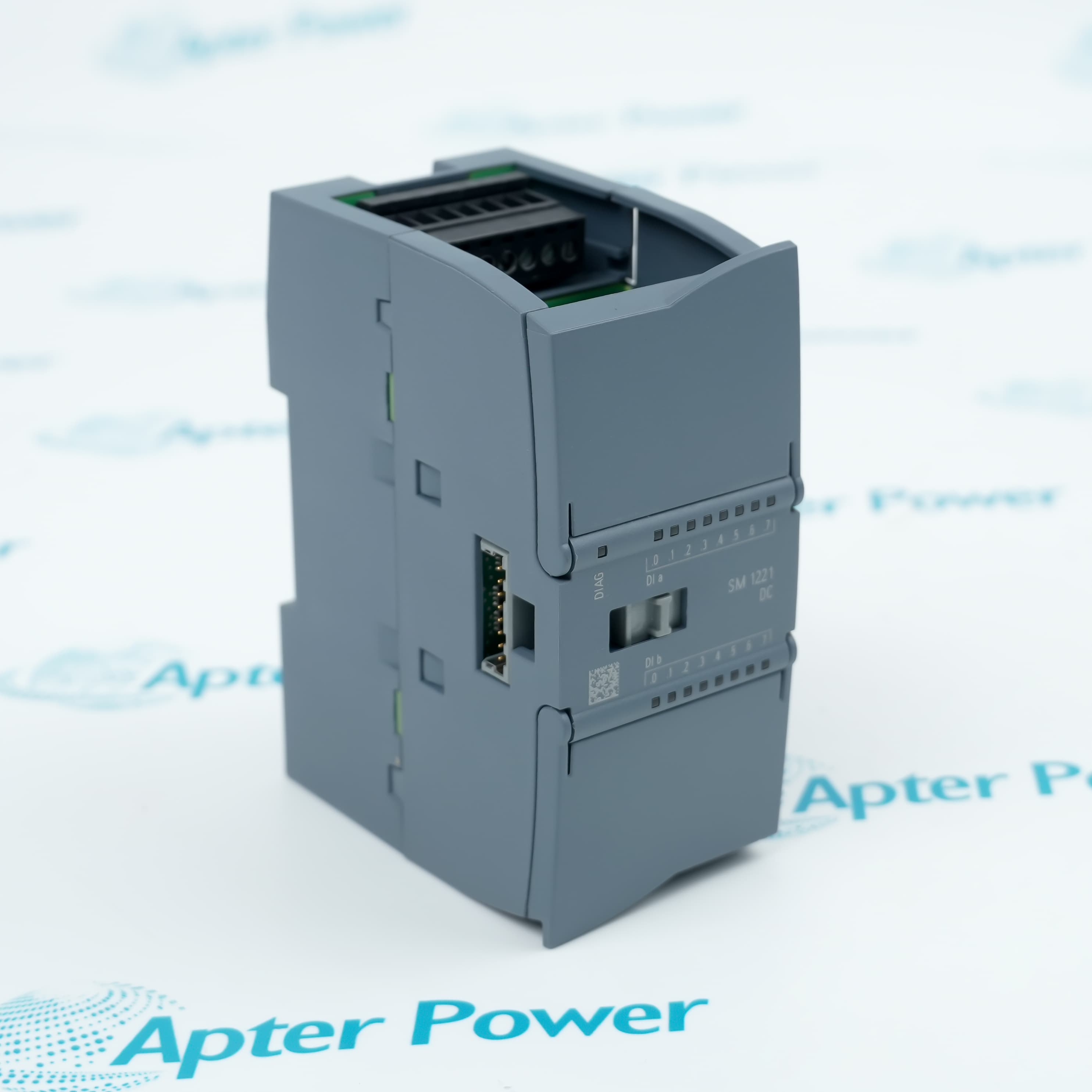
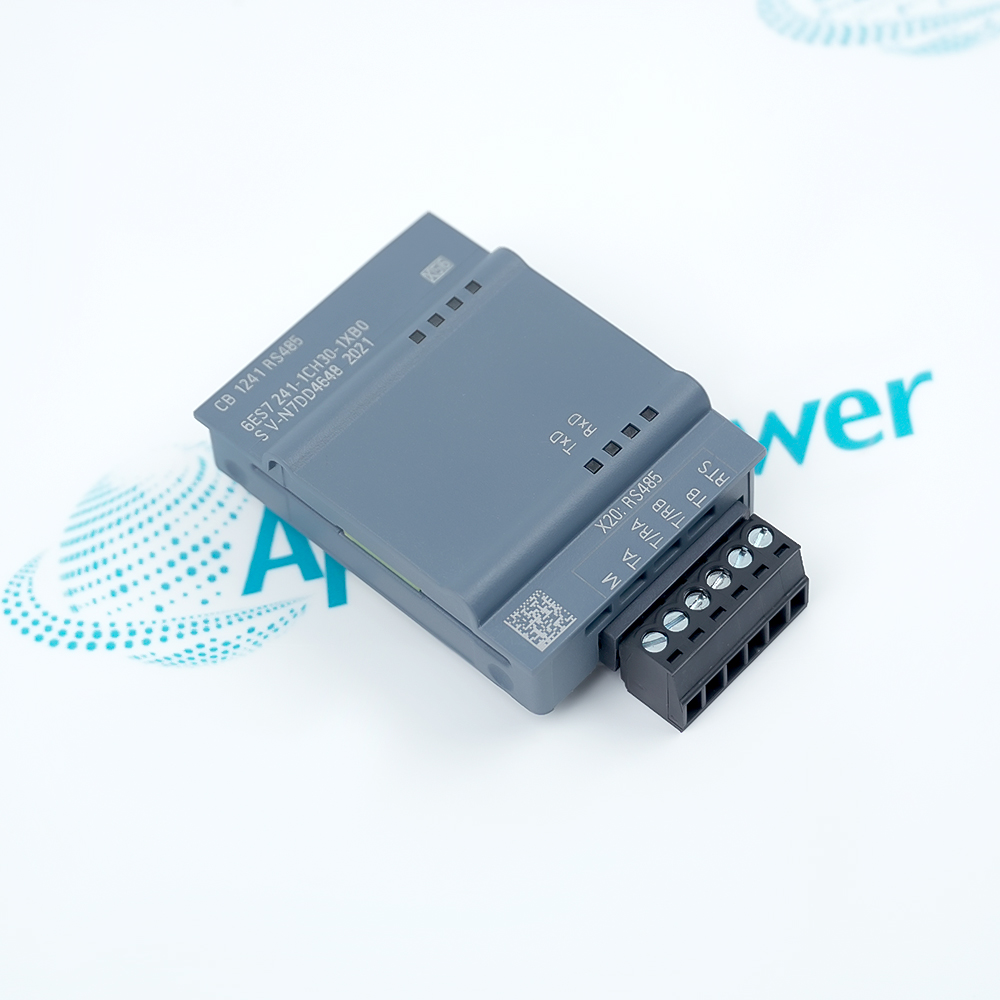
  • Expandable platform: signal and communication modules can extend the documented CPU configuration
Project focus: Keep TIA Portal hardware data aligned with the installed firmware.

Network focus: Preserve the PROFINET device name, IP plan and topology in the project.

Service focus: Use the diagnostic buffer before changing hardware after a STOP event.

Apter Power supports Siemens 6ES7214-1AG40-0XB0 compact controller quotations, technical documents and S7-1200 project review.
Siemens 6ES7214-1AG40-0XB0 SIMATIC S7-1200 CPU 1214C DC/DC/DC compact controller Manuals,Datasheets,Link
Important Notice: Other accessories, manuals, cables, calibration data, software, etc. are not included with this equipment unless listed in the above stock item description. All prices are shown in USD.
  • Digital signals: Verify 24 V DC input levels and transistor-output load limits.
  • Analog inputs: Use the onboard 0–10 V channels for suitable voltage signals.
  • Program resources: Review work memory, load memory and retentive-data needs before migration.
  • PROFINET: Assign the correct device name and IP parameters and document the switch topology.
  • Local expansion: Check module count and backplane power before adding hardware.
  • Communication: Confirm any required protocol, connection count and cycle-time effect.
  • Before download: Confirm CPU order number, firmware, hardware catalog entry and module sequence.
  • First scan: Keep actuators safe while validating input states and output addressing.
  • Diagnostics: Use LEDs, online diagnostics and the diagnostic buffer before changing hardware.
  • Packaging machines: Sequence sensors, actuators and small motion or communication tasks.
  • Process skids: Coordinate local instruments, valves and supervisory communications.
  • Utility systems: Control pumps, fans and monitored equipment with expandable local I/O.
Description
Compact machines that need local logic, onboard I/O and Ethernet engineering can center the control architecture on 6ES7214-1AG40-0XB0. The CPU 1214C DC/DC/DC format combines digital and analog points with PROFINET while retaining the S7-1200 expansion path.

A project for 6ES7214-1AG40-0XB0 should keep the CPU firmware, TIA Portal hardware catalog, module sequence and communication settings aligned. Treating these items as one configuration prevents a technically correct program from being downloaded to a hardware arrangement that the project does not represent.

If startup leaves 6ES7214-1AG40-0XB0 in STOP or produces network faults, the diagnostic buffer provides the most useful first distinction between supply, configuration, program and communication causes. Preserving the project and device settings also gives maintenance teams a recoverable baseline before service work begins.
Alternative Names
6ES7214-1AG40-0XB0 6ES72141AG400XB0 6ES7 214-1AG40-0XB0 6ES7214 1AG40 0XB0 Siemens 6ES7214-1AG40-0XB0 CPU 1214C DC DC DC SIMATIC S7-1200 CPU 1214C 6ES7214-1AG40-0XB0 V4.7
Technical notes
Before downloading a project to 6ES7214-1AG40-0XB0, verify the CPU firmware and TIA Portal support level. For a STOP condition, use the diagnostic buffer first; then verify supply quality, configured module order, communication names and any output-load fault.
Exceptional Service

Our Mission

  • 100% Satisfaction

    We believe expertise is priceless. With over 20 years of experience, and top engineers on staff, we can help you solve or avoid problems that threaten your business.
  • Trust Guaranteed

    Not only do we have a vast inventory, our team makes sure every piece of equipment is in working condition. Your purchases are also backed by our Warranty.
  • Expertise

    Time is money, especially when your equipment is down. We work quickly to get your equipment on its way so you can get it back up and running.

FAQS

The following is a list of questions commonly asked by our customers. Please contact us if you have a question about our process that is not answered below.
Why can 6ES7214-1AG40-0XB0 remain in STOP after an otherwise successful download?
The diagnostic buffer distinguishes a program fault from missing configured hardware, protection settings or supply problems. Resolve the first recorded cause before clearing subsequent events.
How should a TIA Portal project be prepared before moving it to 6ES7214-1AG40-0XB0?
Use a hardware catalog and STEP 7 version that support the installed firmware, then compare module order, technology objects and communication settings with the physical station before download.
What should be checked when PROFINET devices disappear intermittently from 6ES7214-1AG40-0XB0?
Review device names, duplicate IP addresses, switch-port status, topology and cable error counters together with the CPU diagnostic buffer. A repeating topology event usually deserves attention before changing the controller.
Can 6ES7214-1AG40-0XB0 switch an inductive load directly?
Only within the transistor-output rating and with suitable suppression for the load. Compare inrush current and switching frequency with the output specification; use an interposing device when the field circuit exceeds those limits.
How can expansion overload be avoided on 6ES7214-1AG40-0XB0?
Build the complete station in TIA Portal and check the permitted module count plus 5 V and 24 V budgets. The calculation should include communication modules and signal boards, not only signal-module current.
What information should be preserved before servicing 6ES7214-1AG40-0XB0?
Keep an upload or current project with firmware, device name, IP settings, module order, retentive data requirements and technology configuration. That baseline supports controlled recovery without guessing the former hardware state.
Why can an onboard analog value from 6ES7214-1AG40-0XB0 stay at zero while the sensor is healthy?
The integrated channels expect a supported voltage signal. Check the sensor output type, common reference, terminal assignment and PLC scaling; a current-loop transmitter needs the correct conversion or external interface.