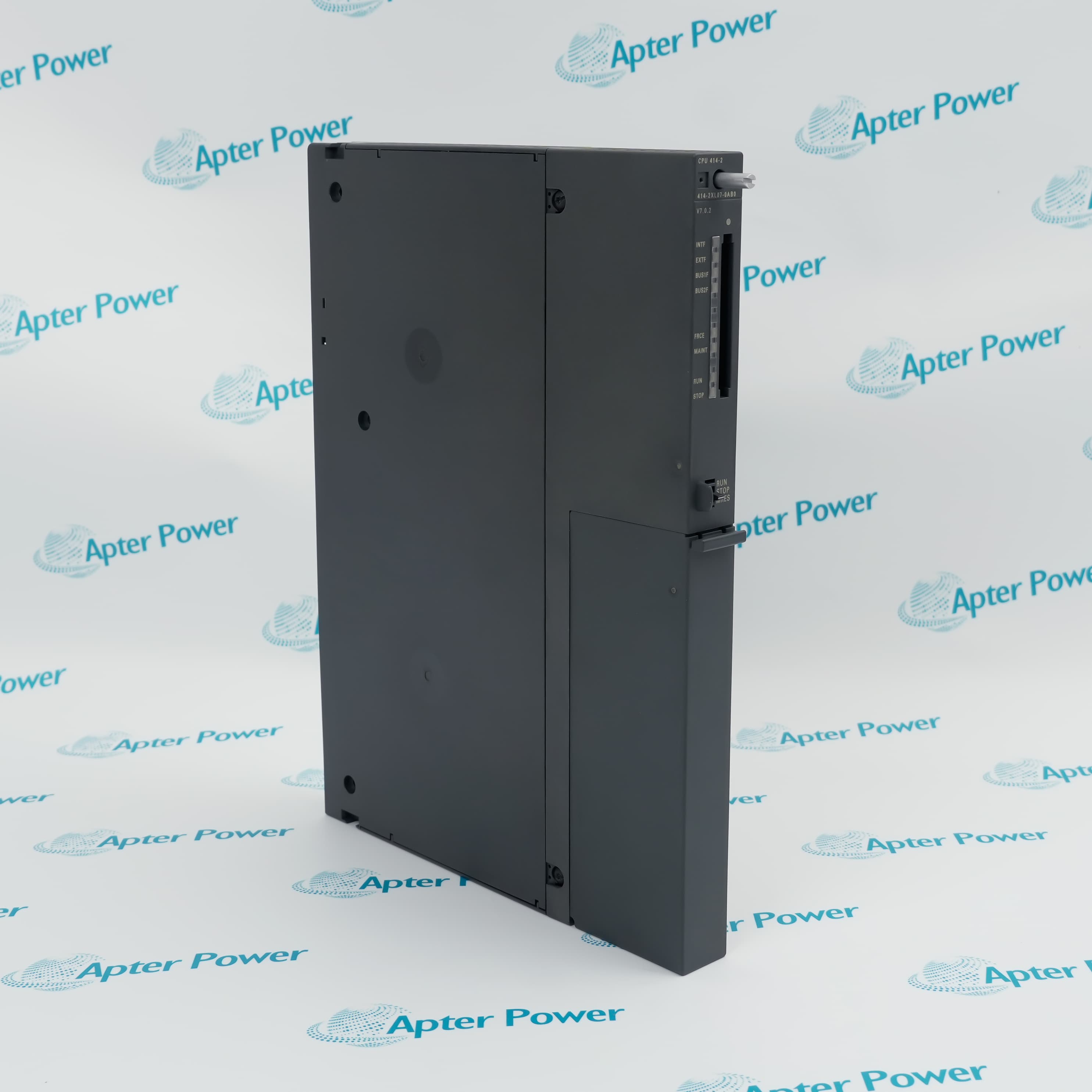
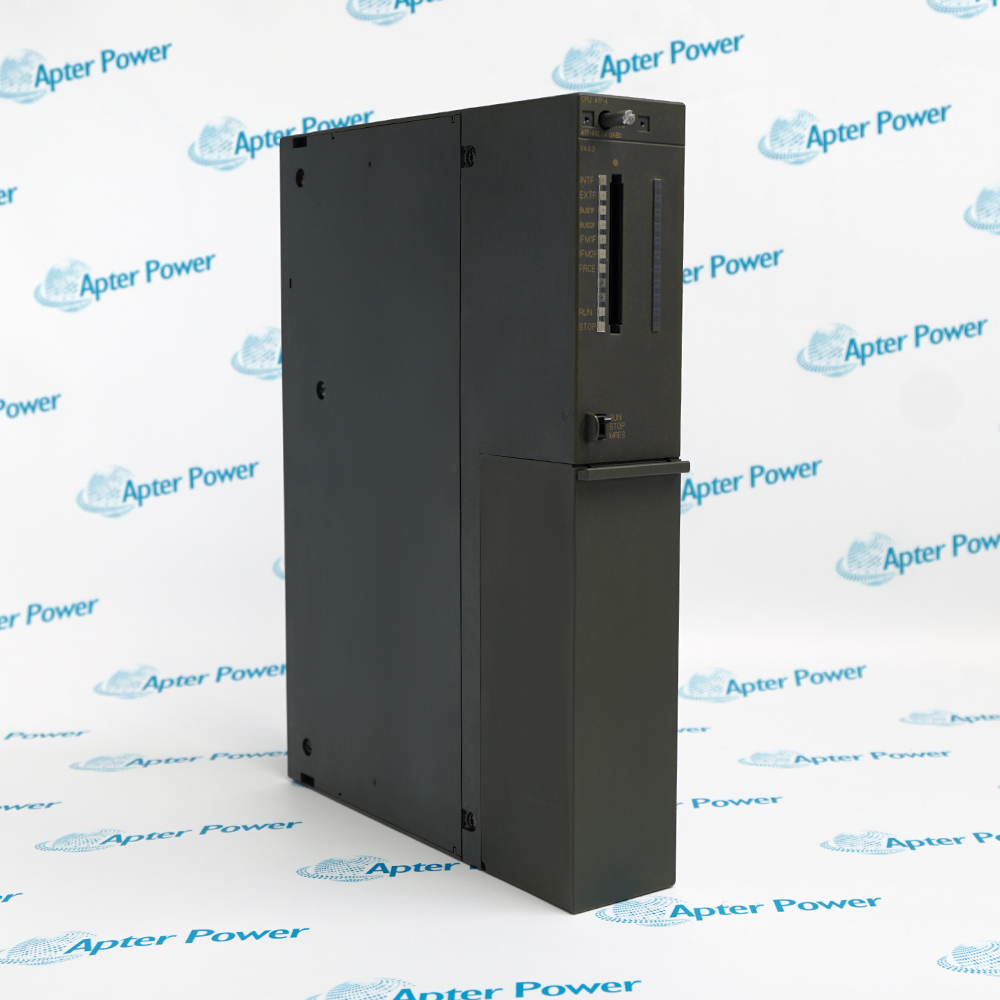
Features:
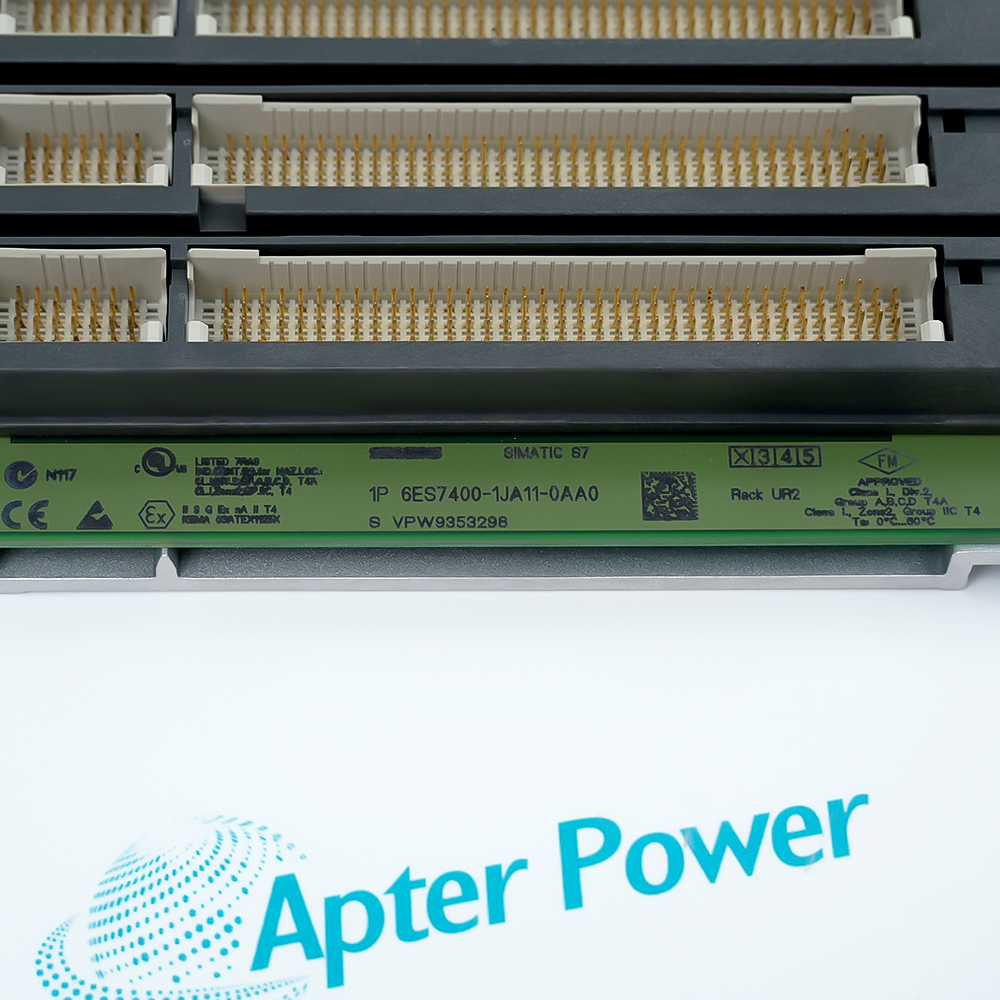
- Nine-slot UR2 rack: the frame carries the S7-400 communication and peripheral buses
- Flexible station role: the rack can serve documented central or distributed arrangements
- Dual supply positions: two locations support an approved redundant power configuration
Architecture focus: Select CPU or interface hardware for the intended station role.
Configuration focus: Keep the physical module order aligned with the STEP 7 project.
Fault focus: Treat simultaneous module alarms as a possible rack-level symptom.
Apter Power supports Siemens 6ES7400-1JA11-0AA0 universal rack quotations, technical documents and S7-400 configuration review.
Siemens 6ES7400-1JA11-0AA0 SIMATIC S7-400 UR2 universal rack with 9 slots Manuals,Datasheets,Link
Important Notice: Other accessories, manuals, cables, calibration data, software, etc. are not included with this equipment unless listed in the above stock item description. All prices are shown in USD.
- Module order: Use the slot sequence defined in the STEP 7 hardware configuration.
- Bus continuity: Inspect every backplane connector before installing a module.
- Station role: Coordinate the rack with the correct CPU or interface modules for the planned architecture.
- Supply modules: Use compatible Siemens S7-400 power supplies.
- Source wiring: Protect and document each incoming source independently.
- Fault review: Check both supply LEDs and rack voltage when multiple modules report faults.
- Mounting: Install the rack flat and supported so the aluminum frame is not twisted.
- Grounding: Bond protective earth according to the cabinet design.
- Module seating: Lock each module fully into the backplane connector and secure it as documented.
- Process control: Host CPU, communication and I/O modules in engineered control cabinets.
- Distributed stations: Support remote S7-400 racks through documented interface modules.
- Redundant power systems: Maintain rack operation with an approved dual-supply arrangement.
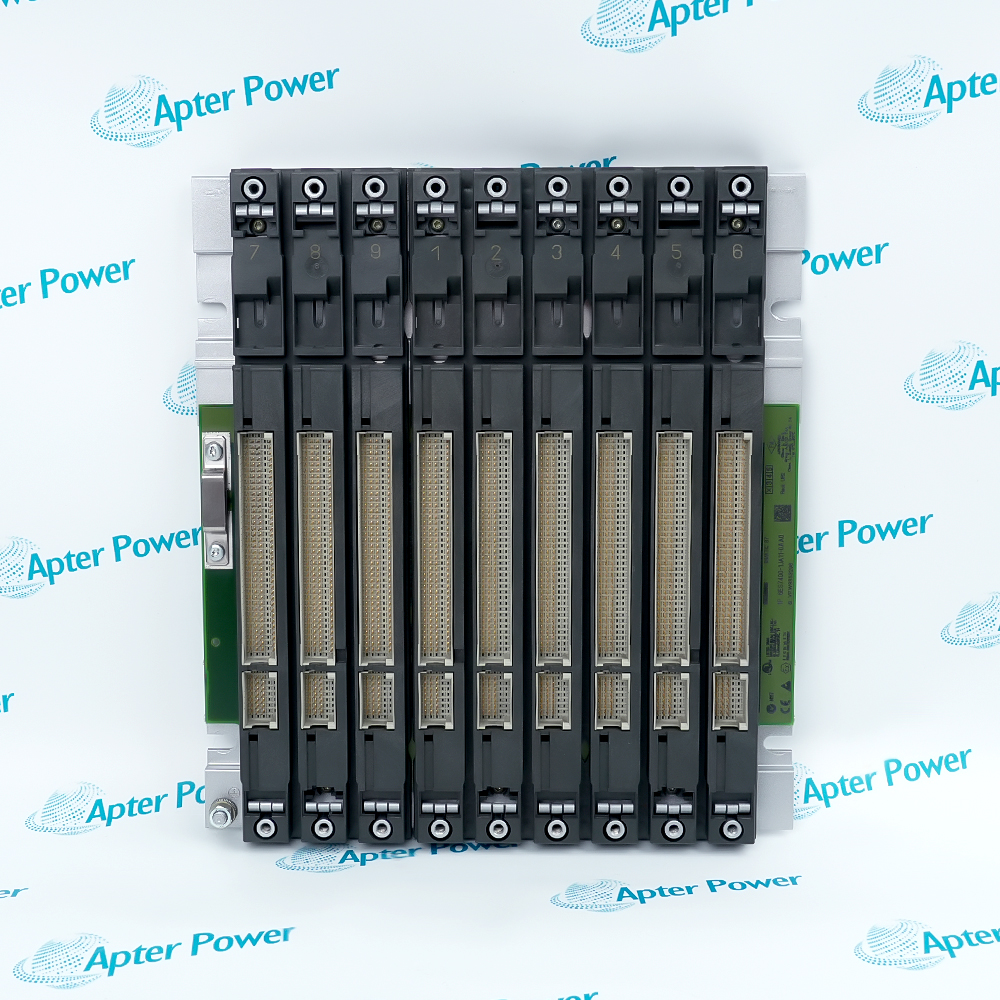
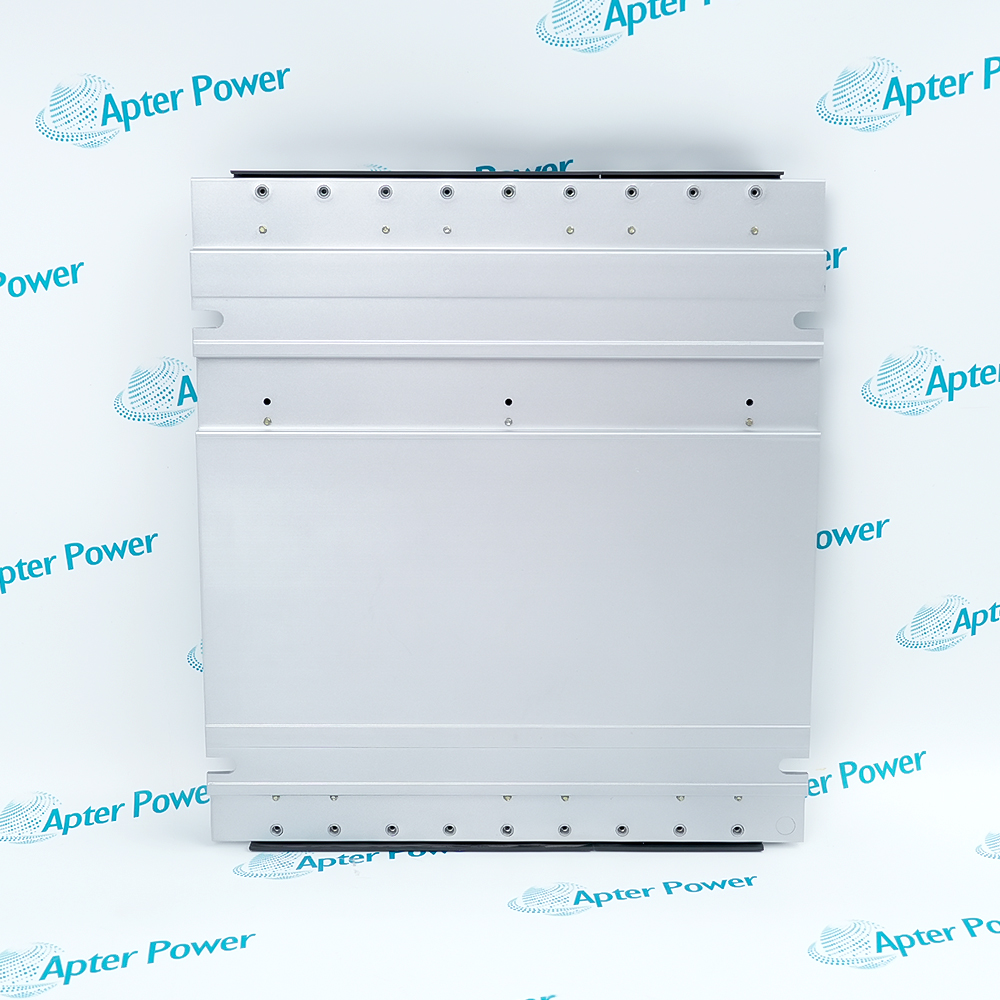

 6ES7400-1JA11-0AA0 Datasheet