Ask our team:
  • Phone: +86 181 0690 9650
  • E-Mail sales1@apterpower.com
How We Verify Your Order
Before dispatch, we confirm the exact model, revision, condition, inspection requirements and shipping documents for your order.
See a real on-site verification case >>
  • Lifecycle status

    Active / Available from OEM
    Apter Power supports quotations, technical documents, and contact-input commissioning guidance.

SDV144-S13 S2

/ 4.9
1001 reviews | Need a Specific Revision?
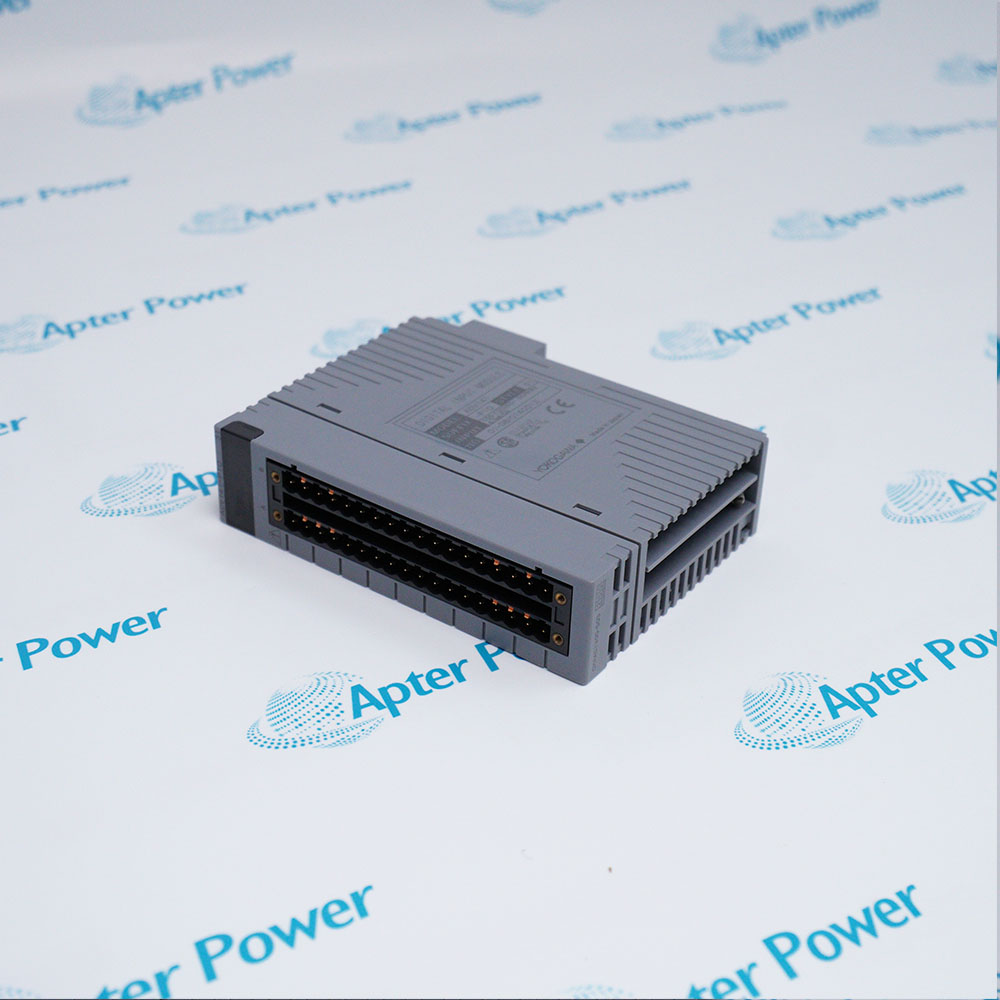
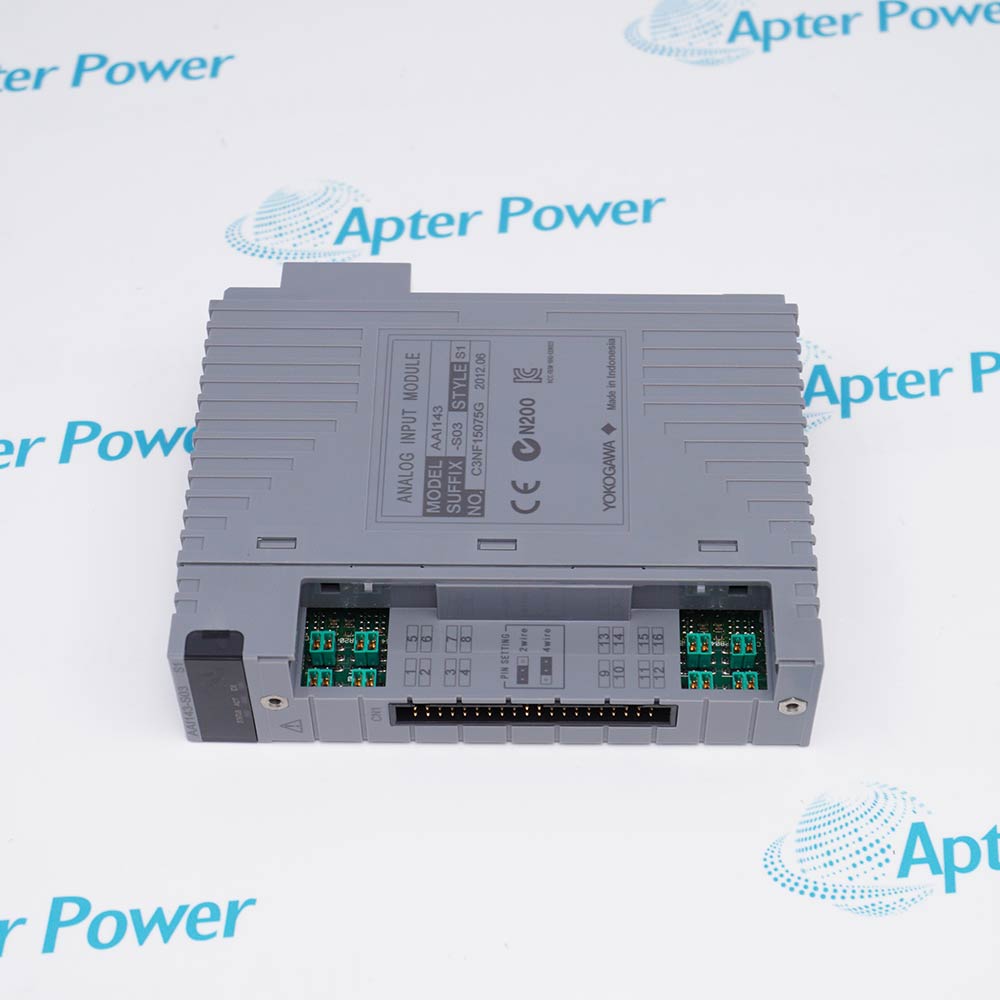
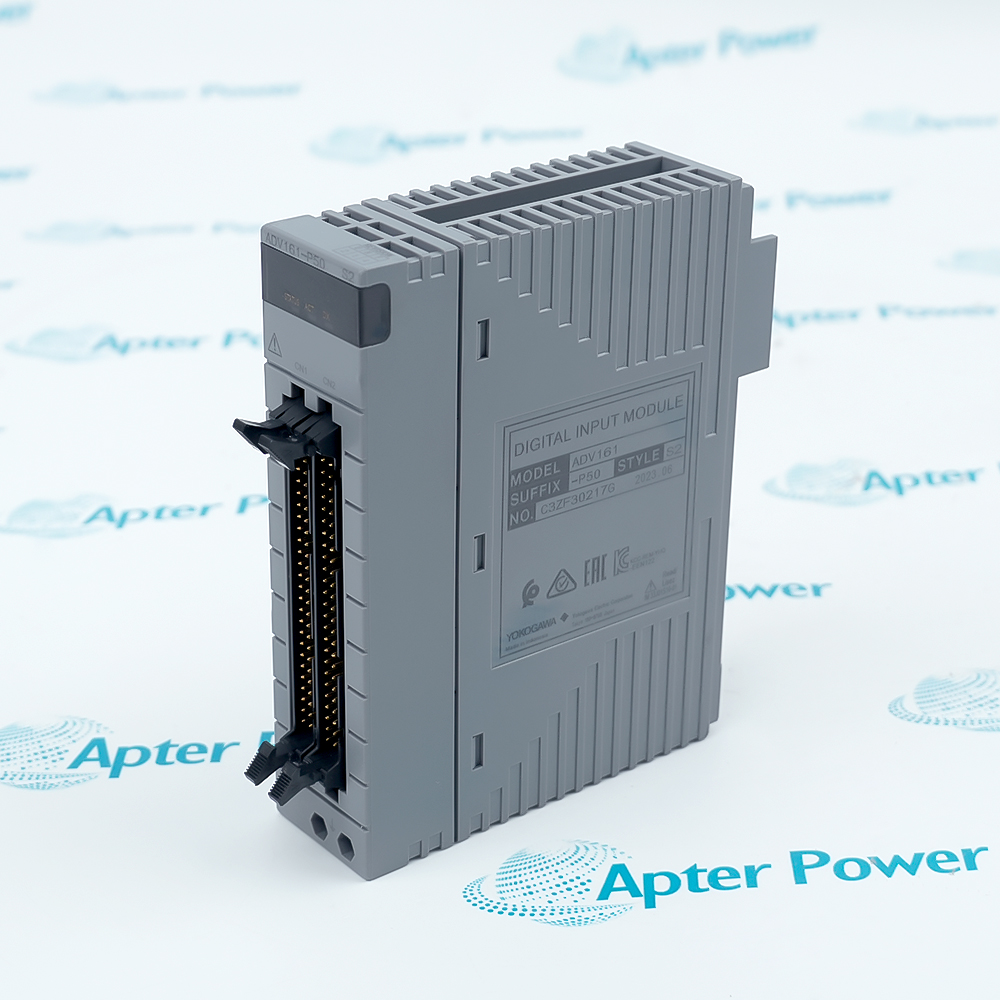
Yokogawa SDV144-S13 S2 is a 16-channel, module-isolated digital input module for no-voltage contacts with a general-purpose cable interface.
In Stock
Ships by Saturday, November 14
Fast Shipping Available
Get a quick price for SDV144-S13 S2
Quantity
*E-mail
Company
*Mobile
*Content
Upload (gif, jpg, jpeg, png, bmp, doc, docx, xls, xlsx, ppt, pdf, csv)

Technical specifications for SDV144-S13 S2

  • Manufacturer:
    Yokogawa
  • Part Number:
    SDV144-S13 S2
  • Product Family:
    Centum CS-Centum VP
  • Product Type:
    16-Channel Digital Input Module
  • Stock:
    1
  • Input channels:
    16
  • Input type:
    No-voltage contact
  • Isolation:
    Module isolation
  • Interface option:
    S13 general-purpose cable
  • Style:
    S2
  • Fuse:
    Replaceable
  • Weight:
    0.36 kg
  • Estimated shipping dimensions:
    3.28x10.75x13cm
  • Tariff Code:
    8537101190
  • Country of origin:
    Japan
  • Place of shipment:
    Xiamen, Fujian, China
By purchasing this item, you agree to the Terms & Conditions, ApterPower is not an authorized distributor for listed manufacturers or tradenames and therefore the manufacturer's warranty does not apply. All our products come with ApterPower's 1-year warranty.

More Information

Overview Manuals Input Channels Cable Interface Diagnostics Applications

Features:

  • Input role: Monitors sixteen no-voltage-contact digital signals.
  • Connection: Uses the documented S13 general-purpose cable interface.
  • Style detail: Style S2 includes a replaceable fuse.
The module converts field contact states into digital input data for compatible Yokogawa I/O nodes.

Contact voltage, common wiring, cable assignment, and fuse condition should be checked together during troubleshooting.

A complete functional test operates each field contact and verifies the corresponding control-system indication.

Apter Power supports Yokogawa SDV144-S13 S2 16-Channel Digital Input Module quotations, technical documents, and contact-input commissioning guidance.
Yokogawa SDV144-S13 S2 16-Channel Digital Input Module Manuals,Datasheets,Link

Important Notice: Other accessories, manuals, cables, calibration data, software, and related items are included only when stated in the stock description.

  • Channel count: The module provides sixteen digital input channels.
  • Contact type: Inputs are intended for no-voltage field contacts.
  • Isolation: The documented architecture uses module isolation.
  • State monitoring: Each channel reports the connected contact state to the control system.
  • S13 option: Uses the documented general-purpose cable connection.
  • Common wiring: Confirm the assigned common and channel conductors.
  • Connector seating: Inspect the cable interface for full engagement and damage.
  • Shield routing: Follow the approved cabinet grounding and cable route.
  • Field contact: Operate the device and verify contact continuity.
  • Fuse condition: Inspect the Style S2 replaceable fuse when channels are inactive.
  • Channel state: Compare terminal continuity with the control-system indication.
  • Intermittent input: Check loose conductors, contact bounce, and connector movement.
  • Switch status: Monitors limit switches and mechanical contact states.
  • Alarm contacts: Acquires dry-contact alarms from compatible field devices.
  • Interlocks: Provides contact-state inputs for engineered control interlocks.
  • Service testing: Supports point-by-point proof testing after wiring work.
Description
For compatible Yokogawa field I/O hardware, SDV144-S13 S2 monitors sixteen no-voltage-contact digital inputs with module isolation. It is intended for dry contact status acquisition rather than powered analog or pulse-output signals.

The SDV144-S13 S2 execution uses the S13 general-purpose cable interface and the Style S2 hardware arrangement. Yokogawa documents a replaceable fuse for Style S2, so fuse condition belongs in the diagnostic path when multiple inputs are unavailable.

Before commissioning SDV144-S13 S2, verify contact voltage, common wiring, cable-interface assignment, field contact state, and channel configuration. Operate every connected contact and confirm the expected control-system indication without intermittent transitions.
Alternative Names
SDV144S13S2 SDV144 S13 S2 SDV144-S13-S2 SDV144 S13 Style 2 Yokogawa SDV144 S13 S2 SDV144 digital input module CENTUM SDV144-S13 module 16-channel SDV144 S2
Technical notes
SDV144-S13 S2 provides sixteen module-isolated digital inputs for no-voltage contacts. The S13 execution uses a general-purpose cable interface, and the Style S2 hardware uses a replaceable fuse that should be included in troubleshooting.
Exceptional Service

Our Mission

  • 100% Satisfaction

    We believe expertise is priceless. With over 20 years of experience, and top engineers on staff, we can help you solve or avoid problems that threaten your business.
  • Trust Guaranteed

    Not only do we have a vast inventory, our team makes sure every piece of equipment is in working condition. Your purchases are also backed by our Warranty.
  • Expertise

    Time is money, especially when your equipment is down. We work quickly to get your equipment on its way so you can get it back up and running.

FAQS

The following is a list of questions commonly asked by our customers. Please contact us if you have a question about our process that is not answered below.
Why are all channels inactive after SDV144-S13 S2 is installed?
A shared node-power, common-wiring, cable-interface, or Style S2 fuse problem is more likely than sixteen simultaneous contact failures. Check that common path before replacing field devices.
Why does one SDV144-S13 S2 input change state intermittently while the others remain stable?
A local field contact, loose conductor, contact bounce, or connector movement is the likely cause when only one channel is affected. Compare terminal continuity with the control-system state to isolate the fault.
What should a technician do when a field contact closes but SDV144-S13 S2 still shows OFF?
The next decision is whether continuity reaches the assigned channel and common at the general-purpose cable interface. If it does, review the I/O assignment before replacing the module.
Can a powered analog signal be connected to SDV144-S13 S2 during a retrofit?
We would not recommend that connection because this module is designed for no-voltage contacts, not powered analog signals. Use the correct analog input hardware for the new device.
Can the fuse be replaced when SDV144-S13 S2 loses multiple inputs?
Style S2 uses a replaceable fuse, so approved fuse service can be considered after the external cause is corrected. Match the specified fuse and service procedure rather than fitting an arbitrary substitute.
Can an AKB331 cable intended for the S33 execution be used with SDV144-S13 S2?
The S13 execution should remain with its documented general-purpose cable interface because the cable option is part of the complete module identity. Do not treat the S13 and S33 connection methods as interchangeable.