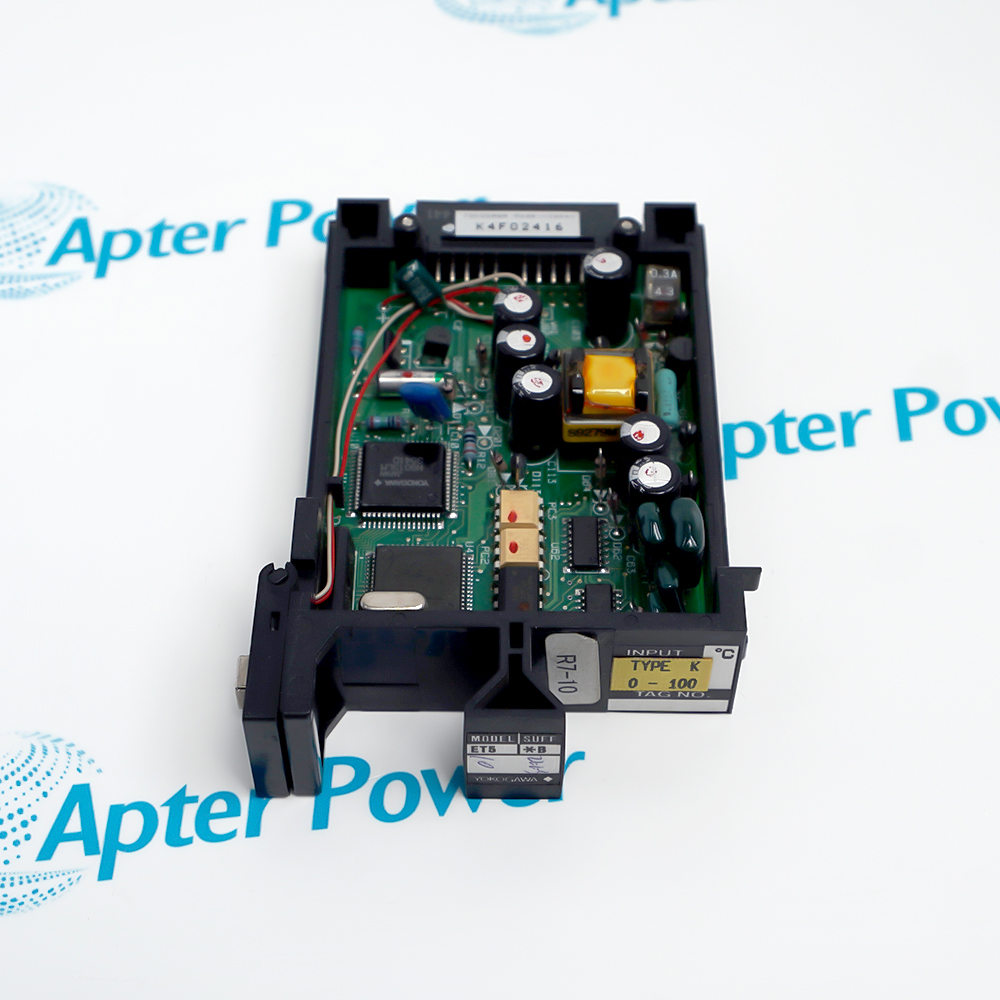
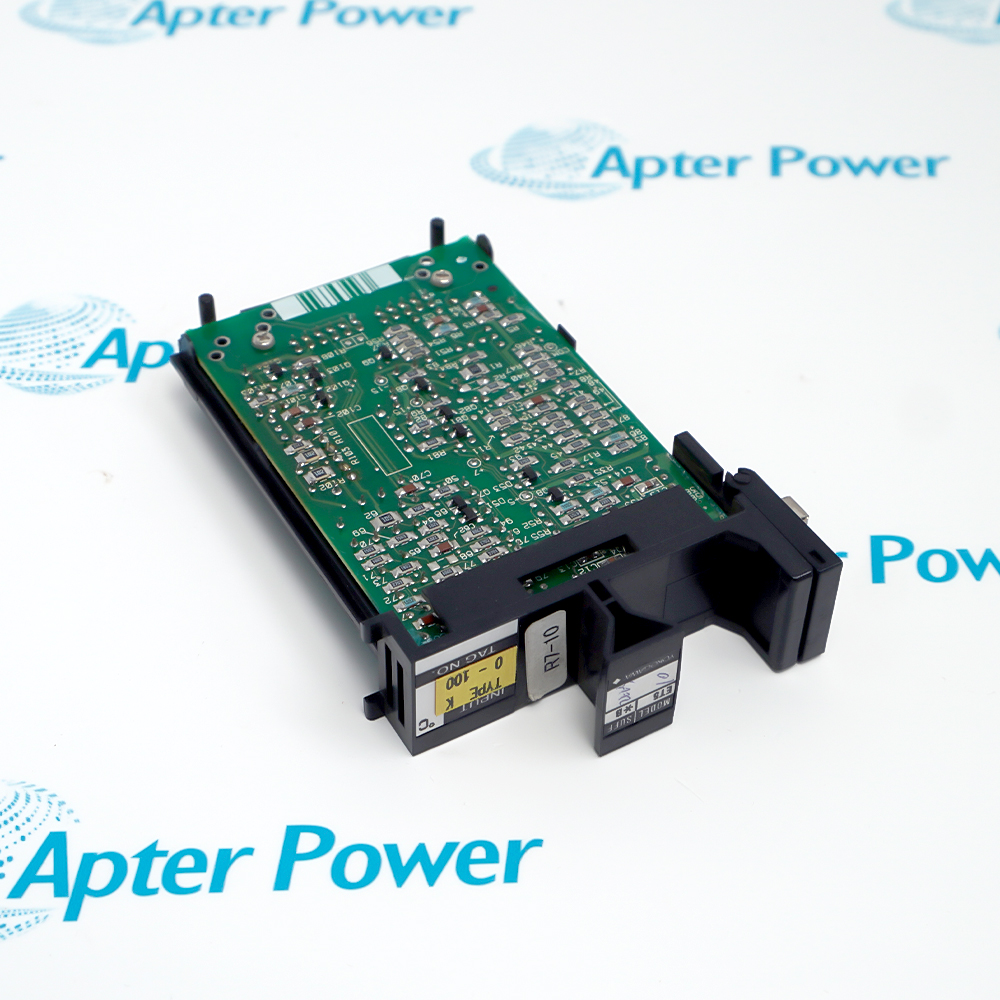
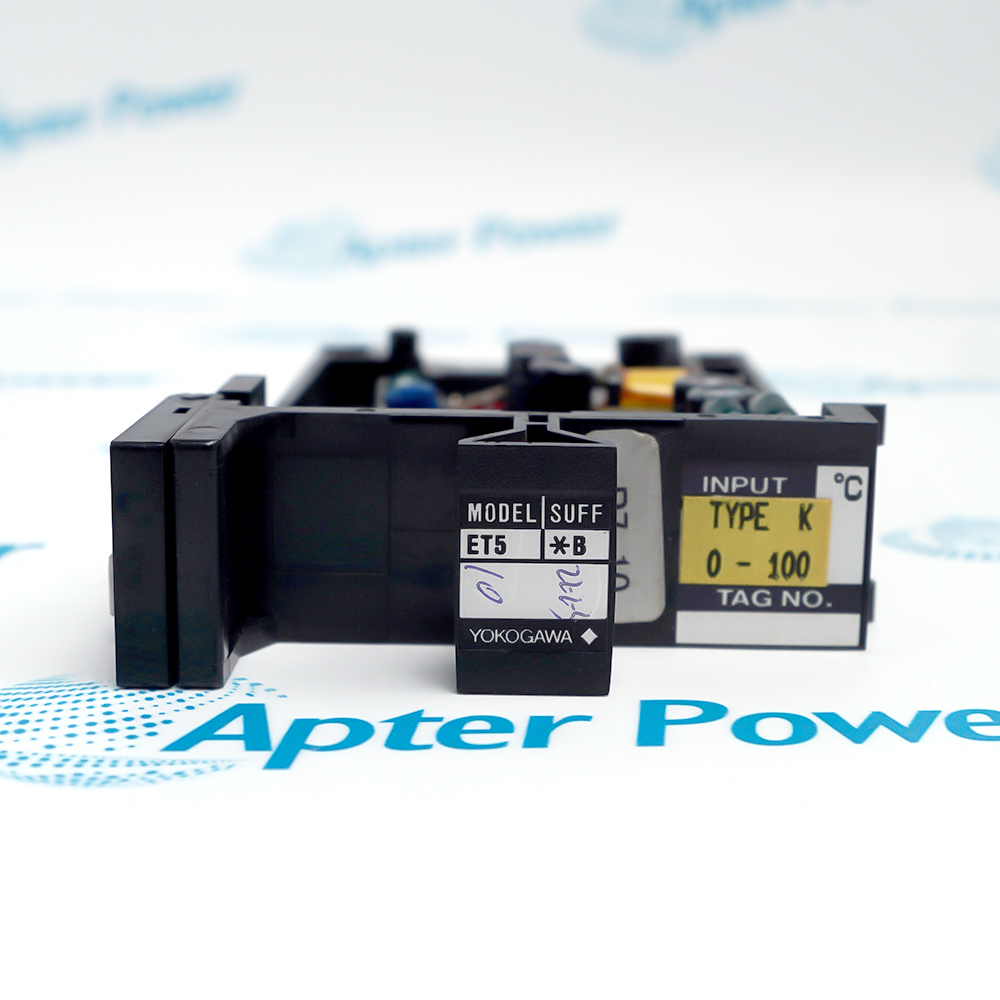
ET5*B
ET5*B
ET5*B
ET5*B
ET5*B
ET5*B
Ask our team:
  • Phone: +86 181 0690 9650
  • E-Mail sales1@apterpower.com
  • Lifecycle status

    Active / Available from OEM
    Apter Power helps review the exact input variant and installed thermocouple circuit.

ET5*B

/ 4.9
1001 reviews | Need a Specific Revision?
Yokogawa ET5*B is a microprocessor-based thermocouple input card for the documented YS1000 direct-input option.
In Stock
Ships by Thursday, October 29
Fast Shipping Available
Get a quick price for ET5*B
Quantity
*E-mail
Company
*Mobile
*Content
Upload (gif, jpg, jpeg, png, bmp, doc, docx, xls, xlsx, ppt, pdf, csv)

Technical specifications for ET5*B

  • Manufacturer:
    Yokogawa
  • Part Number:
    ET5*B
  • Product Family:
    Yokogawa DCS system
  • Product Type:
    Thermocouple Input Card
  • Stock:
    1
  • Model:
    ET5*B
  • Input function:
    Thermocouple measurement
  • Supported types:
    B, E, J, K, T, R, S and N
  • Reference junction:
    RJC connector at CN6
  • Configuration method:
    Front-panel setup
  • Weight:
    0.08 kg
  • Estimated shipping dimensions:
    7.7x11.4x2.3cm
  • Tariff Code:
    Please confirm the destination before shipping
  • Country of origin:
    Japan
  • Place of shipment:
    Xiamen,Fujian,China
By purchasing this item, you agree to the Terms & Conditions, ApterPower is not an authorized distributor for listed manufacturers or tradenames and therefore the manufacturer's warranty does not apply. All our products come with ApterPower's 1-year warranty.

More Information

Overview Manuals Sensor Input Front-panel Setup Calibration Check Product Applications

Features:

  • Sensor coverage: supports the documented B, E, J, K, T, R, S and N thermocouple selections.
  • Front-panel setup: engineering units, zero, span and burnout behavior are configurable from the host instrument.
  • Field installation: the optional card can be installed in the supported YS1000 signal-conditioning position.
ET5*B adds a configurable thermocouple measurement path to a supported YS1000 instrument.

The saved sensor type and engineering range determine how the host converts the field signal.

A controlled multi-point injection test confirms the restored channel before the process depends on it.

Apter Power supports legacy review for Yokogawa ET5*B.
Yokogawa ET5*B Thermocouple Input Card Manuals,Datasheets,Link
Important Notice: Other accessories, manuals, cables, calibration data, software, etc. are not included with this equipment unless listed in the above stock item description. All prices are shown in USD.
  • Thermocouples: B, E, J, K, T, R, S and N are documented.
  • Polarity: extension-wire polarity must remain continuous to the card.
  • Open input: burnout direction follows the configured arrangement.
  • Range: the DCS scaling must match the selected sensor and engineering units.
  • Input type: select the installed thermocouple material in the SC MAINT menu.
  • Units: choose the plant engineering unit before comparing readings.
  • Zero and span: reproduce the recorded loop range rather than a generic default.
  • Burnout: retain the approved OFF, UP or DOWN response.
  • Configuration capture: record selectors and adjustments before removal.
  • Zero-region test: inject a stable low point with correct compensation.
  • Span test: verify at least one upper-range point.
  • Burnout proof: open the input only under the approved test procedure.
  • Process-temperature loops: conditions installed thermocouples for a legacy Yokogawa system.
  • Furnace and heater monitoring: supports high-temperature sensor types where configured.
  • Legacy DCS maintenance: restores the documented card and RJC combination.
  • Loop calibration: enables controlled verification across the configured engineering range.
Description
ET5*B gives a YS1000 instrument a direct thermocouple input that can be tailored to common sensor types. Front-panel selection of the sensor and engineering units lets an installed controller interpret the field signal without a separate external converter.

The usefulness of ET5*B depends on preserving the configured zero, span and burnout direction. Those settings turn the same physical card into a particular measurement range, so recovering them before a failure shortens recommissioning and prevents a mechanically correct spare from scaling the process incorrectly.

After fitting ET5*B, inject stable values near the operating range rather than relying on one room-temperature reading. Compare the front-panel value, DCS indication and open-sensor response, then retain the verified setting record with the serviced loop.
Alternative Names
ET5B ET5 B Yokogawa ET5*B ET5-B ET5*B ET5 *B ET5/B Yokogawa ET5B
Technical notes
ET5*B depends on the selected thermocouple type and an intact reference-junction path; a wiring error can still produce a plausible but unsafe temperature indication. Before accepting the loop, compare polarity and input selection, prove the RJC connection at CN6, and verify burnout behavior with a controlled open-sensor test.
Exceptional Service

Our Mission

  • 100% Satisfaction

    We believe expertise is priceless. With over 20 years of experience, and top engineers on staff, we can help you solve or avoid problems that threaten your business.
  • Trust Guaranteed

    Not only do we have a vast inventory, our team makes sure every piece of equipment is in working condition. Your purchases are also backed by our Warranty.
  • Expertise

    Time is money, especially when your equipment is down. We work quickly to get your equipment on its way so you can get it back up and running.

FAQS

The following is a list of questions commonly asked by our customers. Please contact us if you have a question about our process that is not answered below.
Can ET5*B be installed before the thermocouple type is known?
No. Identify the sensor and configured range first; a type mismatch changes the temperature conversion even when wiring is correct.
An ET5*B channel is correct at one test point but drifts at another. Where should diagnosis start?
Compare the selected thermocouple type, zero, span and extension-wire material with the loop record before changing compensation adjustments.
ET5*B displays the expected trend but in the wrong engineering unit. Is recalibration required?
First correct the front-panel unit selection and confirm the saved range; recalibration should follow only if injected values still disagree.
Should ET5*B be accepted after a single midpoint calibration?
Use multiple known points and include the low range, upper range and reference-junction behavior; one point cannot establish linearity and compensation.
How is burnout behavior verified on ET5*B?
Under the approved loop-test procedure, simulate an open input and confirm the configured upscale or downscale response reaches the DCS as intended.
What should an ET5*B spare order include?
State the exact model, thermocouple type, range, burnout direction, RJC connector scope and whether the installed adjustment record is available.

Product Browsing History