Ask our team:
  • Phone: +86 181 0690 9650
  • E-Mail sales1@apterpower.com
  • Lifecycle status

    Active / Available from OEM
    Apter Power coordinates quotation, official records, procurement support, and DLR system-matching guidance.

2711P-T7C22D8S

/ 4.9
1001 reviews | Need a Specific Revision?
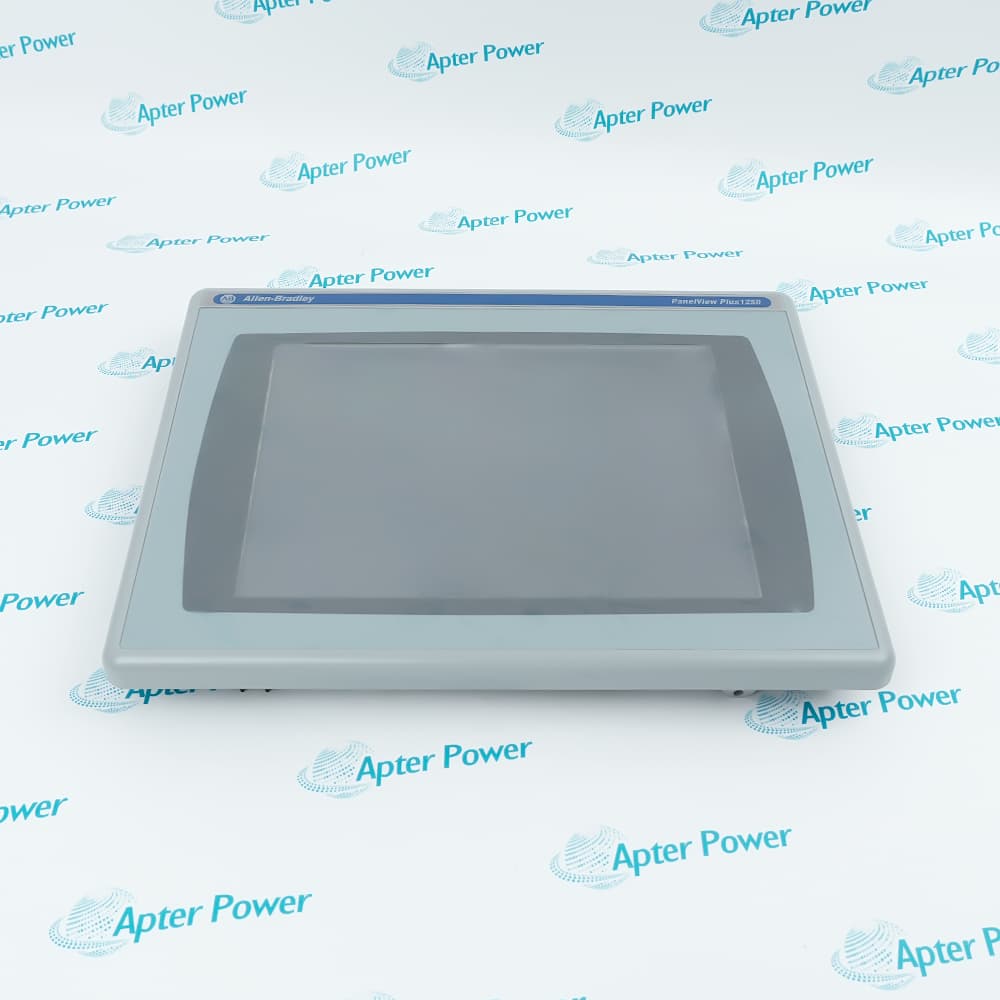
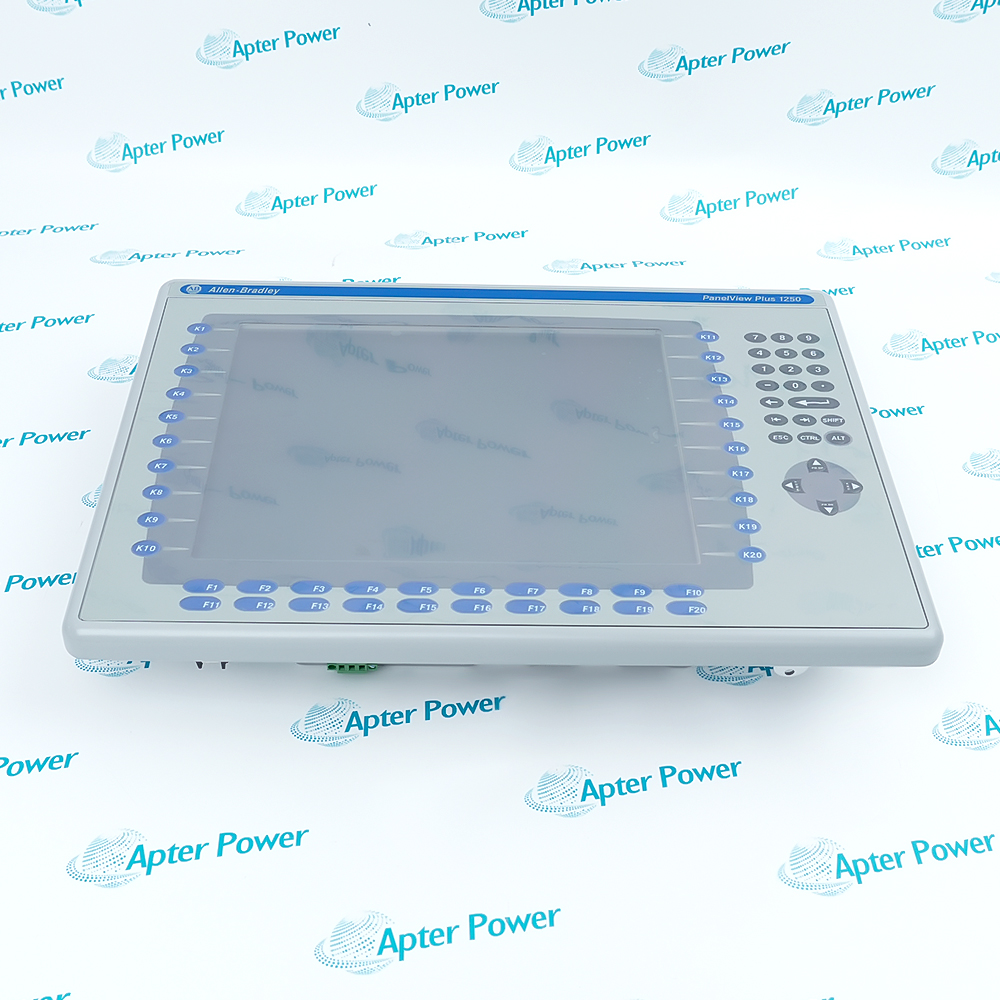
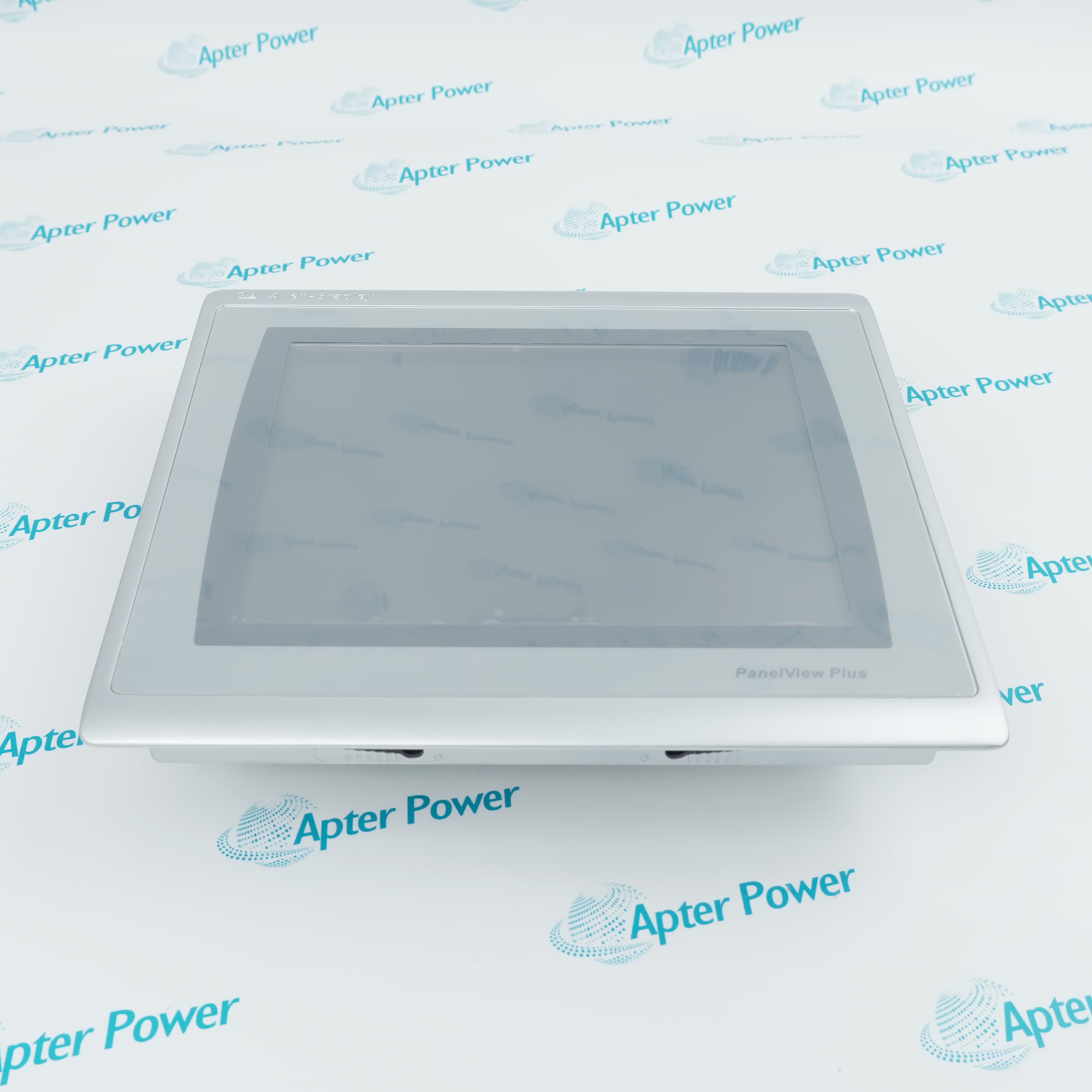
A 6.5-inch PanelView Plus 7 Standard touch terminal with embedded-switch Ethernet for DLR, linear, or star machine networks.
In Stock
Ships by Wednesday, October 28
Fast Shipping Available
Get a quick price for 2711P-T7C22D8S
Quantity
*E-mail
Company
*Mobile
*Content
Upload (gif, jpg, jpeg, png, bmp, doc, docx, xls, xlsx, ppt, pdf, csv)

Technical specifications for 2711P-T7C22D8S

  • Manufacturer:
    Allen-Bradley
  • Part Number:
    2711P-T7C22D8S
  • Product Family:
    Panelview Plus
  • Product Type:
    PanelView Plus 7 Standard Graphic Terminal
  • Stock:
    1
  • Display Size:
    6.5 in.
  • Operator Input:
    Resistive touch
  • Display Type:
    Color TFT LCD
  • Resolution:
    640 × 480 VGA
  • Aspect Ratio:
    4:3
  • Input Voltage:
    24 V DC
  • Communication:
    Two 10/100 Ethernet ports with DLR
  • Operating System:
    Windows CE 6
  • Weight:
    0.85 kg
  • Estimated shipping dimensions:
    17.0 × 21.2 × 5.65 cm
  • Tariff Code:
    8537101190
  • Country of origin:
    USA
  • Place of shipment:
    Xiamen,Fujian,China
By purchasing this item, you agree to the Terms & Conditions, ApterPower is not an authorized distributor for listed manufacturers or tradenames and therefore the manufacturer's warranty does not apply. All our products come with ApterPower's 1-year warranty.

More Information

Overview Manuals DLR HMI FW Product Applications

Features:

  • Embedded-switch network: two Ethernet ports support DLR and linear paths
  • Compact operator view: 6.5-inch 4:3 VGA touch display
  • Standard application scope: one controller connection with documented screen and alarm limits

The catalog code identifies the dual-port network version of the 6.5-inch Standard terminal.

Its visual workspace suits local machine interaction where a 4:3 project and ring-capable cabling are both required.

Series and firmware records matter because later hardware requires a newer firmware baseline than earlier units.

Apter Power can coordinate official-data review, quotation, and sourcing support for 2711P-T7C22D8S.

Verified resources for 2711P-T7C22D8S:

Important Notice: Confirm the required firmware, application files, cables, accessories, and documentation in the quotation before ordering.
  • Topology role: treat both ports as one embedded EtherNet/IP switch, not separate network adapters.
  • DLR checkout: confirm the intended ring path and restore every cable in the documented port sequence.
  • Linear option: use the two ports as an in-line connection only where the machine design permits that fault exposure.
  • Acceptance: prove controller communication before and after a controlled ring break.
  • Input method: operate the resistive screen with one finger, a glove, or a suitable plastic stylus.
  • Gesture set: use tap, double-tap, drag, and long press only where the ME application assigns them.
  • Single-touch rule: avoid simultaneous presses because the terminal is not a multi-touch interface.
  • Service action: recalibrate before changing application targets to compensate for a suspected touch offset.
  • Series C: use PanelView Plus 7 Standard firmware version 8.x or later.
  • Series D: use firmware version 13.x or later before loading the runtime project.
  • Engineering software: create and maintain ME applications with FactoryTalk View Studio version 8.0 or later.
  • Restore gate: record hardware Series and runtime version before applying a firmware or backup image.
  • DLR machine stations: provide local visualization on supported ring-connected EtherNet/IP equipment.
  • Compact process panels: monitor operating state and issue touch commands from a 6.5-inch 4:3 display.
  • Logix operator interface: connect one supported ControlLogix 5570 or CompactLogix 5370 controller.
Description

2711P-T7C22D8S gives a machine operator a 6.5-inch color touch interface for monitoring and controlling supported ControlLogix 5570 or CompactLogix 5370 devices over EtherNet/IP.


An embedded Ethernet switch lets 2711P-T7C22D8S participate in Device Level Ring or linear wiring while retaining the compact 4:3 VGA display format used by many local machine panels.


For a maintainable installation, 2711P-T7C22D8S should be matched to the terminal Series, firmware generation, FactoryTalk View ME project, controller shortcut, and validated network topology.

Revisions

Revision Part #

Also known as

2711P-T7C22D8S Series C
2711P-T7C22D8S/C, Series C
2711P-T7C22D8S Series D
2711P-T7C22D8S/D, Series D
Alternative Names
Allen-Bradley 2711P-T7C22D8S AB 2711P-T7C22D8S 2711P T7C22D8S 2711PT7C22D8S 2711P-T7C22D8S PanelView Plus 7 PanelView Plus 7 6.5-inch DLR terminal
Technical notes
Do not use the two Ethernet ports on 2711P-T7C22D8S as independent controller interfaces. They form one embedded switch for DLR, linear, or star topology; document the ring role, port sequence, controller path, and Series-specific firmware before replacing a terminal or restoring its FactoryTalk View ME application.
Exceptional Service

Our Mission

  • 100% Satisfaction

    We believe expertise is priceless. With over 20 years of experience, and top engineers on staff, we can help you solve or avoid problems that threaten your business.
  • Trust Guaranteed

    Not only do we have a vast inventory, our team makes sure every piece of equipment is in working condition. Your purchases are also backed by our Warranty.
  • Expertise

    Time is money, especially when your equipment is down. We work quickly to get your equipment on its way so you can get it back up and running.

FAQS

The following is a list of questions commonly asked by our customers. Please contact us if you have a question about our process that is not answered below.
Why can a Device Level Ring stay faulted after 2711P-T7C22D8S is installed?
The terminal has one embedded switch across two ports, so a reversed, missing, or misrouted cable can leave the DLR path open. Trace the documented port sequence and prove communication through a controlled ring break before release.
When should firmware loading stop on a Series D 2711P-T7C22D8S?
Stop if the package is earlier than version 13.x or the hardware Series is not confirmed. Read the rear label and current terminal information first, then choose the matching PanelView Plus 7 Standard firmware.
How should a missed touch near adjacent controls be diagnosed on 2711P-T7C22D8S?
Run touch calibration and test one target at a time with a finger or suitable stylus. If the offset remains, inspect the overlay and application target spacing rather than compensating with simultaneous presses.
What must be proven before 2711P-T7C22D8S enters a hazardous-location panel?
Use only certifications marked for the specific unit, retain the required covers, and verify enclosure, wiring, temperature, and area conditions against the official instructions. Stop installation when the product label does not support the planned classification.
Why might 2711P-T7C22D8S feel slow even when its Ethernet link is healthy?
Review the event log, controller shortcut, application load, screen count, and alarm design. The Standard platform supports one controller, up to 100 screens, and up to 500 alarms; reduce or restructure a project that exceeds those limits.
Which RFQ details keep 2711P-T7C22D8S separate from its single-Ethernet companion?
Send clear label photos, hardware Series, firmware, the dual-port requirement, application backup, panel cutout, quantity, destination, and required date. Do not rely on display size alone when selecting the terminal.

Product Browsing History