Ask our team:
  • Phone: +86 181 0690 9650
  • E-Mail sales1@apterpower.com
  • Lifecycle status

    Discontinued / Obsolete by OEM
    For manuals and product selection involving 6AV6545-0CC10-0AX0, contact Apter Power.

6AV6545-0CC10-0AX0

/ 4.9
1001 reviews | Need a Specific Revision?
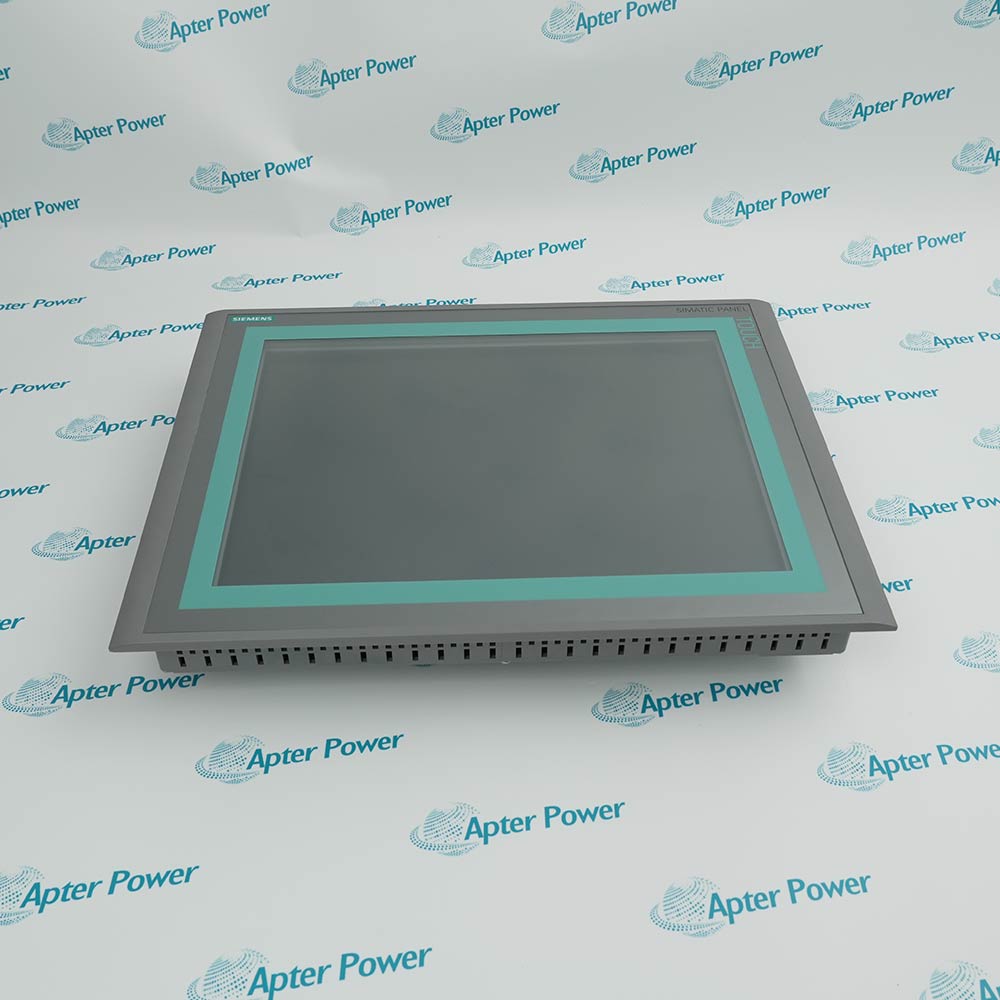
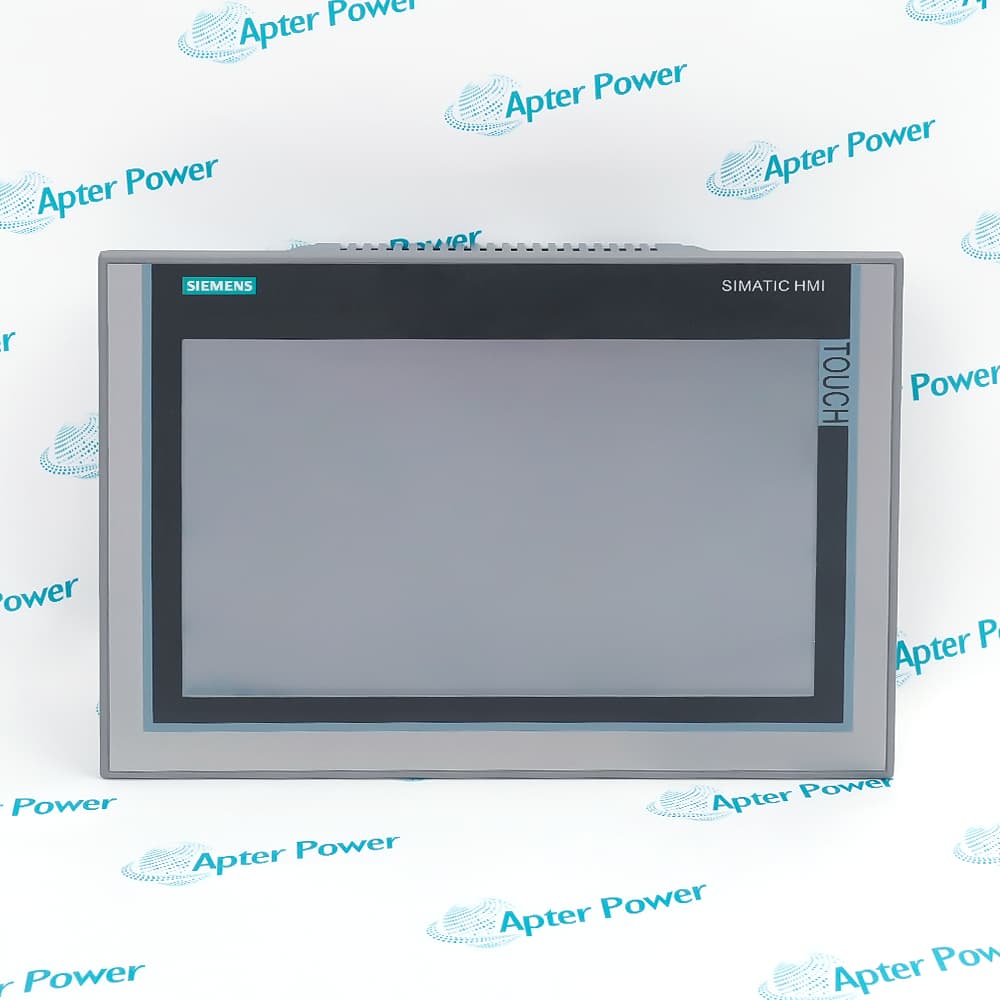
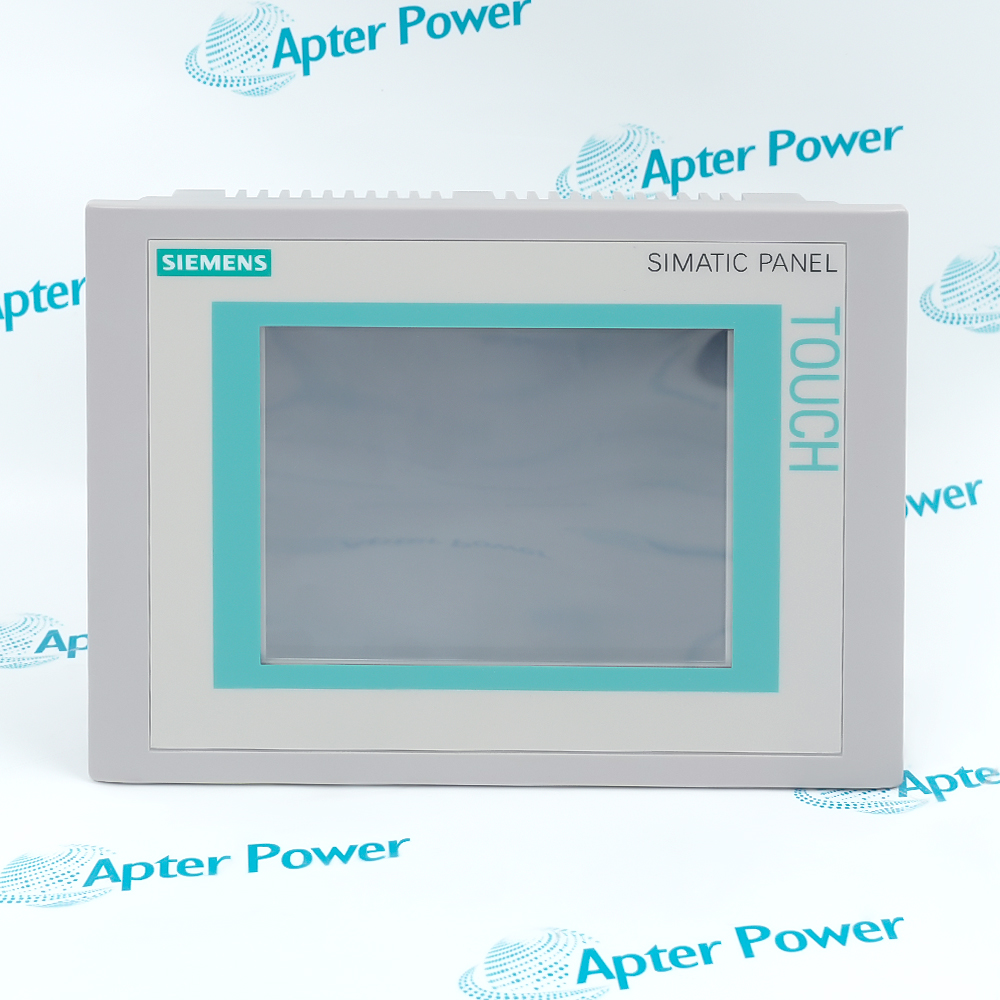
A 10.4-inch color touch interface makes Siemens 6AV6545-0CC10-0AX0 a SIMATIC TP270 operator panel for displaying process data, entering commands, and managing alarms and recipes.
In Stock
Ships by Wednesday, October 28
Fast Shipping Available
Get a quick price for 6AV6545-0CC10-0AX0
Quantity
*E-mail
Company
*Mobile
*Content
Upload (gif, jpg, jpeg, png, bmp, doc, docx, xls, xlsx, ppt, pdf, csv)

Technical specifications for 6AV6545-0CC10-0AX0

  • Manufacturer:
    Siemens
  • Part Number:
    6AV6545-0CC10-0AX0
  • Product Family:
    Siemens Simatic HMI
  • Product Type:
    SIMATIC TP270 10-Inch Touch Panel
  • Stock:
    1
  • Display Size:
    10.4 in
  • Display Technology:
    STN color
  • Display Colors:
    256
  • Resolution:
    640 x 480 pixels
  • Input Method:
    Analog-resistive touch screen
  • User Memory:
    2 MiB
  • Operating System:
    Windows CE
  • Serial Interfaces:
    2 x RS232, 1 x RS422 and 1 x RS485
  • Maximum Serial Rate:
    12 Mbit/s
  • USB Interface:
    For mouse, keyboard and barcode reader
  • Supply Voltage:
    24 V DC, 20.4 to 28.8 V
  • Power Consumption:
    15 W
  • Configuration Software:
    ProTool V6.0 SP3 or WinCC flexible Standard 2004 and later
  • Process Variables:
    Up to 2048
  • Recipe Capacity:
    300 recipes, 500 data records per recipe
  • Operating Temperature:
    0 to +50 °C vertical; 0 to +40 °C at maximum tilt
  • Front Protection:
    IP65
  • Rear Protection:
    IP20
  • Weight:
    11.6 lbs (5.26 kg)
  • Estimated shipping dimensions:
    41x61x18cm
  • Tariff Code:
    85371098
  • Country of origin:
    Germany
  • Place of shipment:
    Xiamen,Fujian,China
By purchasing this item, you agree to the Terms & Conditions, ApterPower is not an authorized distributor for listed manufacturers or tradenames and therefore the manufacturer's warranty does not apply. All our products come with ApterPower's 1-year warranty.

More Information

Overview Manuals Display & Touch Serial & USB Messages & Recipes Setup & Mounting

Features:

  • The 10.4-inch STN touch display presents 640 x 480 graphics in 256 colors.
  • RS232, RS422 and RS485 interfaces exchange process data with configured controllers.
  • Alarm, recipe and archive functions organize operator data inside the Windows CE runtime.
Siemens 6AV6545-0CC10-0AX0 combines process visualization and analog-resistive touch input in one panel-mounted HMI.

USB connects local peripherals such as a mouse, keyboard or barcode reader, while the serial ports carry controller communication.

The aluminum front reaches IP65 after installation, and clamp terminals secure the panel in the defined mounting cutout.

The Siemens 6AV6545-0CC10-0AX0 SIMATIC TP270 10-Inch Touch Panel may still be available for purchase and support from Apter Power beyond End-Of-Life (EOL) by the manufacturer (OEM).
Siemens 6AV6545-0CC10-0AX0 SIMATIC TP270 10-Inch Touch Panel Manuals,Datasheets,Link Important Notice: Other accessories, manuals, cables, calibration data, software, etc. are not included with this equipment unless listed in the above stock item description. All prices are shown in USD.

Visualization and Operator Input

  • Visualization surface: The 10.4-inch STN display presents configured process screens at 640 x 480 pixels in 256 colors.
  • Touch input: The analog-resistive layer converts touches on screen objects into operator commands.
  • Process presentation: Controller variables are mapped to screens, alarms, trends, and recipes inside the panel project.
  • Protection interface: After panel installation, the front reaches IP65 while the rear connections remain IP20 inside the enclosure.

Controller and Peripheral Connection Roles

  • Controller path: RS422 or RS485 carries the configured exchange between the operator panel and the automation controller.
  • Serial roles: Two RS232 interfaces support the serial functions assigned in the project and connected equipment.
  • USB role: USB connects local input peripherals such as a mouse, keyboard, or barcode reader rather than Ethernet.
  • Data direction: Process values enter through the controller interface, while operator entries return through the same configured communication route.

Runtime Data Organization

  • Alarm separation: Operating and fault messages are assigned to separate configured classes and buffers.
  • Recipe structure: Up to 300 recipes organize parameter sets, with as many as 500 data records in each recipe.
  • Variable mapping: Runtime variables connect controller data to message conditions, screen objects, and recipe fields.
  • Archive storage: Configured process archives are written to CompactFlash media in the defined CSV format.

Project Transfer and Panel Installation

  • Project software: ProTool V6.0 SP3 or WinCC flexible Standard 2004 and later prepares the Windows CE runtime project.
  • Transfer target: The completed project occupies the panel's 2 MiB user memory for screens, variables, alarms, and recipes.
  • Vertical limit: Vertical mounting permits operation from 0 to +50 °C.
  • Tilt boundary: At the maximum ±35° mounting angle, the upper operating limit is reduced to +40 °C.
Description
Siemens 6AV6545-0CC10-0AX0 is a SIMATIC TP270 touch operator panel for local process visualization and control. Its 10.4-inch STN display presents 640 x 480 graphics in 256 colors, while the analog-resistive surface accepts operator commands directly on the screen.

Configured process values enter 6AV6545-0CC10-0AX0 through its RS232, RS422 or RS485 communication interfaces. The panel maps those controller variables to screens, alarms, trends and recipes, and the operator entries travel back through the configured serial connection to the automation system.

Alarm handling in 6AV6545-0CC10-0AX0 separates operating messages from fault messages and stores entries in configured buffers. Recipe functions organize parameter sets independently of the alarm path, while archive data can be written to a CompactFlash medium in the defined file format.

USB on 6AV6545-0CC10-0AX0 connects a mouse, keyboard or barcode reader rather than an Ethernet network. Two megabytes of user memory hold the configured project, and ProTool or WinCC flexible transfers the panel application to the Windows CE runtime.

Installed vertically, 6AV6545-0CC10-0AX0 operates from 0 to +50 °C; the maximum ±35° tilt reduces the upper limit to +40 °C. The aluminum front reaches IP65 after panel installation, while the rear remains IP20 inside the enclosure.
Alternative Names
6AV65450CC100AX0 6AV6545 0CC10 0AX0 6AV 6545 0CC10 0AX0 Siemens 6AV6545-0CC10-0AX0 6AV6545-0CC10-0AX0 touch panel SIMATIC TP270 10 Siemens TP270 10 HMI 6AV6545-0CCI0-0AX0
Technical notes
Siemens 6AV6545-0CC10-0AX0 combines a 640 x 480 analog-resistive touch display with serial PLC interfaces, USB peripherals, alarms, recipes, and archiving. It provides local operator interaction for configured automation processes.
Exceptional Service

Our Mission

  • 100% Satisfaction

    We believe expertise is priceless. With over 20 years of experience, and top engineers on staff, we can help you solve or avoid problems that threaten your business.
  • Trust Guaranteed

    Not only do we have a vast inventory, our team makes sure every piece of equipment is in working condition. Your purchases are also backed by our Warranty.
  • Expertise

    Time is money, especially when your equipment is down. We work quickly to get your equipment on its way so you can get it back up and running.

FAQS

The following is a list of questions commonly asked by our customers. Please contact us if you have a question about our process that is not answered below.
What does the 10-inch designation mean for 6AV6545-0CC10-0AX0?
For 6AV6545-0CC10-0AX0, the designation refers to the 10.4-inch STN touch display with 640 x 480 resolution and 256 colors.
Which port should carry controller data on 6AV6545-0CC10-0AX0?
Controller communication on 6AV6545-0CC10-0AX0 uses the configured RS232, RS422 or RS485 interface; the USB port is intended for local peripherals.
How does mounting angle change the temperature limit of 6AV6545-0CC10-0AX0?
With 6AV6545-0CC10-0AX0 mounted vertically, operation is rated to +50 °C; at the maximum ±35° tilt, the upper limit is +40 °C.
Can 6AV6545-0CC10-0AX0 connect a barcode reader through USB?
Yes. 6AV6545-0CC10-0AX0 supports a USB barcode reader, mouse or keyboard as local input peripherals.
What separates alarm storage from recipe storage in 6AV6545-0CC10-0AX0?
6AV6545-0CC10-0AX0 records operating and fault messages in message buffers, while recipes retain organized parameter data records in the recipe area.
Which software generations can configure 6AV6545-0CC10-0AX0?
6AV6545-0CC10-0AX0 can be configured with ProTool V6.0 SP3 or WinCC flexible Standard 2004 and later supported versions.