Ask our team:
  • Phone: +86 181 0690 9650
  • E-Mail sales1@apterpower.com
  • Lifecycle status

    Active / Available from OEM
    Apter Power supports quotation, official documentation, procurement, and single-port retrofit review.

2711P-T10C21D8S

/ 4.9
1001 reviews | Need a Specific Revision?
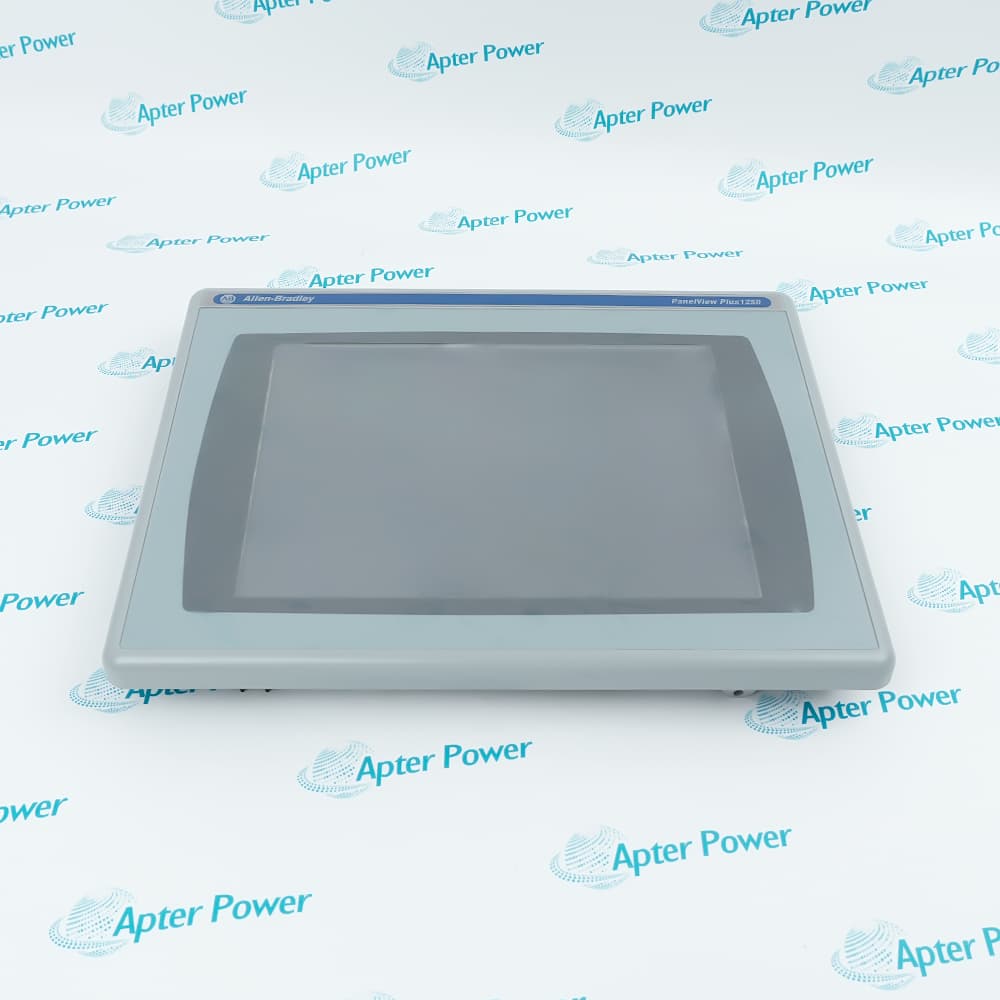
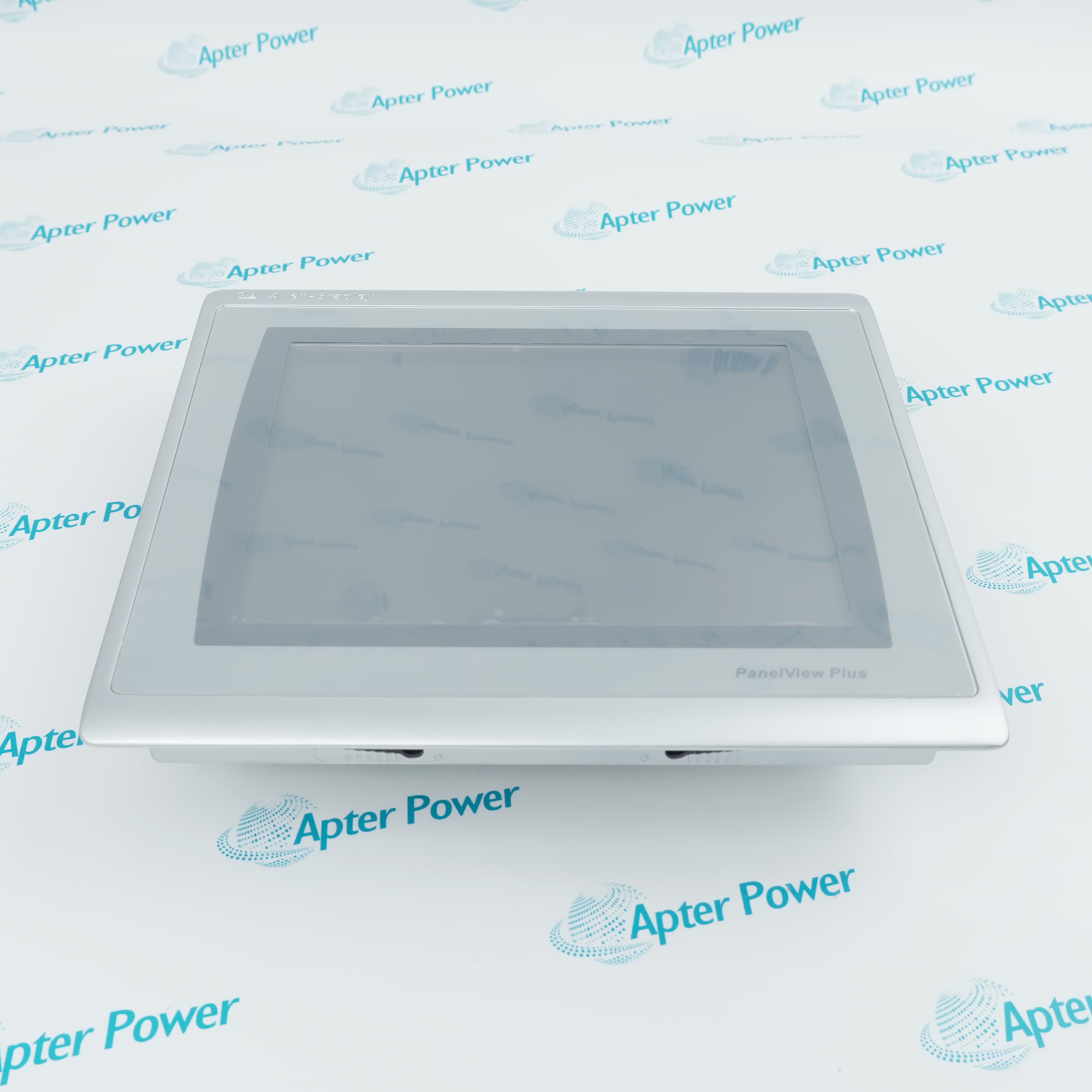
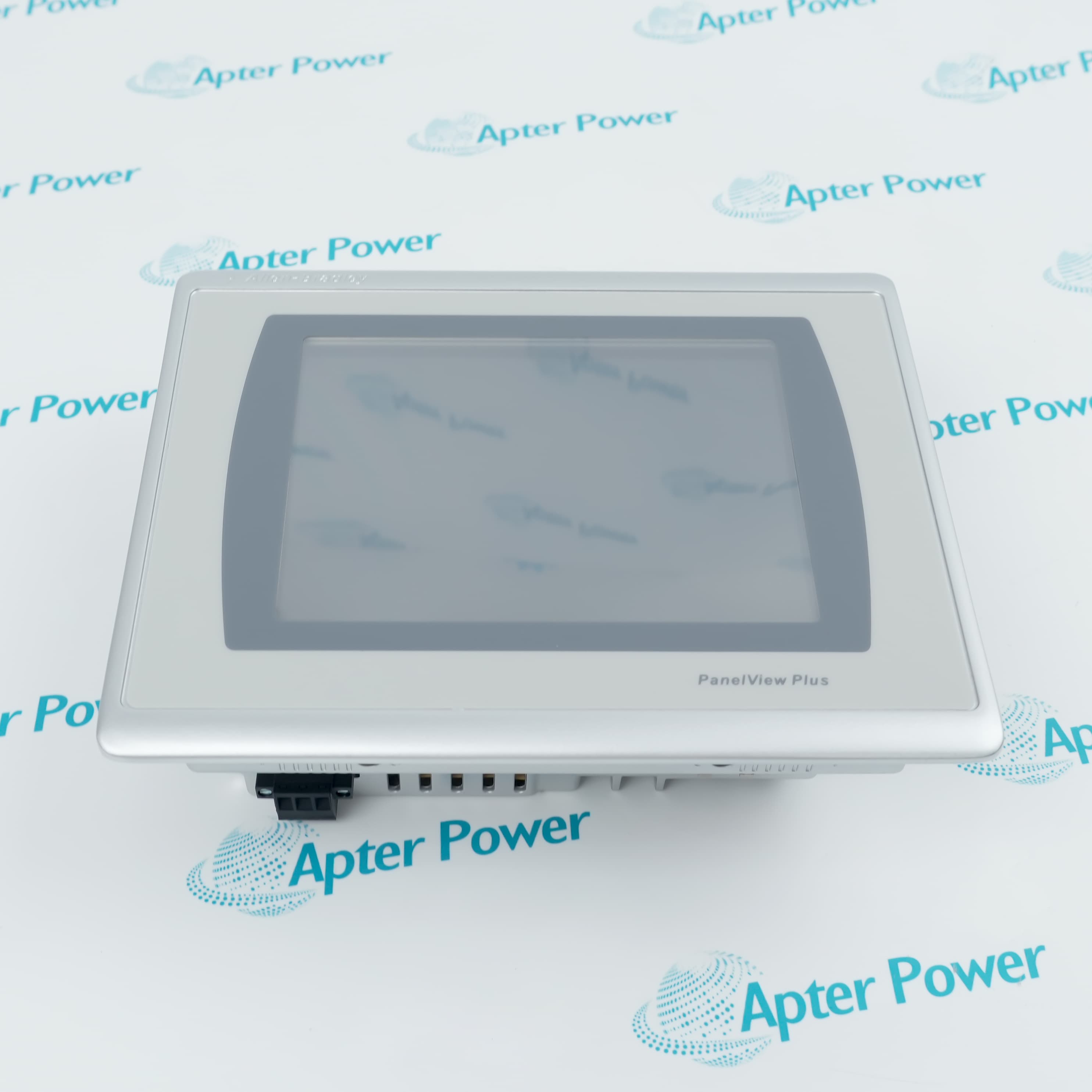
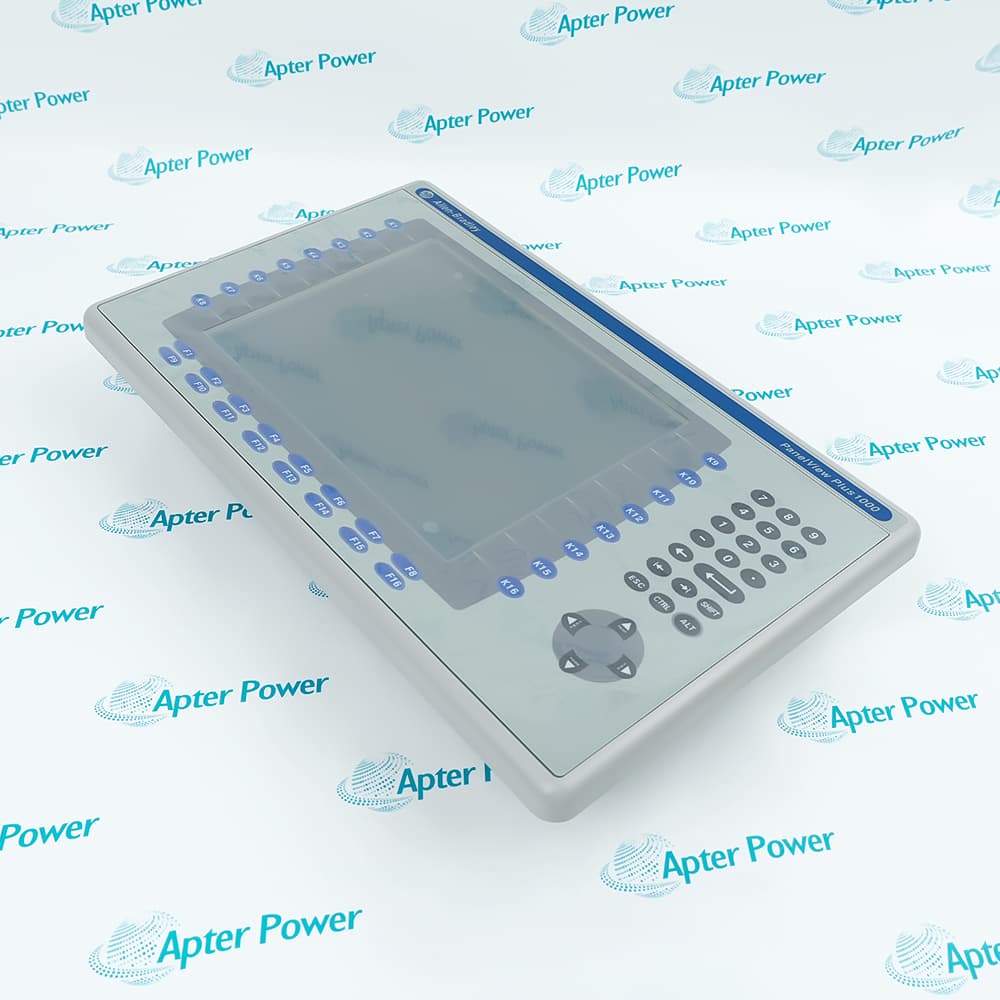
Single-Ethernet 10.4-inch PanelView Plus 7 Standard HMI for star-connected machine visualization and touch control.
In Stock
Ships by Wednesday, October 28
Fast Shipping Available
Get a quick price for 2711P-T10C21D8S
Quantity
*E-mail
Company
*Mobile
*Content
Upload (gif, jpg, jpeg, png, bmp, doc, docx, xls, xlsx, ppt, pdf, csv)

Technical specifications for 2711P-T10C21D8S

  • Manufacturer:
    Allen-Bradley
  • Part Number:
    2711P-T10C21D8S
  • Product Family:
    Panelview Plus
  • Product Type:
    PanelView Plus 7 Standard Graphic Terminal
  • Stock:
    1
  • Display Size:
    10.4 in.
  • Operator Input:
    Resistive touch
  • Display Type:
    Color TFT LCD
  • Resolution:
    800 × 600 SVGA
  • Aspect Ratio:
    4:3
  • Input Voltage:
    24 V DC
  • Communication:
    One 10/100 Ethernet port with IEEE 1588 support
  • Operating System:
    Windows CE 6
  • Weight:
    1.82 kg
  • Estimated shipping dimensions:
    25.2 × 29.7 × 5.65 cm
  • Tariff Code:
    8537101190
  • Country of origin:
    Japan
  • Place of shipment:
    Xiamen,Fujian,China
By purchasing this item, you agree to the Terms & Conditions, ApterPower is not an authorized distributor for listed manufacturers or tradenames and therefore the manufacturer's warranty does not apply. All our products come with ApterPower's 1-year warranty.

More Information

Overview Manuals Port HMI Transfer Product Applications

Features:

  • Star-network identity: catalog position 21 specifies one Ethernet port
  • Large 4:3 canvas: 10.4-inch SVGA touch visualization
  • ME runtime: Standard applications run on the Windows CE platform

This configuration prioritizes a larger operator screen without the embedded-switch hardware used by DLR variants.

The single cable path simplifies a star cabinet layout but provides no terminal-level ring continuity.

A replacement record should capture addressing, application version, Series, and the exact 21 network code.

Apter Power supports official-document review, quotation, and procurement coordination for 2711P-T10C21D8S.

Verified resources for 2711P-T10C21D8S:

Important Notice: Confirm the required firmware, application files, cables, accessories, and documentation in the quotation before ordering.
  • Network shape: connect the terminal as an endpoint in a star topology.
  • No DLR transit: do not plan the terminal as an embedded-switch ring or linear node.
  • Addressing: retain the approved IP address, subnet, gateway, and controller shortcut.
  • Link test: verify the switch port and Logix data path before loading the production application.
  • Controller scope: design one RSLinx Enterprise or KEPServer shortcut to a controller.
  • Screen ceiling: keep the Standard ME application at or below 100 screens.
  • Alarm ceiling: keep the configured alarm set at or below 500 messages.
  • Engineering action: split or simplify an application that exceeds the Standard terminal boundary.
  • Development baseline: use FactoryTalk View Studio for ME version 8.0 or later.
  • Runtime media: transfer approved files by Ethernet, USB, or supported SD storage.
  • Backup record: save the terminal application and communication setup before removal.
  • Recovery check: match the Series firmware before restoring a saved image.
  • Star-connected machine HMI: provide a large local operator station from one Ethernet switch port.
  • 4:3 process visualization: display ME screens and alarms on a 10.4-inch SVGA touch panel.
  • Supported Logix control: monitor and control one ControlLogix 5570 or CompactLogix 5370 connection.
Description

With one Ethernet interface, 2711P-T10C21D8S is intended for a star-connected operator station rather than an in-line or Device Level Ring node.


The 10.4-inch 4:3 SVGA workspace of 2711P-T10C21D8S supports FactoryTalk View ME screens for one supported Logix controller, giving operators more vertical display area than the widescreen Standard sizes.


Maintenance planning for 2711P-T10C21D8S should preserve the application backup, controller shortcut, static or DHCP addressing, hardware Series, and firmware level before the installed terminal is removed.

Revisions

Revision Part #

Also known as

2711P-T10C21D8S Series A
2711P-T10C21D8S/A, Series A
2711P-T10C21D8S Series C
2711P-T10C21D8S/C, Series C
2711P-T10C21D8S Series D
2711P-T10C21D8S/D, Series D
Alternative Names
Allen-Bradley 2711P-T10C21D8S AB 2711P-T10C21D8S 2711P T10C21D8S 2711PT10C21D8S 2711P-T10C21D8S single Ethernet HMI PanelView Plus 7 Standard 10.4-inch terminal
Technical notes
A 2711P-T10C21D8S replacement cannot preserve a Device Level Ring or daisy-chain path because this catalog code has one Ethernet port. Map the existing topology before shutdown, provide a star connection, retain the controller shortcut and IP plan, and stop the retrofit if the outgoing terminal carries two active network cables.
Exceptional Service

Our Mission

  • 100% Satisfaction

    We believe expertise is priceless. With over 20 years of experience, and top engineers on staff, we can help you solve or avoid problems that threaten your business.
  • Trust Guaranteed

    Not only do we have a vast inventory, our team makes sure every piece of equipment is in working condition. Your purchases are also backed by our Warranty.
  • Expertise

    Time is money, especially when your equipment is down. We work quickly to get your equipment on its way so you can get it back up and running.

FAQS

The following is a list of questions commonly asked by our customers. Please contact us if you have a question about our process that is not answered below.
Can 2711P-T10C21D8S maintain a DLR path when replacing a dual-port terminal?
No. Its single Ethernet port makes it a network endpoint, so redesign the connection through an external switch or select the documented dual-port catalog configuration. Stop the swap if removing the old terminal would open a ring or linear path.
What should be done when a 2711P-T10C21D8S project exceeds Standard-model limits?
Count controller shortcuts, screens, and alarm messages before transfer. Keep the project to one controller, no more than 100 screens, and no more than 500 alarms, or move the application to a suitable platform.
Why can 2711P-T10C21D8S lose communication after a static-IP change?
Confirm the new address is unique and matches the subnet, gateway, switch, and FactoryTalk controller shortcut. Restore the approved settings or isolate the terminal before retrying if an address conflict is suspected.
How should a Series C backup be restored onto a Series D 2711P-T10C21D8S?
Identify the saved runtime version and update the Series D terminal to supported firmware 13.x or later. Validate the converted ME application and communication shortcut offline before returning operator control.
When is SD-card hot swapping unsafe on 2711P-T10C21D8S?
Do not remove the card during a transfer or firmware operation. In hazardous locations, retain the protective cover and follow the official power or nonhazardous-area conditions before accessing storage.
What belongs in an outage RFQ for 2711P-T10C21D8S?
Provide both label sides, Series, firmware, the single-port requirement, application backup, panel opening, quantity, destination, and outage date. Include a network sketch if the removed terminal has more than one active cable.