How PLC, SCADA, and HMI Work Together When Expanding an Industrial Control System
About the author
Written by Yuki, Operations Director of Apter Power
Yuki's LinkedIn:
Yuki has been deeply involved in the PLC/DCS automation product field for many years, possessing 8 years of professional sales experience. She is capable of providing high-quality products and professional service support tailored to customer needs.
In industrial control, the best architecture keeps fast decisions close to the process and broader visibility at the plant level. The PLC handles logic, interlocks, sequence control, and I/O response through its controller, CPU module, communication cards, and input/output modules. The HMI supports local operation and recovery through the operator panel installed near the machine or skid. SCADA gives teams alarms, trends, remote status, and area-wide visibility. In daily plant work, the real issue is not only which layer should act, display, or summarize. Buyers also need to know which hardware layer should be expanded first: the HMI terminal, the PLC controller, the CPU module, the I/O modules, or the supervisory system.
Where Does Each Layer Fit in Daily Plant Operation?
The PLC owns actions that cannot wait. That includes permissives, sequence steps, motor coordination, valve timing, and unit state changes. In hardware terms, this means the controller or CPU module must have enough processing capacity, memory, communication support, and I/O structure to handle the machine safely. The I/O modules connect the controller to sensors, switches, drives, valves, and field devices, while communication modules move selected data to the HMI or SCADA layer. When a machine stops, the first useful answer is usually in the controller because that is where the sequence was blocked.
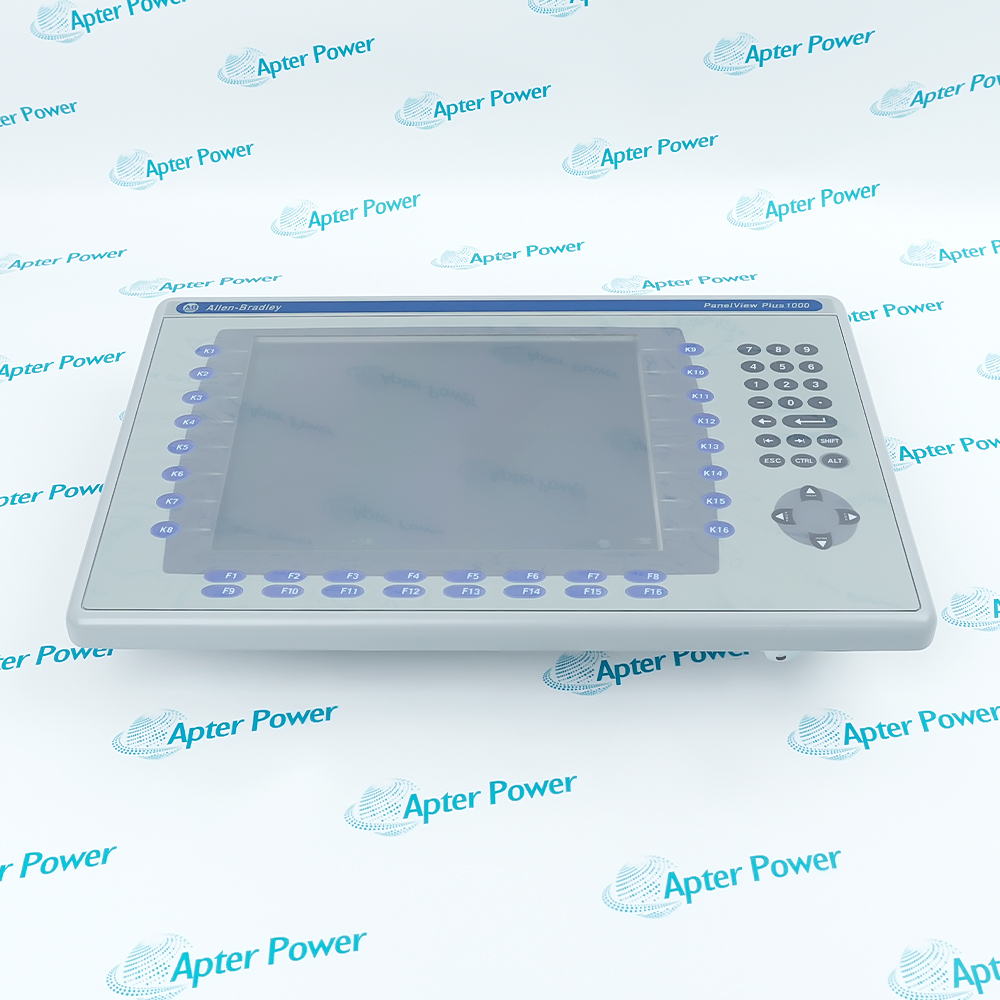
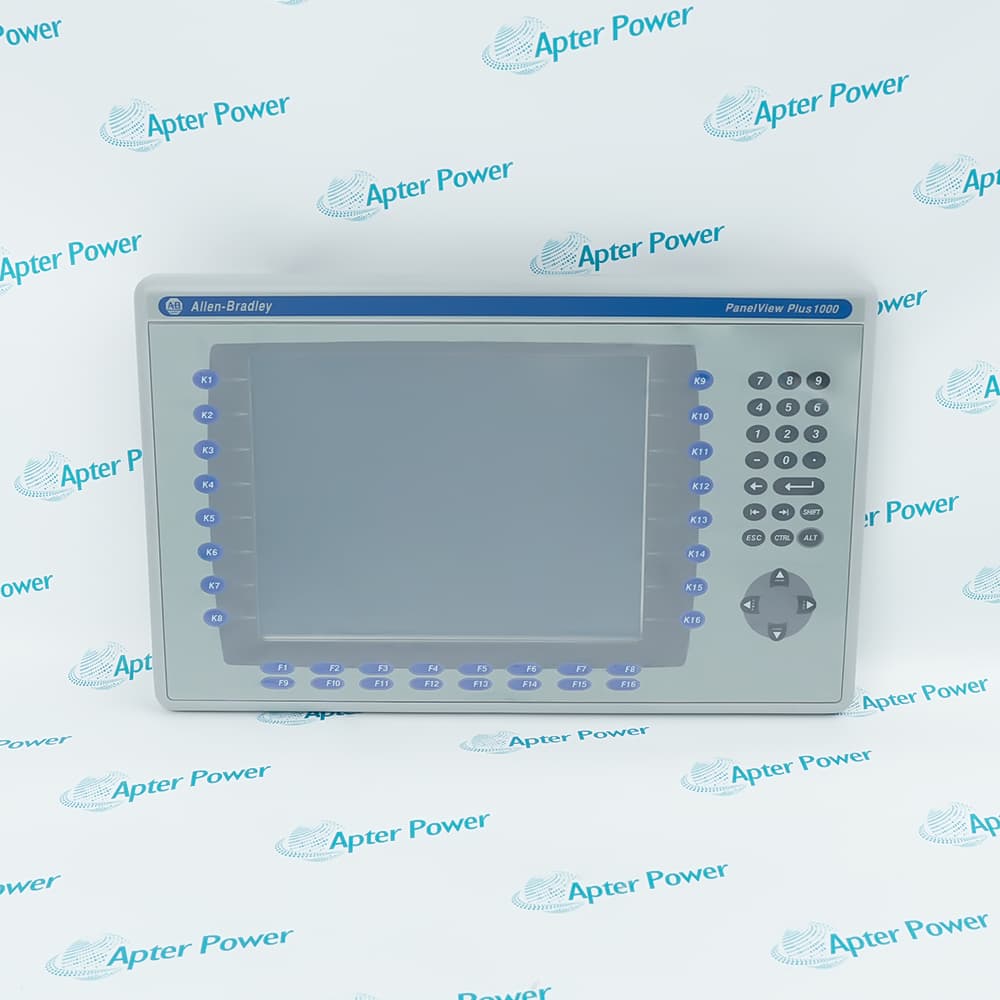
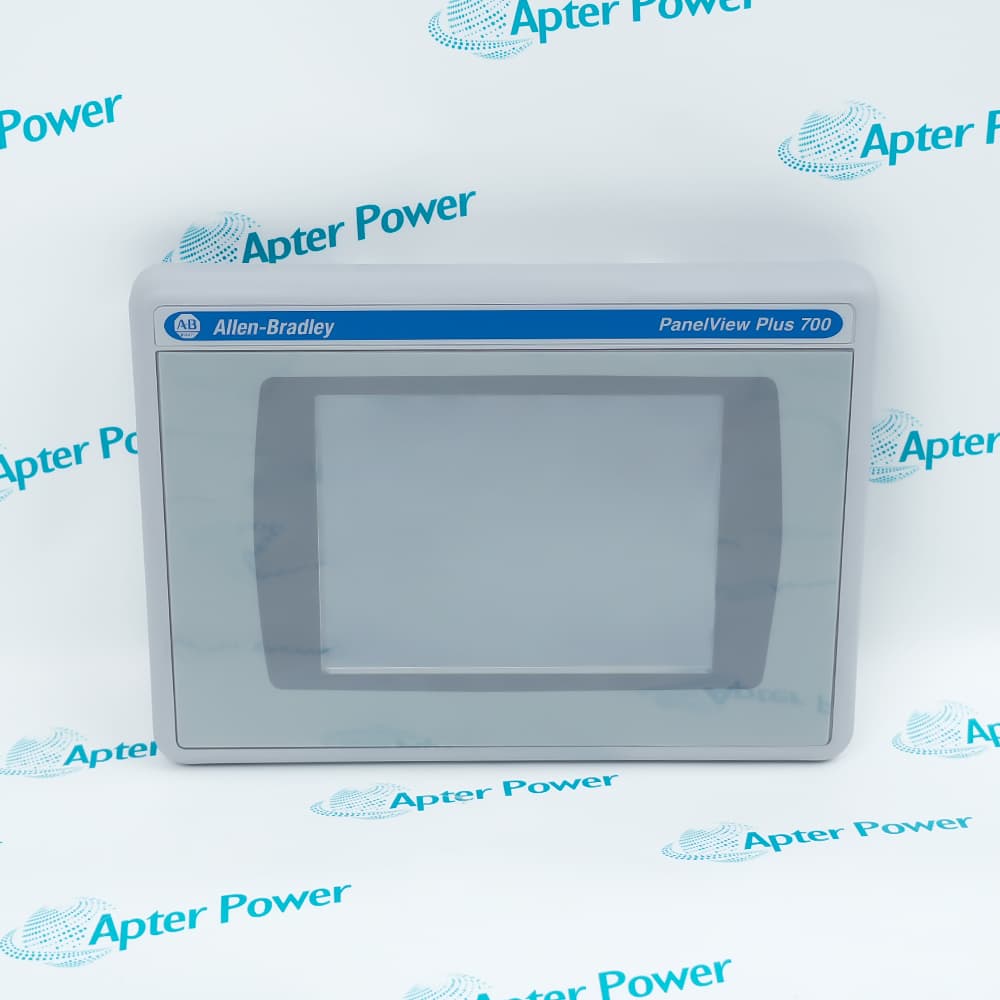
The HMI serves the operator at the asset. It should show current mode, fault status, restart conditions, key setpoints, and the commands needed for normal work. In many Allen-Bradley-based systems, this role may be handled by a PanelView-style HMI terminal, including 2711P-series units such as 2711P-RP8D, 2711P-T10C22D9P, or 2711P-T12W22D9P. When buyers replace or expand an HMI, they should not look at screen size alone. They also need to check the runtime application, communication path to the PLC, mounting space, power requirements, operator workflow, and whether the new panel can display the same fault, permissive, alarm, and diagnostic information clearly. Operators use the HMI during changeovers, jam recovery, maintenance restart, and manual intervention. If an operator has to call maintenance just to understand why a machine will not run, the HMI is missing essential context.
The SCADA layer serves supervisors, utilities staff, maintenance leads, and control-room teams. It should show area status, alarm summaries, downtime patterns, utility health, and remote asset visibility across shifts or lines. That is why strong PLC and SCADA systems do not blur the line between control and supervision.
Packaging Line Case
On a packaging line, photoeyes, drives, and jam switches feed the PLC through digital and analog I/O modules. The PLC controller or CPU module decides when to stop a section, slow a conveyor, or block a restart. The local HMI, such as an Allen-Bradley 2711P-series operator panel, tells the operator which permissive is missing and which conveyor zone is blocked. SCADA shows the shift supervisor that one section is causing repeated micro-stops every hour. In this type of system, replacing the HMI may improve operator recovery, while adding or replacing I/O modules may improve field signal reliability. Replacing the controller is only necessary when the CPU, memory, communication load, or platform support has become the limiting factor.
That split matters. If jam logic sits in the controller, the line reacts fast. If restart conditions are clear on the HMI, the operator recovers faster. If stop history is pushed to SCADA, production can compare loss patterns across shifts. Each layer adds value without duplicating the others.
How Does Data Move From Sensors to Screens and Alarms?
First, sensors, drives, switches, and analyzers send signals to the PLC. Those signals enter the control system through input modules, output modules, terminal bases, and communication interfaces. For buyers, this is where PLC expansion becomes practical. A plant may not need a new control architecture, but it may still need more I/O capacity, replacement I/O modules, a stronger communication module, or a controller with better support for the number of connected devices. Before adding SCADA tags or new HMI screens, the team should confirm that the PLC rack, CPU module, I/O modules, power supply, and communication path can support the added load. The controller evaluates those signals against logic and machine state. From there, one data path supports local action through the HMI. Another path moves selected information to SCADA for alarms, trends, remote access, and production review.
That sounds obvious, yet many sites still push too much raw data upward. The result is predictable. Screens get noisy. Alarm lists become harder to trust. Engineering time is spent cleaning up tags and displays instead of improving control.
A clean PLC and SCADA system avoids that problem by matching data to user needs:
The operator needs the machine state, fault location, and restart conditions.
The supervisor needs stop causes, trend data, and output loss by shift.
The utilities or maintenance team may only need alarm severity, communication health, and asset status.
Standalone Machine Cell Case
A standalone machine cell is a better example. Sensors, drives, switches, and local interlocks feed the PLC through I/O modules. The PLC controller or CPU module handles the sequence, permissives, and fault response. The local HMI panel, such as an Allen-Bradley 2711P-series PanelView unit, still has to support start, stop, reset, fault display, and basic diagnostics if the connection to the upper-level system drops. SCADA should receive machine status, high-priority alarms, communication loss, runtime trends, and selected production data for the central team.
That architecture protects operations. If the network fails, the machine cell can still run safely under PLC control, and operators can still use the local HMI for normal recovery. When the link is healthy, SCADA gives central visibility without taking control responsibilities away from the local controller.
A simple rule helps here: the higher the consequence of delay, the closer the function should stay to the process.
What Problems Show Up When PLC, SCADA, and HMI Are Poorly Matched?
The first problem is duplicate ownership. A condition is created in the controller logic, then rebuilt again in supervisory software. Operators acknowledge one alarm and still see another version active elsewhere. Engineers lose time tracing which layer owns the real state.
The second problem is a weak operator context. The HMI shows that the machine is stopped, though it does not show which permissive is missing, which device failed first, or which action is safe to take next. That turns simple recovery into a support call.
The third problem is messy expansion. A new line is added. A new remote panel is added. A historian is attached. Extra alarms are pushed upward. After a few years, the site has several overlapping paths for the same data and no clear source of truth.
A fourth problem is hardware mismatch. A new HMI may be installed while the PLC controller, CPU module, or I/O modules remain close to their practical limit. The screen may look modern, but operators still see slow updates, missing diagnostics, or communication faults because the controller and network were not reviewed together. The same issue can happen in reverse. A plant may add I/O modules or a new controller but keep an outdated HMI that cannot clearly show permissives, alarms, or fault details. That is why HMI panels, PLC controllers, CPU modules, I/O modules, communication cards, and SCADA connections should be reviewed as one control stack.
Batch Process Case
In a batch process area, operators often deal with valve steps, timing conditions, material transfer states, and frequent transitions. When the interface floods them with pop-ups or low-value messages, normal work slows down. Teams start ignoring alerts because too many of them do not help with action. Once the HMI is cleaned up and alarm ownership is clarified, operators recover batches faster, and maintenance gets a clearer event history.
Use the table below as a fast diagnostic tool:
Plant Symptom
Likely Cause
First Place to Check
Same alarm appears in two places
Alarm ownership split across layers
Alarm philosophy and tag mapping
Machine will not restart and operators cannot tell why
Missing permissive visibility on HMI
Local screen design and controller tags
Every upgrade makes the system harder to support
Too much data moved upward without structure
Integration path and tag strategy
Alarm timeline feels unreliable
Event state assigned too late in the chain
Alarm generation layer
Remote asset is visible centrally but weak locally
Supervisory logic has absorbed local functions
Station-level control design
Which Signals Should Stay Local and Which Should Go to SCADA?
Signals that support immediate control should stay local. Signals that support supervision, review, and coordination should go to SCADA. The mistake many sites make is moving signals upward too early, then discovering that the upper layer is full of details nobody can use well.
Keep these functions local:
permissives
sequence steps
motor and valve coordination
local equipment states
interlocks tied to immediate machine response
Move these functions to SCADA:
alarm summaries
downtime views
historical trends
utility overview
remote asset health
line or area KPIs
Safety needs its own rule. Emergency stop and other safety-critical stop functions belong in a safety-rated circuit or safety controller architecture. SCADA can display its status, though it should not be the execution path for the stop itself.
Use this table in design reviews and retrofit projects:
Signal or Function
Best Home
Reason
Protective trips, permissives, sequence steps
PLC
These need deterministic execution close to the process
Emergency stop and safety-critical stop functions
Safety circuit or safety controller
Safety needs dedicated architecture
Start, stop, mode select, fault reset for one machine
Local HMI with PLC validation
Operators need direct access with logic limits enforced locally
Remote station health, communication loss, utility overview
SCADA
Distributed assets need one shared monitoring point
Line or site setpoints affecting several units
SCADA to PLC through validated tags
Central coordination is useful when final execution stays in the controller
How Do Operators Benefit From Better HMI Design?
Good HMI design improves uptime because operators use it during the exact moments when minutes matter: start-up, restart, fault recovery, manual intervention, and shift handover.
A good HMI helps operators answer three questions quickly:
1. What state is the machine in
2. What is blocking the next action
3. Where do I go for the next detail
That means the screen should show permissives clearly, separate overview from diagnostics, and keep navigation predictable. It also means avoiding clutter. A crowded screen slows action because the operator has to search for the one condition that actually matters.
For buyers replacing an operator panel, this is where the HMI model becomes more than a part number. Allen-Bradley 2711P-series HMI terminals, such as 2711P-RP8D, 2711P-T10C22D9P, and 2711P-T12W22D9P, should be selected around the actual operator task. A machine that needs only basic start, stop, reset, and fault display may not need the same screen size or interface depth as a line that requires recipe selection, alarm review, trend viewing, and maintenance diagnostics. The right HMI choice depends on screen size, communication compatibility, application backup, mounting conditions, visibility, and how much diagnostic information operators need at the machine.
The most useful HMI improvements are practical:
Show restart permissives clearly so operators can see what is holding the machine.
Separate overview, unit, and diagnostic screens so each screen has one purpose.
Use color sparingly so alarms and abnormal conditions stand out.
Apply role-based access so operators, maintenance, and engineers do not share the same command surface.
Use confirmation on critical actions to reduce avoidable mistakes.
In real plants, these changes reduce restart time, reduce calls to engineering, and make shift handover easier.
What Should Buyers Check Before Expanding an Existing System?
Before approving new hardware, buyers should review the existing architecture as a working operation. The most useful questions are practical:
Where do trips, permissives, and sequence logic actually live
Which alarms are generated in logic, and which are generated in software
Which tags truly need plant-level visibility
Which screens do operators rely on during faults and restarts
Which remote assets must keep running locally during communication loss
That review usually reveals the weak point before money is spent in the wrong place.
Use this checklist before finalizing scope:
Control ownership: Confirm where trips, permissives, sequences, and unit state logic live.
Alarm ownership: Check for duplicate alarm generation and mixed acknowledgment paths.
Data path: Separate local-use tags from line-level and plant-level tags before adding integrations.
Operator workflow: Review the screens people actually use during restarts, changeovers, and faults.
Remote fallback: Confirm that remote assets can still operate safely if communication fails.
Security and access: Keep standard control responsibilities separate from safety responsibilities and apply role-based access.
A common expansion mistake is buying a new panel, server, or controller before deciding which layer should own the next function. That is how design debt grows.
Compare the Full Control Stack Before You Add New Hardware
Do not judge new hardware in isolation. Review the full stack together: PLC controller, CPU module, I/O modules, communication cards, HMI workflow, SCADA visibility, alarm ownership, security, and supportability. A small standalone cell may work with a PLC and a local HMI panel, while a multi-line area or utility network may need stronger SCADA visibility. For Allen-Bradley-based systems, a 2711P-series HMI replacement can improve local operation, but it should still be matched with the controller, I/O structure, communication path, and application files behind it. The best decision is the one that keeps local control stable, gives operators clearer visibility, and leaves the next expansion easier than the last.
FAQs
Q1. Can one HMI connect to multiple PLCs without using SCADA?
Yes. One HMI can communicate with multiple PLCs in a small cell or skid-based application. The limit is usually not connectivity itself, but tag count, screen responsiveness, alarm scope, and how difficult the system becomes to maintain after future expansion.
Q2. What protocol issues should buyers review before combining equipment from different vendors?
Check protocol support, addressing structure, data type mapping, timestamp handling, and diagnostic depth first. Two devices may exchange data successfully but still create a weak alarm context or an inconsistent status interpretation if their data models and update behavior do not align.
Q3. When should a plant replace the HMI instead of the PLC?
Replace or upgrade the HMI first when the main problem is poor operator visibility, slow fault recovery, outdated screens, damaged display hardware, missing backups, or unsupported operator panels. For example, replacing an Allen-Bradley 2711P-series HMI may make sense if the PLC logic is still stable but operators need clearer permissive status, alarm display, trend access, or maintenance diagnostics.
Q4. When should a PLC controller, CPU module, or I/O module be upgraded?
Upgrade the PLC hardware when the controller is overloaded, unsupported, short on memory, slow in scan performance, or unable to support new communication and I/O requirements. I/O modules should be reviewed when field signals are unreliable, spare channels are limited, terminal hardware is aging, or expansion requires new signal types. In many retrofit projects, the best path is not a full system replacement but a targeted upgrade of the controller, CPU module, I/O modules, or HMI layer that is creating the real bottleneck.
Q5. How should a plant test changes before expanding a live control system?
Use simulation, offline logic review, alarm verification, and I/O mapping checks before field deployment. Then test startup sequences, abnormal conditions, communication loss, and operator actions in a controlled plan, so the change is proven under realistic operating scenarios.







Leave Your Comment